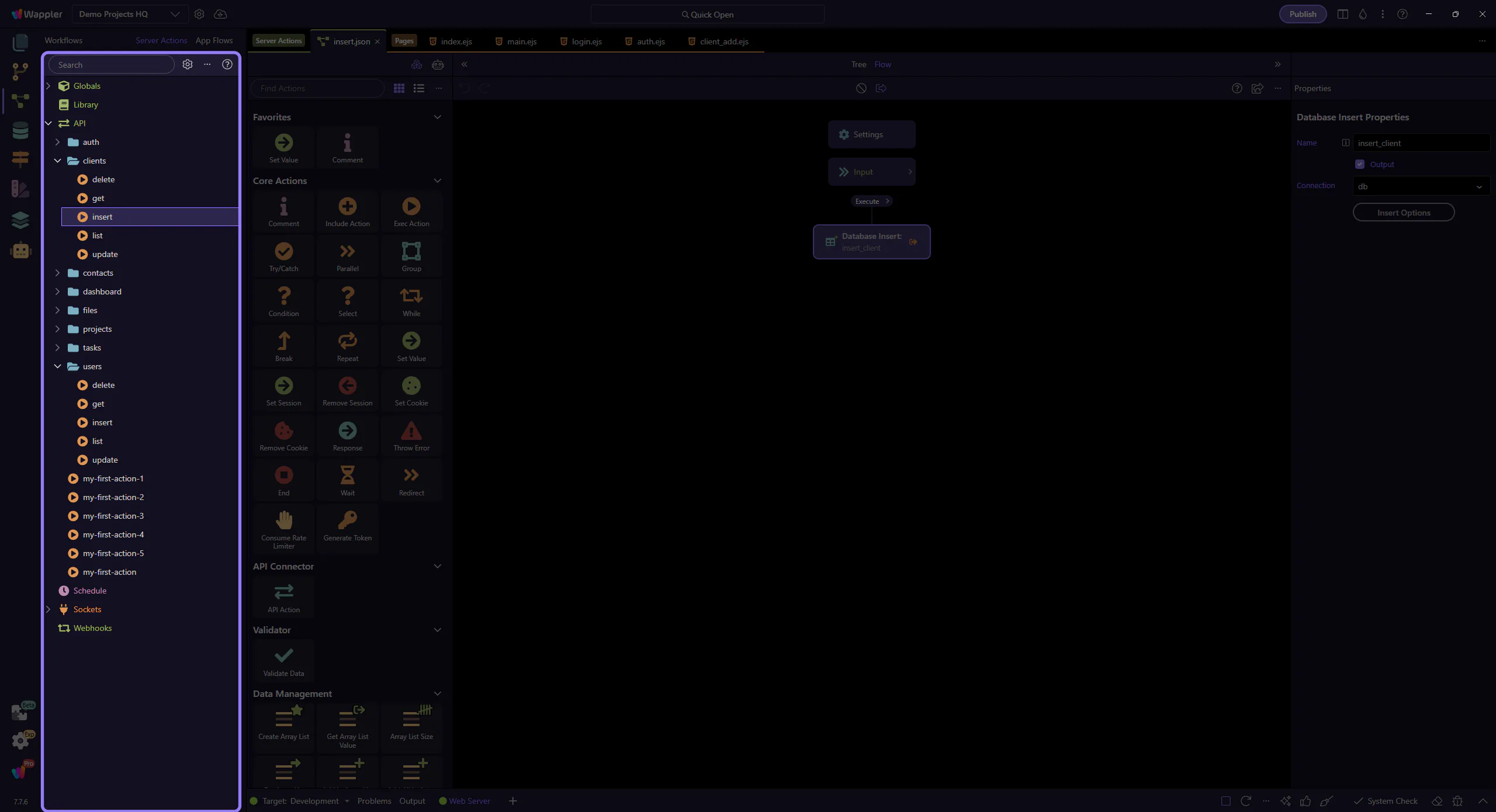
Server Connect Actions
Start here for Server Connect Actions (Workflows > Server Connect Actions): manager overview, a guided path, a first action, editor deep dives, and recipes & patterns.
Server Connect Actions (start here)
Section titled “Server Connect Actions (start here)”If you’re new, start with the Server Connect Manager Overview, then take the guided path (manager → editor).
Use the manager to browse and organize Server Connect Actions. Use the editor hub to learn what happens inside one action (inputs → steps → output).
Start here
Section titled “Start here”Start here
Server Connect Manager Overview
Explore Server Connect Manager: Server Connect Manager Overview, Server Connect Manager: groups, and Tree groups.
Server Connect Actions: Guided path
A short, linear learning path for Server Connect Actions (Workflows > Server Connect Actions).
First Server Connect Action
First Server Connect action: add steps, test the API response, and use it in a page or component.
Server Connect Editor
Overview and deep dives for the dedicated Server Connect Actions editor: panels, adding steps, action structure, and properties.
Recipes & patterns
Common Server Connect Actions recipes you can reuse: database CRUD, emails, security, and more.
Shared configuration and security
Using Globals in Server Connect
Use Globals in Server Connect to manage shared project settings such as database connections, security providers, mailer settings, and other reusable server-side configuration.
Security Provider fundamentals
See how Security Providers drive login sessions, action restrictions, and protected page flows across a Wappler project.
Real project walkthroughs
Demo walkthroughs: Demo Projects HQ
Beginner-to-advanced walkthroughs using the Demo Projects HQ project, connecting Server Connect Actions to the frontend pages that call them.
Demo walkthrough: Route, page, and action handoff
Use Demo Projects HQ to connect route-aware pages, layouts, and the real Server Connect actions that power them.
Go to