
Create your first Server Connect action
A small API action that returns one greeting, with an exact response you can test before connecting a page.
Create an API action and verify the JSON returned by a named output step.
Also called: first API, server action, return JSON, set value.
Before you begin
Section titled “Before you begin”- A NodeJS project using Wappler Local Server.
- A running local server; no database is required for this first action.
A testable first action
Section titled “A testable first action”The tour opens a completed greeting action. In your practice project, create the same action using the steps below. Start with a fixed value so you can check the request and output before adding database queries or inputs.
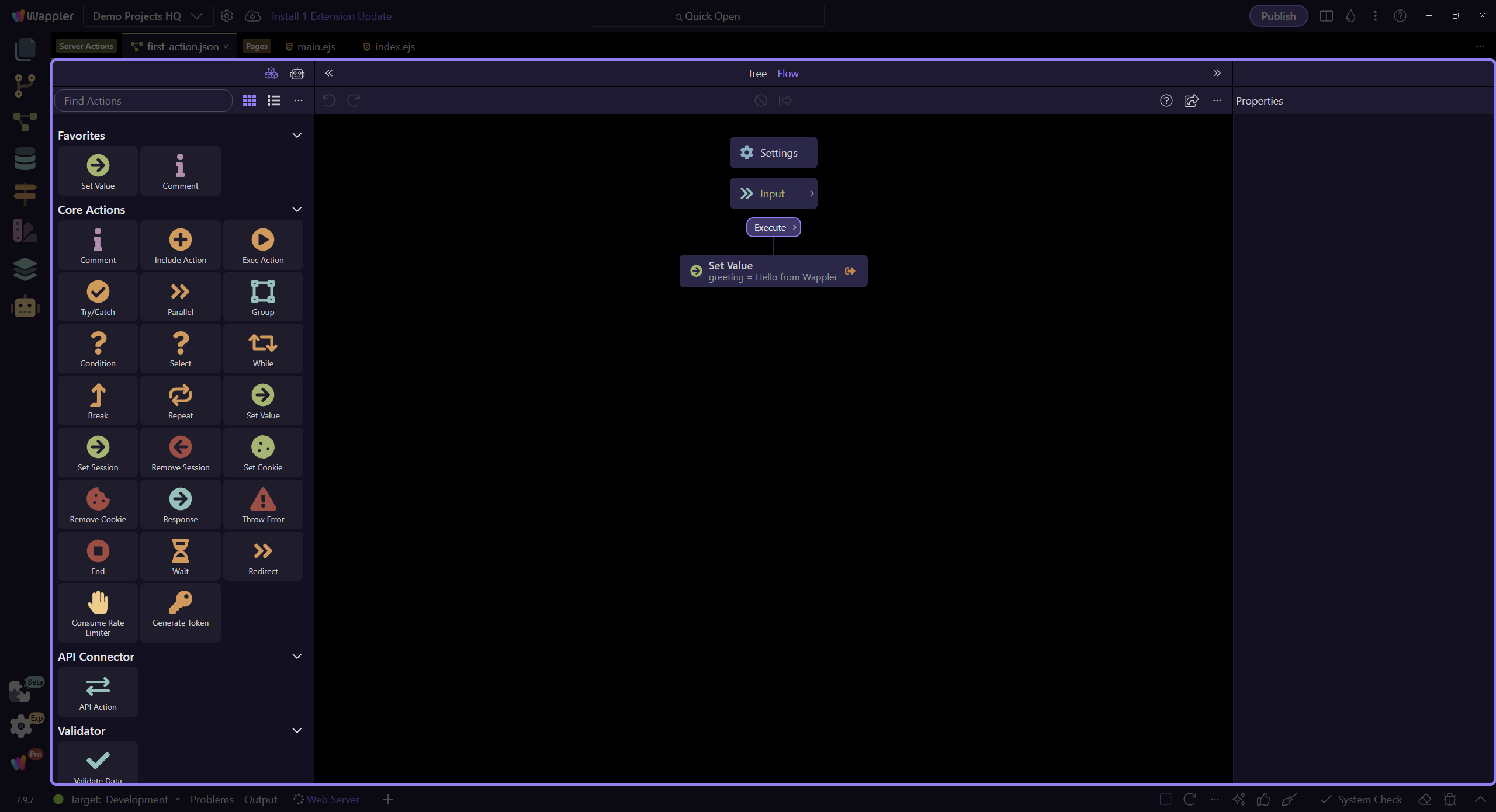
Create and name the API action
Section titled “Create and name the API action”Open Server Connect. Under API, choose Add API Action and name it my-first-action. Open the action in the editor. In a NodeJS project the file is app/api/my-first-action.json; its browser endpoint is /api/my-first-action.
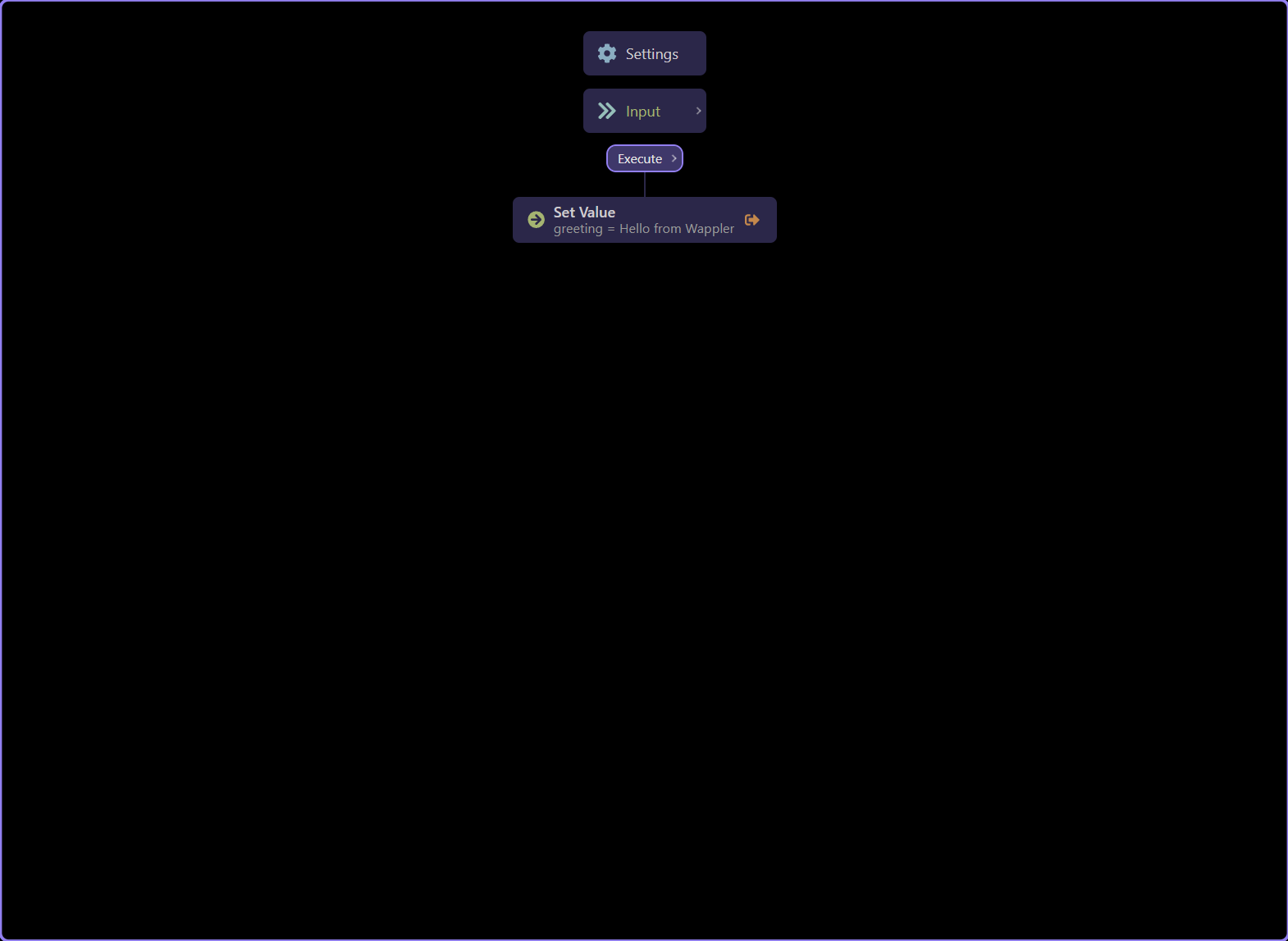
Add one Set Value step
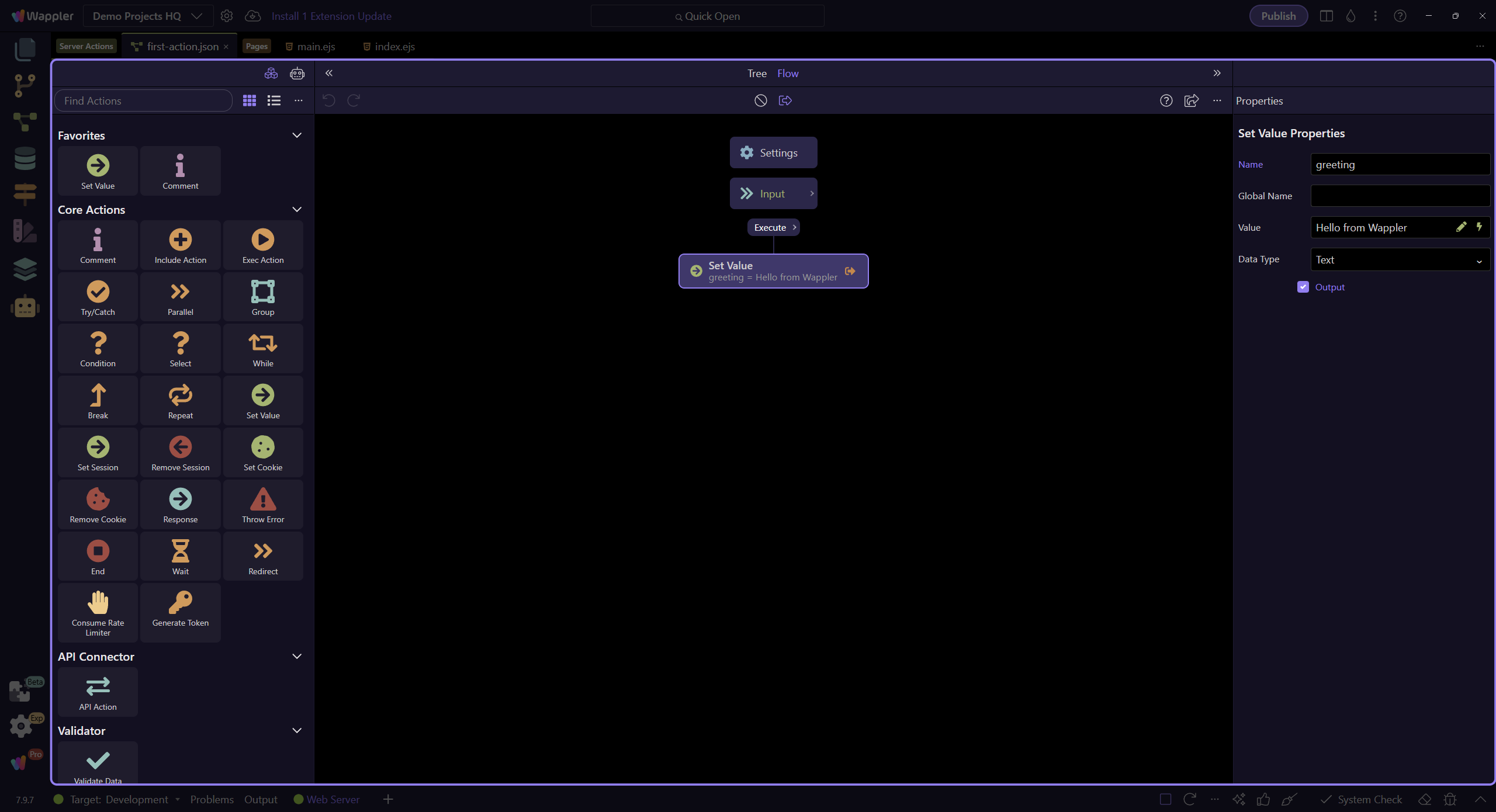
Section titled “Add one Set Value step”Use Add Step and choose Core → Set Value. Name the step greeting. In its Value field enter the literal text Hello from Wappler. There are no request inputs in this example.
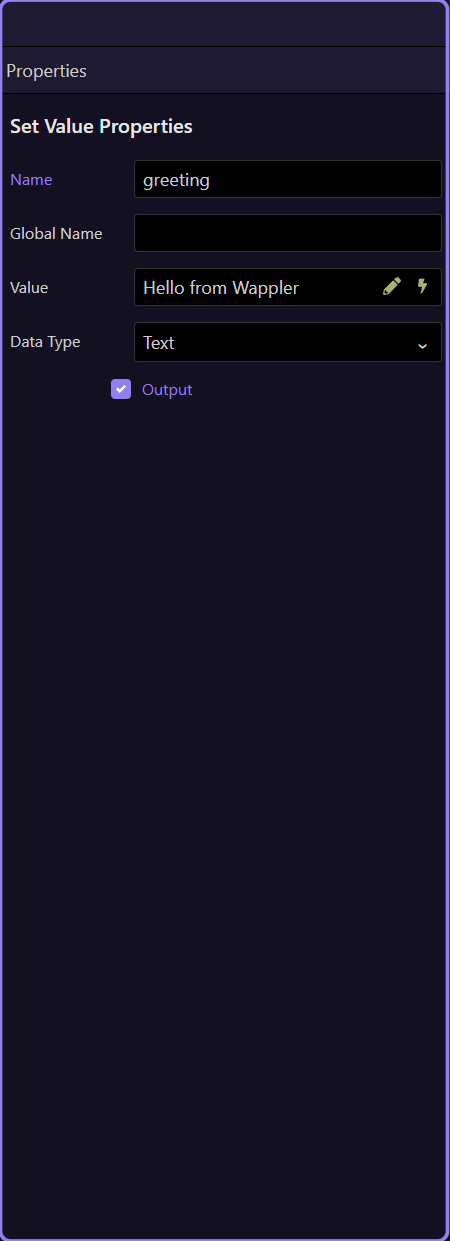
Enable the output
Section titled “Enable the output”Enable Output for the greeting step and keep Data Type set to Text. The step name becomes the JSON property returned to the page. Leaving Output off keeps the value internal to the workflow.
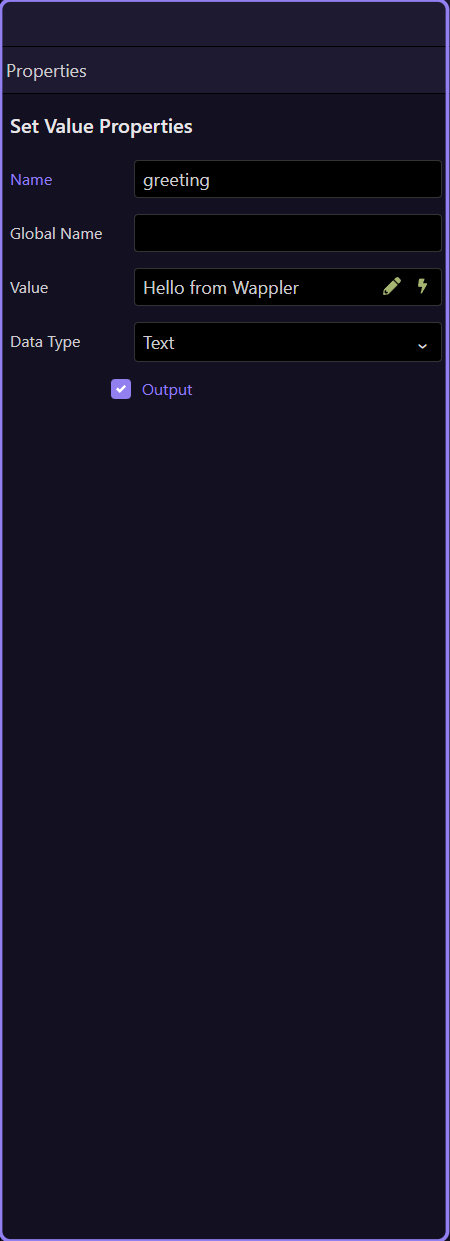
Save and test the endpoint
Section titled “Save and test the endpoint”Save the action. Open the project’s local browser URL and append /api/my-first-action. You should receive the JSON below. Verify the endpoint directly before adding it to a page.
{"greeting":"Hello from Wappler"}
Check errors before connecting a page
Section titled “Check errors before connecting a page”A 404 usually means the action path or local server URL is wrong. An empty object means no step is being returned: check Output. A server error means the action did not complete: inspect the response and Server Connect error details. Once the greeting is correct, continue with Load an action on your page.
Check your result
Section titled “Check your result”Opening /api/my-first-action on the local server returns {"greeting":"Hello from Wappler"}.