
Preview your first app
Check the Products page in Preview, verify its rows and bindings, and diagnose missing data.
Verify the page you built before moving on to publishing.
Before you begin
Section titled “Before you begin”- Complete the previous six lessons in Wappler Learning. Keep
public/learn.html, its three local sample products and themy-first-actiongreeting API. The in-app tour supplies the completed combined example.
Open the page you built
Section titled “Open the page you built”In Wappler Learning, save and open public/learn.html, the same page used throughout the course. The in-app tour opens the completed Products page with all three rows, formatted prices and the server greeting so you can compare the full result.
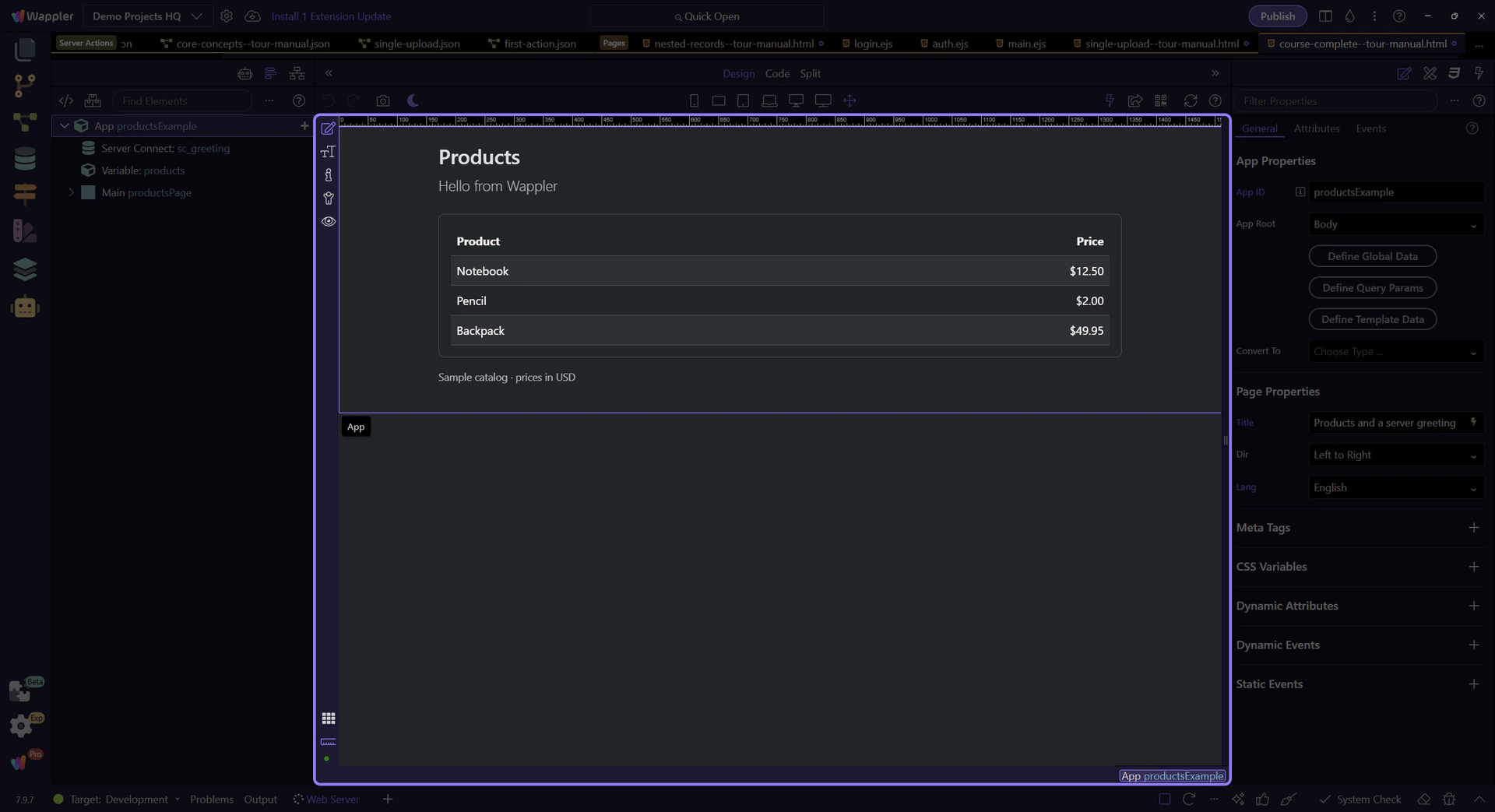
Switch to Preview
Section titled “Switch to Preview”Click Preview in the Design view toolbar to interact with the page. Design mode selects elements for editing; Preview lets you use controls as a visitor would.
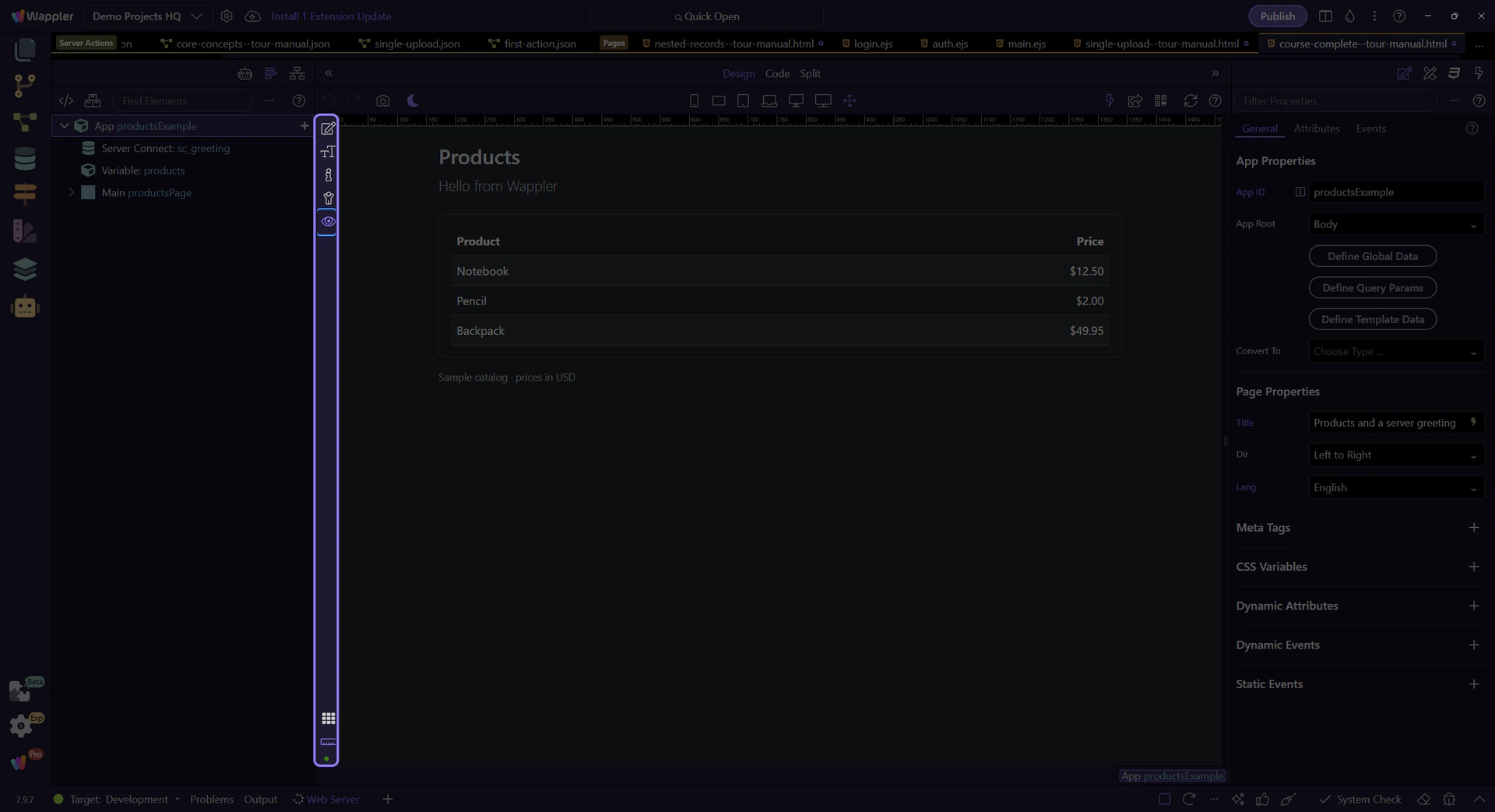
Check the visible results
Section titled “Check the visible results”Confirm that Products appears once, with exactly three table body rows: Notebook — $12.50, Pencil — $2.00 and Backpack — $49.95. The paragraph from the previous lesson must show Hello from Wappler. Resize the viewport and check readability, then reload and confirm the same results remain. These checks finish the course; the table still uses local sample records, while the greeting comes from your API.
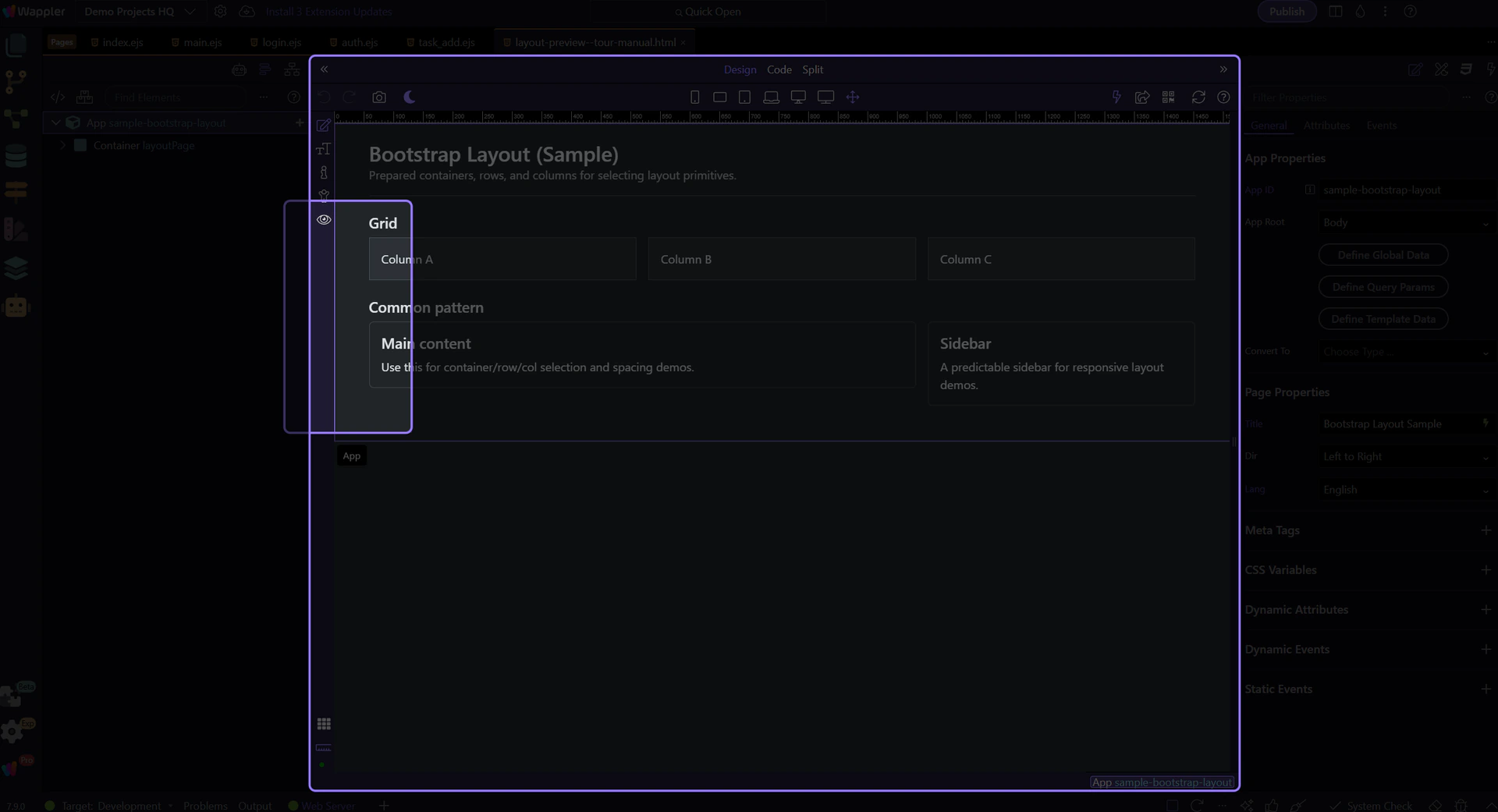
Trace missing data
Section titled “Trace missing data”Open Network in Page Panels and reload the page or trigger the data action. Expand the relevant request to check Status and the JSON Body. No request points to the page trigger; an error or wrong JSON points to the action; correct JSON with wrong text points to the page binding. The supplied product collection is local, so it does not issue a products API request.
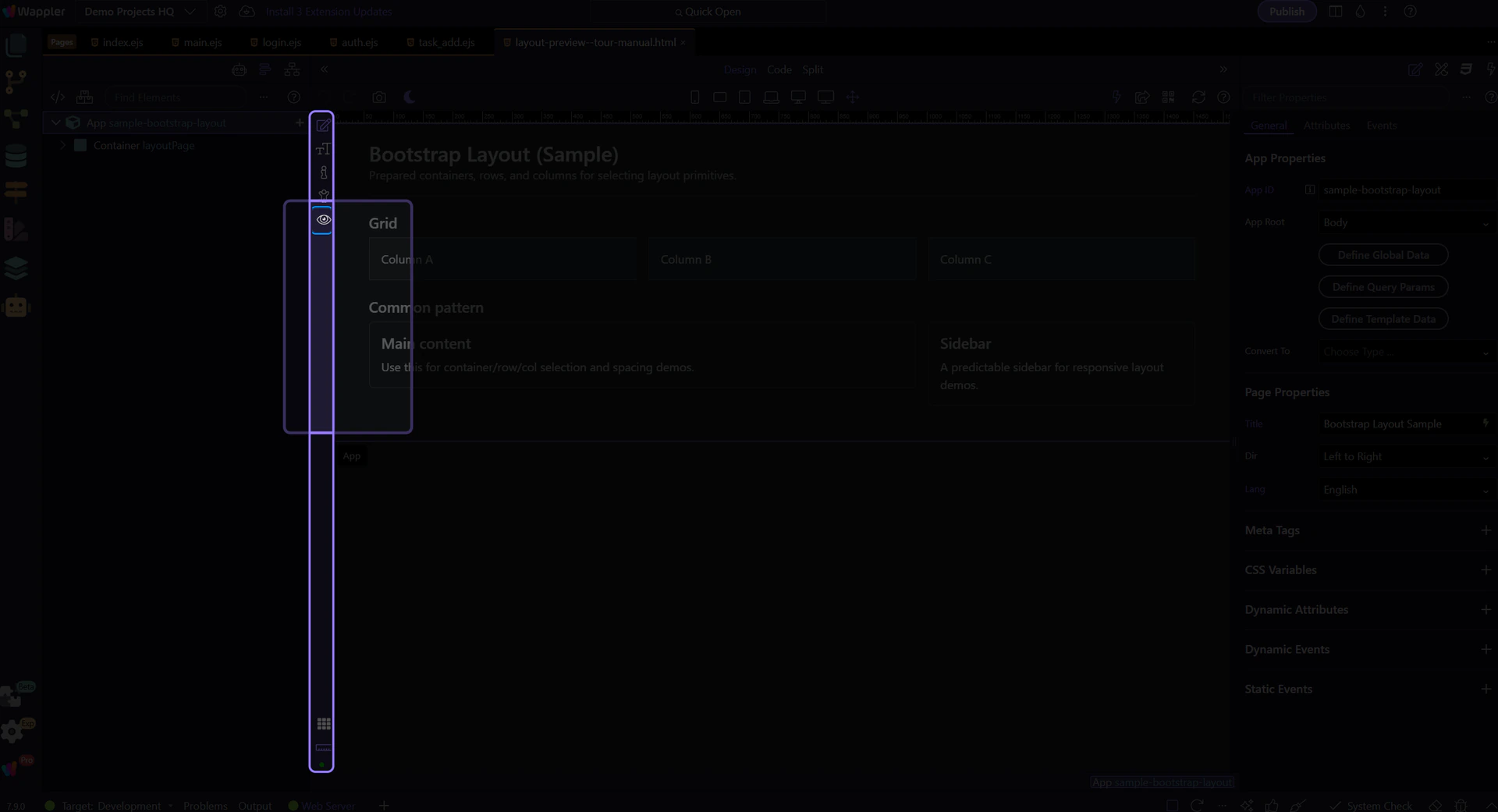
Return to editing or continue
Section titled “Return to editing or continue”Switch back to Design to correct the selected element, save, and repeat the same checks. A working local preview does not publish the page. When the checks pass, use the Publishing guides to configure and verify a deployment target.
Check your result
Section titled “Check your result”After saving and reloading, the Products page shows Notebook $12.50, Pencil $2.00 and Backpack $49.95, plus Hello from Wappler loaded from the greeting API.