Web and Database Server Outputs
Inspect a database-backed Server Connect action to see where database results become the JSON output your web UI binds to.
Database-backed Server Connect output
Section titled “Database-backed Server Connect output”This tour opens a real Server Connect action that returns database rows so you can see where backend results become the JSON shape your web UI consumes.
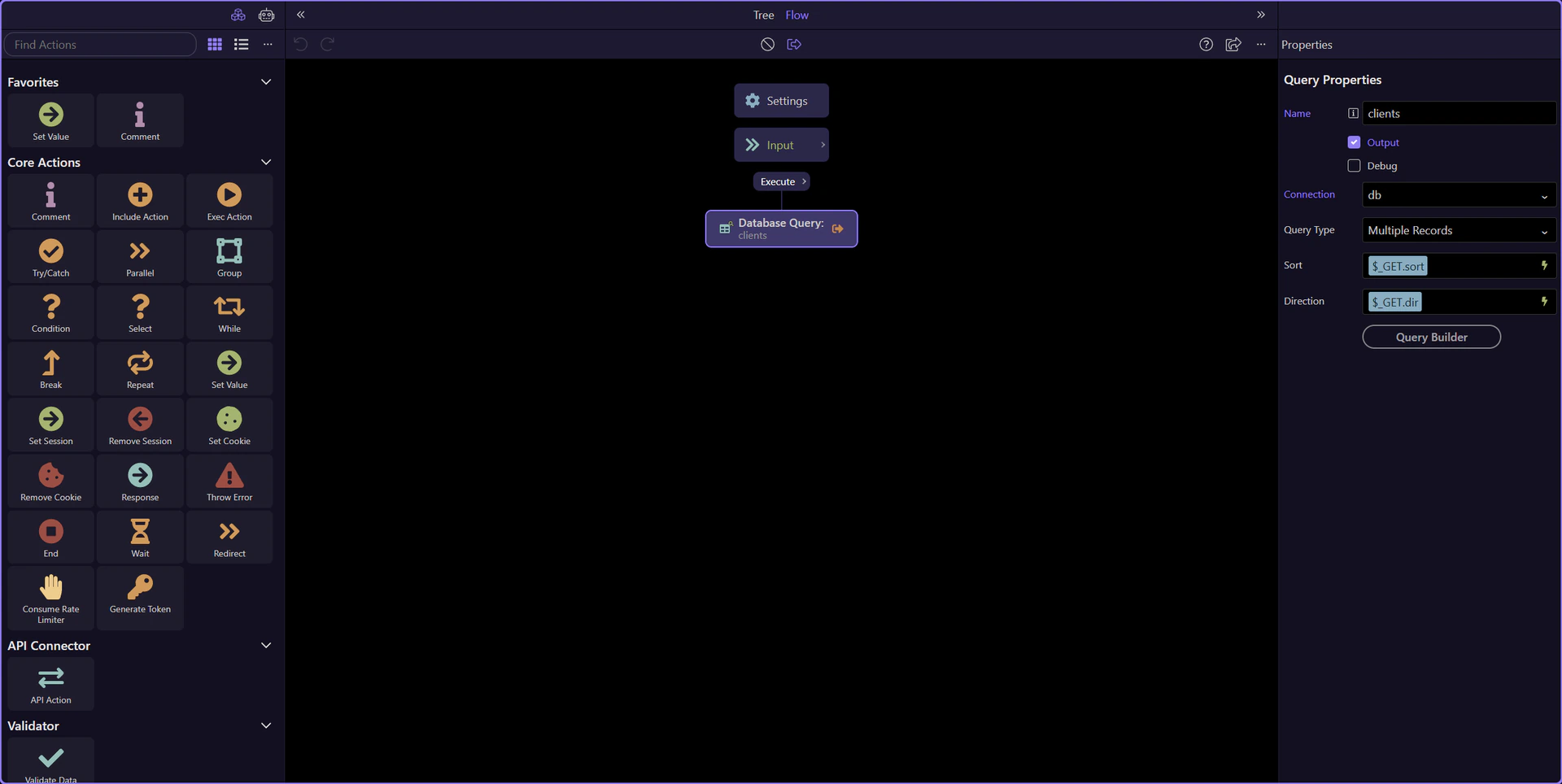
The Server Connect editor is the output control surface
Section titled “The Server Connect editor is the output control surface”The dedicated Server Connect editor is where you decide what the action returns to the web side. The workflow tree shows the steps that produce data, and the Properties panel explains how each selected step contributes to the response.
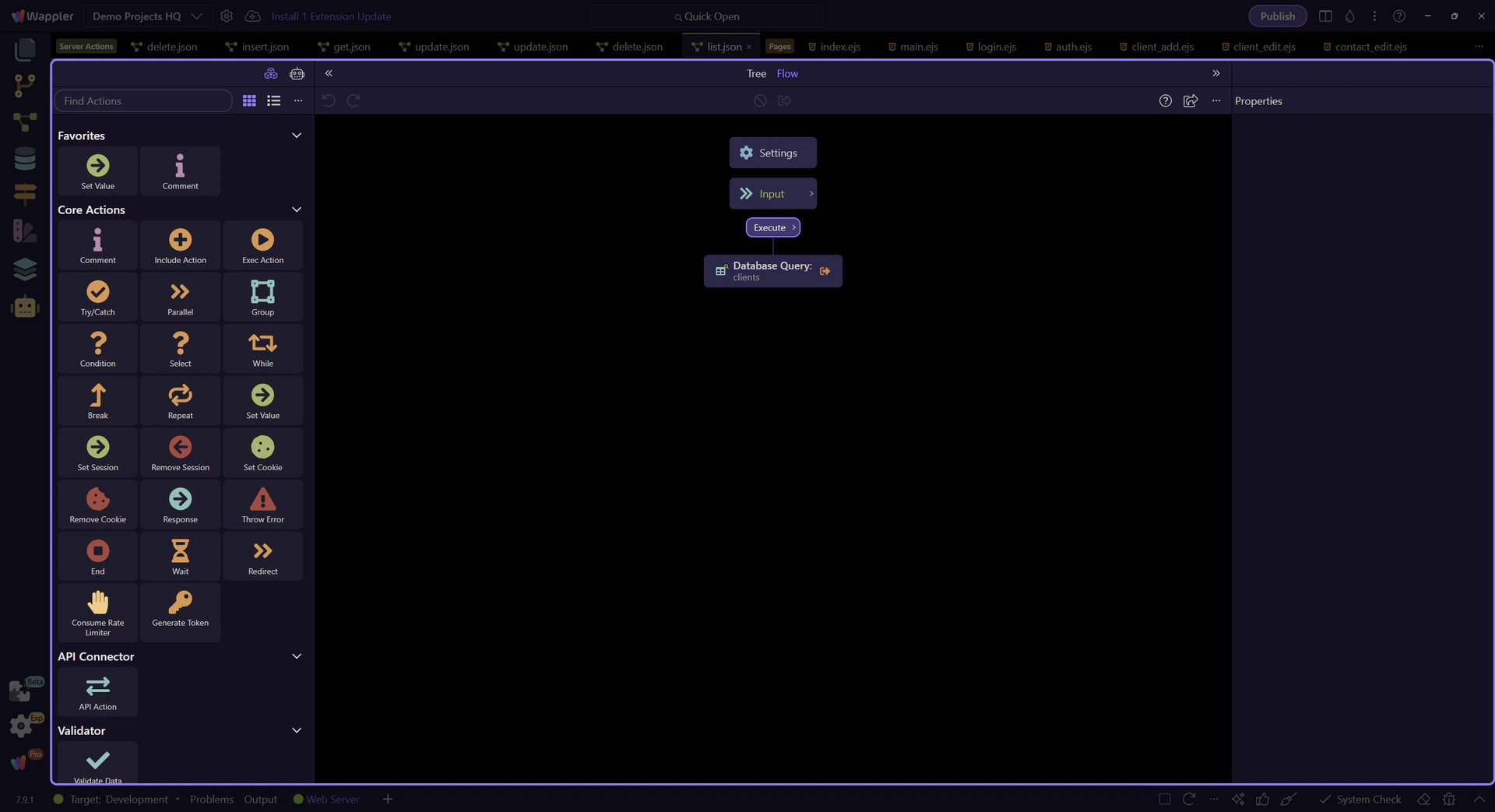
The workflow tree shows the output-producing steps
Section titled “The workflow tree shows the output-producing steps”The workflow tree is where you see which steps are building data for the response. Database queries, value steps, and containers all appear here before their results surface in the Properties panel and the final JSON output.
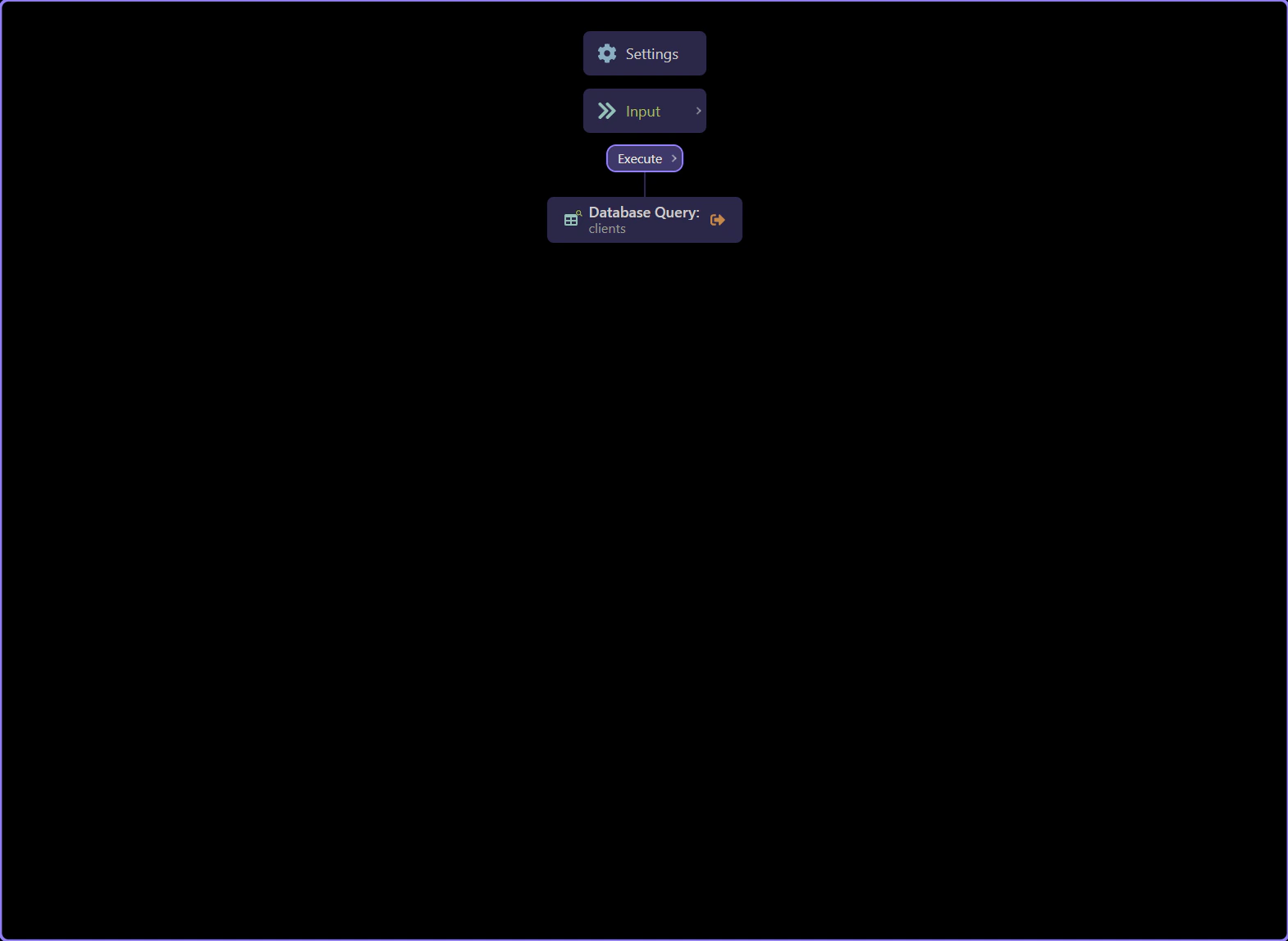
A database step becomes a response key
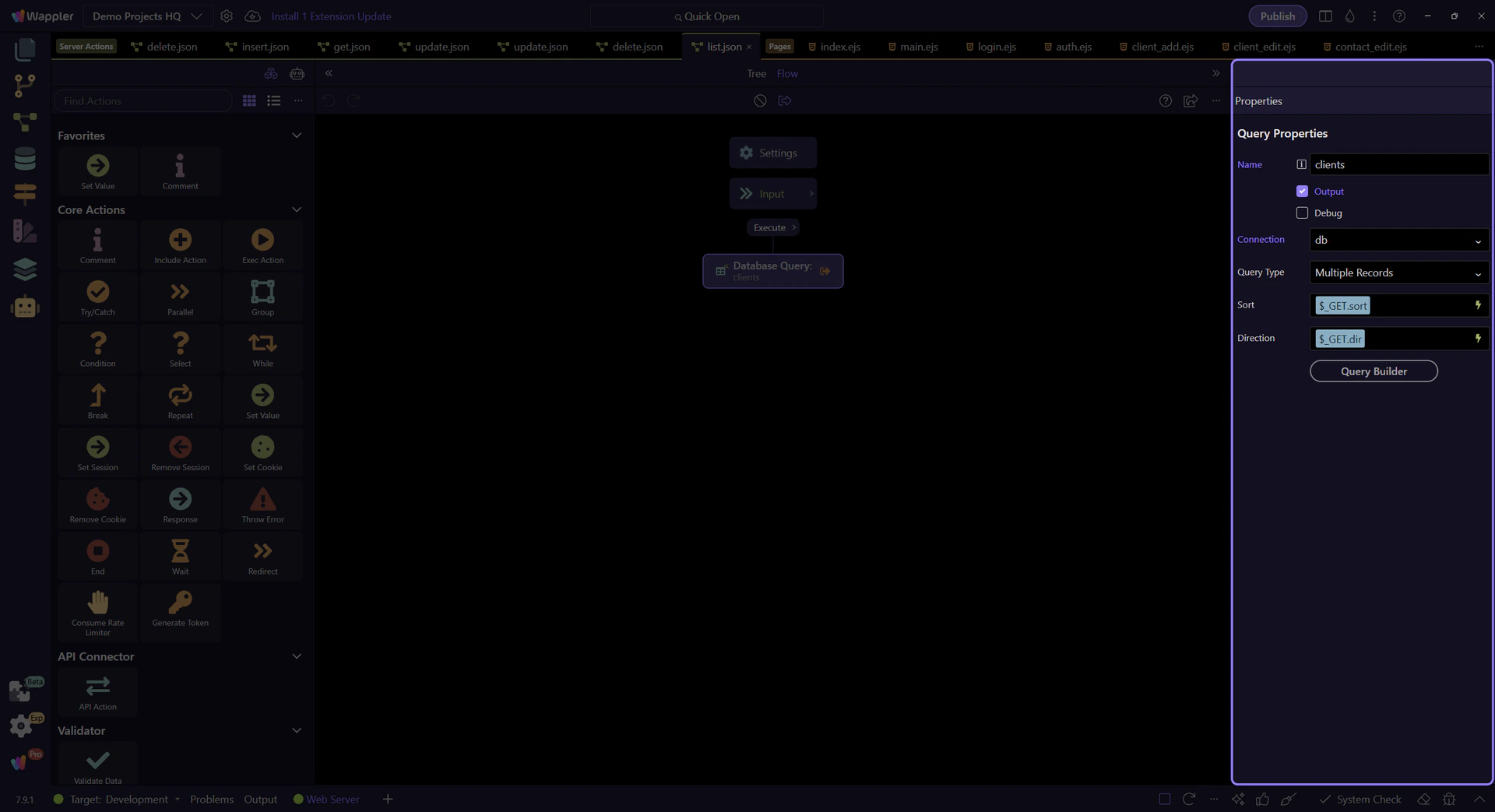
Section titled “A database step becomes a response key”This clients database step is the backend source for the rows the web UI will bind to. In practice, the step name becomes the key the page expects in the JSON response, which is why stable naming matters.
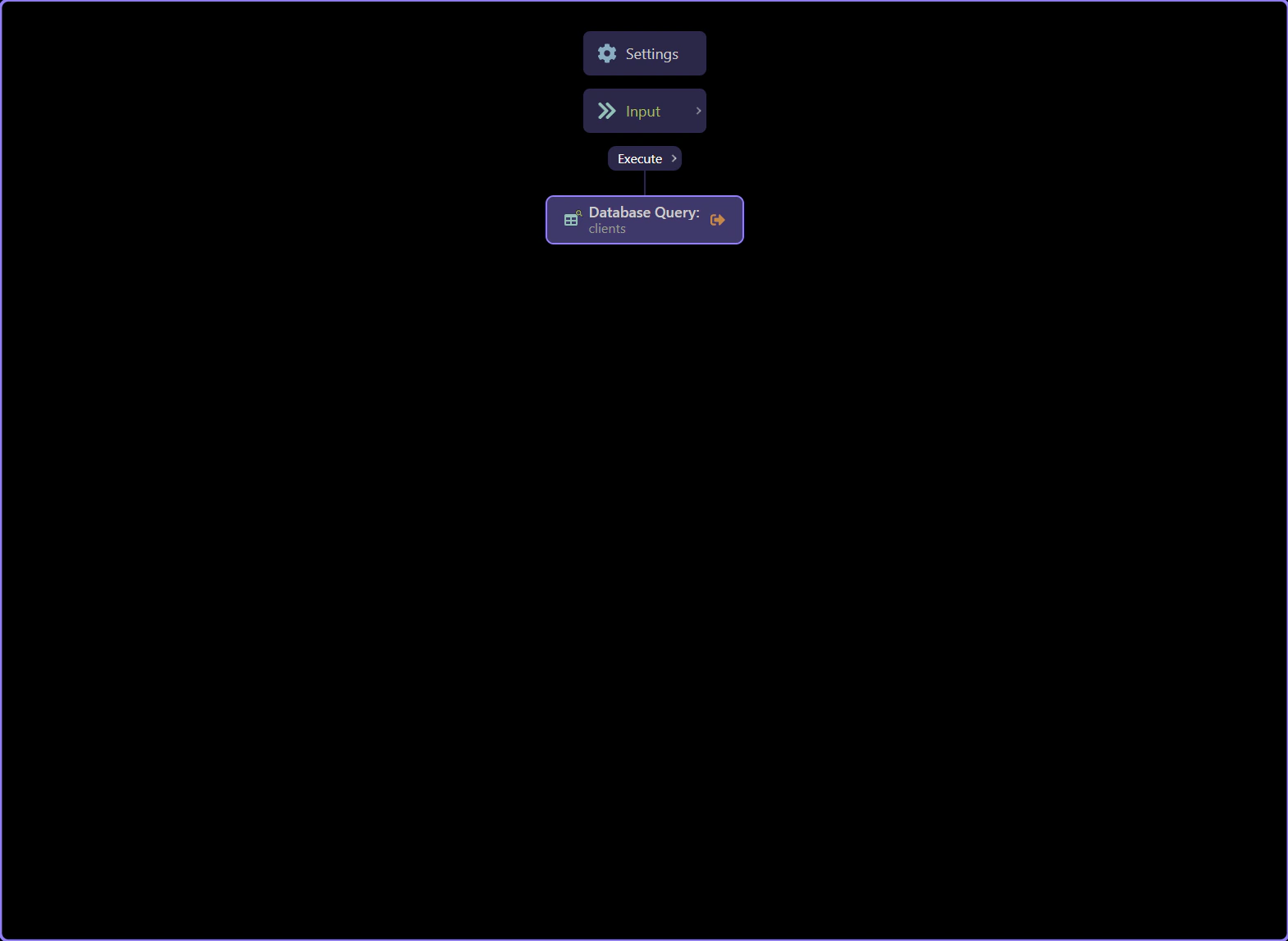
The Properties panel explains the response contract
Section titled “The Properties panel explains the response contract”With the database step selected, the Properties panel is where you inspect the configured query and the step identity that will flow into the JSON response. This is the handoff point between database data and web-facing output.
Continue with the deeper Server Connect output tours
Section titled “Continue with the deeper Server Connect output tours”This topic focused on the editor surfaces where database-backed actions turn into web-facing JSON output. Continue with Core Concepts for the broader output model, First Server Connect Action for response testing, or Query Builder for the database step itself.