
Contact create and success handoff
Use the real contact add page to see how App Connect combines lookup data, submission state, and the success handoff into the new contact detail page.
Introduction
Section titled “Introduction”The contact add page is a useful App Connect example because it starts from an empty form but still depends on live data and clear success state. The page loads client choices, submits a new contact through one form, and turns the insert result into a direct handoff to the new detail page.
Page state: lookup data, empty inputs, and submit feedback
Section titled “Page state: lookup data, empty inputs, and submit feedback”The contact add page shows that create forms still need App Connect structure even without an existing record to restore. Client lookup data is loaded first, the form exposes executing and error state, and the insert result becomes the page’s success handoff.
The contact add page starts empty but not unstructured
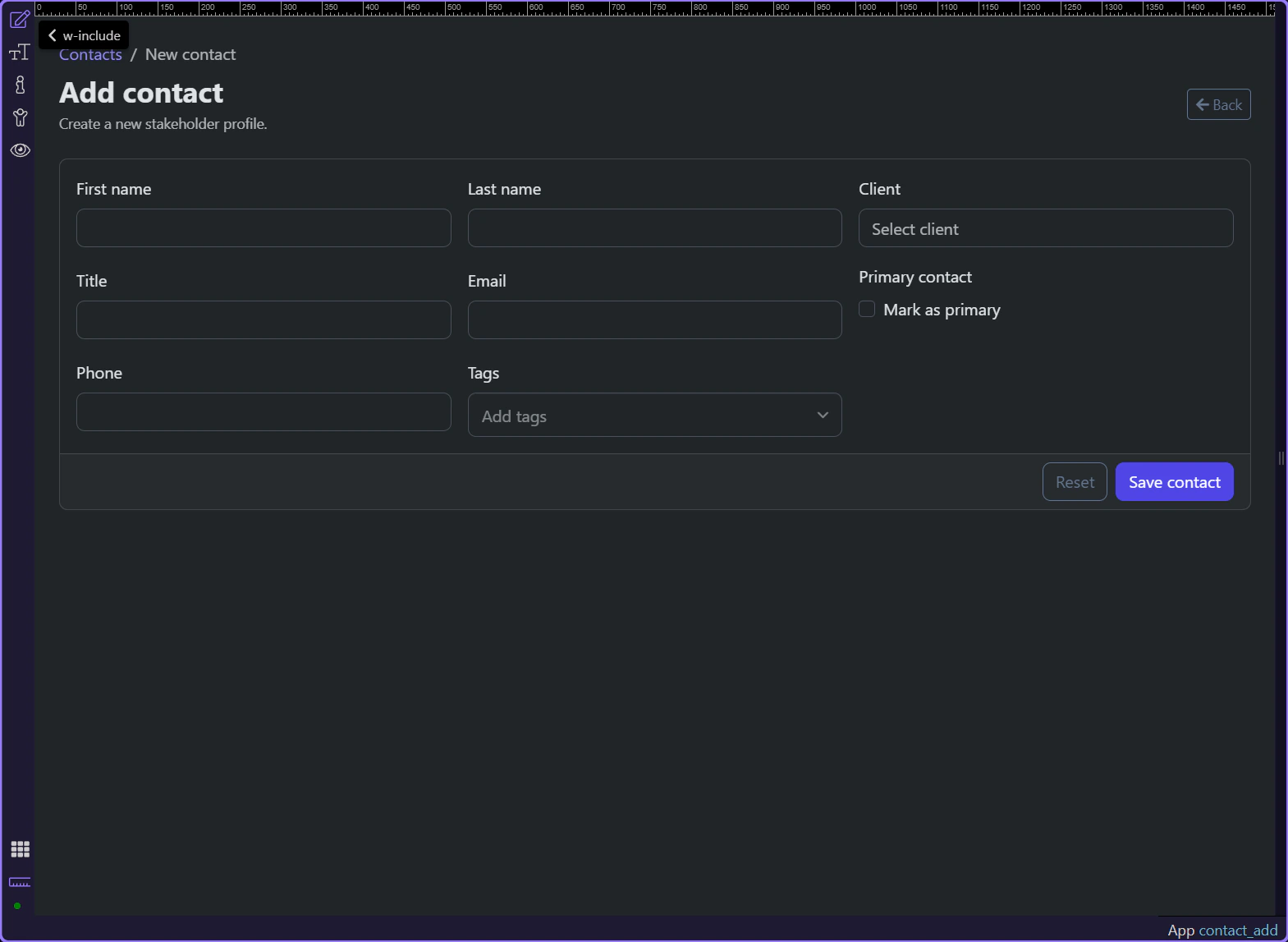
Section titled “The contact add page starts empty but not unstructured”Start on the real contact add page so the lookup loader, empty form fields, and submission feedback live in one context. The page works because App Connect still owns lookup data and request state even when there is no existing record yet.
The client autocomplete depends on live lookup data
Section titled “The client autocomplete depends on live lookup data”#contact_client binds to sc_clients.data.clients, so the new contact can still be attached to a real client without hard-coded options. The field also accepts query.client_id, which makes preselected client context possible when the page is opened from elsewhere.
The create form exposes request state and insert output
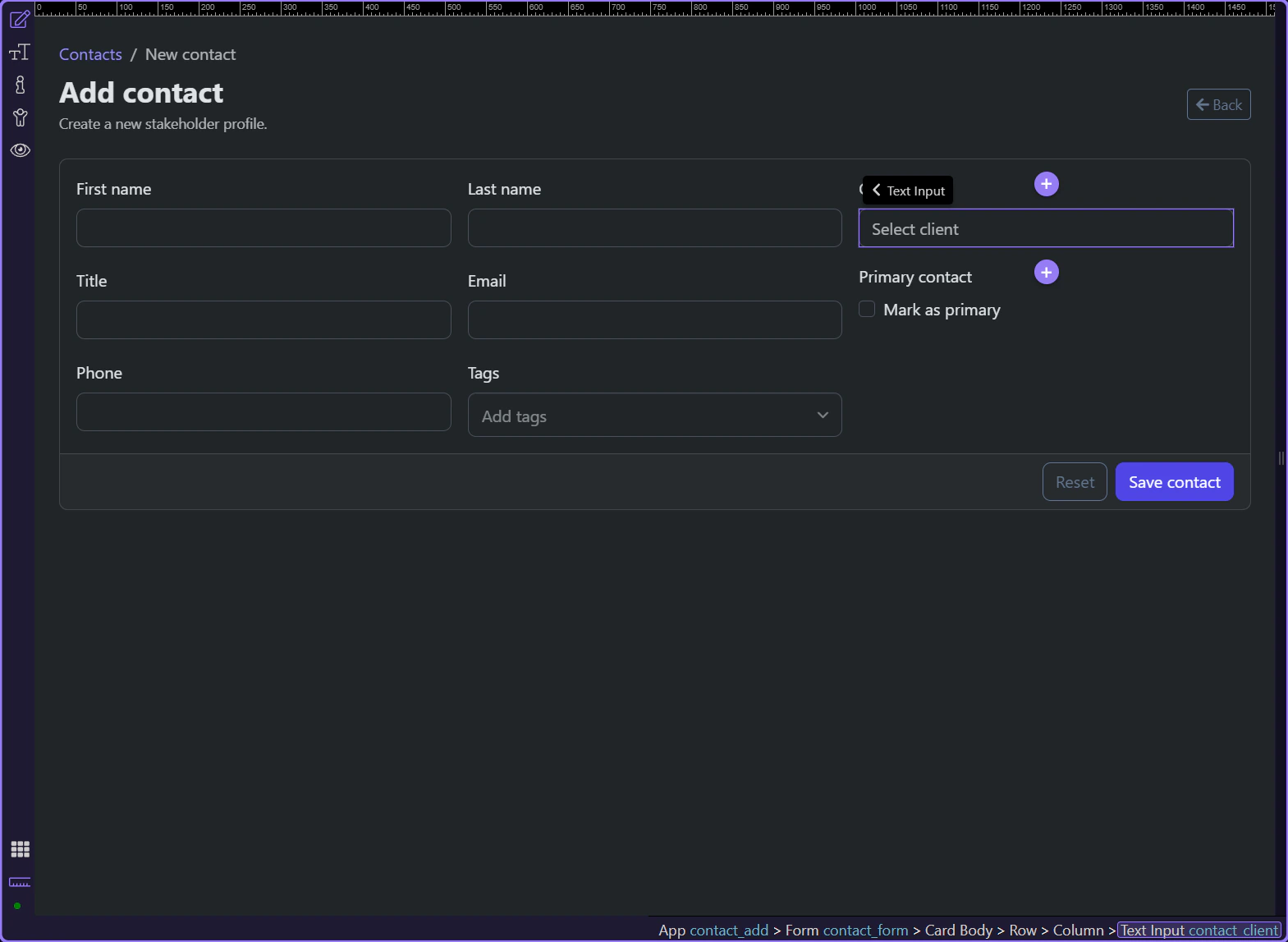
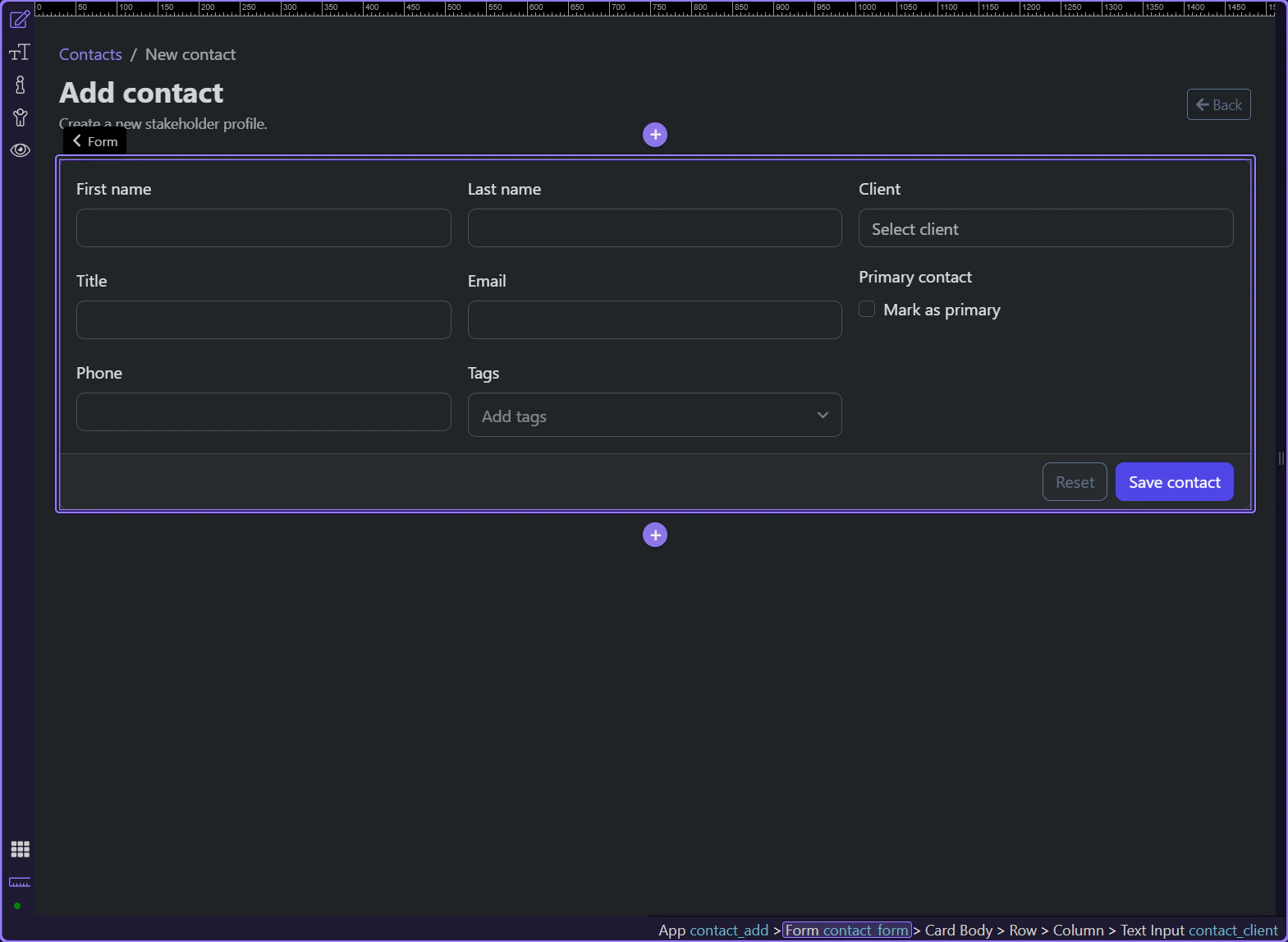
Section titled “The create form exposes request state and insert output”#contact_form posts to /api/contacts/insert, exposes executing and lastError state, and returns insert_contact when the record is created. That output is what lets the page stay declarative about success instead of manually building navigation state.
Success feedback hands off directly to the new detail page
Section titled “Success feedback hands off directly to the new detail page”The success alert links to /contact/ plus contact_form.data.insert_contact.identity, so the create flow ends with a concrete destination. That keeps the user oriented because the new record becomes immediately inspectable instead of disappearing behind a generic success message.
Conclusion
Section titled “Conclusion”The contact create page stays understandable because App Connect makes the create lifecycle explicit. Lookup data arrives before the field needs it, the form exposes request state while saving, and the insert result hands the user straight into the new record.