
Organization best practices (data-first)
Keep App Connect pages readable and fast: organize non-visual data components (Variables, Data Stores, Server Connect) at the top, named and grouped before UI usage.
Introduction
Section titled “Introduction”This tour opens a deliberately organized App Connect page so you can inspect the pattern directly in Wappler: non-visual data components first, UI below, and only one place to look when you need to understand where a binding comes from.
The page shows the organizational rule in one glance
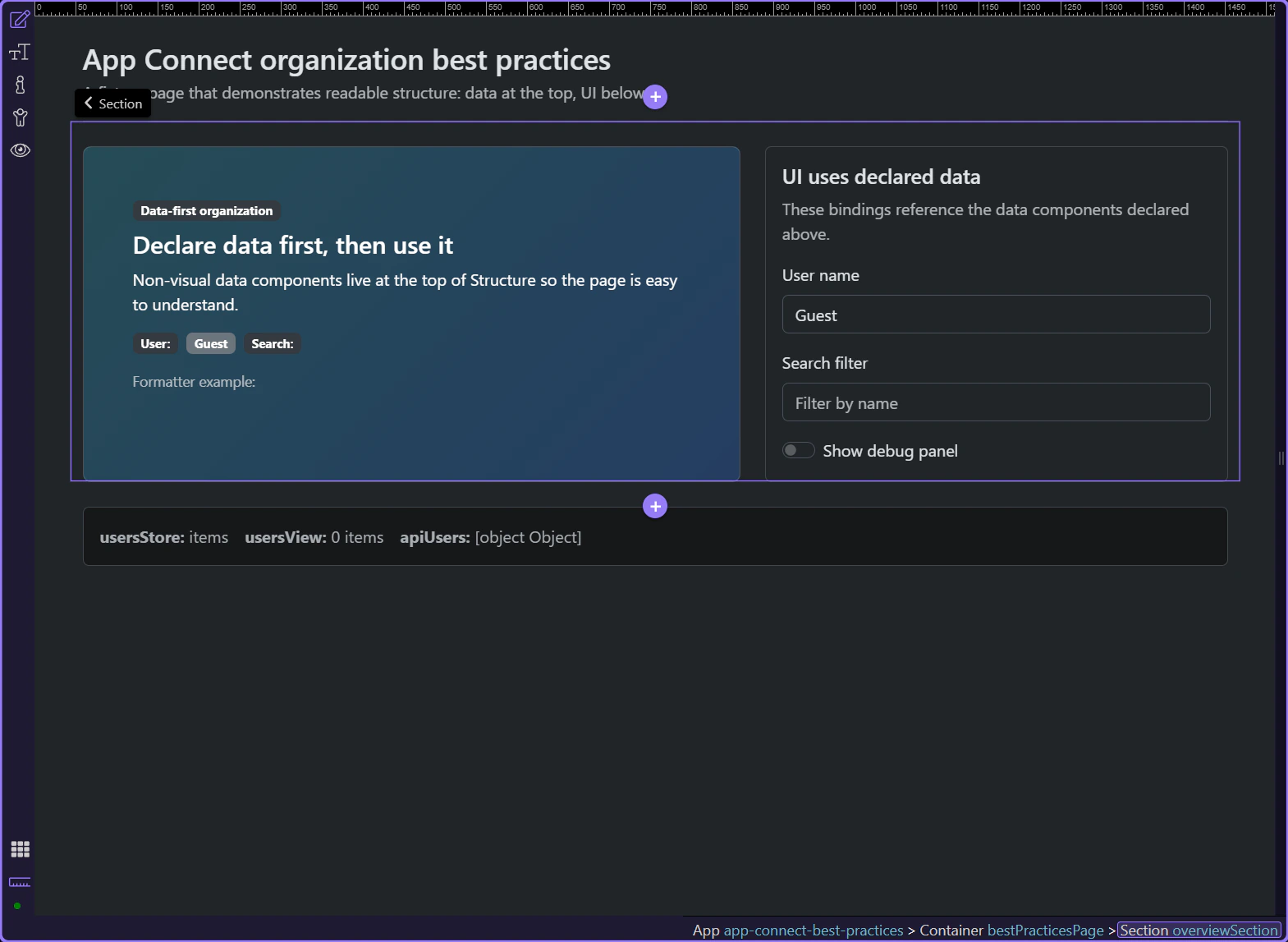
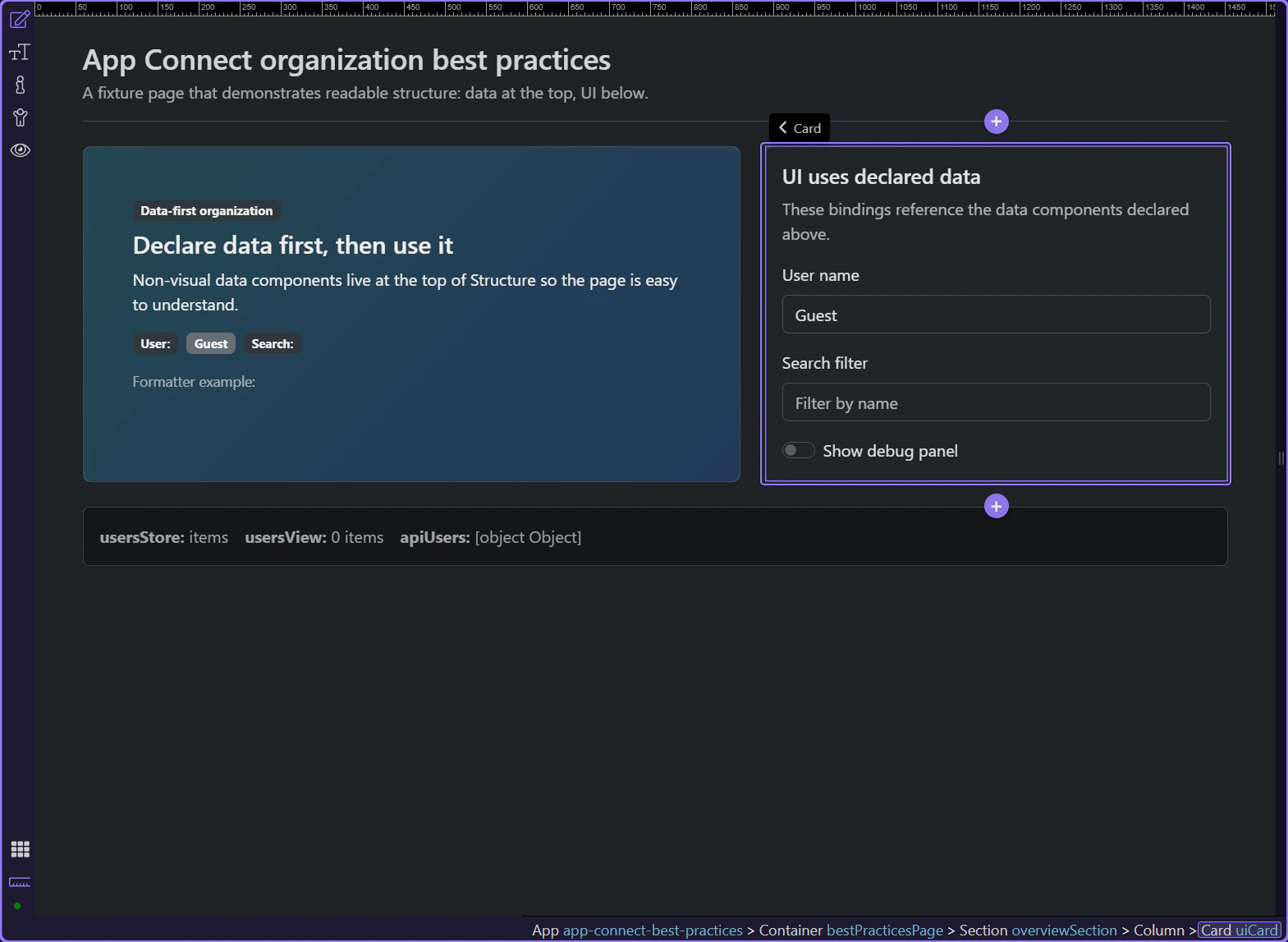
Section titled “The page shows the organizational rule in one glance”The page shows the organizational rule in one glance. The hero explains the data-first approach, and the card on the right consumes those values through bindings. That is the first best practice: the page should make it obvious that data is declared before the UI starts using it.
The visible controls are consumers, not the source of truth
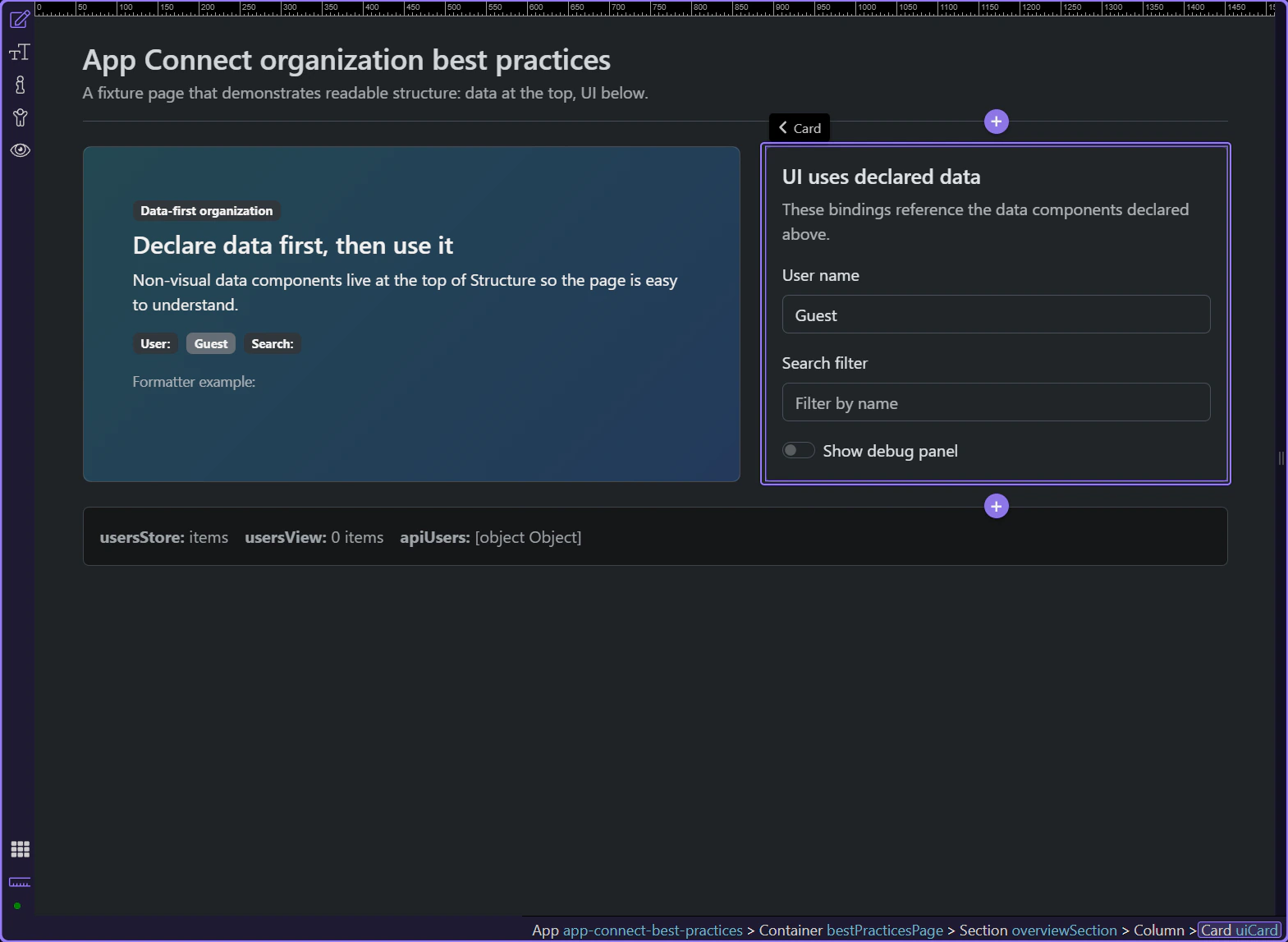
Section titled “The visible controls are consumers, not the source of truth”This card is useful because it shows the page behavior that Structure has to support: text inputs and a toggle reference named App Connect values instead of hiding state in ad hoc code. The layout already tells you what belongs in the data layer and what belongs in the UI layer.
Data-first structure
Section titled “Data-first structure”Once the page is open, Structure should let you scan state, collections, and API sources before you inspect any visual section.
Keep the non-visual data layer together at the top
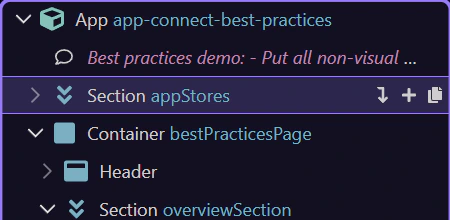
Section titled “Keep the non-visual data layer together at the top”This top section gathers the page’s non-visual pieces in one place. That makes the dependency chain easy to read: state values first, then collections derived from those values, then server-side sources.
Name state by purpose so expressions stay readable
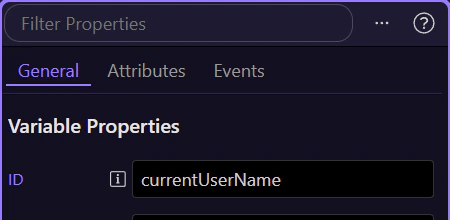
Section titled “Name state by purpose so expressions stay readable”Selecting a value like currentUserName makes the naming rule concrete. Good IDs explain what they hold and read naturally in expressions, which is why currentUserName.value is easier to maintain than a generic value1.value.
Keep derived collections close to the source they reshape
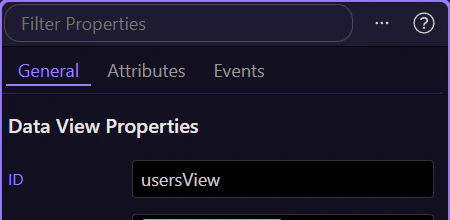
Section titled “Keep derived collections close to the source they reshape”The Data View belongs near the Data Store because it is the readable layer that filters, sorts, or pages that collection. When those two sit together in Structure, it is much easier to see where a list comes from and where to adjust the filtering rule.
Keep API loaders centralized instead of burying them inside UI blocks
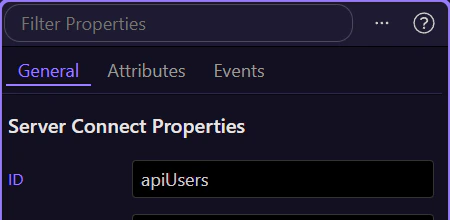
Section titled “Keep API loaders centralized instead of burying them inside UI blocks”This Server Connect component is easy to find because it stays in the data layer instead of being buried inside a card or repeat region. That is the practical rule: centralize API sources so UI sections bind to the result instead of creating duplicate requests all over the page.
Usage and performance
Section titled “Usage and performance”A good structure is not just tidy. It also makes bindings easier to trace and optional UI easier to render efficiently.
Clear structure makes a bound UI element easy to trace
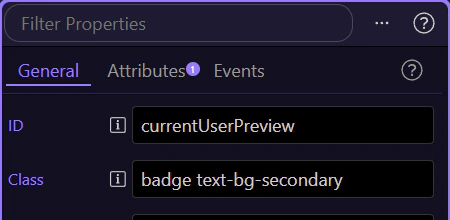
Section titled “Clear structure makes a bound UI element easy to trace”This badge is a good reality check for the whole pattern. When you select it, the Properties panel shows the binding that reads from the named value you just saw in the data layer, so the page stays understandable without hunting through unrelated sections.
Optional regions should own their own rendering cost
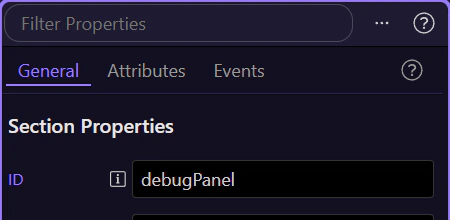
Section titled “Optional regions should own their own rendering cost”This debug panel is the concrete performance example on the page. It only exists when the debug toggle is enabled, which is the right pattern for optional or heavier UI: keep shared data at the top, but place conditional-only regions behind a real conditional so they are not always rendered.
Where filtering and optional work belong
Section titled “Where filtering and optional work belong”This example page gives you the practical rule set. Shared state and shared collections stay at the top. A Data View owns interactive reshaping of a collection. Conditional-only UI stays behind a conditional region. And very large datasets should still be filtered or paged on the server instead of forcing the browser to do all the work.
important: Use Data View for client-side filtering, sorting, and paging of manageable datasets. For very large datasets, filter and page in Server Connect and return only what the UI needs.
Wrap-up
Section titled “Wrap-up”You now have a concrete data-first App Connect layout to reuse: declare and name non-visual state first, keep related collections together, centralize API loaders, and let optional UI own its own rendering cost.
Continue with nearby performance and state topics
Section titled “Continue with nearby performance and state topics”Continue into conditional rendering when you want to go deeper on optional regions, or into state management when page state needs to survive reloads and navigation.