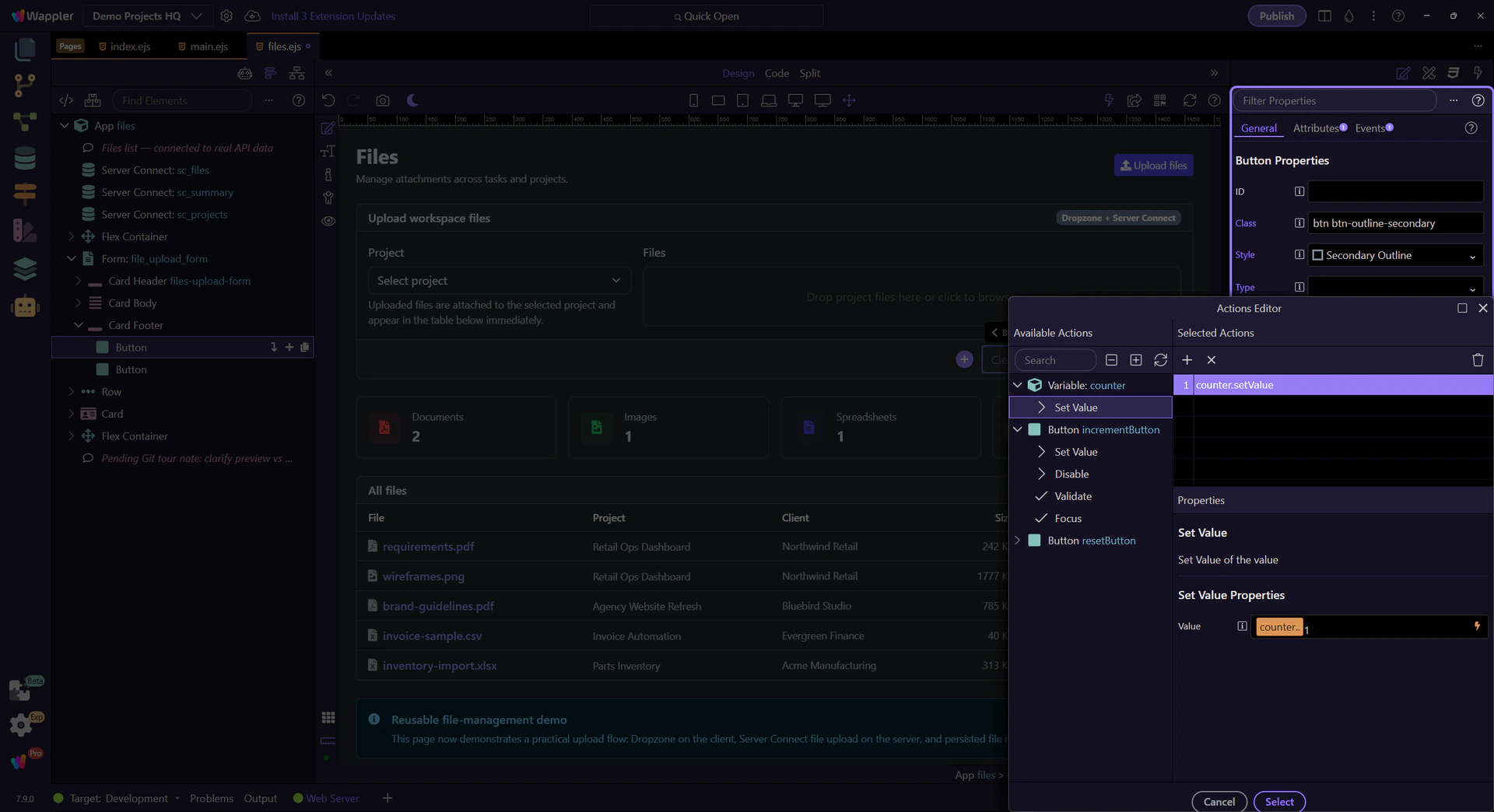
Newsletter: Properties Panel clip
A short Demo Projects HQ tour used to capture the 7.8.0 newsletter clip for the updated Properties panel workflow.
Properties panel improvements
Section titled “Properties panel improvements”Use the real Demo Projects HQ files page to show how the updated Properties panel surfaces Dynamic Attributes and Dynamic Events on one practical element.
Start at the top of Properties
Section titled “Start at the top of Properties”Begin with the selected Clear files button and the full Properties panel in view. This gives the clip the wider context before it moves into the new secondary toolbar sections.
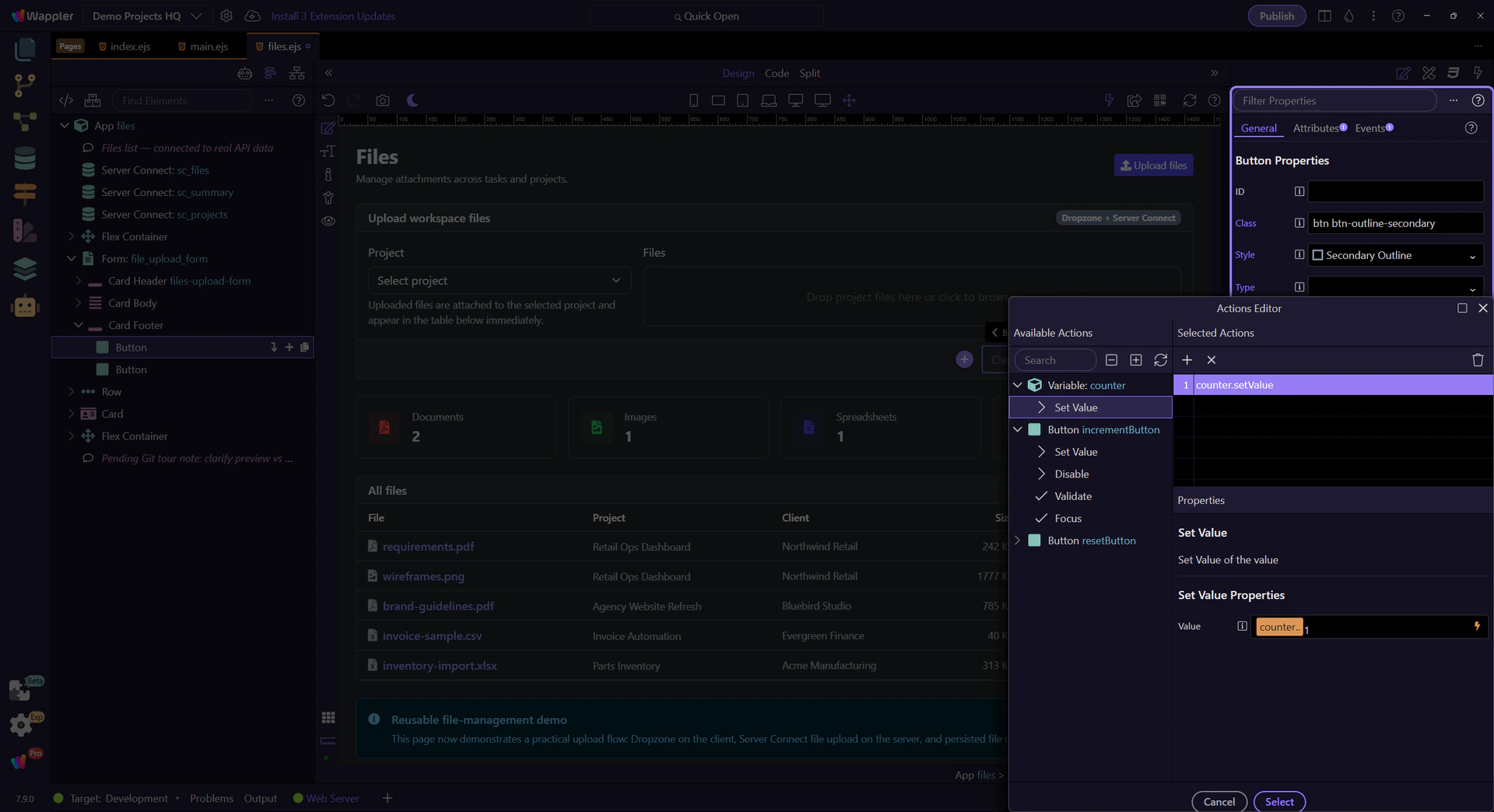
Dynamic Attributes
Section titled “Dynamic Attributes”The button already uses a real App Connect dynamic attribute: dmx-bind:disabled tied to the upload form state. Focus the Dynamic Attributes section so the clip shows where those bindings now live.
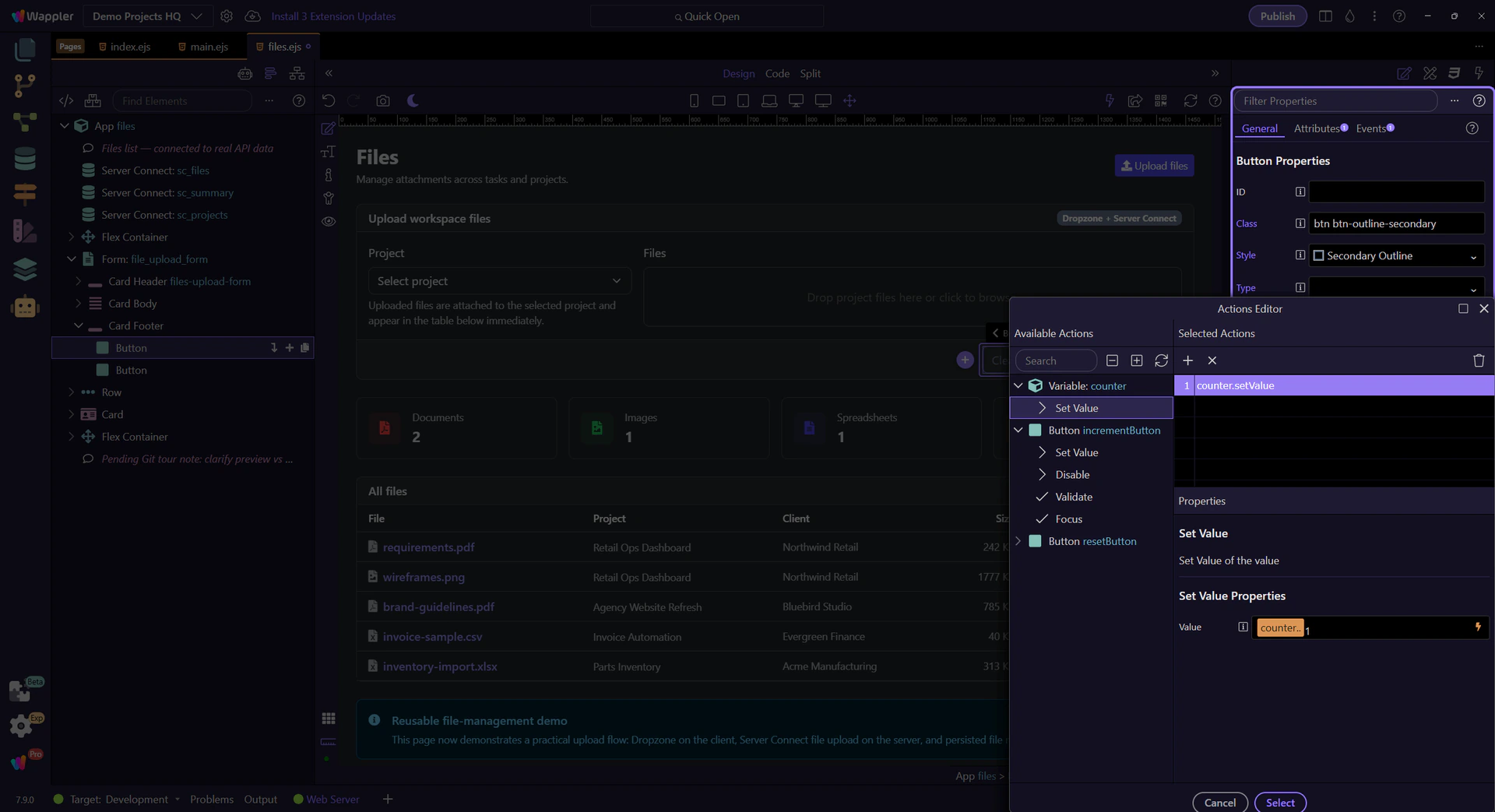
Review the current binding
Section titled “Review the current binding”Stay on the same button and move slightly deeper into the Dynamic Attributes area so the recorded clip catches the existing binding instead of only the add control.
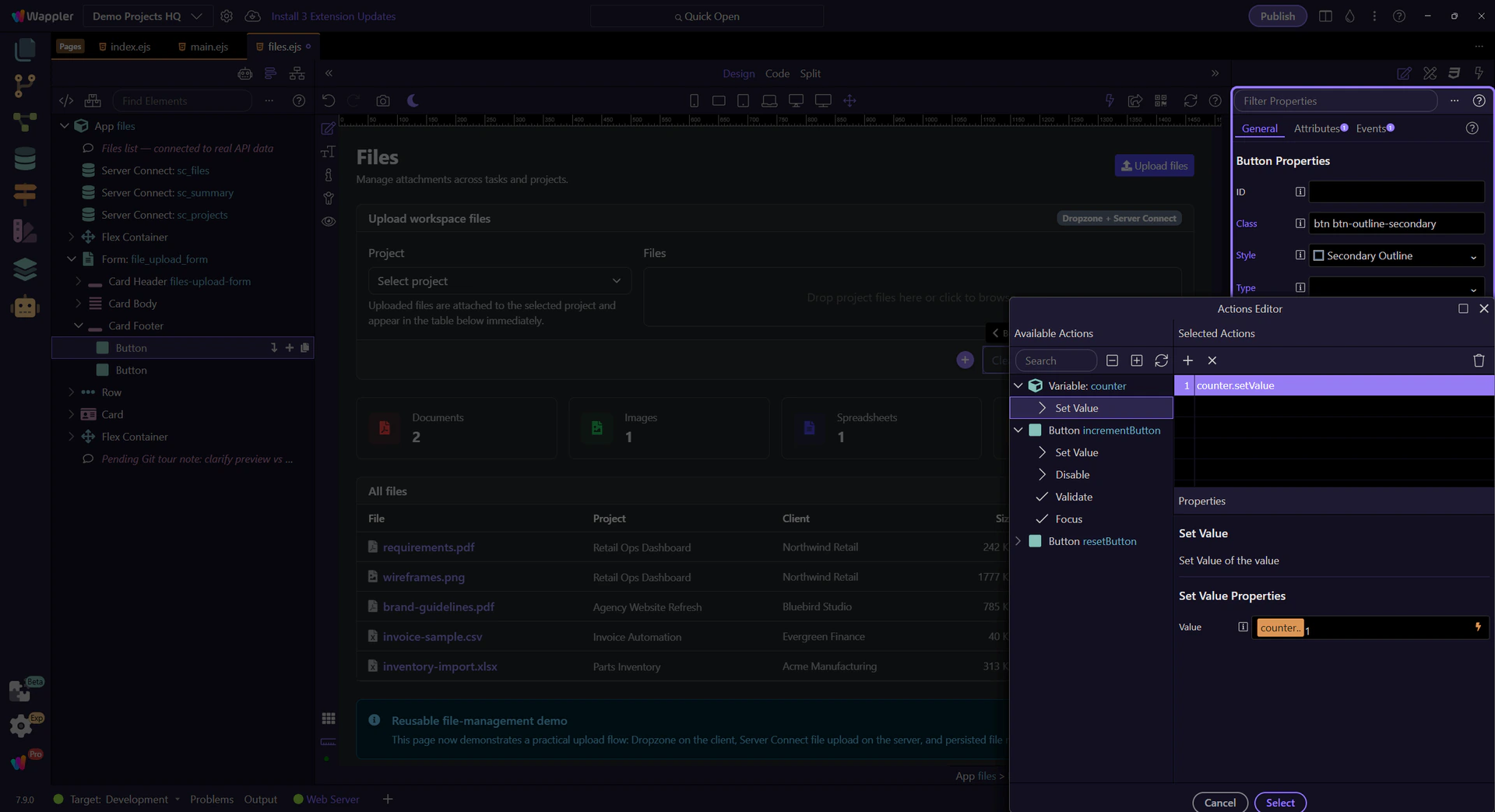
Dynamic Events
Section titled “Dynamic Events”The same button also has a real App Connect click event: dmx-on:click=“files_dropzone.reset()”. This Properties panel view keeps the updated event workflow readable, so you can see both where the event lives and how it relates to the selected button.