
Contact list to detail route handoff
Use the real contacts and contact detail pages to see how App Connect turns a repeated list, route parameter, and detail loader into one continuous record flow.
Introduction
Section titled “Introduction”The contacts pages are useful App Connect examples because they turn one continuous data flow into two readable pages. A repeated contacts list links to a route-aware detail page, and the detail page resolves that route value into one loaded record without custom glue code.
List page: one dataset feeds the repeated contact rows
Section titled “List page: one dataset feeds the repeated contact rows”The contacts page stays readable because one loader feeds one repeated table. The list does not copy record state around manually; it binds the contacts dataset directly into rows and links.
The contacts page starts from one loaded contacts dataset
Section titled “The contacts page starts from one loaded contacts dataset”Start on the real contacts page so the loader and repeated table stay visible together. The page works because one Server Connect component supplies the contact rows and the UI binds to that shared result instead of duplicating record state.
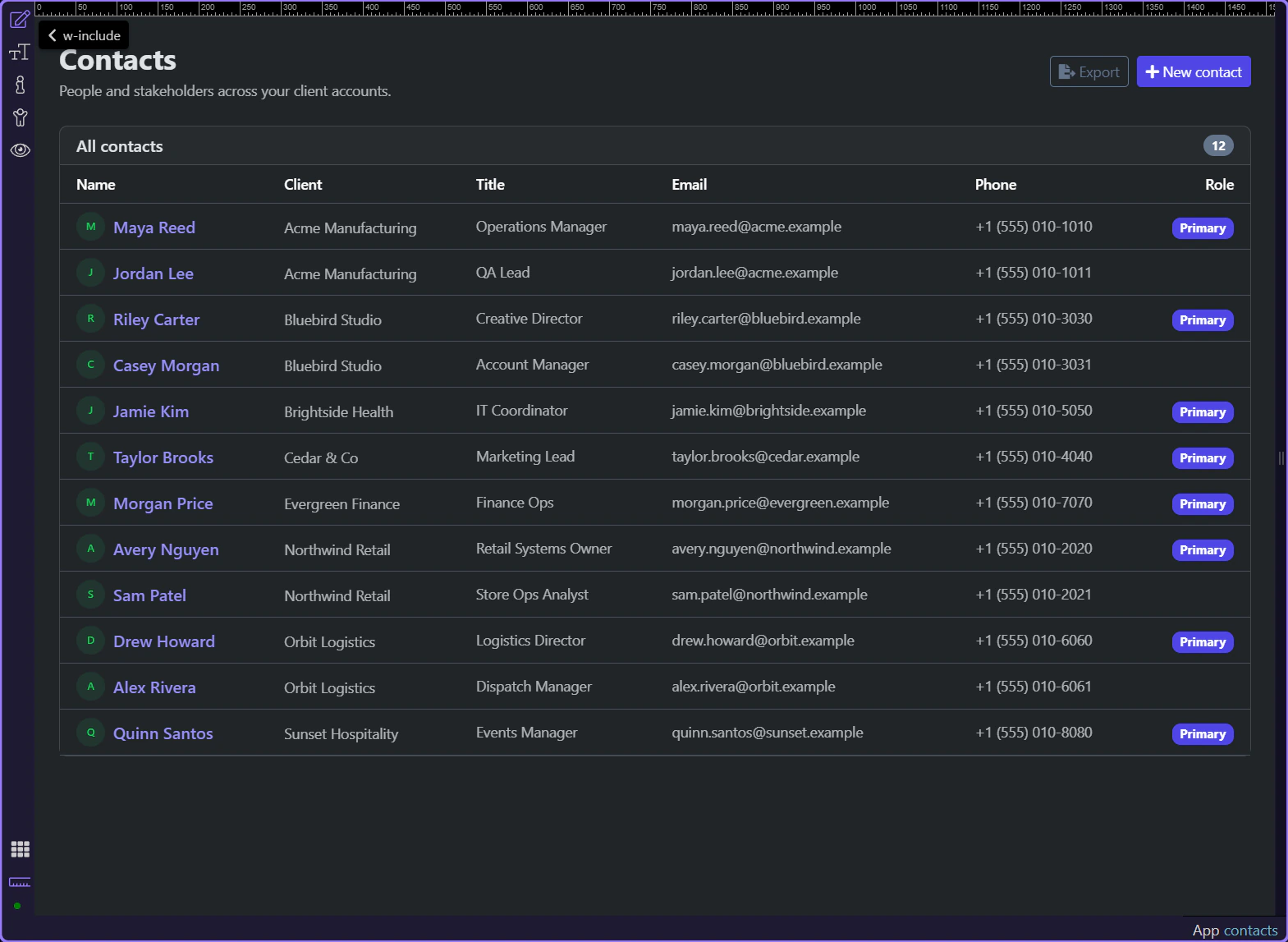
The repeated rows bind directly to sc_contacts.data.contacts
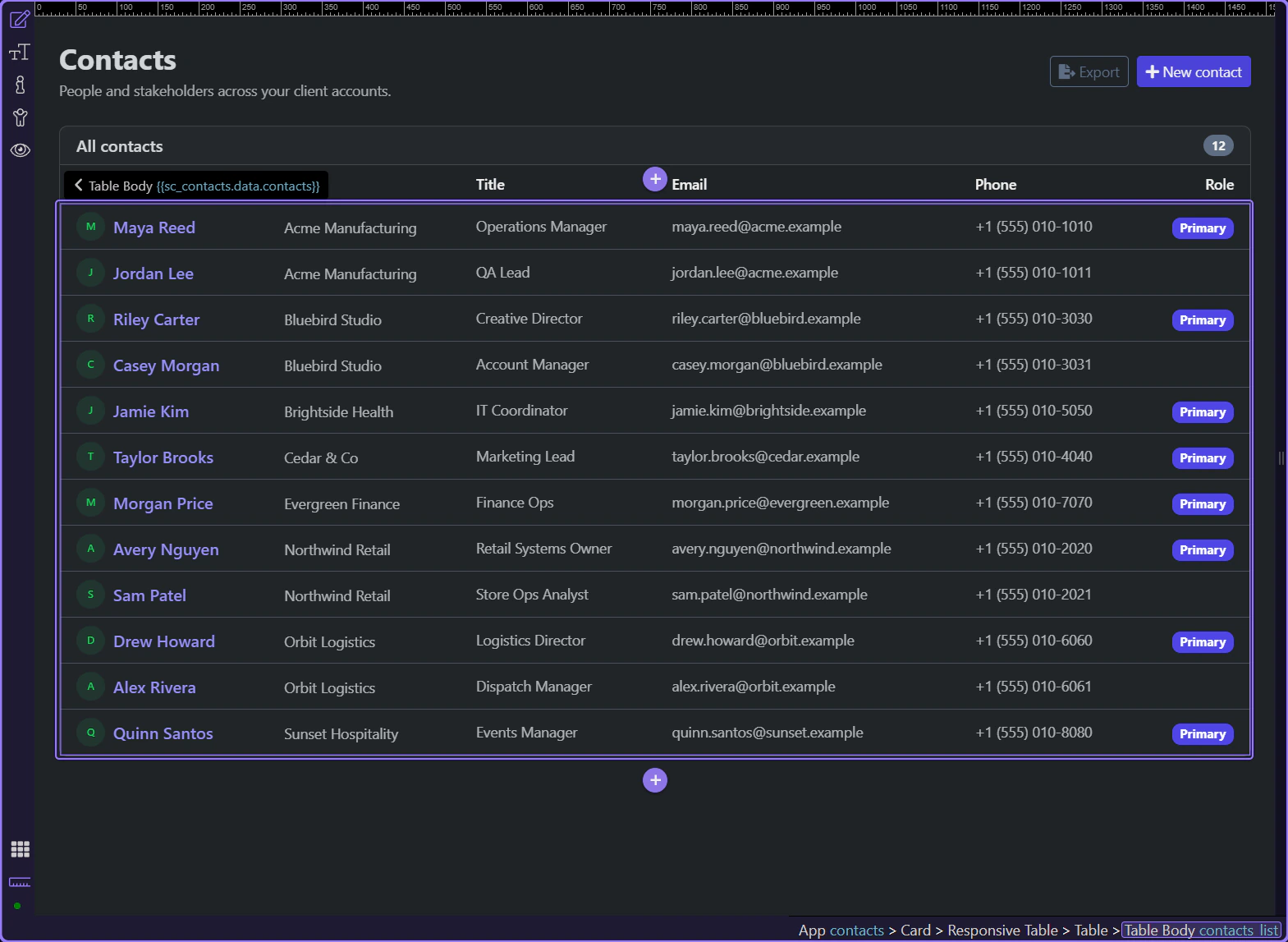
Section titled “The repeated rows bind directly to sc_contacts.data.contacts”#contacts_list repeats over sc_contacts.data.contacts, which keeps the list declarative. Each visible row is just a bound view of the contacts dataset, not a separate client-side copy to keep in sync.
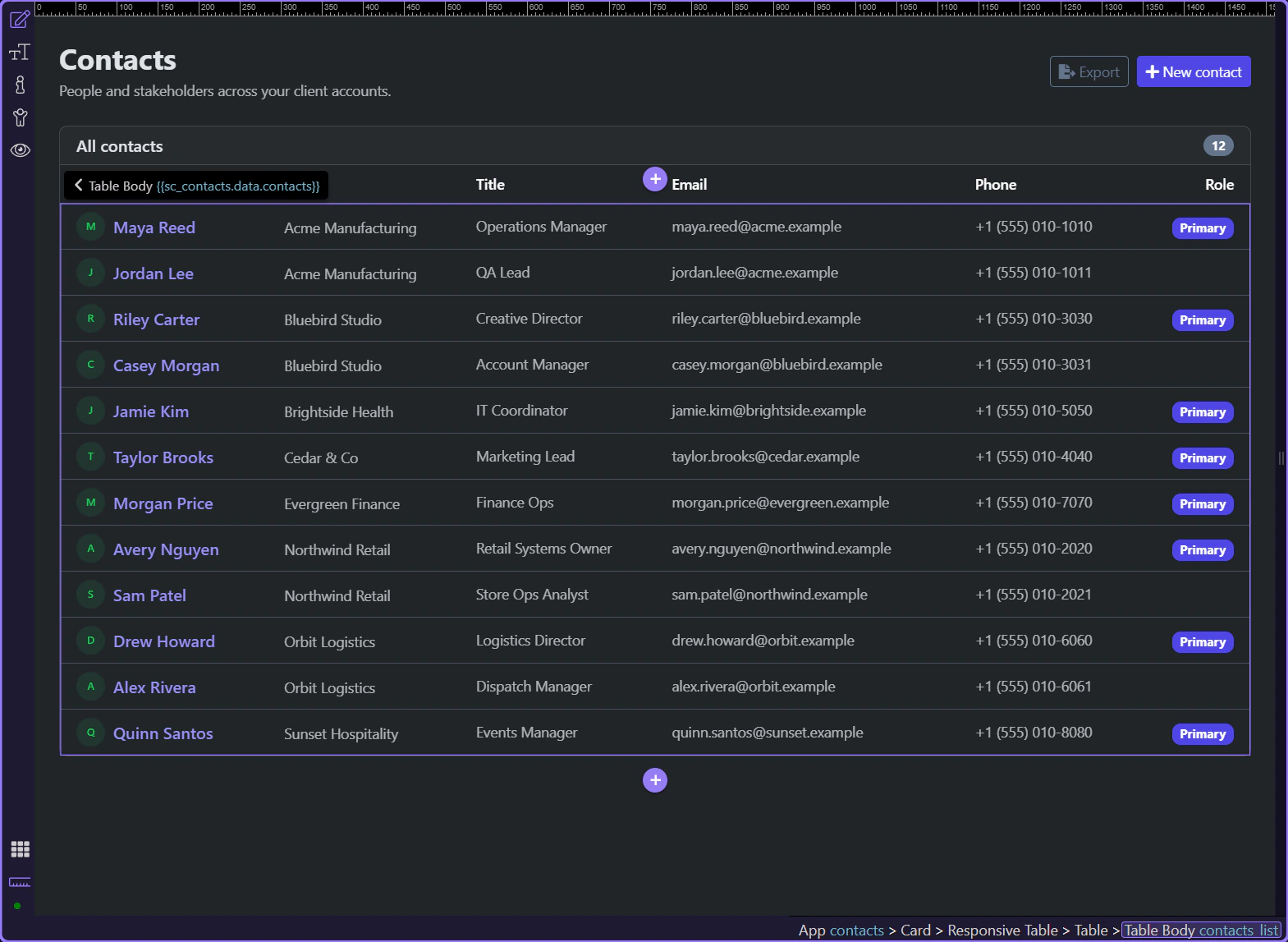
Each row link passes record identity through the route
Section titled “Each row link passes record identity through the route”The contact name link binds /contact/ + id, so the selected record identity stays explicit in navigation. That route handoff is what lets the next page reconstruct the same record without hidden browser state.
Detail page: route context becomes one loaded record
Section titled “Detail page: route context becomes one loaded record”The detail page takes over once the selected record id is in the URL. Its Server Connect component resolves that route context into one contact object, and the page binds the object into cards, badges, and follow-up links.
The contact detail page is open
Section titled “The contact detail page is open”The real contact detail page is now visible, so the route-aware page and its bindings can be inspected in context. This is the page that receives the selected record identity and turns it back into one loaded contact object.
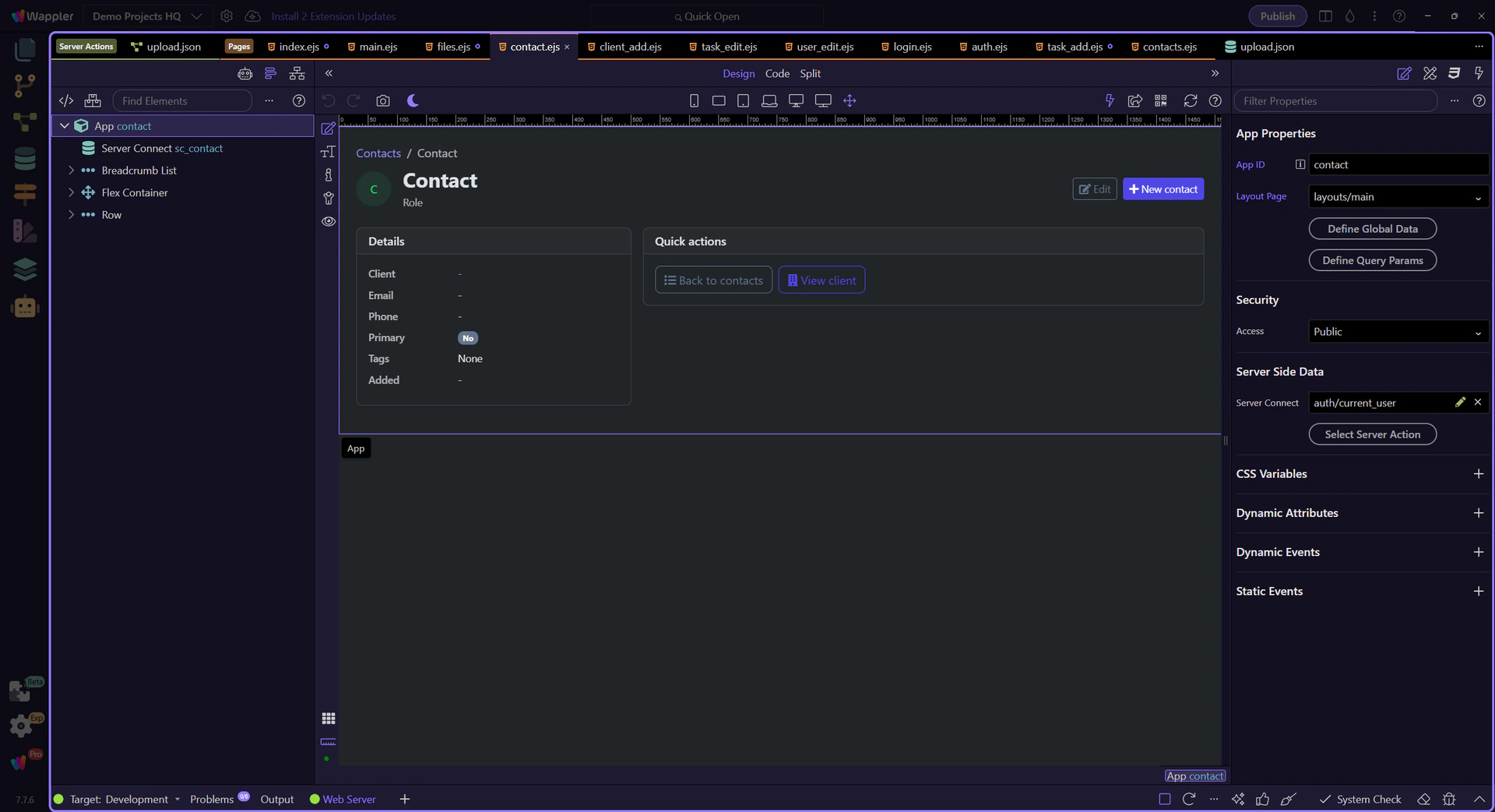
Design view is active for the contact detail page
Section titled “Design view is active for the contact detail page”Switch to Design view before inspecting the route-aware bindings so the next steps can focus on the live page structure instead of editor setup.
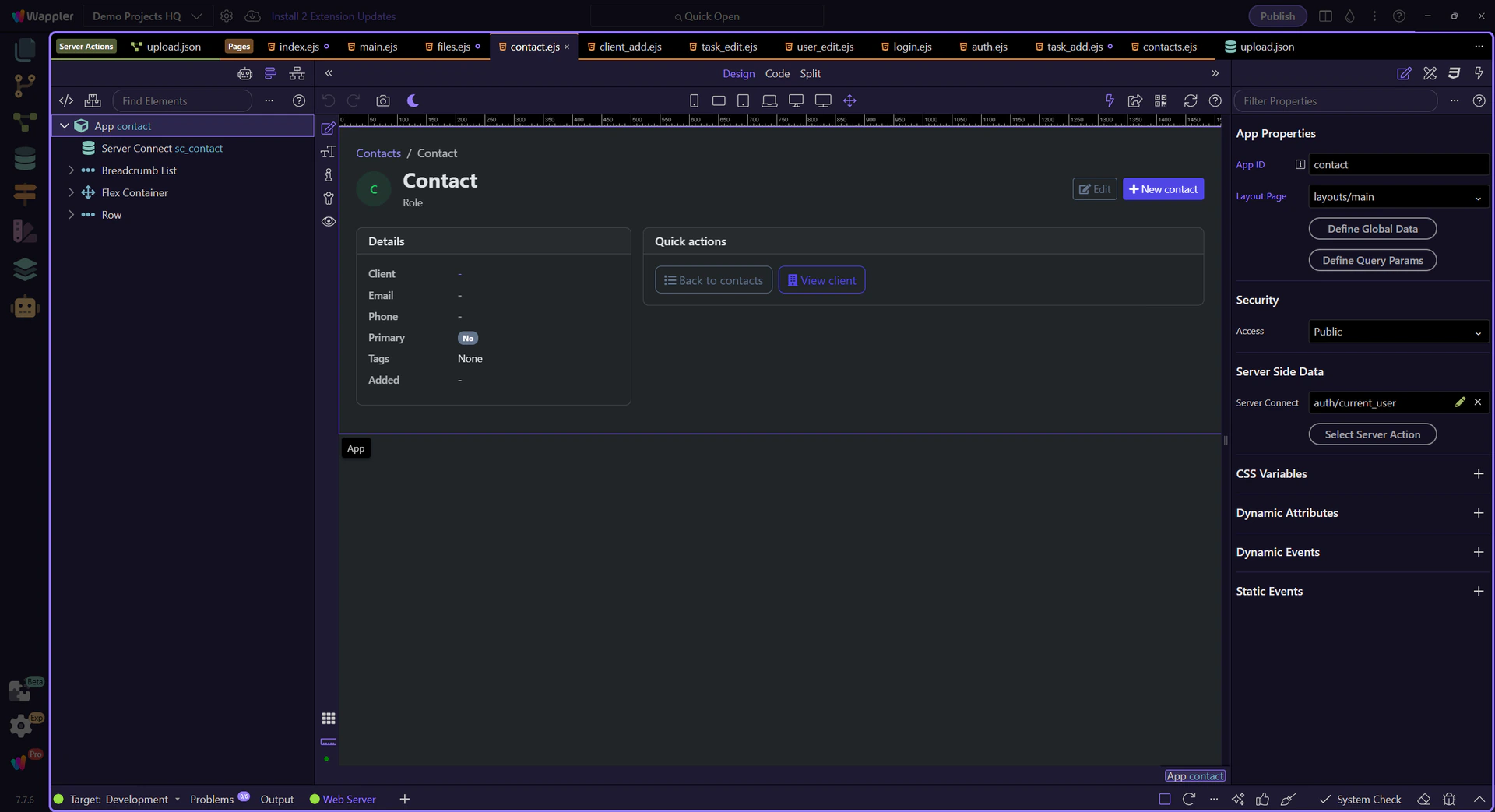
The detail page resolves the route value into one contact record
Section titled “The detail page resolves the route value into one contact record”The detail page uses the /contact/:id route and passes the query id into sc_contact, so one selected record becomes one loaded contact object. That is the App Connect handoff from route context to usable page data.
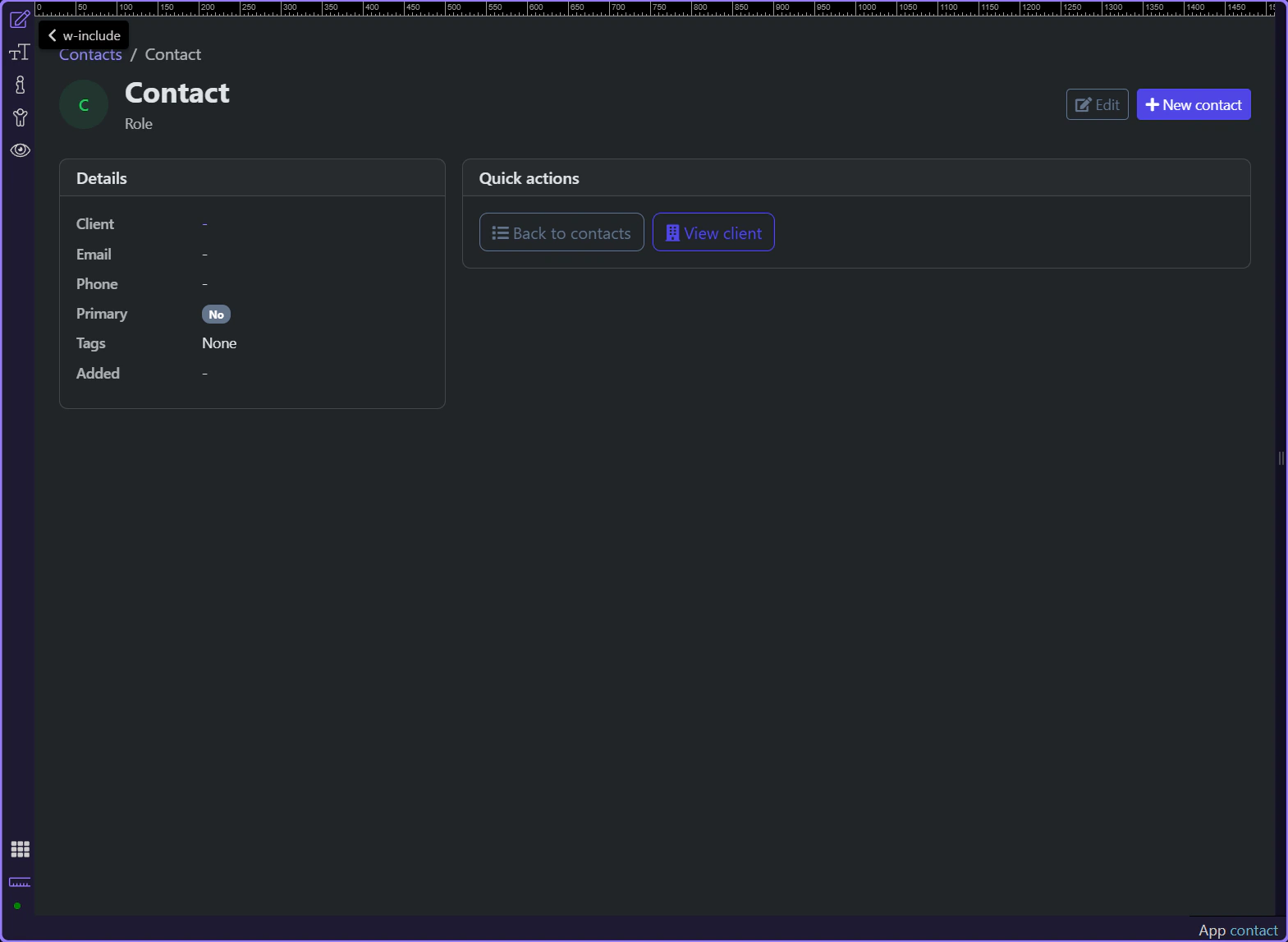
The page binds one contact object into details, badges, and links
Section titled “The page binds one contact object into details, badges, and links”The detail page stays readable because the cards, badges, and action links all bind back to sc_contact.data.contact. Client name, primary badge, tags, and edit navigation all come from the same loaded record object.
Conclusion
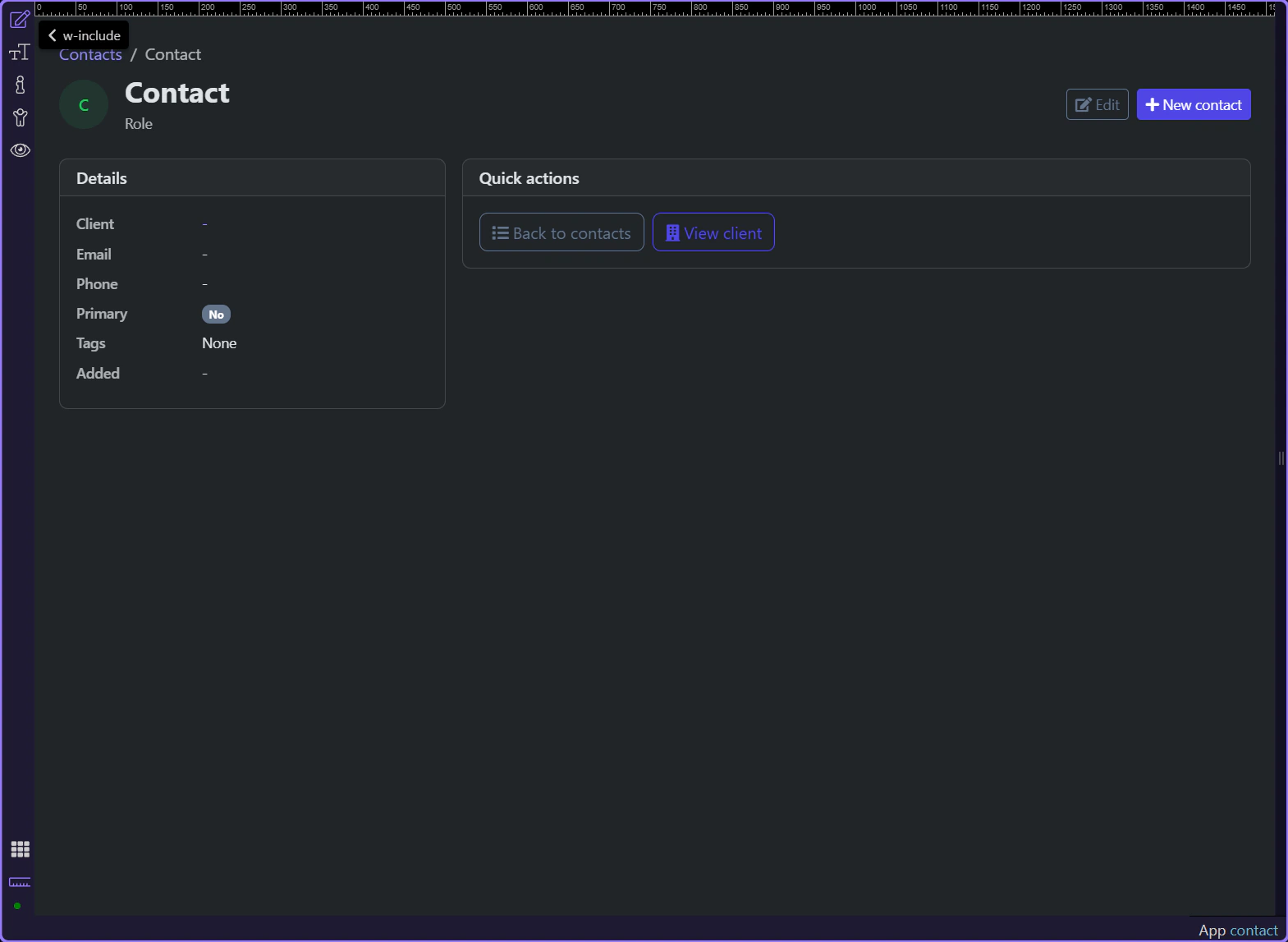
Section titled “Conclusion”The contacts flow stays understandable because the handoff is explicit at every stage. The list repeats one dataset, the row link carries the record id in the route, and the detail page reloads that exact record into one bound object.