
Real dataset
The options come from the contacts collection already loaded for the task editor.
Build data-driven select menus that load the right options, keep selected values predictable, and stay readable as form complexity grows.
In Demo Projects HQ, the Assignee field on the task edit form is a real dynamic select menu. It is populated from the contacts dataset, keeps the current assignee selected when a task loads, and still offers a clean Unassigned fallback when no contact should be stored. This tour stays on that concrete field so you can connect the data source, the selected value, and the final form submission contract without falling back to a synthetic dropdown example.
This is the Assignee control used on the task edit form. In Design View it looks like a normal select, but the option list is assembled from live contact data and the selected option is rebound from the current task record.
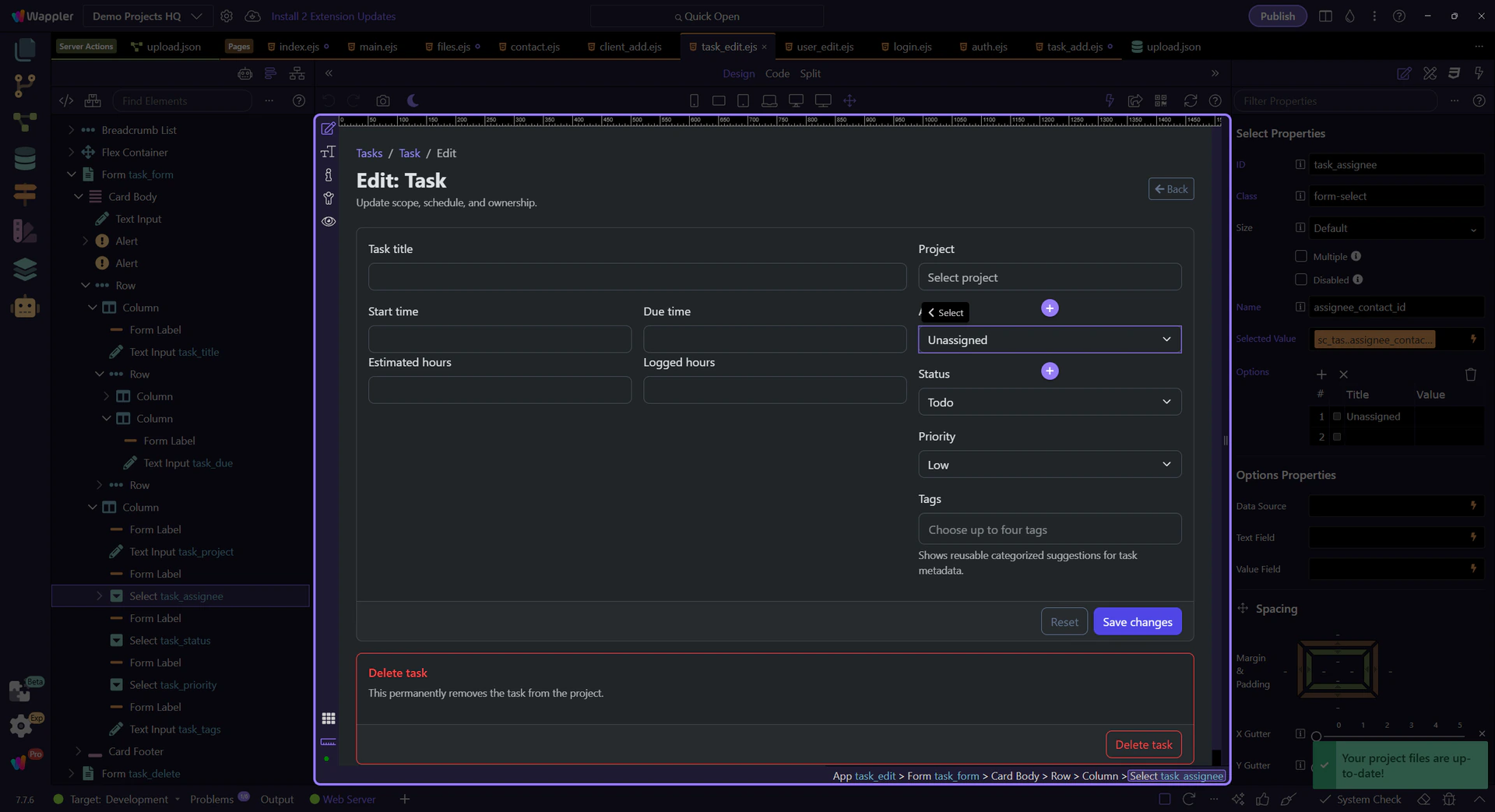
With the Assignee field selected, the Properties panel becomes the best place to read the dynamic-select setup. Stay here as you review how Demo Projects HQ separates the generated options, the rebound selection, and the plain posted value that the update action expects.
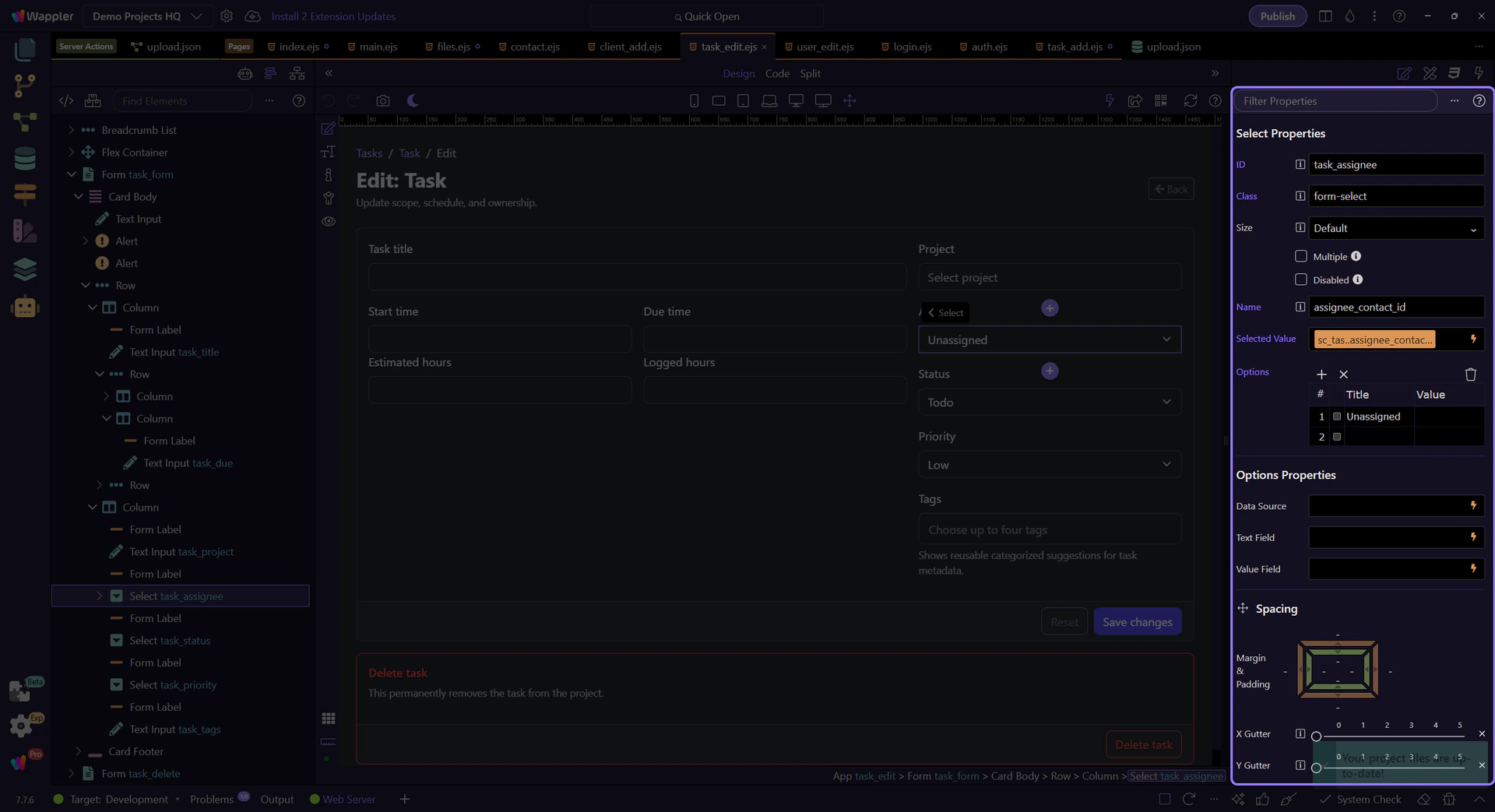
This select is not hard-coded. Demo Projects HQ renders its option rows from sc_contacts.data.contacts, which means the dropdown always reflects the same contact list the rest of the page already trusts. That keeps the menu synchronized with the page state instead of hiding a second source of truth inside the markup.
Each option label combines the client name with the contact name so the editor can distinguish similar people quickly. That richer label is for orientation only. The submitted value remains the contact id, which is what keeps downstream task updates predictable even when the displayed text changes later.
tip: Treat label text and stored value as two different jobs. Richer labels improve usability, but the backend still wants one stable key.
Because this is an edit form, the select does not start empty unless the task really has no assignee. Demo Projects HQ binds the selected value from sc_task.data.task.assignee_contact_id, so the dropdown reflects persisted task state before the editor makes any change. That is the difference between a merely dynamic list and a predictable edit experience.
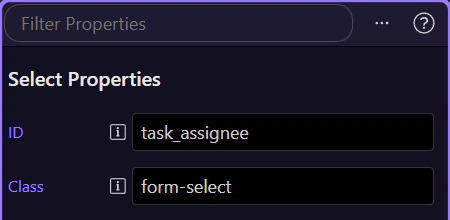
The first option is not accidental filler. Demo Projects HQ keeps an explicit Unassigned row so the editor can intentionally clear the relationship instead of leaving the field in an ambiguous empty state. That is a useful pattern for any data-driven select that may legitimately store no related record.
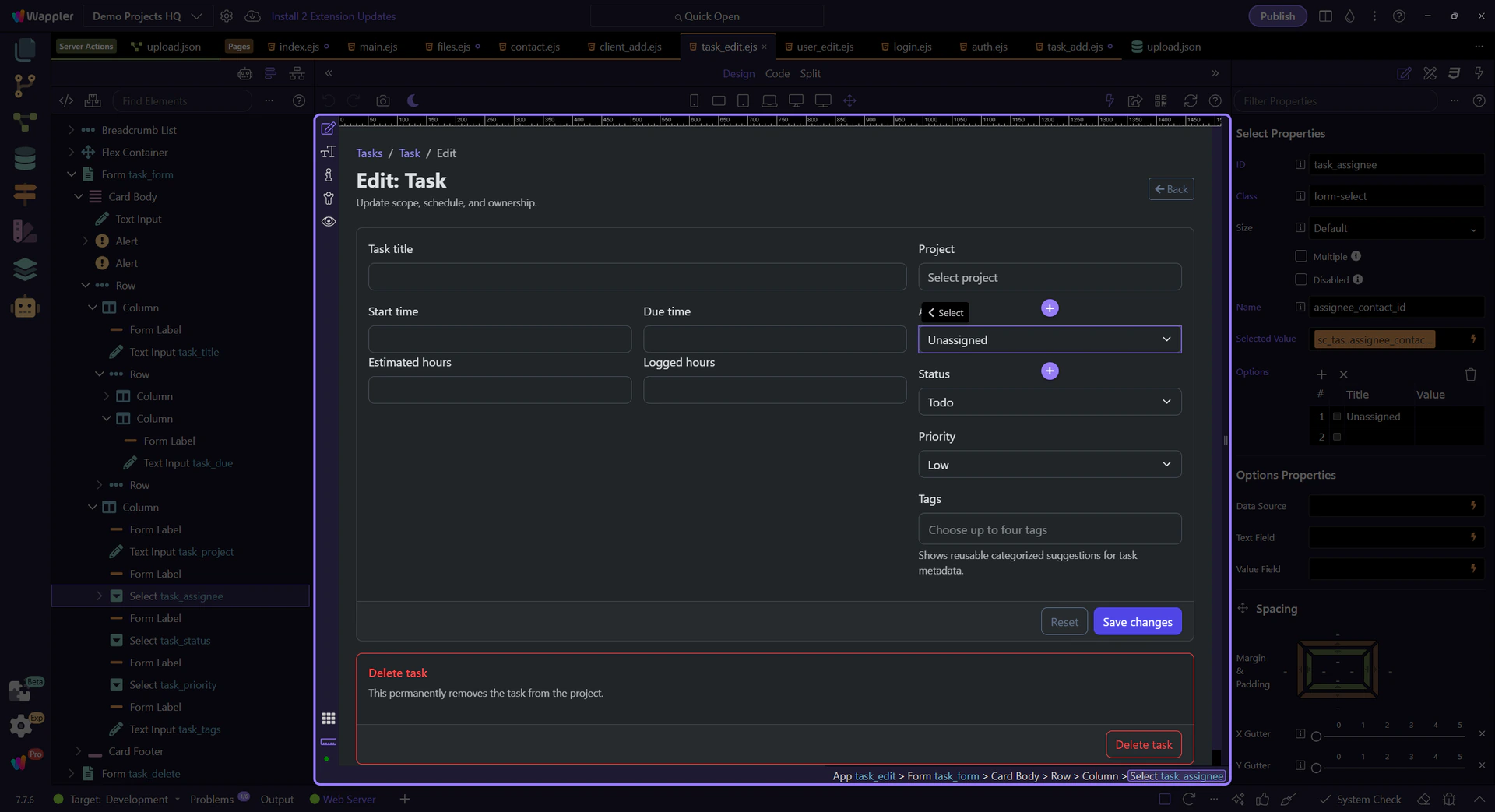
On the Demo Projects HQ task editor, this one field already shows the full dynamic-select pattern: live options from data, a stable selected id rebound from the record, and a deliberate empty-state option when no relationship should be saved. That same pattern scales into dependent selects, form bindings, and detail views driven by the user’s choice.