
Files upload state and refresh
Use the Demo Projects HQ files page to see how App Connect form state, live data reloads, and repeated file listings stay in sync during uploads.
Introduction
Section titled “Introduction”The Demo Projects HQ files page is a practical App Connect upload example because the page does not stop at submitting a form. It tracks request state, shows success feedback, reloads live datasets, and immediately reflects the uploaded files in repeated UI.
Page state: loaders, form state, and visible results
Section titled “Page state: loaders, form state, and visible results”The files page keeps App Connect responsibilities explicit. Server Connect components load the existing files and project choices, the upload form exposes request state, and the page binds those outputs back into alerts, buttons, and repeated data.
The files page combines loaders and upload UI in one place
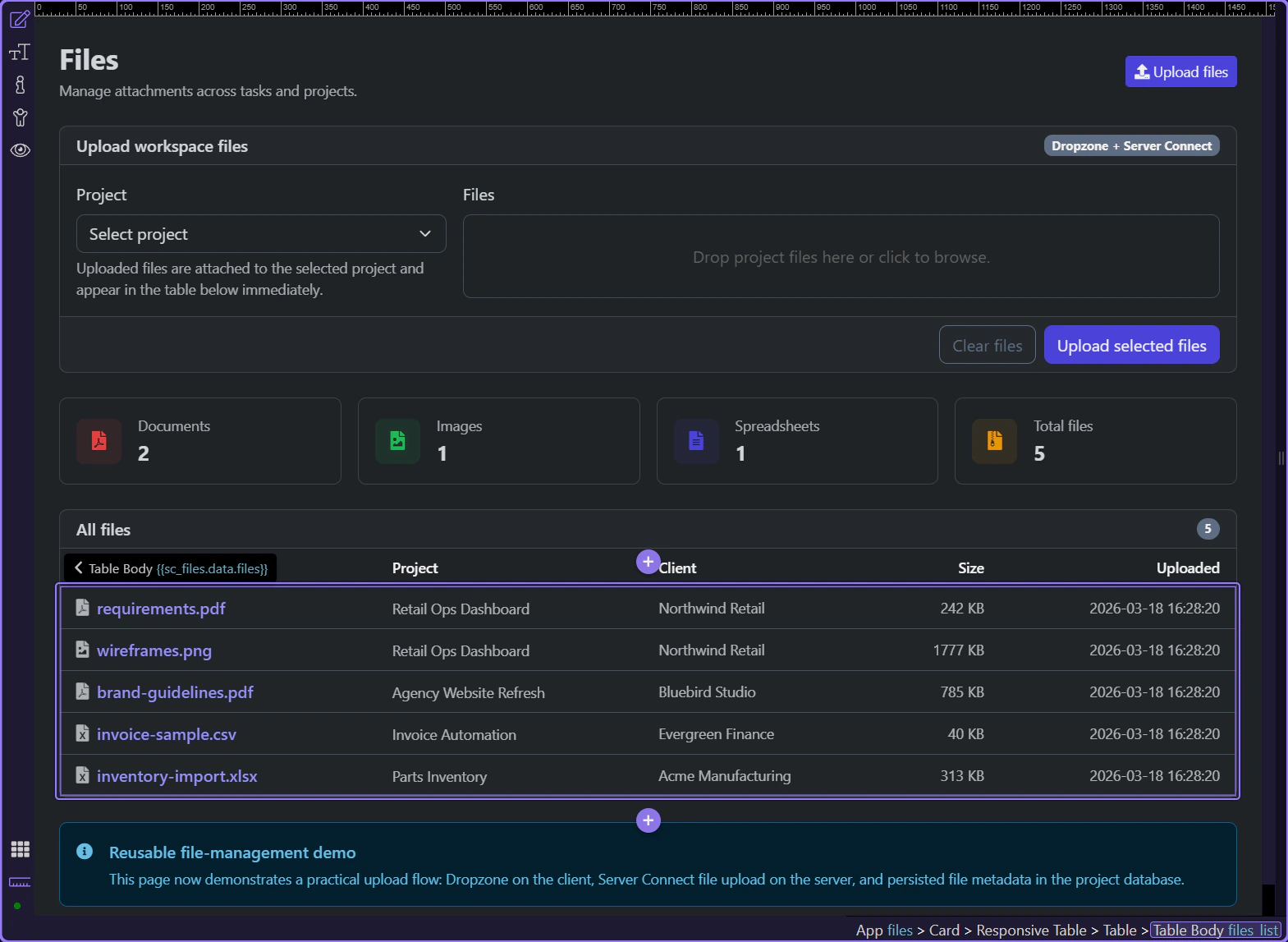
Section titled “The files page combines loaders and upload UI in one place”Start on the real files page so the loader components, upload form, and repeated file list stay visible in one context. This page is useful because upload state and visible results live together instead of being split across separate screens.
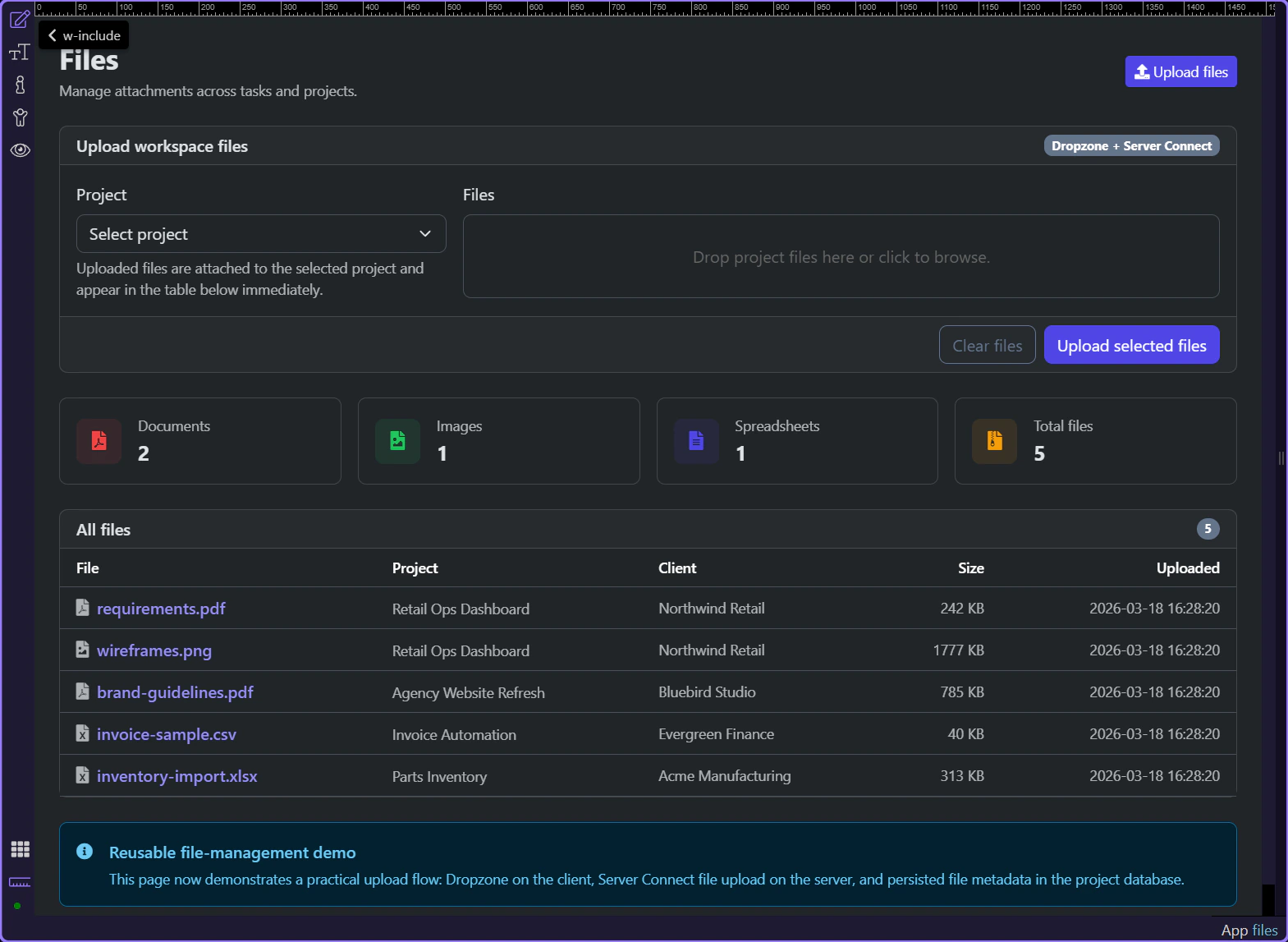
The upload form exposes request state and success output
Section titled “The upload form exposes request state and success output”#file_upload_form is more than a submit surface. It posts to /api/files/upload, exposes executing and lastError state, and returns save_uploads output that the page can use for success feedback without custom response parsing.
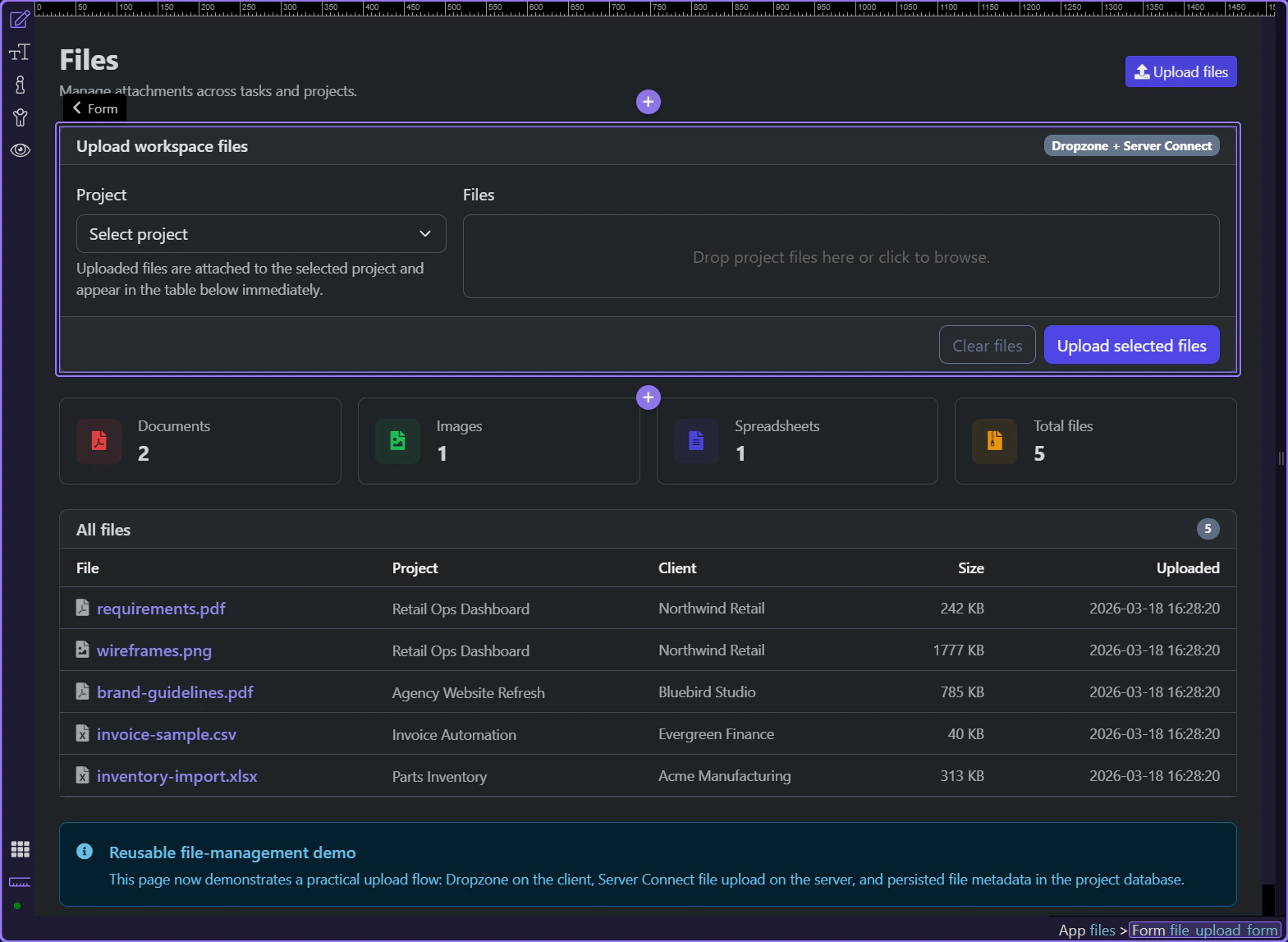
Project selection and Dropzone stay part of the same form contract
Section titled “Project selection and Dropzone stay part of the same form contract”#upload_project_id and #files_dropzone belong to the same App Connect form state. The selected project travels with the uploaded files, so the page can treat one submission as both file transfer and project-specific context.
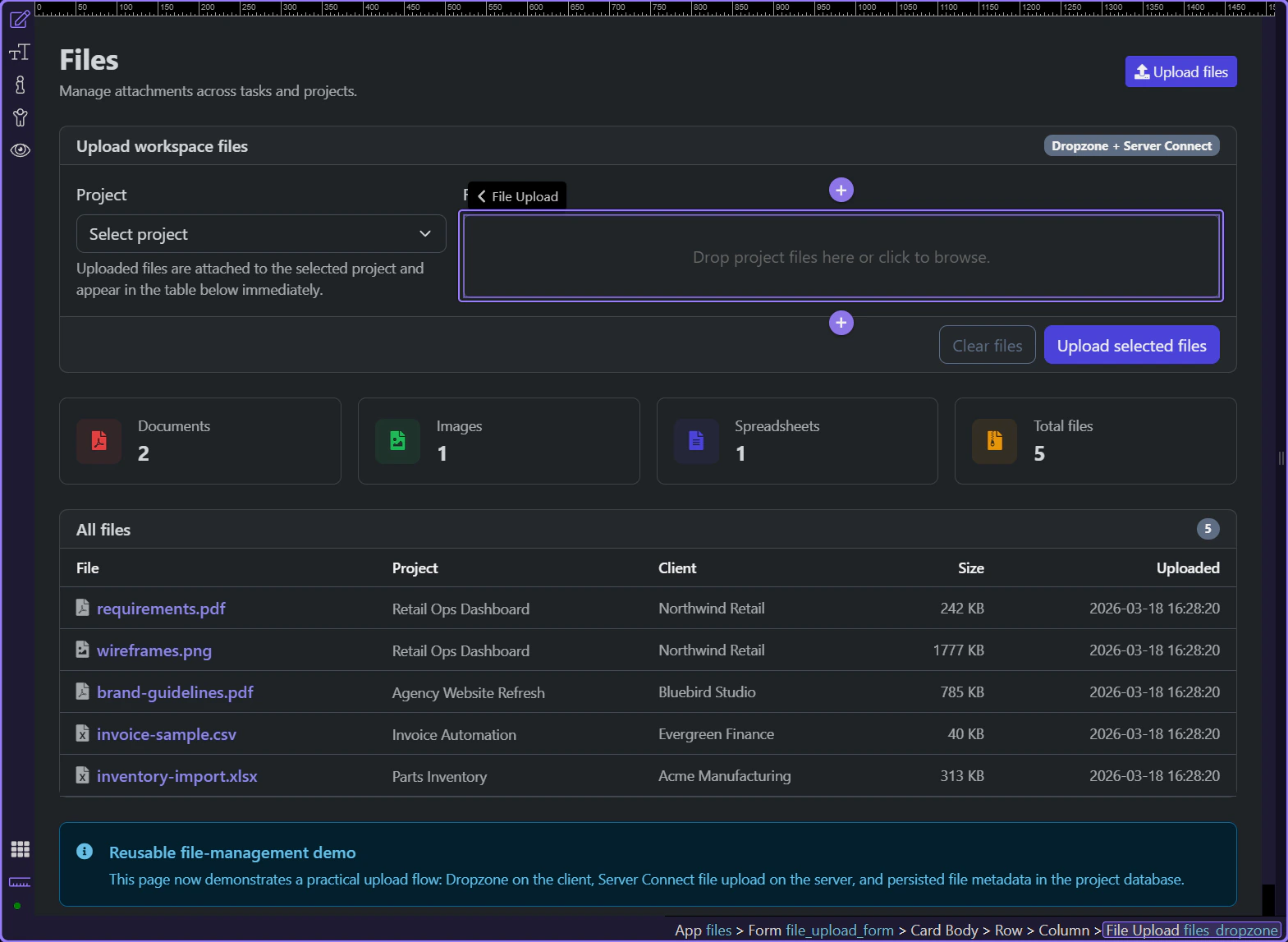
Success actions reload the datasets the page depends on
Section titled “Success actions reload the datasets the page depends on”The form success hook resets the Dropzone and calls sc_files.load() plus sc_summary.load(). That refresh loop is what makes the UI feel immediate: the page asks the same loaders for fresh data instead of guessing what changed.
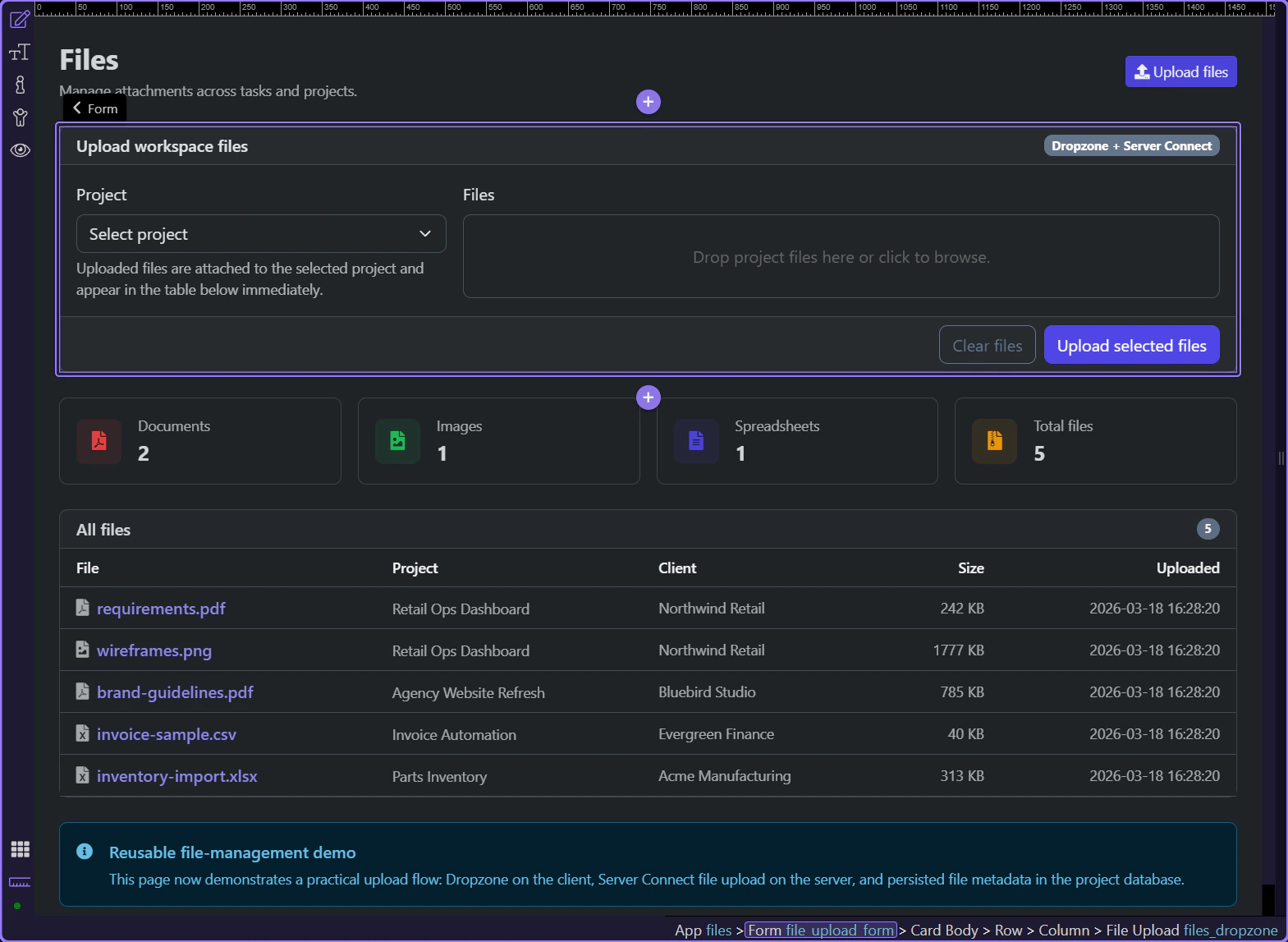
The table repeats the refreshed files dataset
Section titled “The table repeats the refreshed files dataset”#files_list repeats over sc_files.data.files, so new rows appear when the loader refreshes after a successful upload. That keeps the visible library tied to one authoritative dataset rather than to ad hoc DOM updates.
Conclusion
Section titled “Conclusion”The files upload page works well because App Connect keeps each phase visible. The form exposes request state, the success handler refreshes the dependent datasets, and the page simply rebinds to the refreshed outputs.