
Persistent settings
Theme, layout density, last selected view.
Learn when Local Manager is the right persistence layer for Wappler UI state, and how to store settings that should survive reloads without going to the server.
This tour positions Local Manager as client-side persistence for everyday UX settings. You will look at what kinds of data belong here, how Wappler reads and writes those values in bindings and actions, and where the limits and security boundaries are.
You are not just learning that local storage persists data. You are learning the decision rule: use it for convenience settings and cached UI preferences that should remain on the same browser, but never for secrets or security-sensitive state.
Local Manager can store complex objects; they’re serialized/deserialized automatically.
important: Local storage is readable by client-side code. Don’t store secrets or tokens here.
Bind UI to local values, and update them on events.
Use local.set(key, value) to persist a setting, and local.remove/removeAll to reset.
Use local.key in expressions to set classes, default values, and visibility.
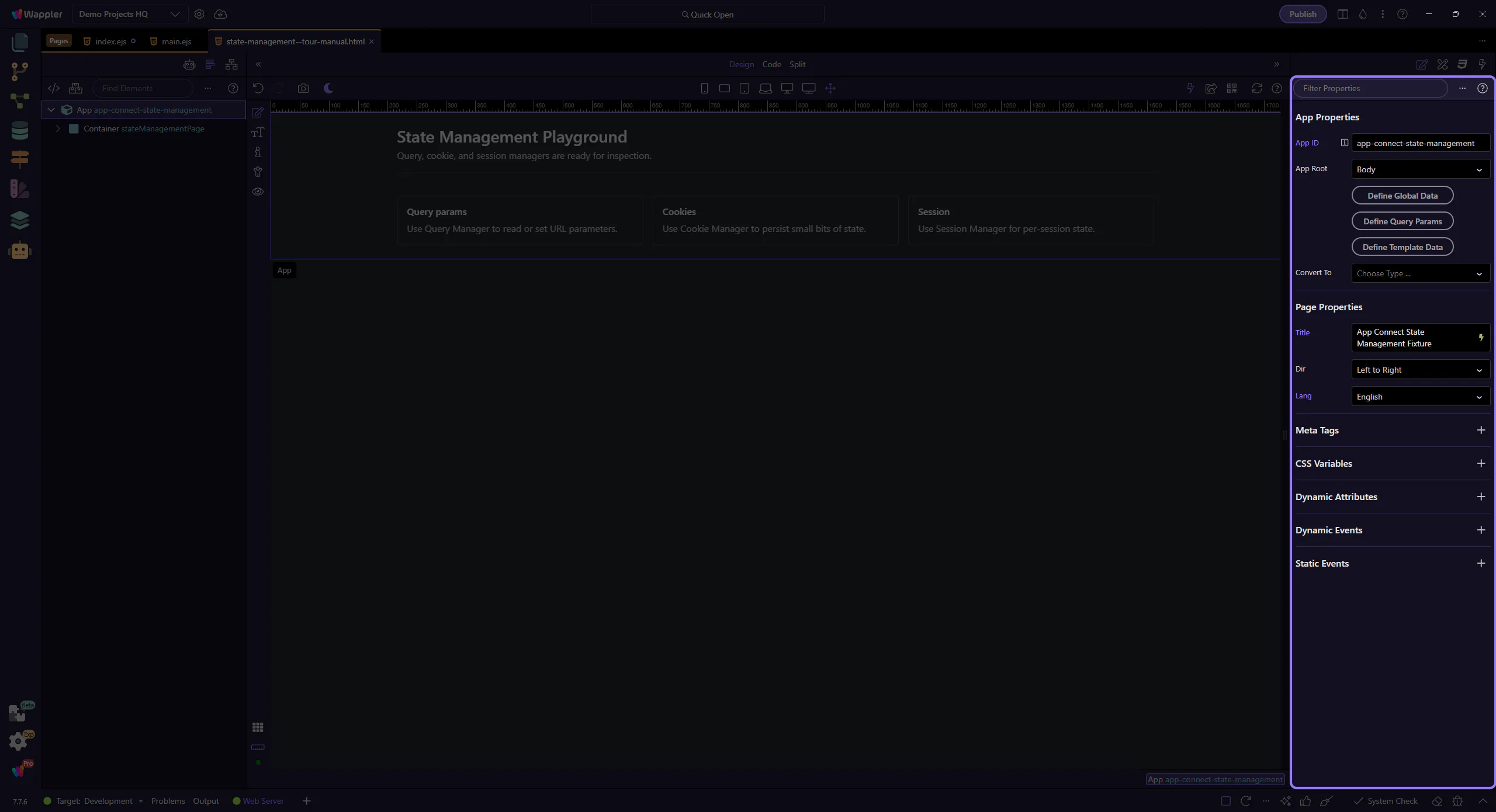
Bind form controls to local values and save changes with a single submit action.
Next, decide whether your state belongs in local/session/cookie or in the URL.
Pick a related tour to continue.