
Save a browser preference with Local Manager
Remember a non-sensitive preference across page reloads on the same origin.
Remember a non-sensitive preference across page reloads on the same origin.
Before you begin
Section titled “Before you begin”- An App Connect page with an App ID. The in-app tour opens prepared examples with a dedicated test key.
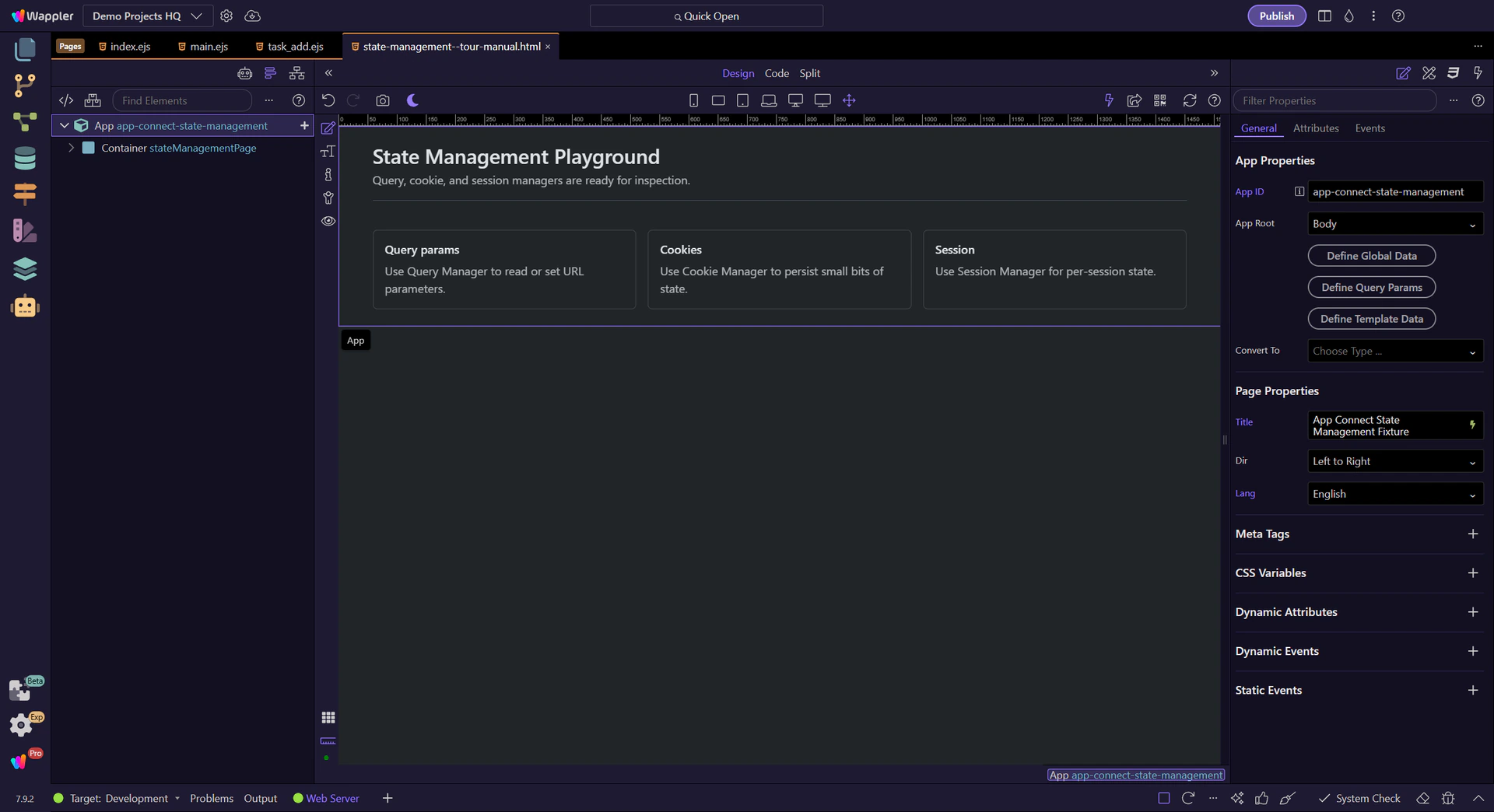
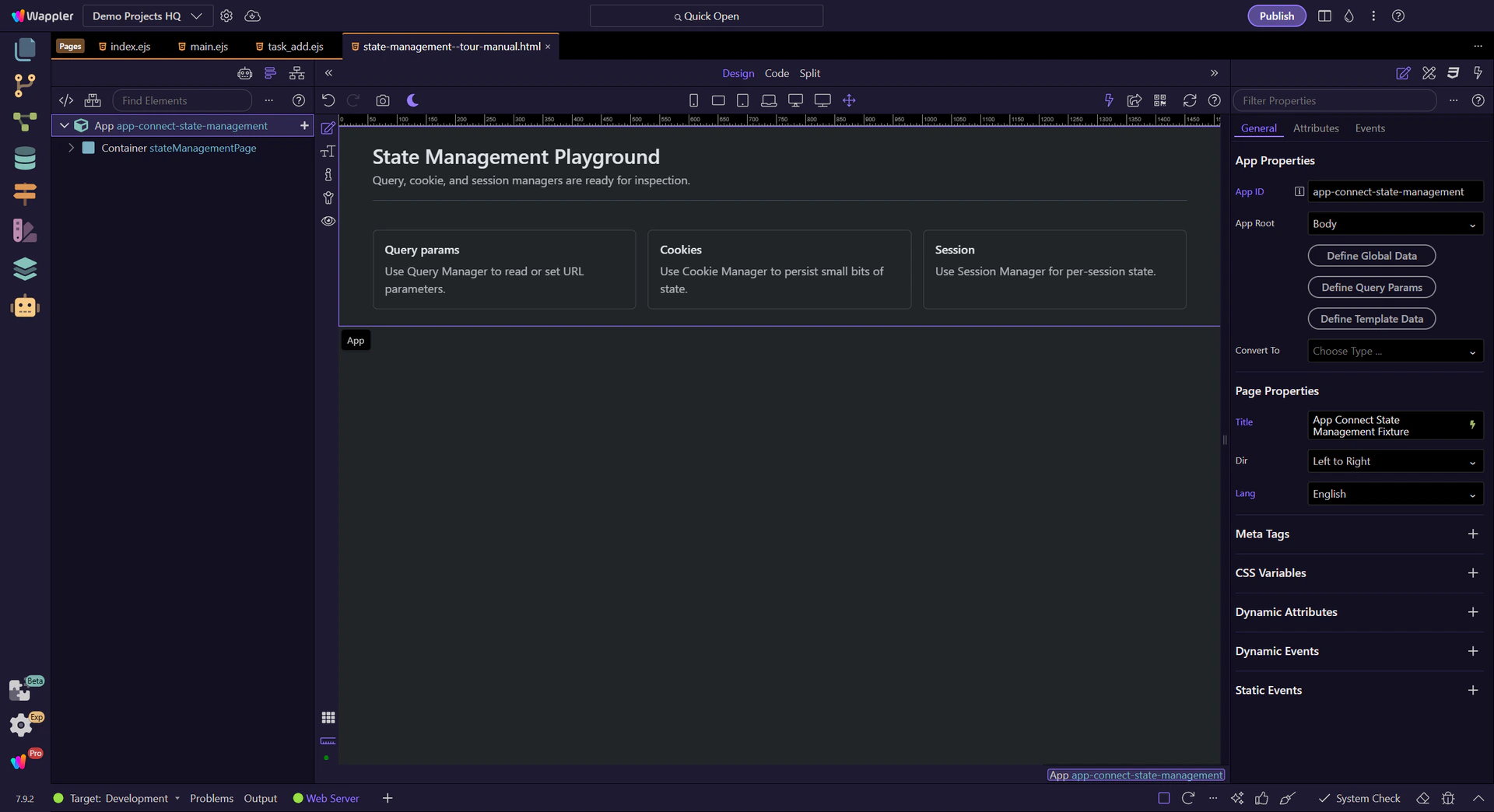
Add the component and declare the test key
Section titled “Add the component and declare the test key”Add Local Storage Manager to the page and name it localState. Select it in App Structure and use Define Local Storage Items to declare wappler_docs_preference for the data/action pickers. This declares metadata; the key is not stored until a Set action runs.
Set a value from a button
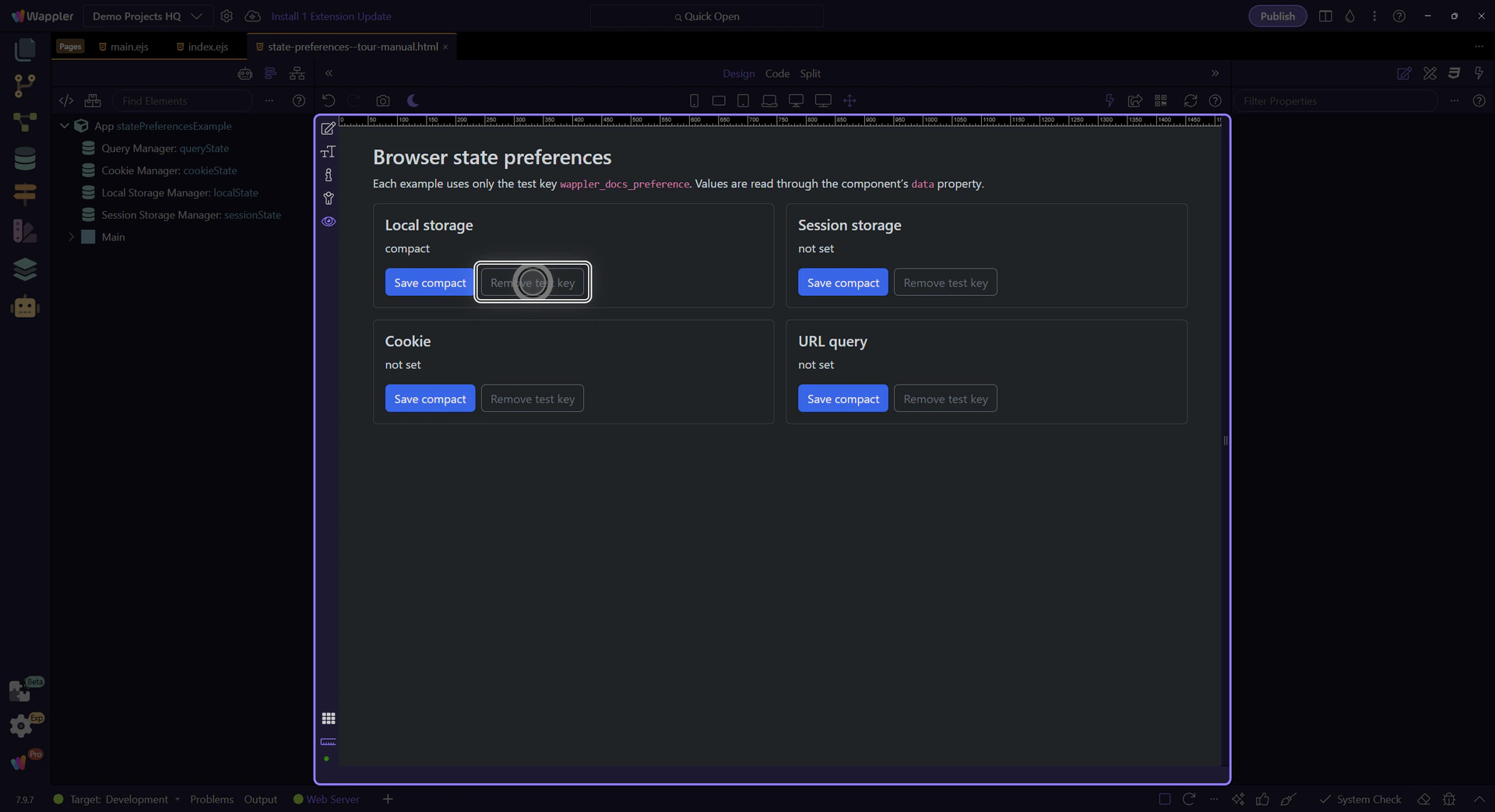
Section titled “Set a value from a button”Add a button. In its Dynamic Events, add a Click action, select localState → Set, choose Name wappler_docs_preference and use the text value compact. The manager writes a JSON representation of the value in the corresponding browser storage.
Bind through the data property
Section titled “Bind through the data property”Add a text label and bind it to localState.data.wappler_docs_preference. Click the prepared Save compact button in Preview. The label should change to compact. Reload the same page to verify that this store retains the value in its intended lifetime.
Remove only the test preference
Section titled “Remove only the test preference”Add a second button using localState → Remove with the same Name. Avoid Remove All for this test: it clears the manager’s shared dmxState- key space, including other preferences on this origin.
Keep browser state separate from trusted data
Section titled “Keep browser state separate from trusted data”Browser preferences are editable client-side state. Do not use them as proof of identity, permissions or completed server work. Use the matching reference for exact action options and lifetime limitations.
Check your result
Section titled “Check your result”Reloading the page reads the saved preference until you remove it or browser storage is cleared.