
Conditional rendering
Use dmx-if so UI and components don’t render until needed.
Improve App Connect performance by using conditional regions (dmx-if) and placing conditional-only data/components inside them so they don’t render or process until needed.
This tour uses a focused example page to explain a practical App Connect performance decision: when to avoid rendering work entirely instead of merely hiding UI. You will compare conditional regions with show/hide behavior, then connect that choice to component scope, repeated DOM cost, and page readability.
Improve performance by rendering less: use conditional regions (dmx-if) for UI that depends on a condition, and place conditional-only data/components inside that region so they don’t exist until the condition becomes true.
Repeaters can generate a lot of DOM. Prefer the simplest repeater that matches your layout, and only set Unique Key when you truly need it (it slows down the repeater).
Understand why dmx-if is recommended for performance and how it changes what gets rendered.
Use a Conditional Region (dmx-if) when a part of the page depends on a condition or isn’t needed right away.
important: Best performance: use Conditional Region (dmx-if) for conditional UI, not Show/Hide dynamic attributes.
This section uses a Conditional Region (dmx-if), so it only exists when the condition is true.
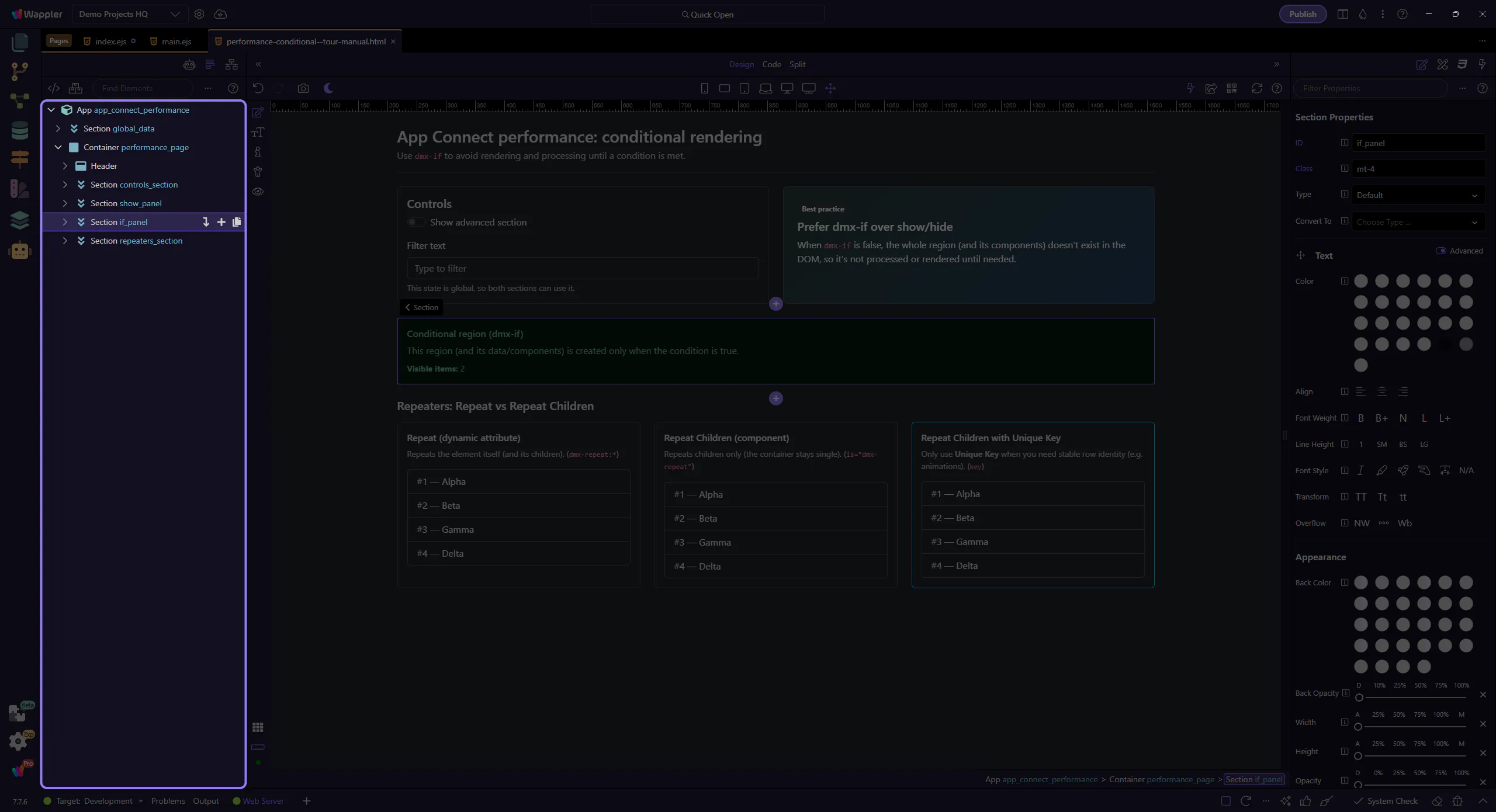
If a Data View, Data Store, or Server Connect component is used only inside a section that’s shown conditionally, declare it inside that Conditional Region (dmx-if) so it isn’t processed until needed.
tip: When the condition is false, the Conditional Region and its child components don’t exist at all.
This section uses the Show dynamic attribute (dmx-show), so it stays in the page structure and its child components exist even when hidden.
warning: Show/Hide dynamic attributes are visibility toggles (CSS). They do not prevent rendering/processing of the region’s components.
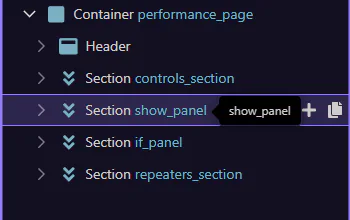
This data component lives inside the Conditional Region. Keeping conditional-only data/components inside a Conditional Region (dmx-if) avoids always-on work.
tip: Rule of thumb: global for shared page-wide state; local for conditional-only sections.
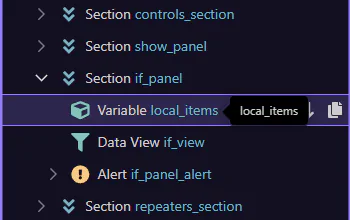
Shared state and data that multiple regions use can stay at the top for readability and reuse.
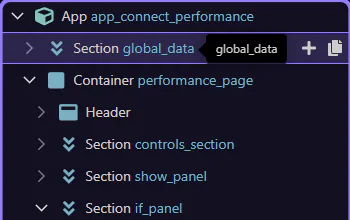
Repeaters can generate lots of DOM. Learn when to use each repeater style, and when to avoid the key field for better performance.
Repeaters can create many DOM nodes. Choose the simplest repeater that matches your layout needs.
This example uses Repeat (dynamic attribute). It repeats the element itself. Great for simple repeated elements, but can lead to extra wrapper DOM if you repeat large containers. (dmx-repeat:*)
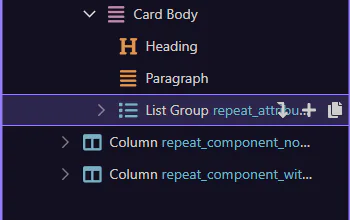
This example uses Repeat Children (component). It repeats only the children, so your layout container stays single and clean when building grids/cards. (is=“dmx-repeat”)
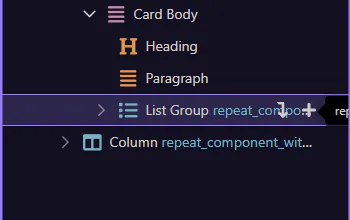
This Repeat Children repeater sets a Unique Key. Only do this when you need stable row identity (animations, or DOM identification).
warning: Choose the unique key field to identify the repeater’s record. Only needed when you want to use animations or need to identify repeater’s rows in DOM. Do not use if not needed as it will slow down the repeater.
Review what you did and choose a next tour.
Pick a related tour to continue.