
Decide quickly
URL vs cookie vs session vs local.
A practical guide to App Connect storage strategy in Wappler, comparing URL state, cookies, session storage, and local storage through real UI scenarios.
This tour gives you a practical storage decision framework instead of four disconnected components. You will compare URL-based state with browser storage options, understand what each one is best at, and connect that choice back to the App Connect actions you actually configure in Wappler.
Instead of memorizing four components separately, you will learn the decision logic behind them: which storage belongs to shareable links, which one survives restarts, which one stays tab-scoped, and how each option feeds bindings and actions on the page.
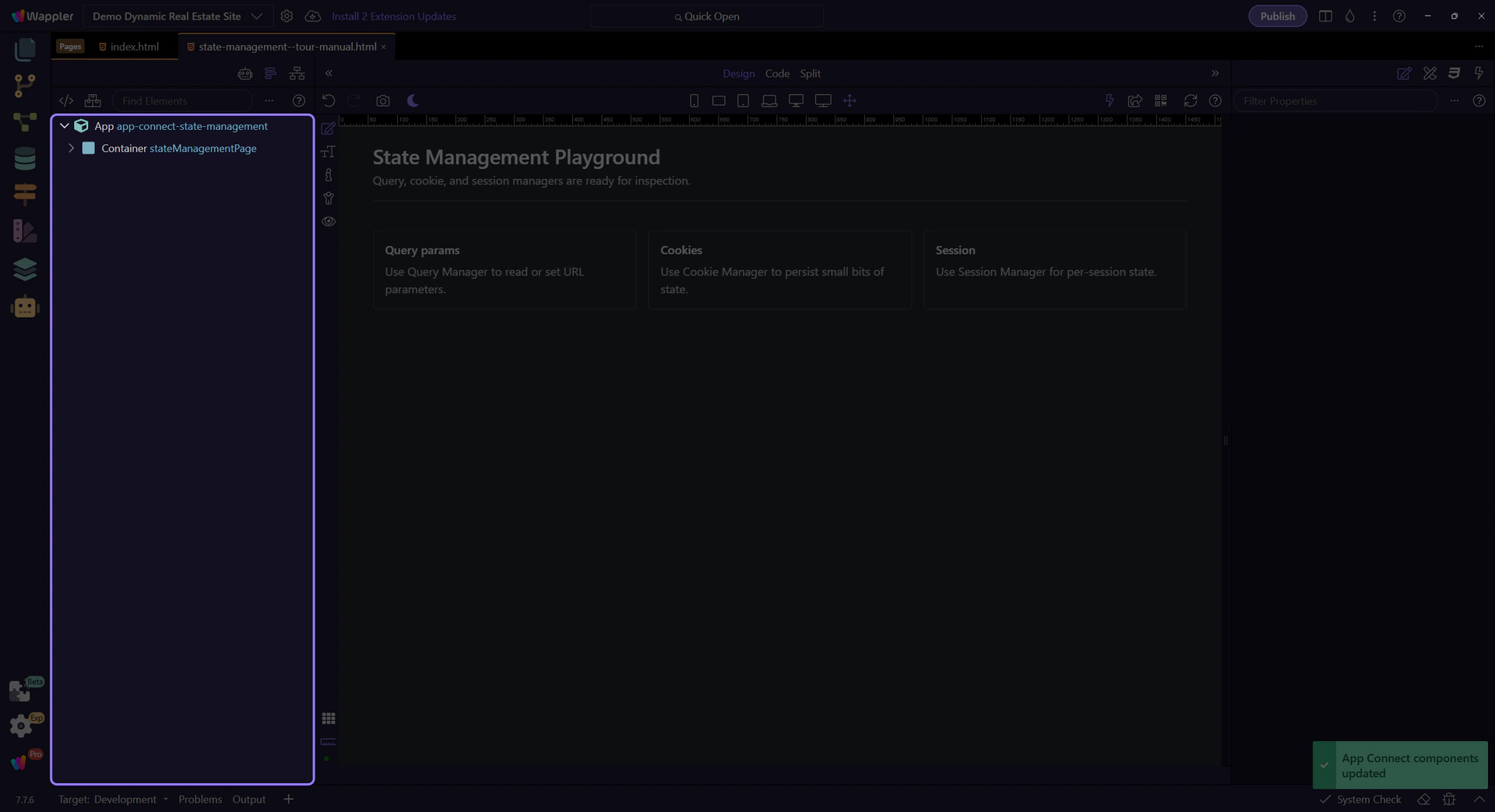
These components are configured like any other App Connect component: select in App Structure, set properties, then call actions from events.
Use this mental model to avoid accidental UX bugs (state that resets when it shouldn’t, or sticks when it shouldn’t).
Best when state should be shareable and bookmarkable (filters/search/sort/page/selection).
Best for lightweight preferences and consent flags that should persist across sessions.
Best for per-tab workflows (wizards, temporary drafts) that should survive refresh but clear when the tab closes.
Best for non-sensitive settings that should “stick” without cookie overhead.
Now pick a deep dive for the storage type you need.
Choose a focused tour to continue.