
Bootstrap 5 Form Generator
Generate Bootstrap forms quickly with Wappler, then customize layout, labels, and validation feedback.
Form Generator
Section titled “Form Generator”The Bootstrap 5 Form Generator scaffolds a Bootstrap form wired to a Server Connect action. It can auto-generate inputs based on the action schema.
What it generates
Section titled “What it generates”The generator inserts the form markup plus bindings for values, validation and submit behavior (depending on your selected action and options).
Prerequisite
Section titled “Prerequisite”You’ll get the best results when you already have a Server Connect action (for example, insert/update/select) and its input/output schema is known.
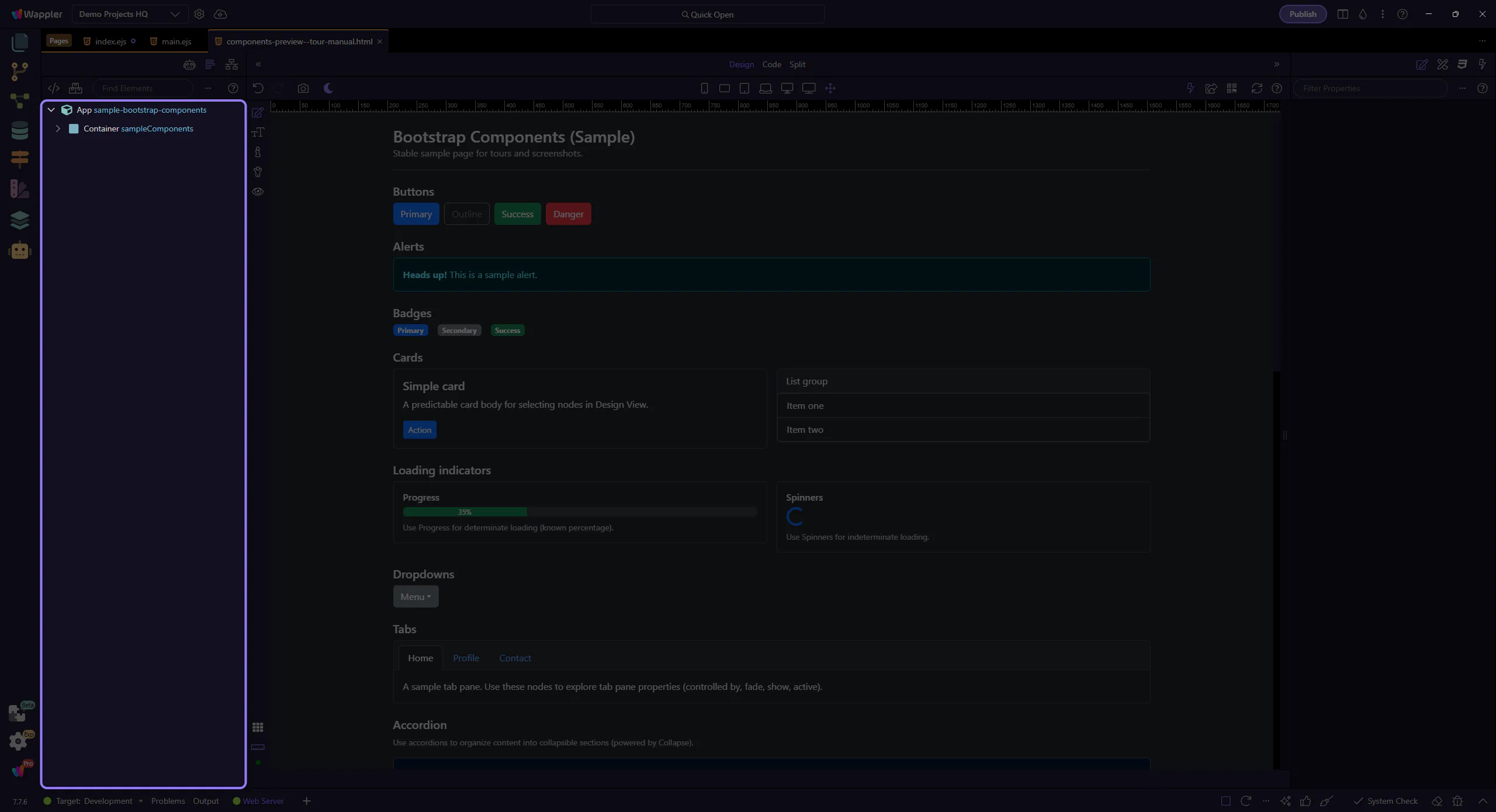
Open the generator
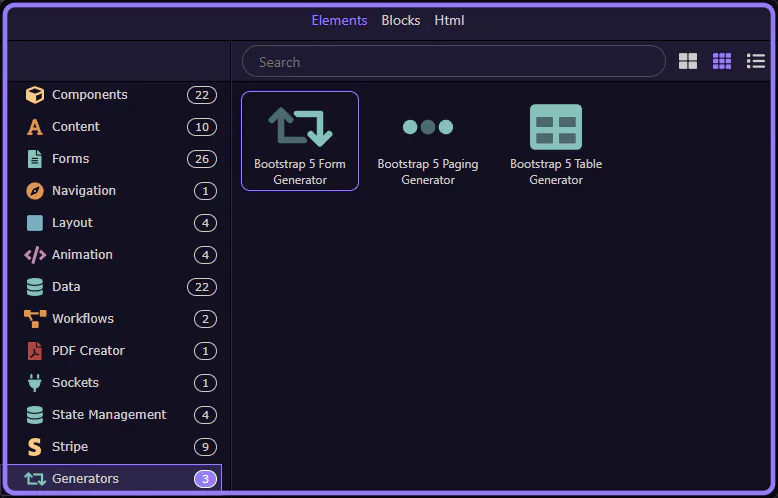
Section titled “Open the generator”Open the Components picker, select the Generators category, then choose Bootstrap 5 Form Generator.
Components picker opened
Section titled “Components picker opened”The Components picker is now open (via Insert Child). This step matters because Components picker opened is part of the Structure panel, and understanding that context makes the next action easier to repeat in your own project.
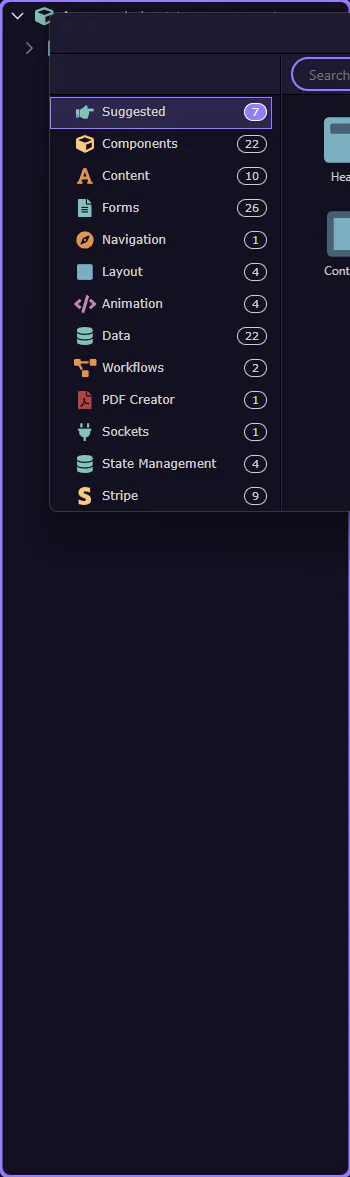
Components picker
Section titled “Components picker”Use categories to find generators quickly. This step matters because Components picker is part of Components Popup Root, and understanding that context makes the next action easier to repeat in your own project.
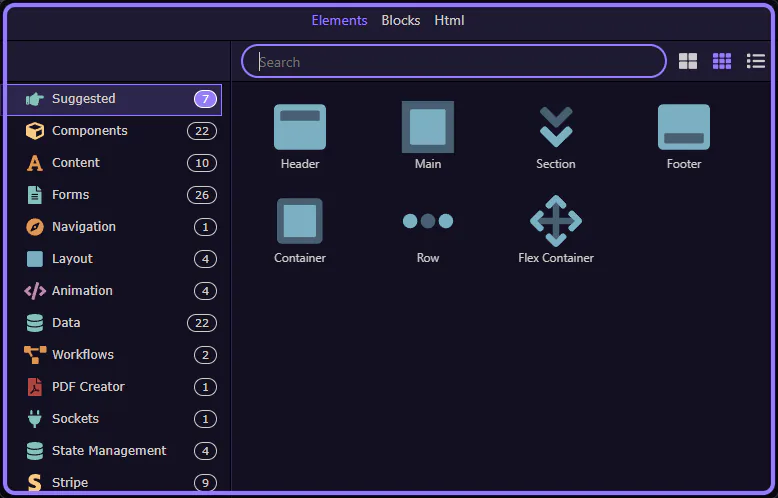
Generators category selected
Section titled “Generators category selected”The Generators category is now selected. This step matters because Generators category selected is part of Components Popup Anchor Right, and understanding that context makes the next action easier to repeat in your own project.

Form Generator selected
Section titled “Form Generator selected”Bootstrap 5 Form Generator is now selected and its dialog opens. This step matters because Form Generator selected is part of Components Popup Root, and understanding that context makes the next action easier to repeat in your own project.
Generator dialog
Section titled “Generator dialog”The generator opens in a popup dialog.
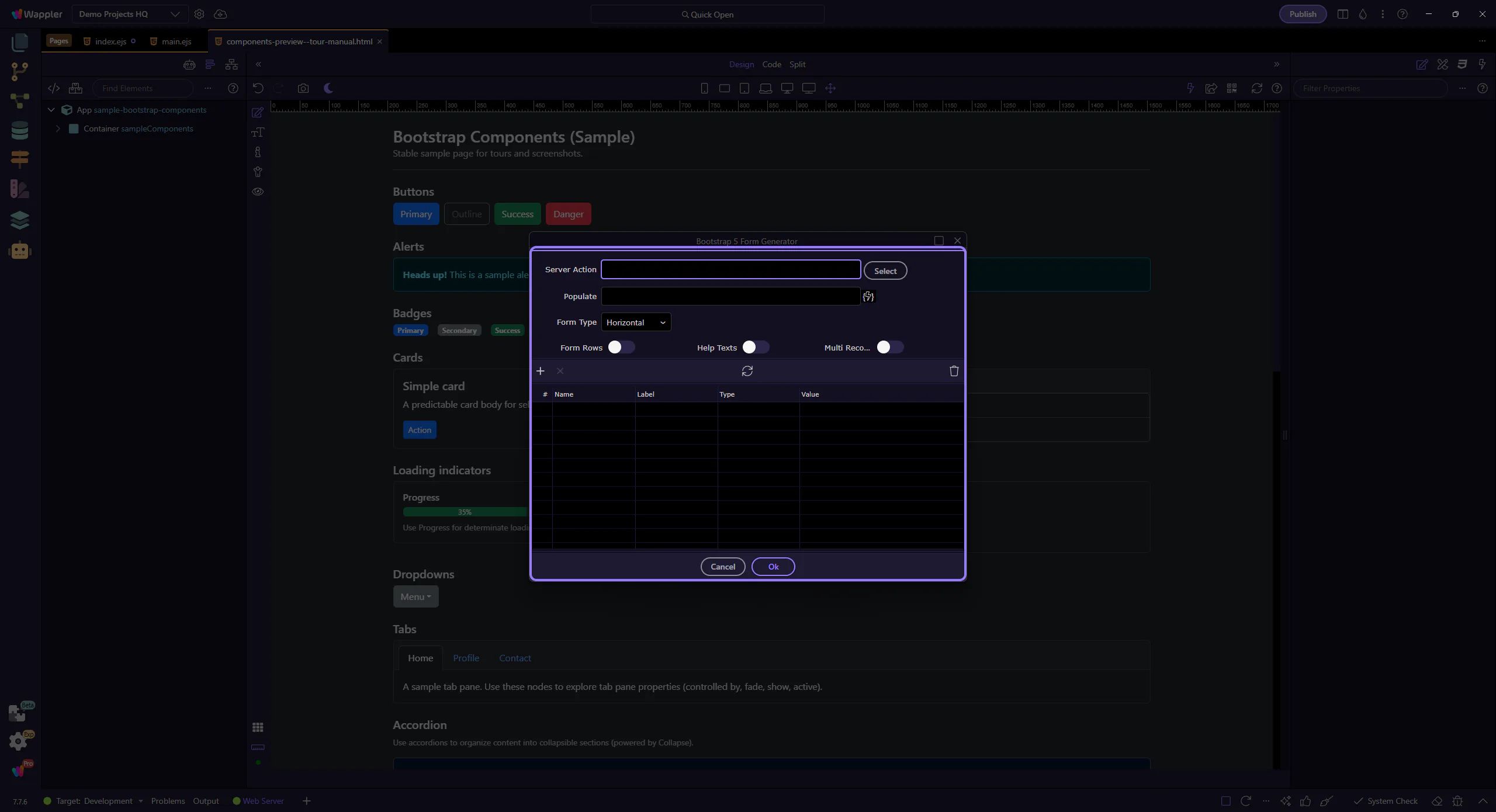
Server Action
Section titled “Server Action”Pick which Server Connect action this form should be wired to.
Server Action
Section titled “Server Action”Use Select to choose a Server Connect action. The generator can infer fields from the action schema. This step matters because Server Action is part of Popup Bootstrap5formgenerator Form Fieldsform Field Serveractionname Input, and understanding that context makes the next action easier to repeat in your own project.

Populate
Section titled “Populate”If the action returns data (for example, select a record), Populate can be used to bind default values into the form.

Form layout
Section titled “Form layout”Choose the Bootstrap form layout style and helper options.
Form Type
Section titled “Form Type”The layout preset controls whether the form is horizontal, vertical, inline, or uses floating labels.
Form Rows / Help Texts
Section titled “Form Rows / Help Texts”Enable Form Rows to wrap fields in row markup. Enable Help Texts to include Bootstrap help text blocks per field.

Multi Record
Section titled “Multi Record”Enable Multi Record when you want a repeatable form section for array-like inputs. This step matters because Multi Record is part of Popup Bootstrap5formgenerator Form Fieldsform Field Multirecord Input, and understanding that context makes the next action easier to repeat in your own project.

Fields
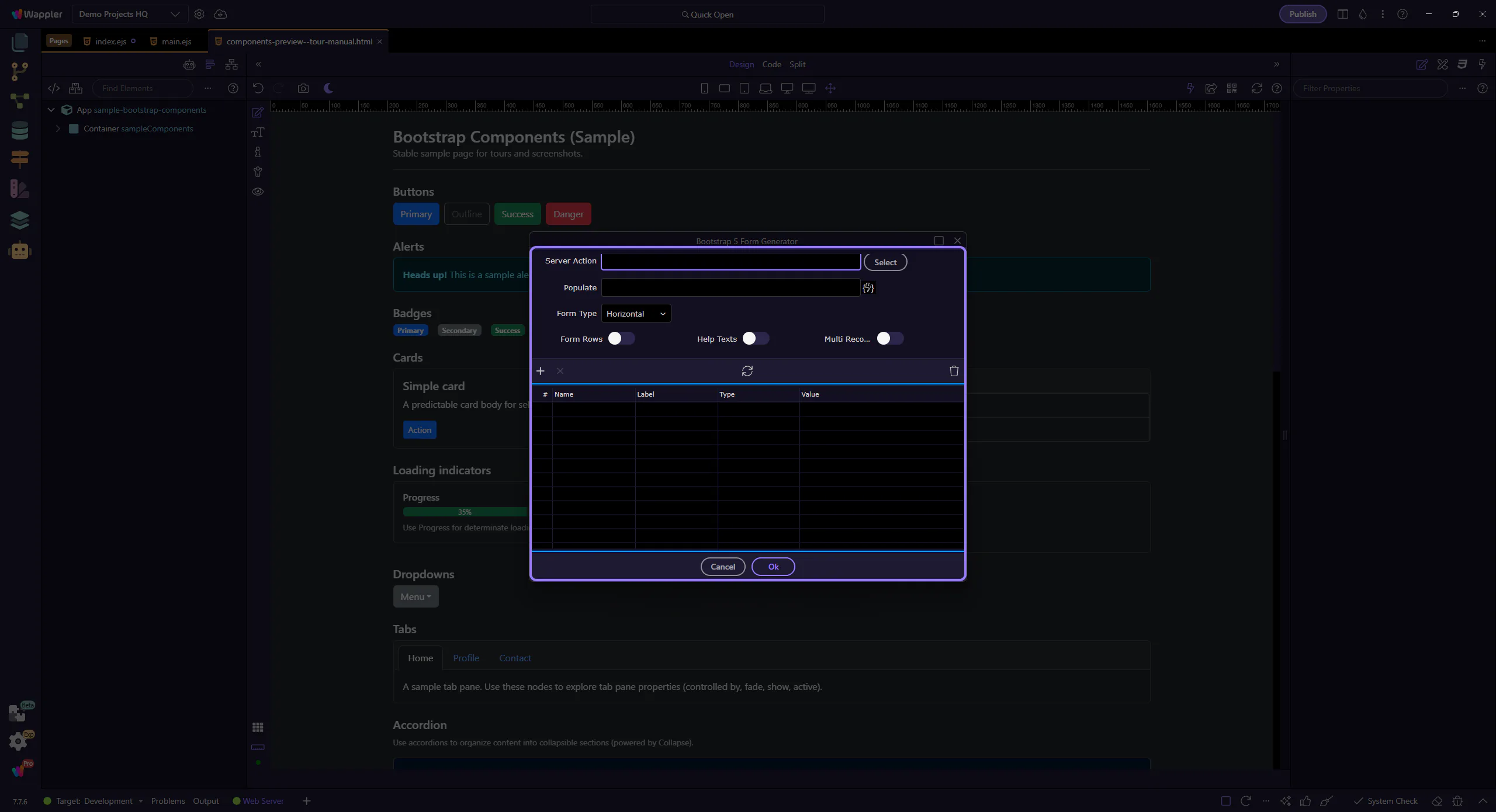
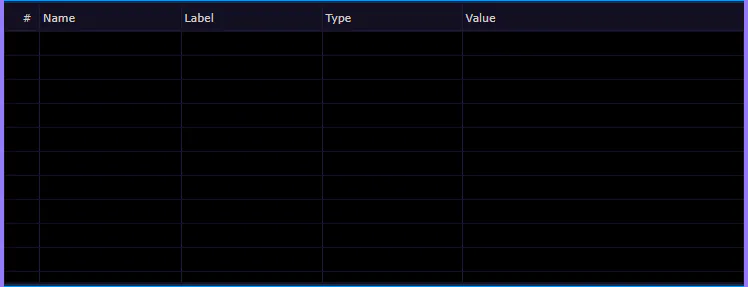
Section titled “Fields”Use the fields grid to choose and configure the inputs to generate.
Fields grid
Section titled “Fields grid”Each row represents a form field. Use it to decide which fields to include and how to label them.
Generated bindings
Section titled “Generated bindings”The generator uses these fields to create input names, labels and data bindings. You can fine-tune them after generation in the Properties panel.
Generate
Section titled “Generate”When you’re happy with the settings, generate the form.
Selecting Ok inserts the generated form into the page. This step matters because Ok is part of Popup Bootstrap5formgenerator Button Ok, and understanding that context makes the next action easier to repeat in your own project.

Cancel
Section titled “Cancel”Selecting Cancel closes the dialog without inserting anything. This step matters because Cancel is part of Popup Bootstrap5formgenerator Button Cancel, and understanding that context makes the next action easier to repeat in your own project.

Next steps
Section titled “Next steps”Continue with other generator tours, or return to the Bootstrap tours index.