
Seeds, Templates, and Change History
Use the Database Manager context actions for seeds, templates, and migration history so schema work stays reusable and trackable.
Introduction
Section titled “Introduction”Use this tour when the schema itself is already understandable and the next question is how Database Manager helps you keep data bootstrapping and structural history reusable. The goal is to connect the table context actions for seeds and templates with the Changes branch that tracks migration history.
The live tree drives these actions
Section titled “The live tree drives these actions”The next steps stay in the real Database Manager tree because seeds, templates, and change history are all tree-driven actions. First the tour selects the Demo Projects HQ database branch, then it opens the real table and Changes context menus on stable live nodes.
The Demo Projects HQ `db` connection is selected
Section titled “The Demo Projects HQ `db` connection is selected”The next step selects the live db connection so the context actions are shown on a real working database instead of only being explained in theory.
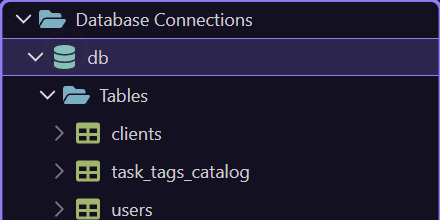
Expand the working branches
Section titled “Expand the working branches”The next step expands the live db branch so the table and history nodes are available. This is the same deliberate pattern used throughout Database Manager: expand only the branch you need, then act on the exact node that owns the next operation.
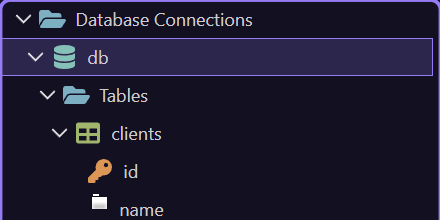
The `users` table is selected for seed actions
Section titled “The `users` table is selected for seed actions”On the next step, the tour selects the live users table so the table context menu exposes the reusable data actions that sit beside normal table work.
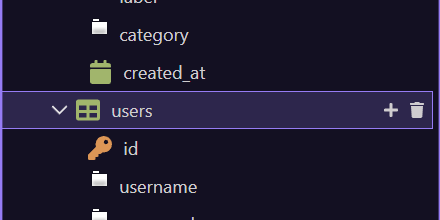
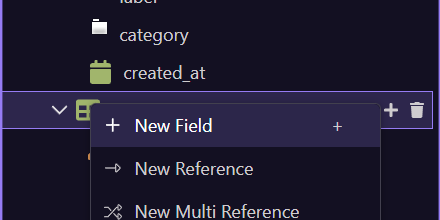
The table context menu exposes `Create Seed` and `Create New Template`
Section titled “The table context menu exposes `Create Seed` and `Create New Template`”This step opens the real table context menu on users. These entries matter because they let you turn a working table state into reusable bootstrap data. Use Create Seed when you want reusable seed logic, Create New Template when you want a template starting point, and the database templates submenu when you want to apply an existing reusable pattern.
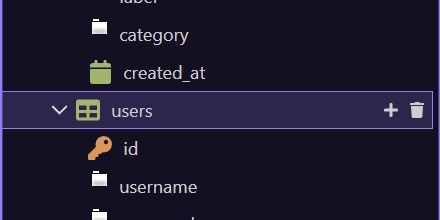
Return from the table menu
Section titled “Return from the table menu”The table menu closes on the next step so the tour can move from table-driven seed actions into the structural history branch.
Complete seeds and templates action reference
Section titled “Complete seeds and templates action reference”Table actions create reusable assets; the resulting Seeds and Templates branches operate them. Applying a seed runs the seed workflow on the current connection, while applying a template generates and applies its schema migration.
| Selection | Actions |
|---|---|
| Table | Create Seed; Create New Template |
| Seeds branch | Apply All Seeds |
| Individual Seed | Apply This Seed; Open In Editor |
| Tables / Table | Apply Database Templates submenu |
| Templates submenu | Choose a template; Manage Templates Folder |
| Generated template change | Review and apply as migration history |
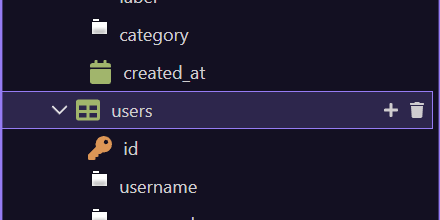
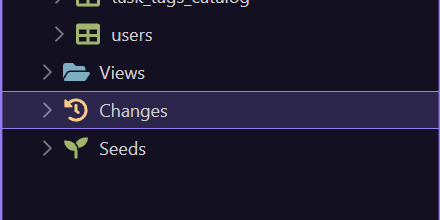
The `Changes` branch is selected
Section titled “The `Changes` branch is selected”On the next step, the tour selects the live Changes branch. This is the Database Manager branch that represents migration history, not reusable row data.
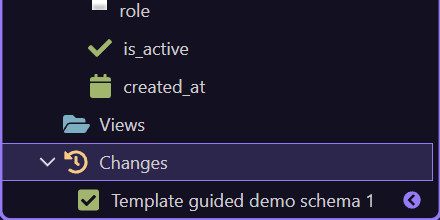
The `Changes` menu controls migration history state
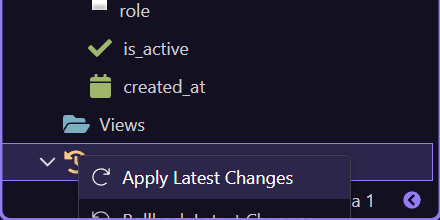
Section titled “The `Changes` menu controls migration history state”This step opens the real Changes context menu. The key actions here are Reset Changes History and Unlock Changes History, which belong to migration-state management rather than data bootstrapping. Use them carefully because they affect how Wappler tracks schema history across targets.
`Seeds` and `Changes` play different roles
Section titled “`Seeds` and `Changes` play different roles”These branches are related, but they do different jobs. Create Seed and Create New Template help you bootstrap or reuse data-oriented setup. The Changes branch tracks structural migration history. When seed files exist, the Seeds branch becomes the place to apply them, open them, or review the reusable bootstrap data separately from schema history.
Next steps
Section titled “Next steps”Return to the main Database Manager hub when you are ready for the next subject. That keeps the database learning path sequential and lets the main hub remain the place where the next database topic is chosen.