How To: Duplicate an element
Learn how to duplicate an element in the App Structure panel.
Goal: Duplicate an element
Section titled “Goal: Duplicate an element”Duplicating from Structure is easiest when you think of the tree as a safe way to act on the exact node you need. This how-to frames that goal first, then shows how duplication fits into normal editing when you want to preserve existing setup and repeat a similar element.

Duplicate from the tree
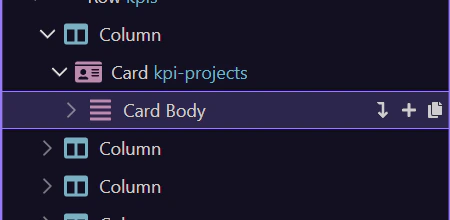
Section titled “Duplicate from the tree”Use the context menu Duplicate action on the selected element.
Verify the copy
Section titled “Verify the copy”Look for the new element in the tree, then rename or adjust it as needed.

If you duplicated the wrong element, use Undo and try again.