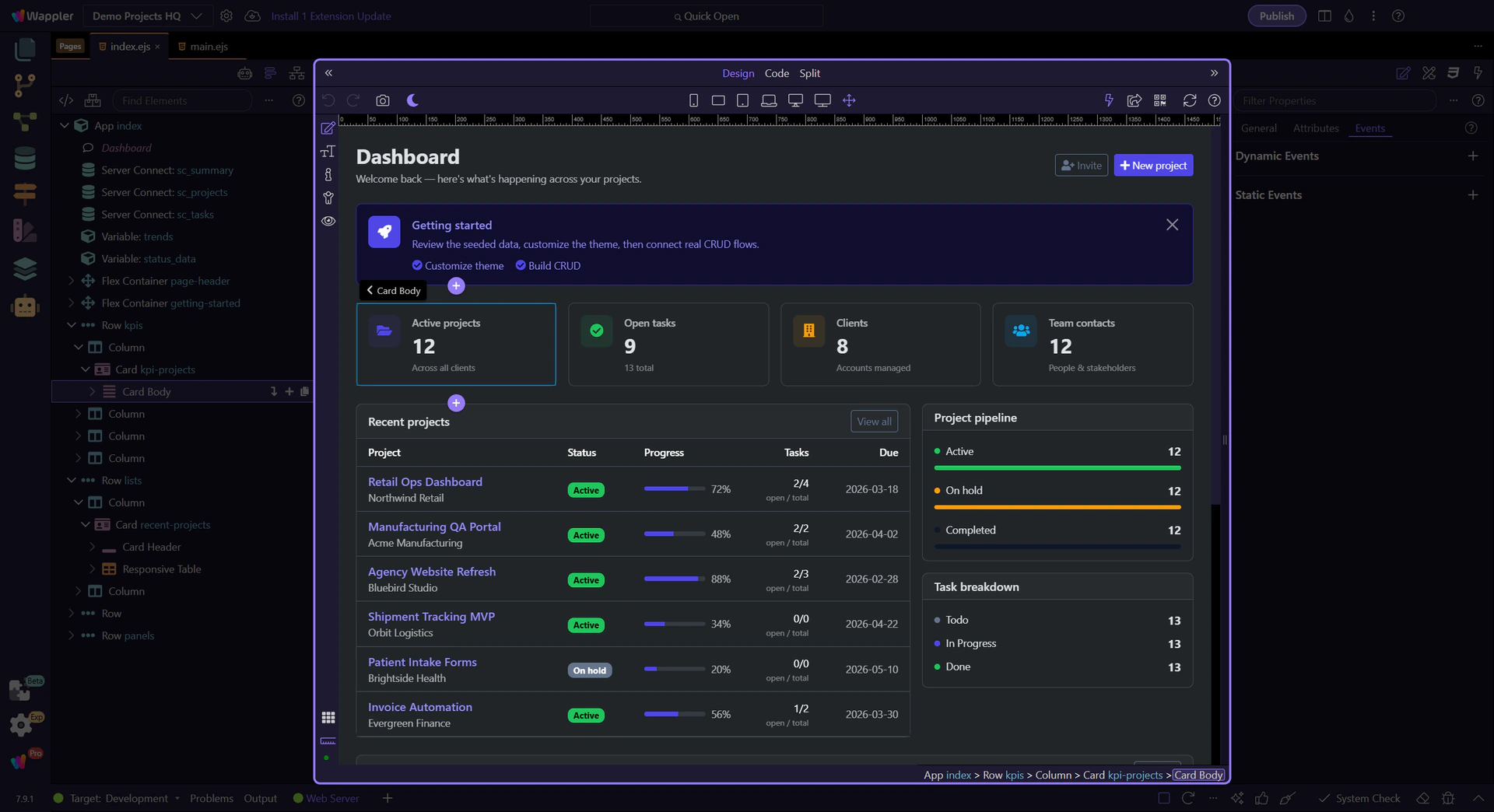
How To: Insert an element
Learn how to insert an element in the App Structure panel. Use this tour as a quick refresher.
Goal: Insert an element
Section titled “Goal: Insert an element”Insertion from Structure works best when you first understand the tree as a map of valid placement points. This how-to starts from that idea, then explains how choosing the correct node keeps new content organized and reduces cleanup after the component is added.
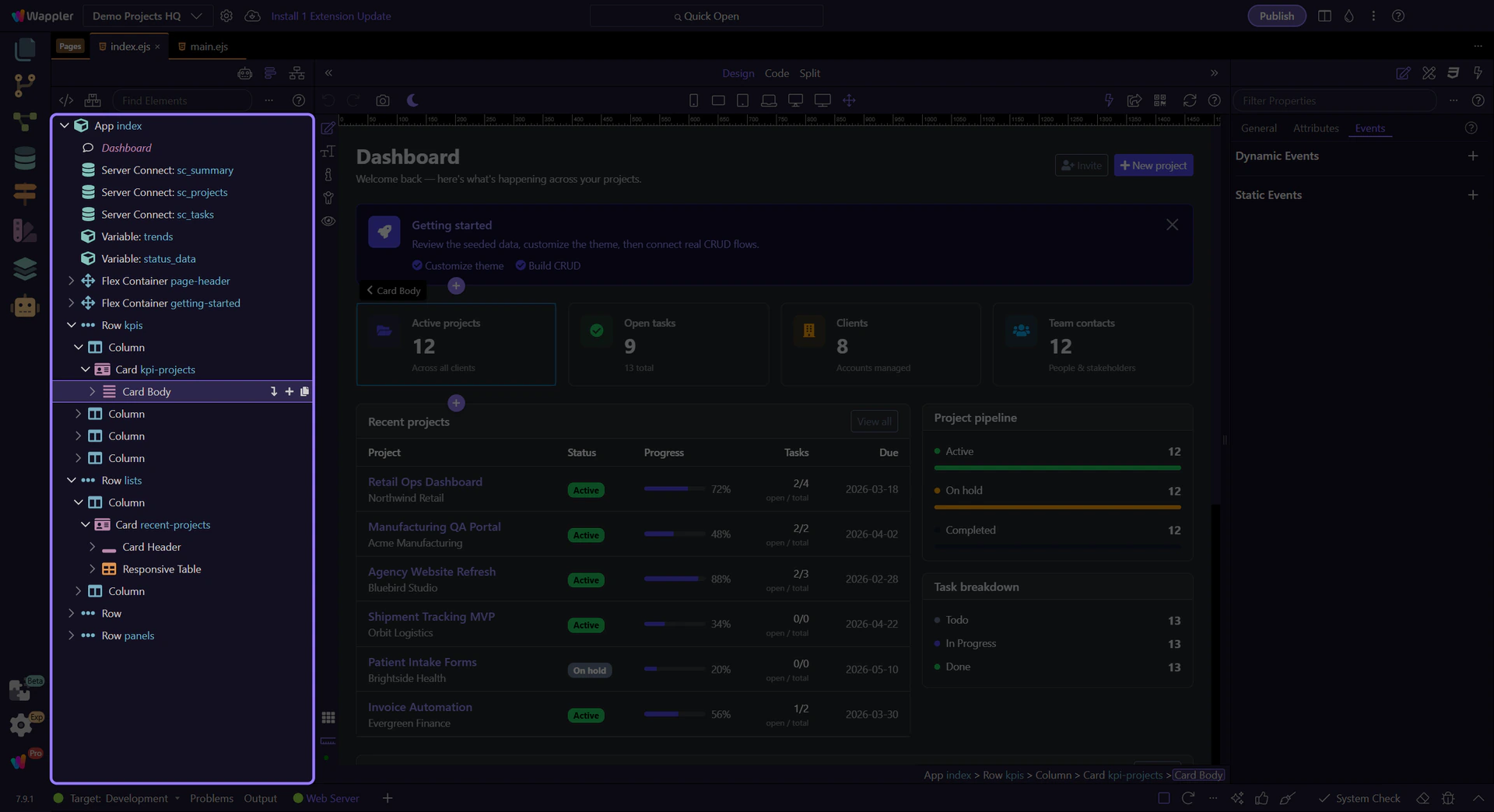
Open the context menu
Section titled “Open the context menu”Right-click an element to access Insert options.
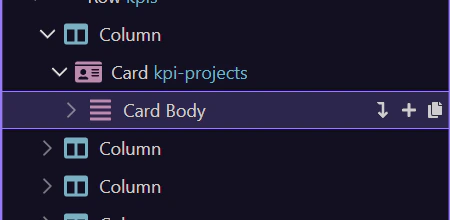
Choose an Insert action
Section titled “Choose an Insert action”Pick Insert Before, Insert After, or Insert Child depending on where you want the new element.
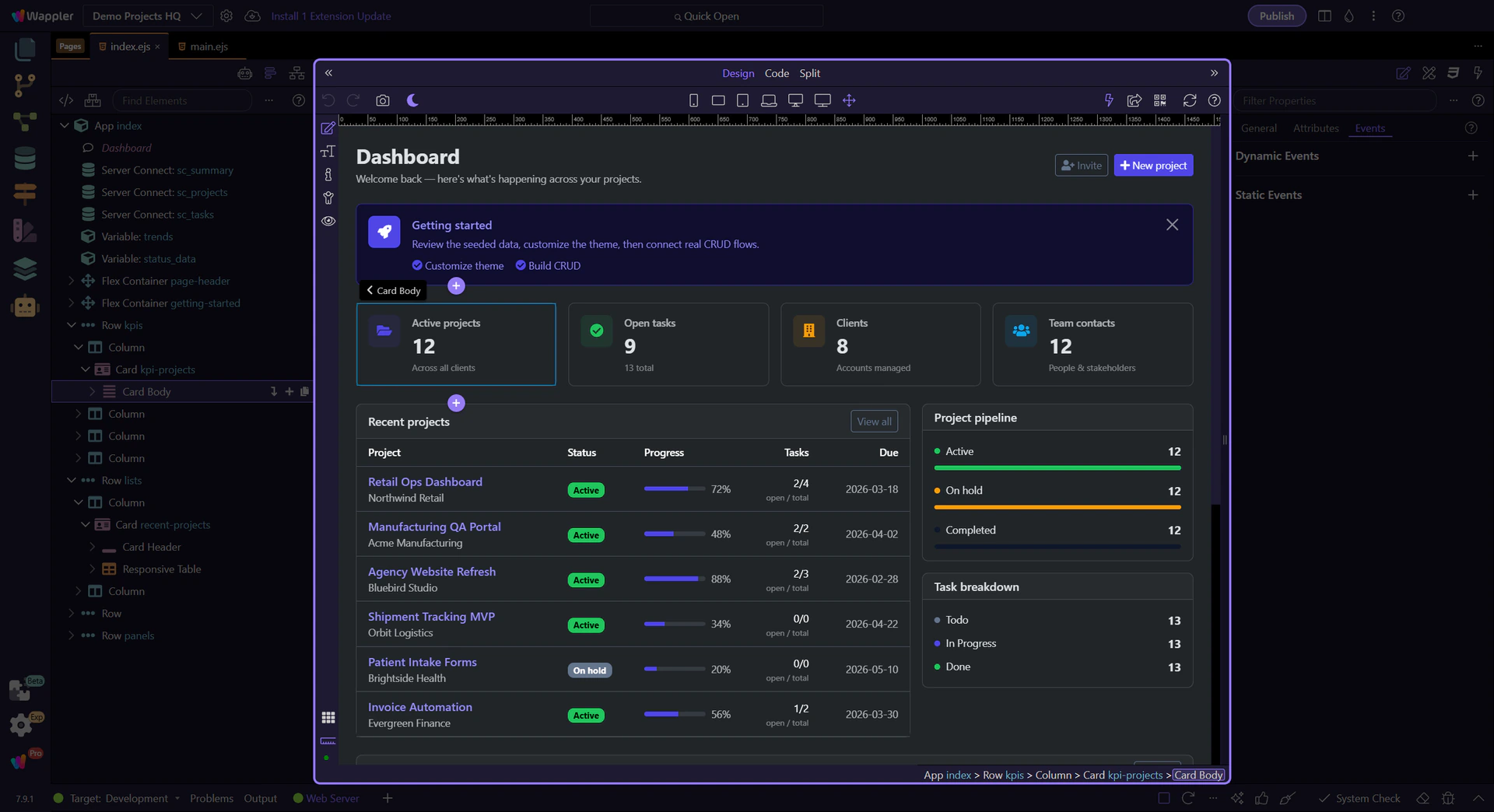
Use Insert Child when you want to nest the new element.