How To: Move content to a separate file
Learn how to move content to a separate file in the App Structure panel.
Goal: Move content to a separate file
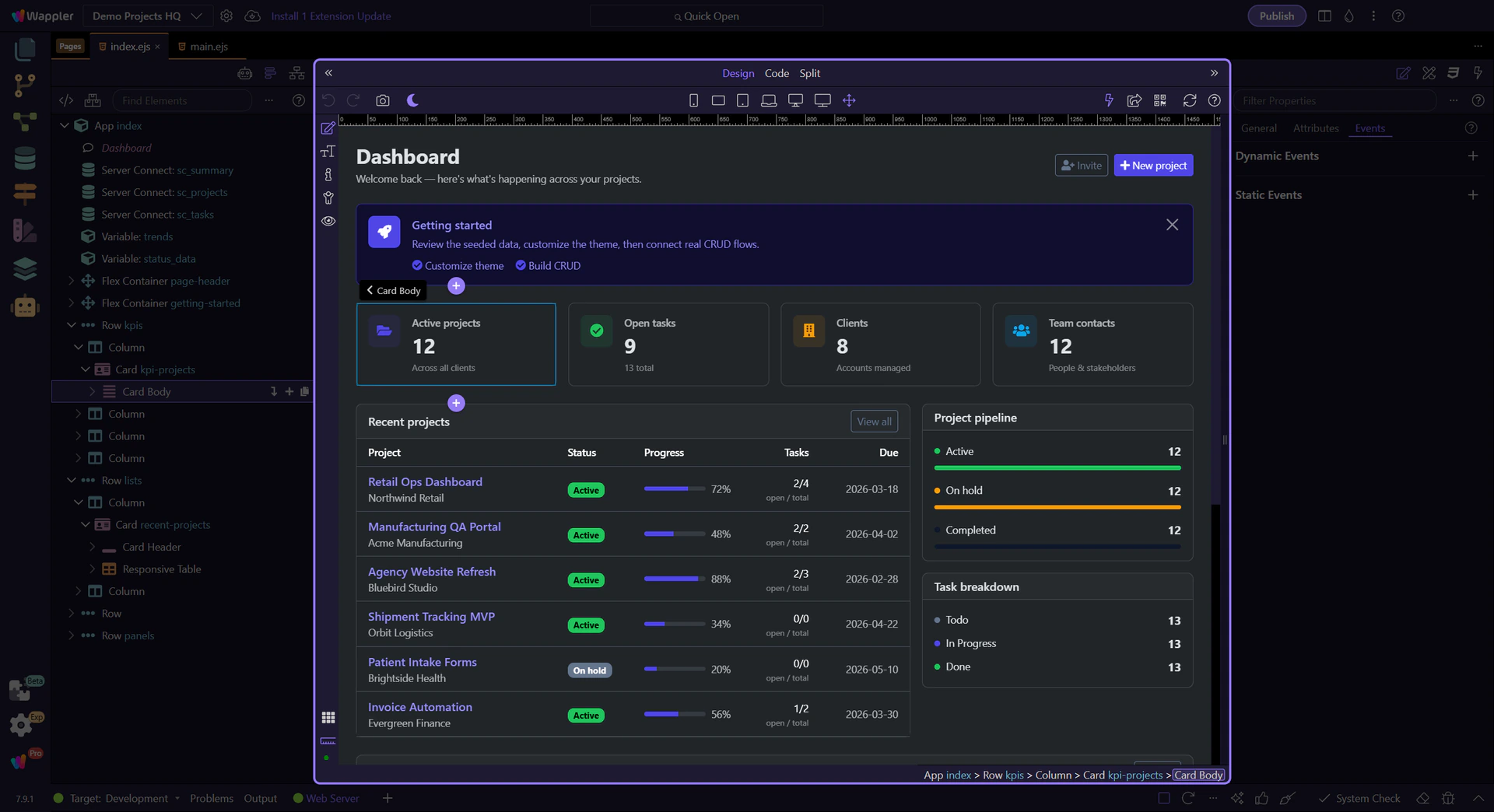
Section titled “Goal: Move content to a separate file”Moving content to a file is easier when you first see the structure tree as the place where reuse decisions begin. This how-to frames the goal in context, then shows why the correct source node matters before you turn a piece of page structure into a reusable file.
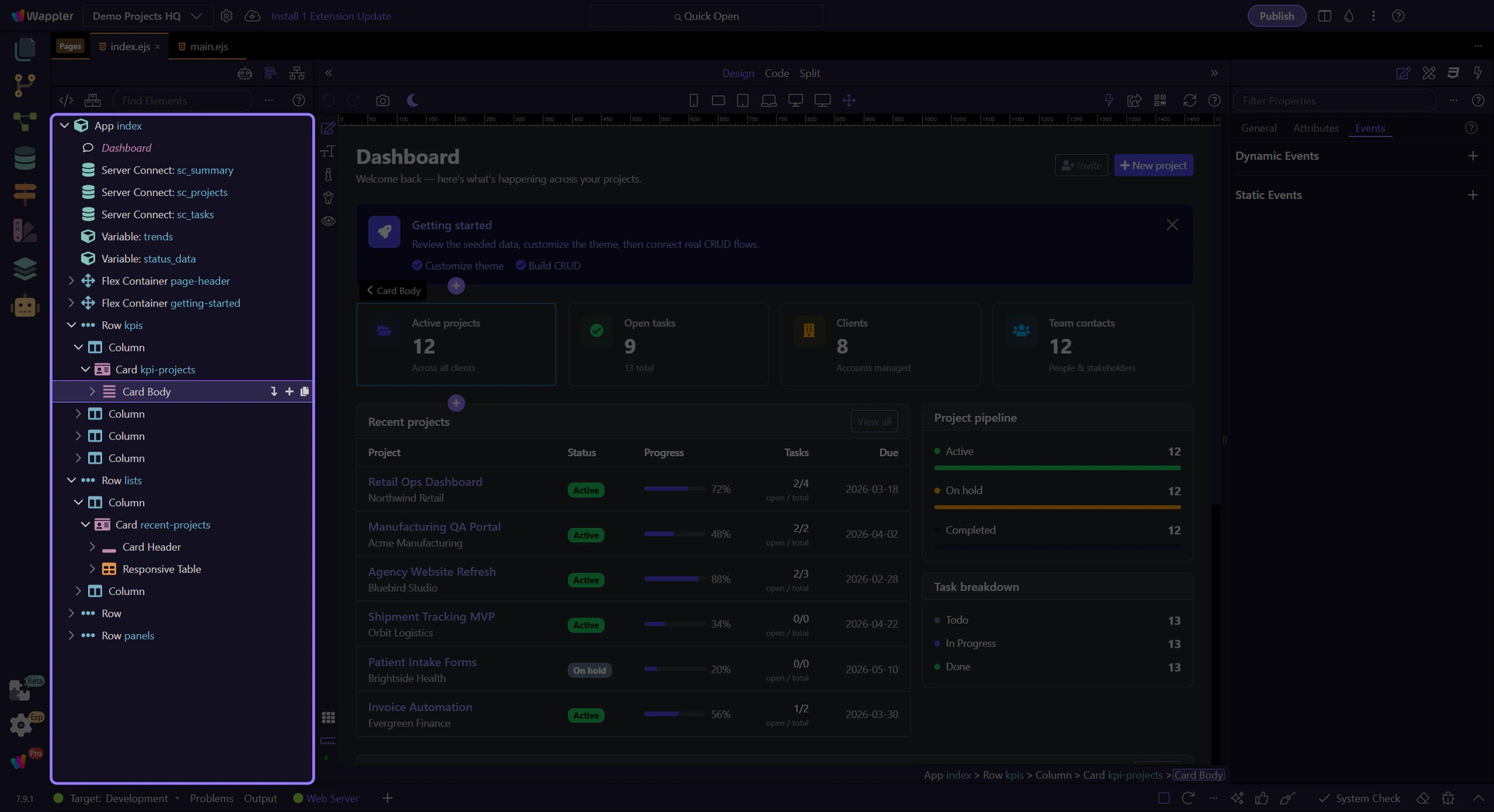
Move to Separate File
Section titled “Move to Separate File”Right-click the element and use Move to Separate File.

Confirm the new file
Section titled “Confirm the new file”Follow the prompt to name the file and confirm the action.
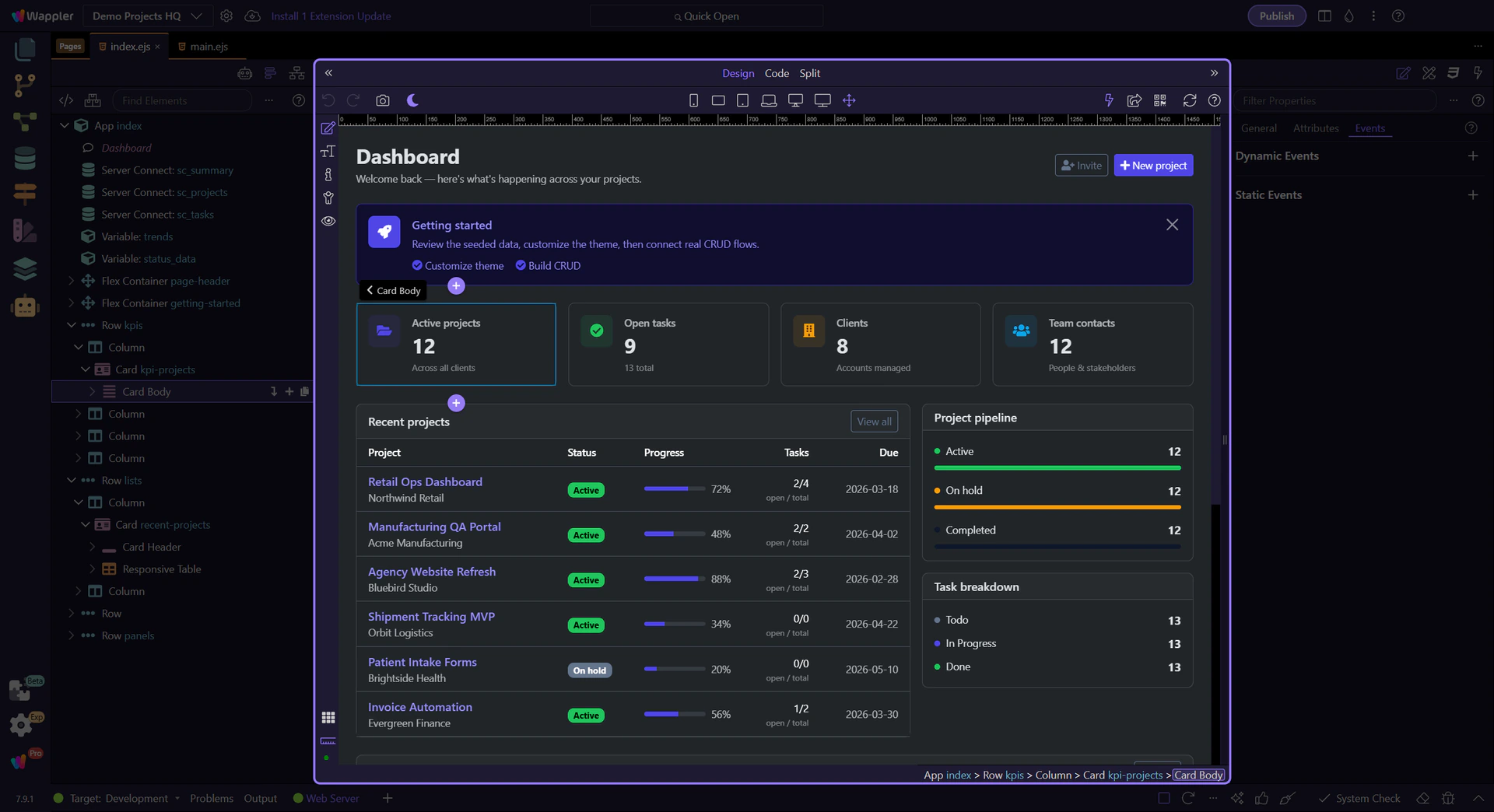
This is useful for shared sections like headers, footers, or repeated blocks.