How To: Manage frameworks & visibility
Learn how to manage frameworks & visibility in the App Structure panel.
Goal: Manage frameworks & visibility
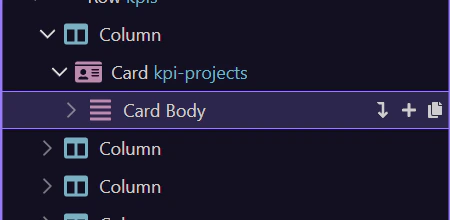
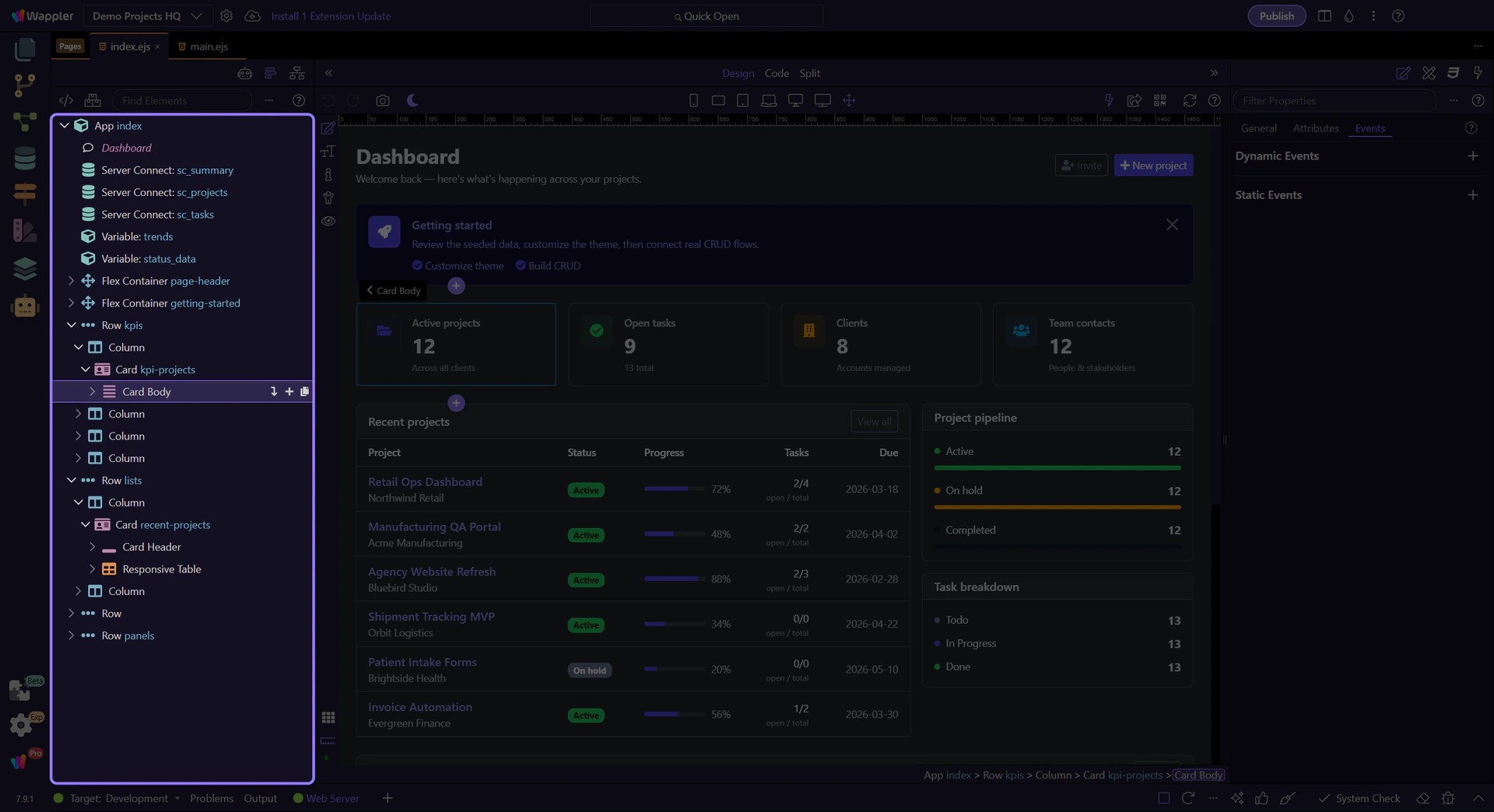
Section titled “Goal: Manage frameworks & visibility”Framework-related structure choices are easier to understand when you first see how the page tree reflects the components Wappler manages for you. This how-to frames that connection, then shows why recognizing framework-aware nodes helps you edit with more confidence.
Show all elements
Section titled “Show all elements”Use Show All to display elements that might be hidden or filtered by framework rules.
Manage frameworks
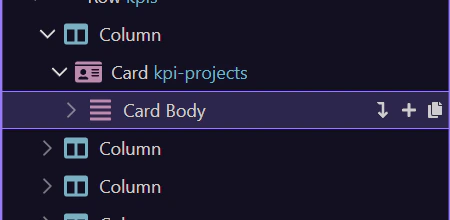
Section titled “Manage frameworks”Use Manage frameworks to enable/disable framework-specific features and element sets.
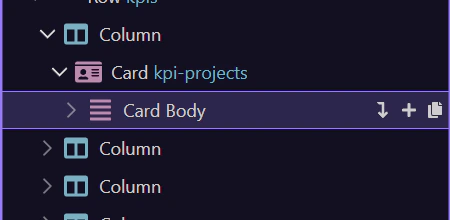
If the tree looks incomplete, try Show All first.