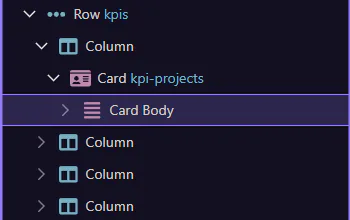
How To: Find an element
Learn how to find an element in the App Structure panel. Use this tour as a quick refresher.
Goal: Find an element
Section titled “Goal: Find an element”Finding something in Structure matters because fast navigation keeps larger pages manageable. This how-to starts with that goal in mind, then explains how the tree helps you jump to the right element before you inspect it, move it, or change related properties elsewhere in the editor.
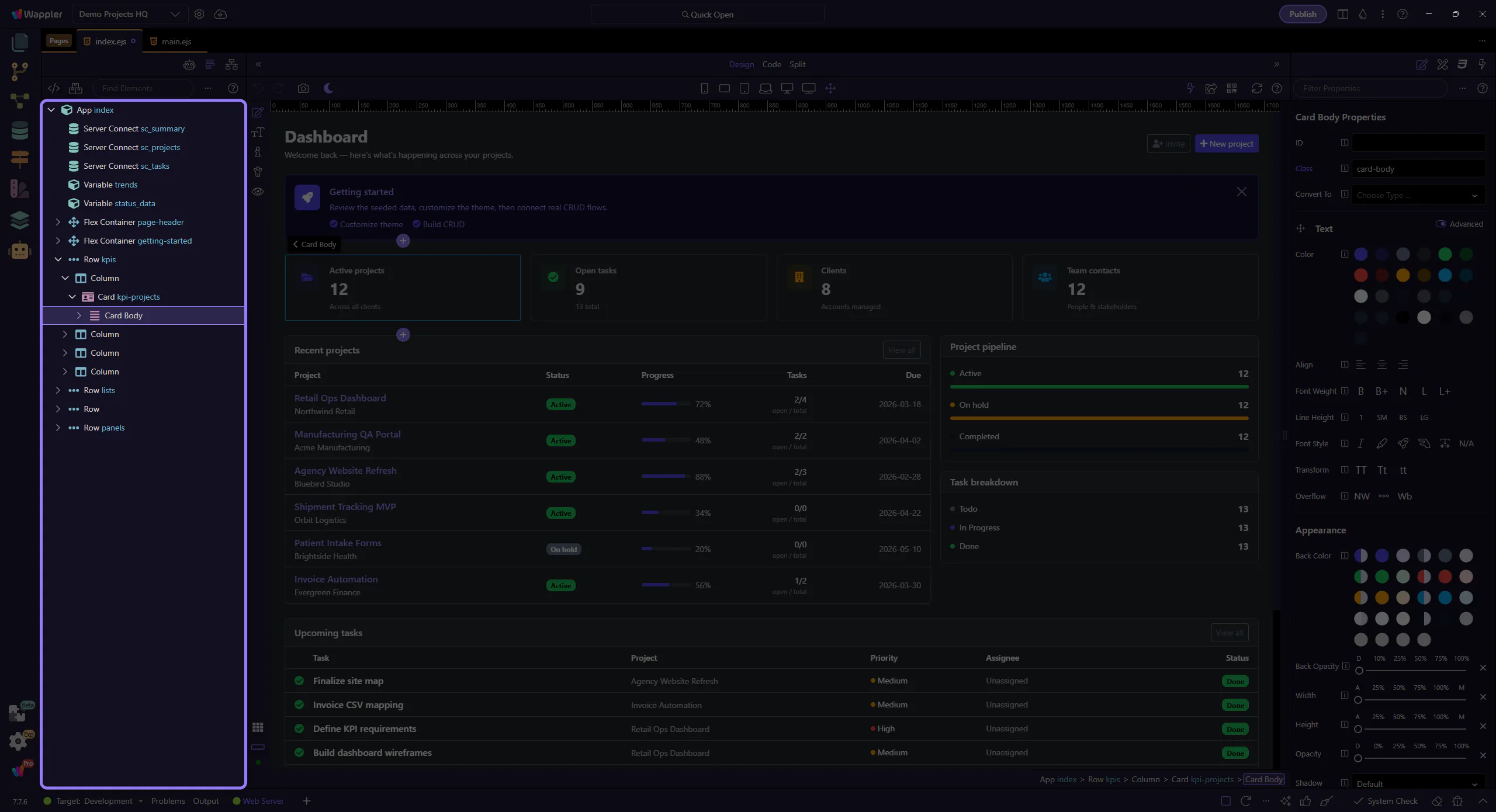
Search the tree
Section titled “Search the tree”Type into the search box to filter the element tree. This step matters because Search the tree is part of the Structure panel, and understanding that context makes the next action easier to repeat in your own project.
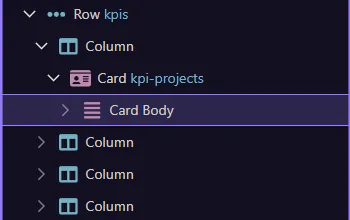
Select the result
Section titled “Select the result”Pick the element you want from the filtered tree. This step matters because Select the result is part of the Structure panel, and understanding that context makes the next action easier to repeat in your own project.
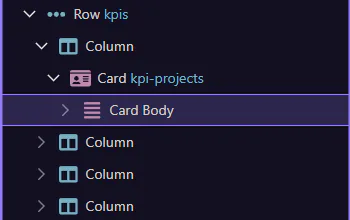
You can repeat this anytime to quickly locate elements. This step matters because Done is part of the Structure panel, and understanding that context makes the next action easier to repeat in your own project.