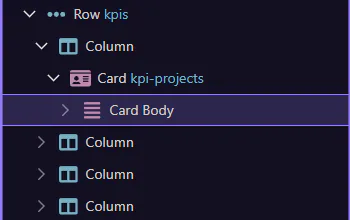
How To: Manage frameworks & visibility
Learn how to manage frameworks & visibility in the App Structure panel.
Goal: Manage frameworks & visibility
Section titled “Goal: Manage frameworks & visibility”Framework-related structure choices are easier to understand when you first see how the page tree reflects the components Wappler manages for you. This how-to frames that connection, then shows why recognizing framework-aware nodes helps you edit with more confidence.
Show all elements
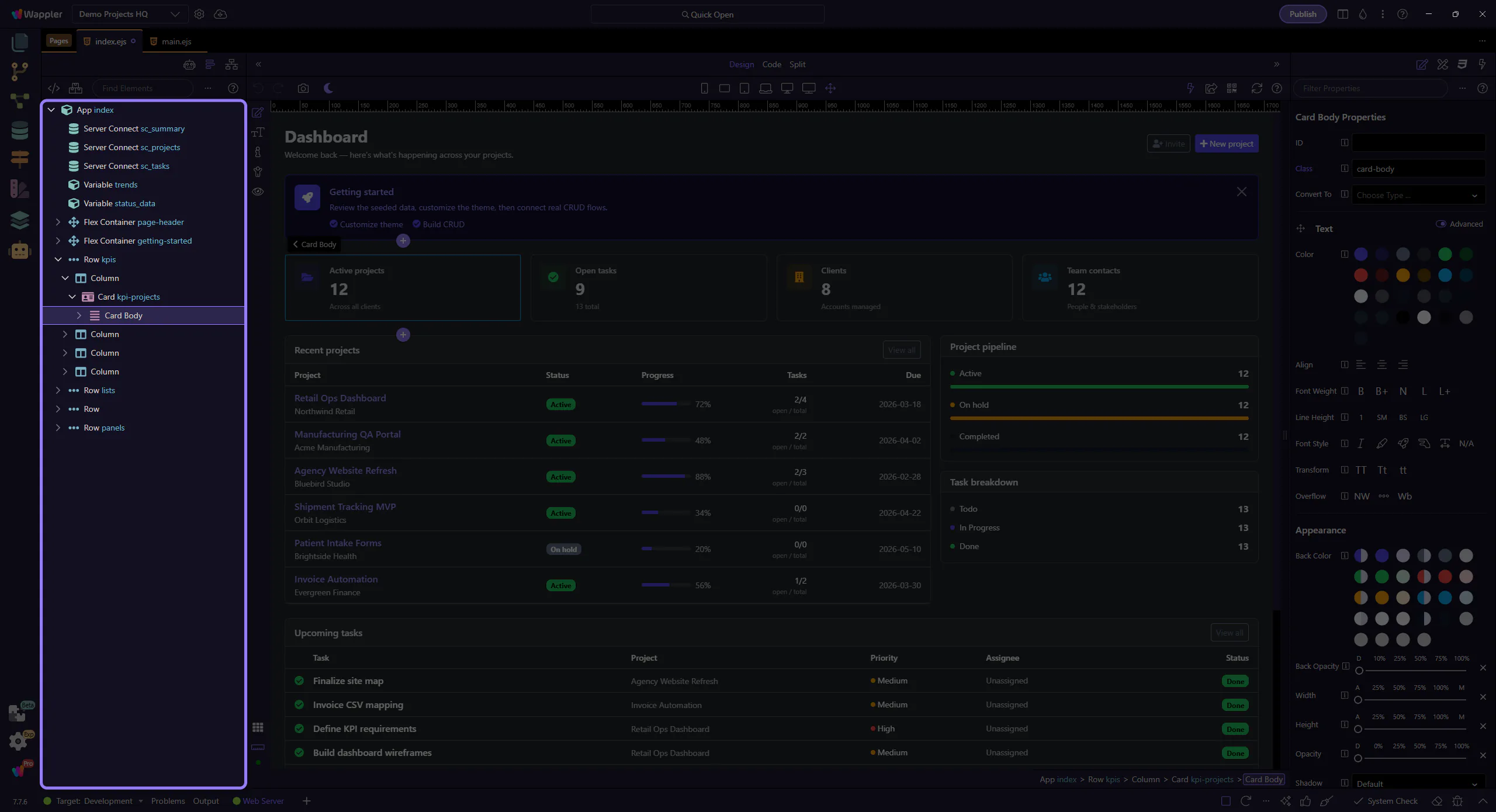
Section titled “Show all elements”Use Show All to display elements that might be hidden or filtered by framework rules. This step matters because Show all elements is part of the Structure panel, and understanding that context makes the next action easier to repeat in your own project.
Manage frameworks
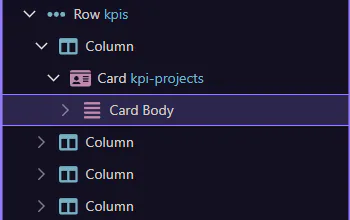
Section titled “Manage frameworks”Use Manage frameworks to enable/disable framework-specific features and element sets. This step matters because Manage frameworks is part of the Structure panel, and understanding that context makes the next action easier to repeat in your own project.
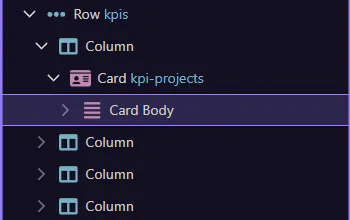
If the tree looks incomplete, try Show All first. This step matters because Done is part of the Structure panel, and understanding that context makes the next action easier to repeat in your own project.