
Identity
Who is making\nthis request
Use session-backed values inside Server Connect actions so identity, permissions, and other secure state stay on the server.
Session variables are Wappler’s safest built-in way to carry user-specific state through secure server requests. The important rule is that session data stays on the server, so the browser can use the result of that state without being trusted as the source of truth.
This sample action already contains session-backed and cookie-backed inputs, which makes it useful for learning the boundary. The next steps stay focused on the session-driven branch first, then use the cookie step only as a contrast.
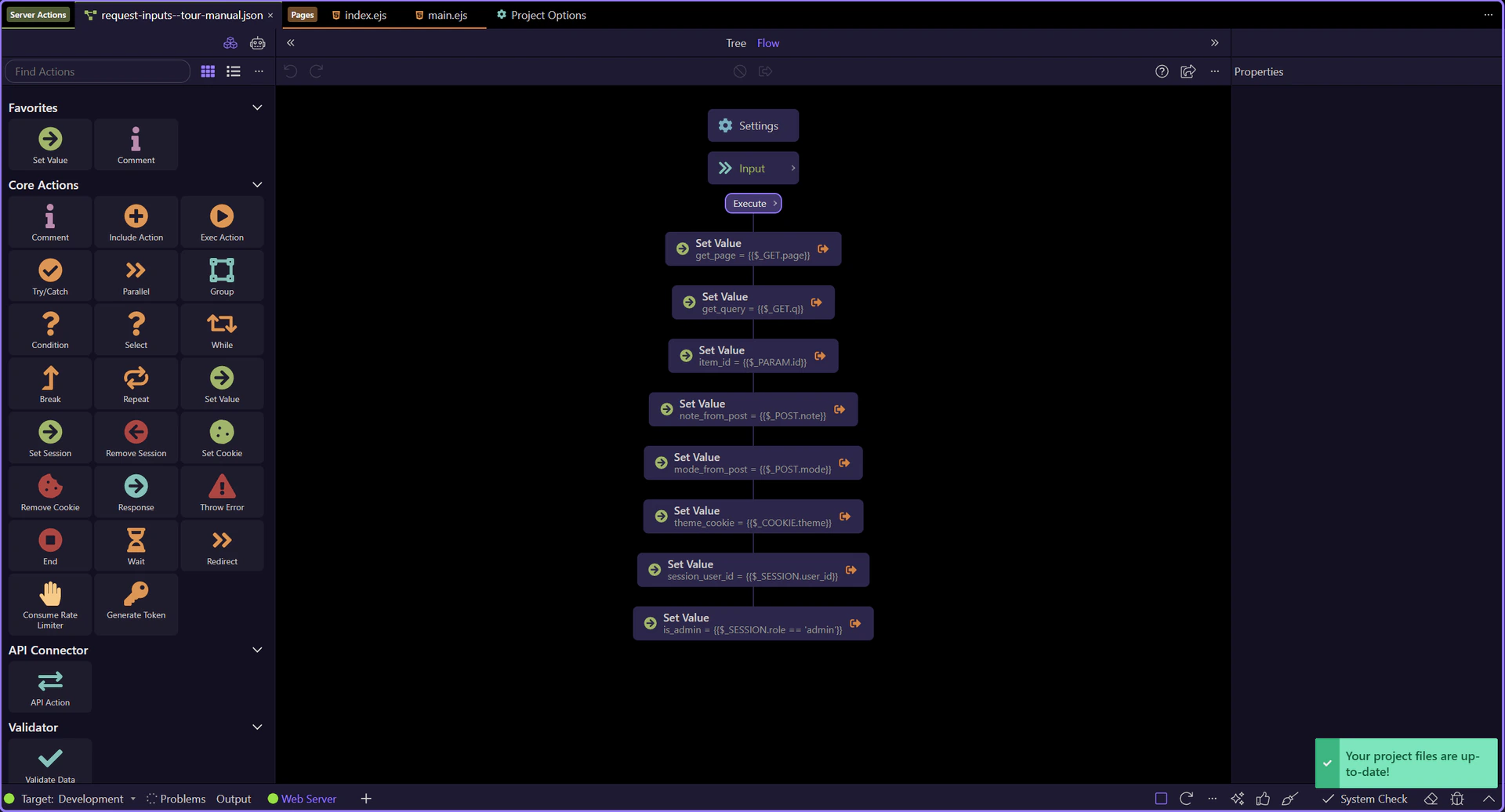
Start with the full editor context before narrowing to one workflow branch. The tree on the left drives the properties on the right, so that relationship is the key thing to keep in mind while following the session-backed steps.
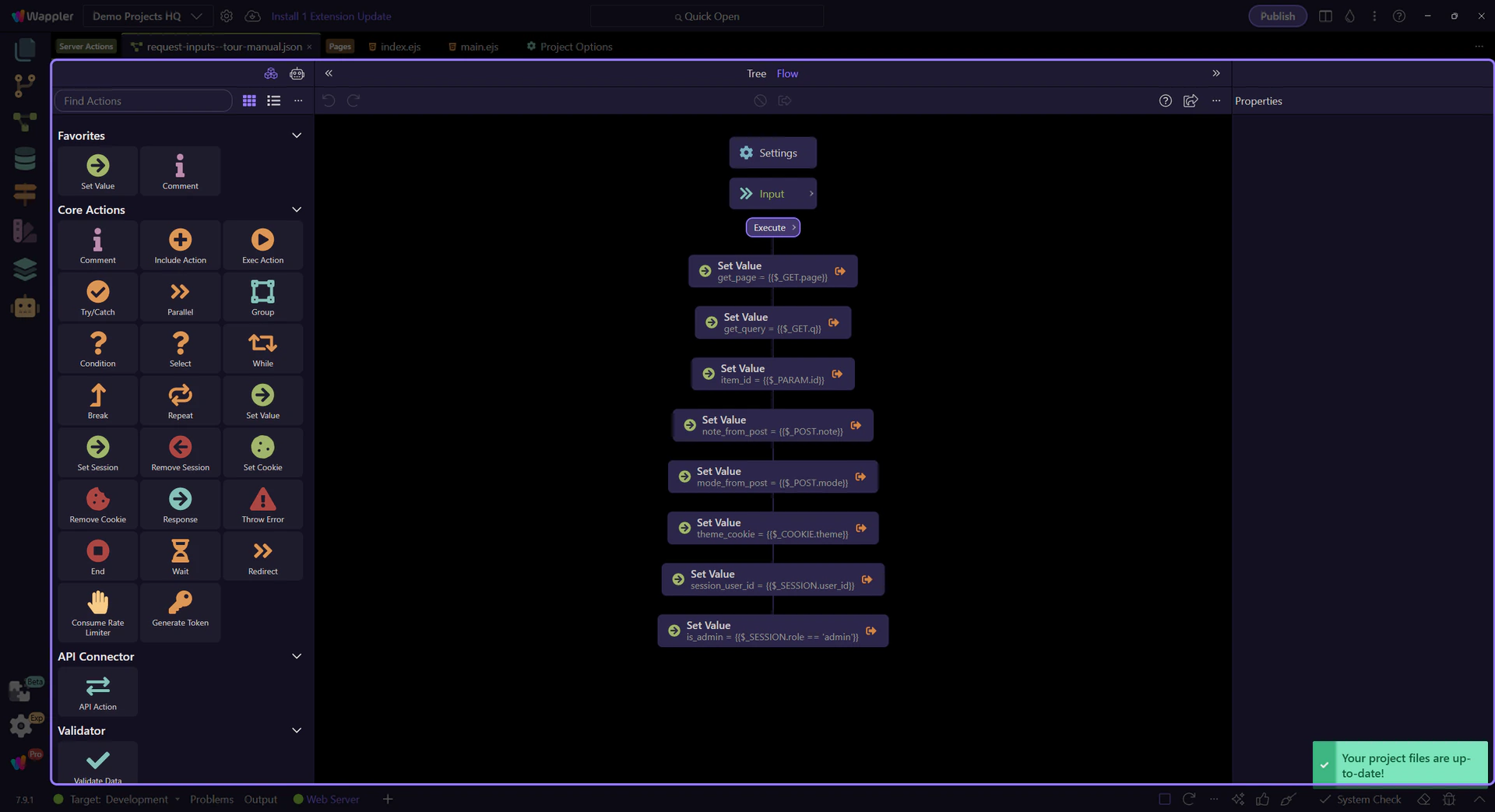
session_user_id is selected in the tree so the rest of the tour can follow one concrete session-backed branch. This is the point where the session value becomes part of a readable workflow instead of feeling like hidden global state.
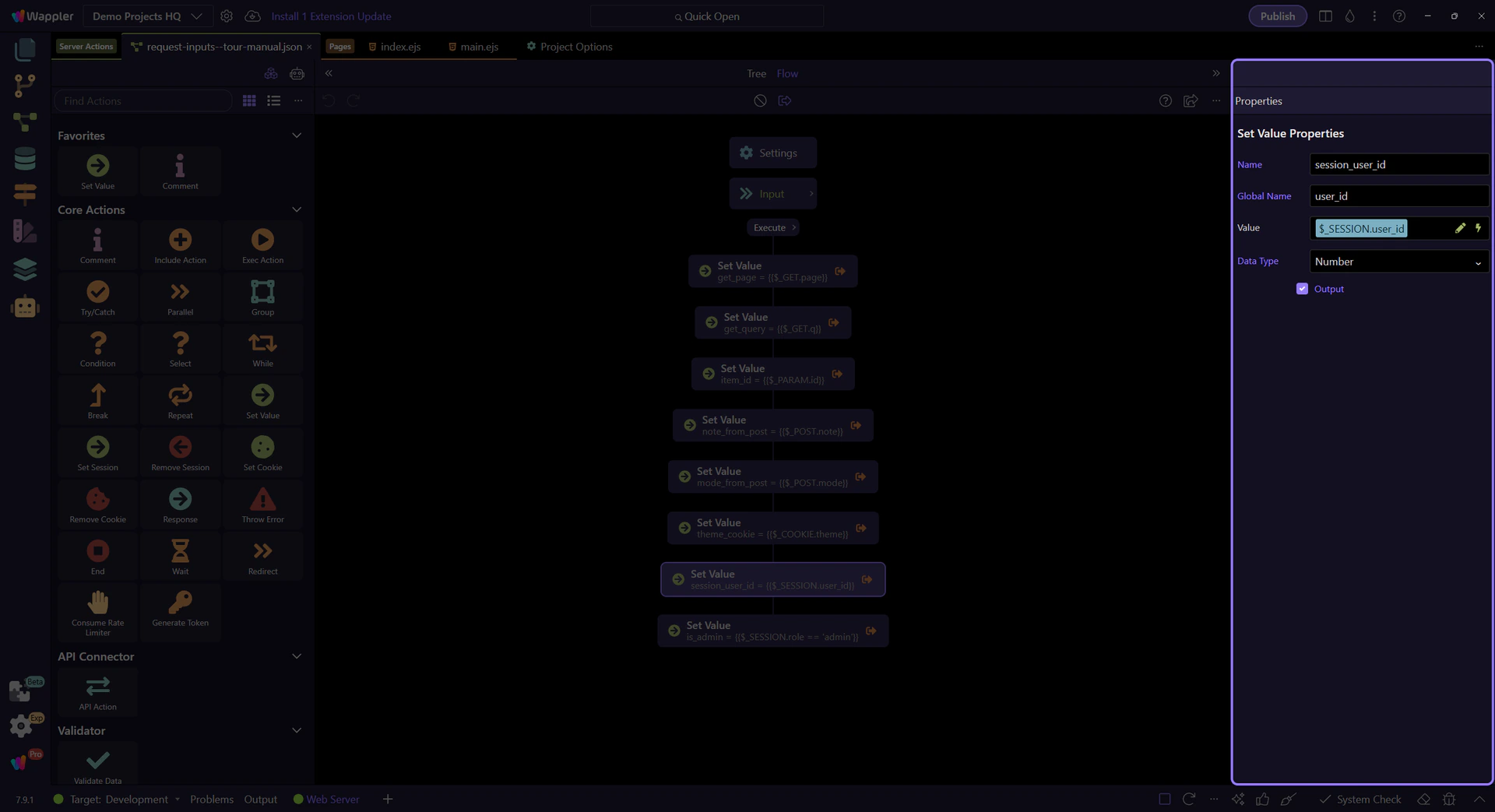
$_SESSION.user_id is the common pattern for telling an action which account is actually authenticated. Once that value is available, the action can load the right record, compare ownership, or keep edits scoped to the signed-in account instead of whatever the browser tries to send.
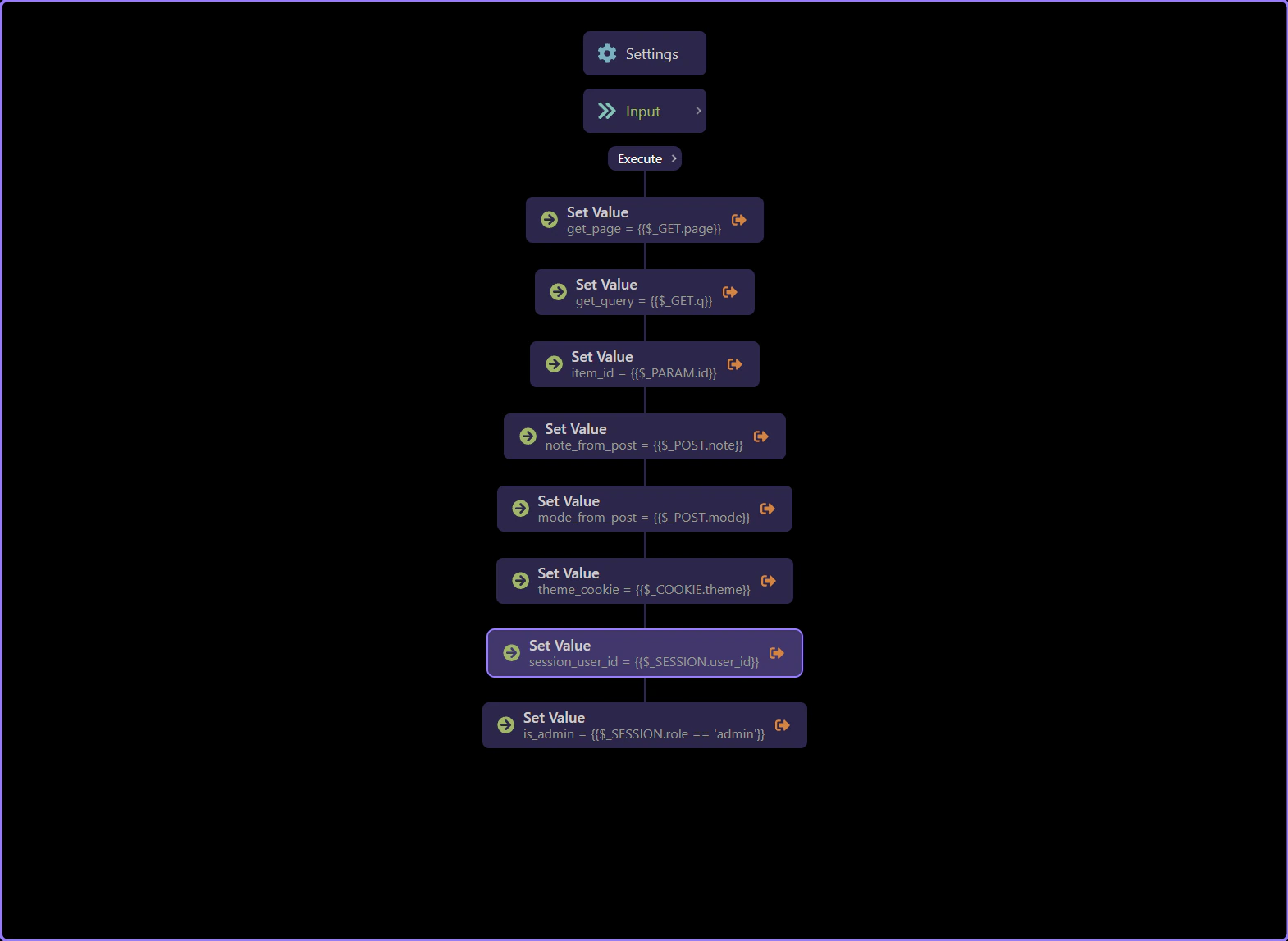
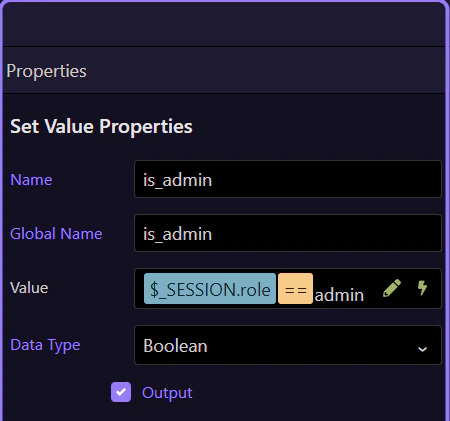
The is_admin step shows the next layer: session values are not only for display. They often drive authorization decisions. Reading a role from the session lets the action branch safely on server-controlled state before any destructive or privileged step runs.
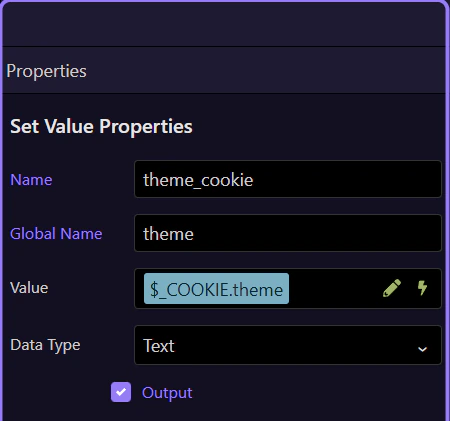
This theme_cookie step is useful as a contrast. A cookie can help with non-sensitive preferences, but permissions and identity should stay in the session or be reloaded from the database. If a value changes what a user is allowed to do, do not trust the browser to be the only source for it.
IMPORTANT: Use session-backed or database-backed state for security decisions. Treat cookies as convenience input, not authority.
You now have the core session-variable pattern: read identity from the session, derive authorization from that state, and keep the browser on the consuming side instead of the authority side.
Continue with the broader session/cookie input tour or move into page-level usage of current-user context.