Design passes
Use the model with the
best design judgment
best design judgment
Best-practice AI Manager model choice for design, coding, and orchestration, with preferred Claude and GPT defaults.
Model choice is only one part of the broader AI Manager workflow. Read it in context with the current task thread, the toolbar controls, the provider account state, and the prompt you are about to send. That wider context is what tells you whether the next slice needs design judgment or implementation discipline.
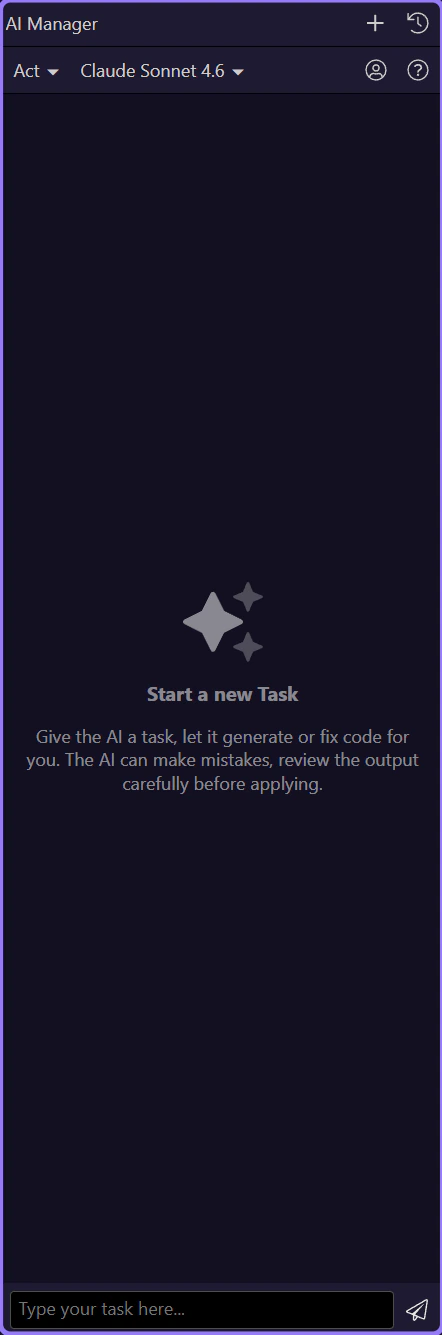
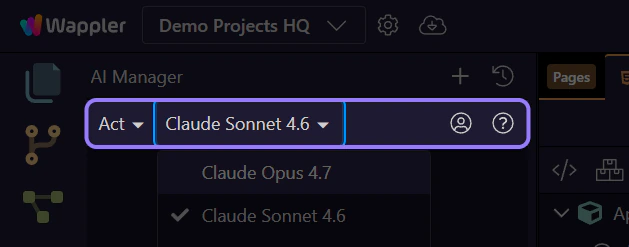
Once a provider is connected, the next practical choice is the model itself. Treat this dropdown as a task-fitting control, not as a permanent identity badge. The right model for design exploration is often not the same model you want for programming, orchestration, and validation-heavy execution.
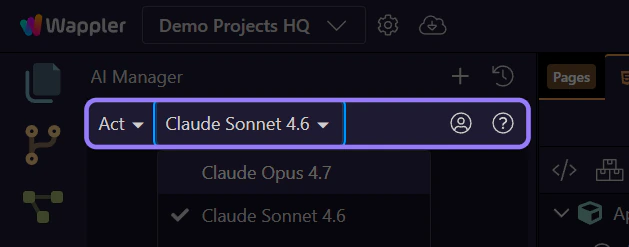
This live menu shows the models the current provider is actually exposing to AI Manager right now. The exact list can vary by provider and account, so use this moment to scan what is available before choosing the model that best fits the current slice.
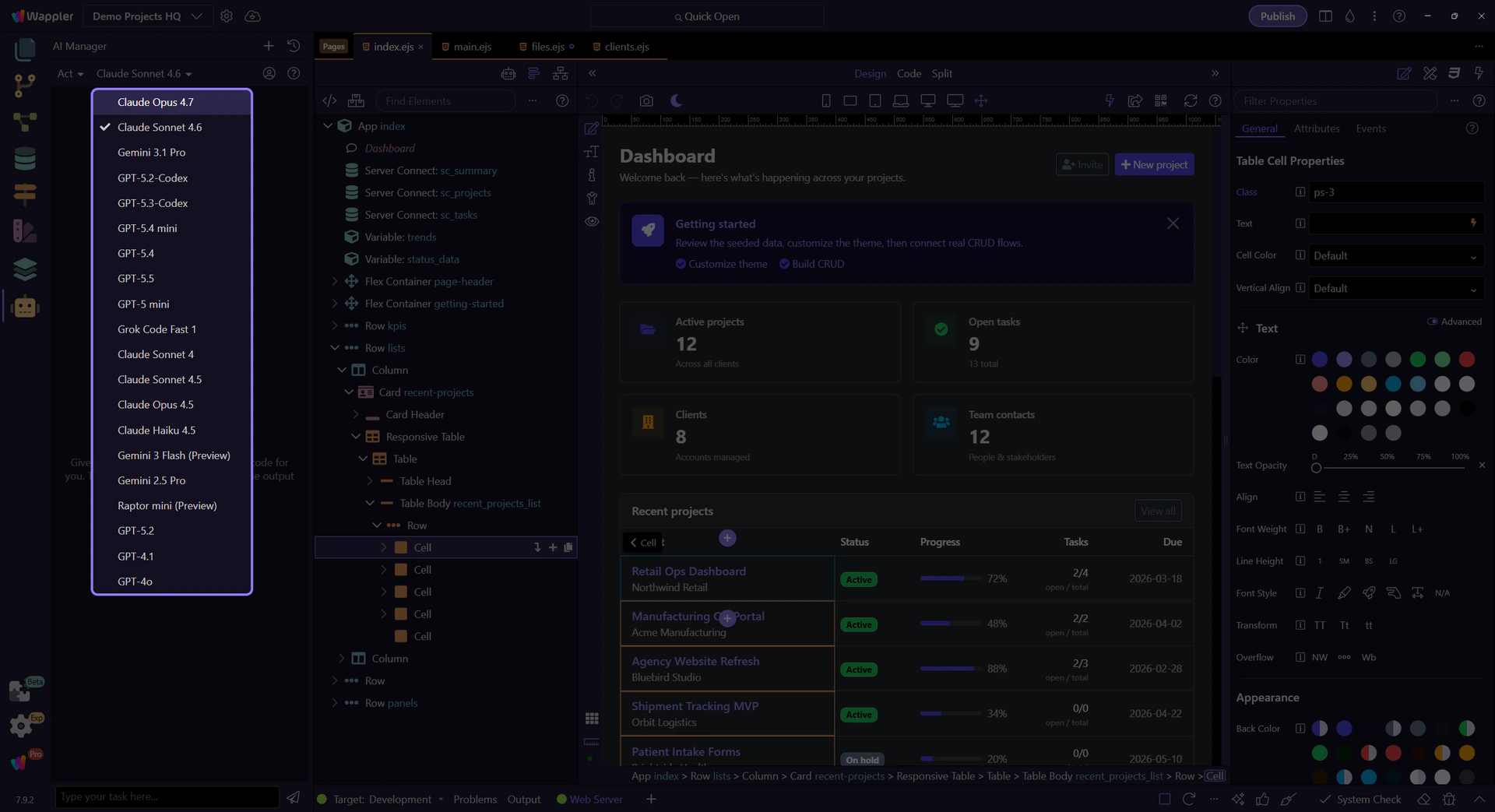
When those models are available in the live list, Claude Sonnet 4.6 and especially Opus 4.7 are strong defaults for design choices. They tend to be better when the task is about hierarchy, layout judgment, UI alternatives, copy tone, and the kind of visual reasoning that makes the result feel intentionally designed instead of merely assembled.
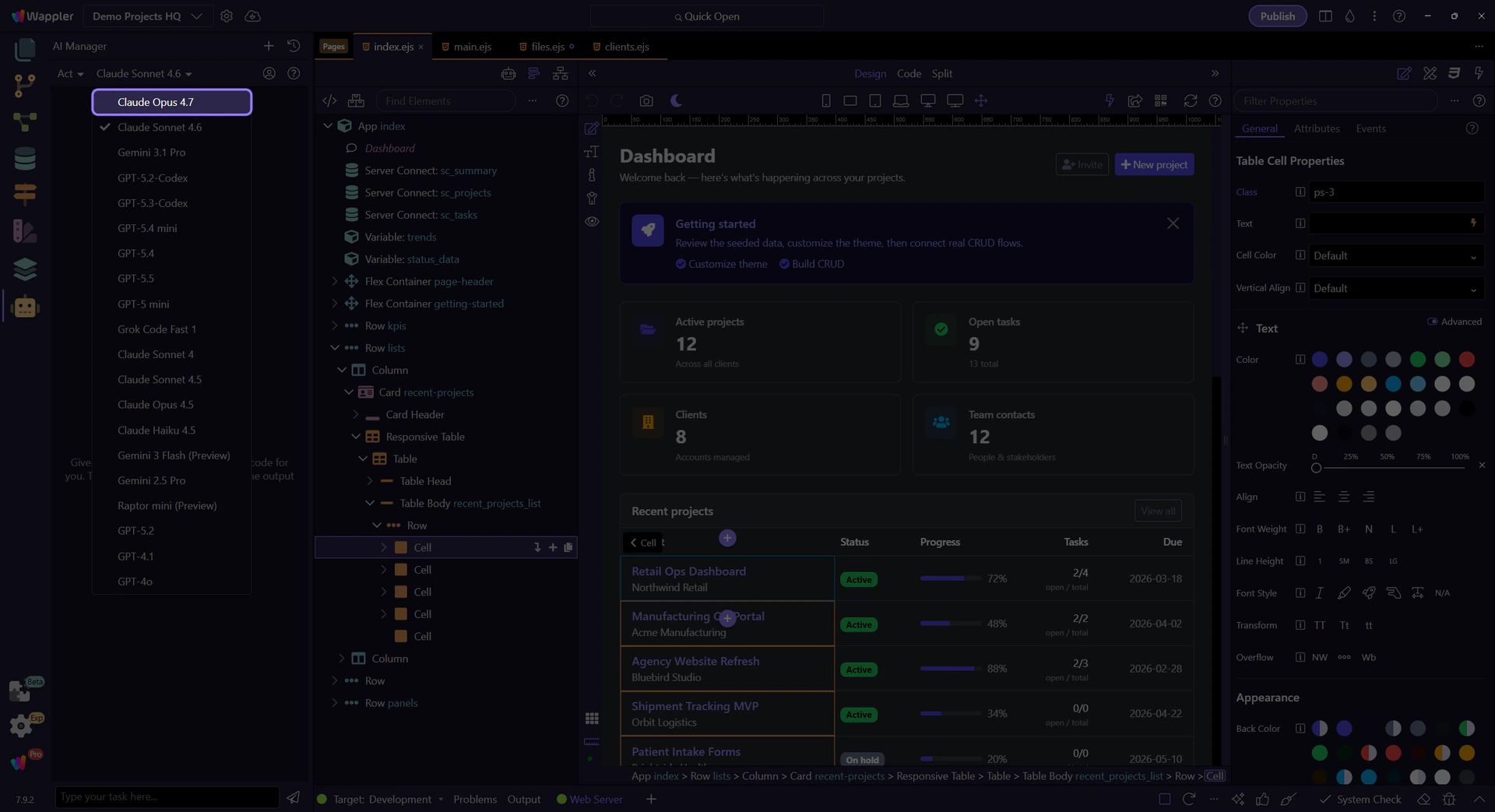
When available in the same live menu, GPT-5.4 and GPT-5.5 are the better defaults for programming, larger execution slices, and orchestration across files and surfaces. Use them when the job is about implementation discipline, code generation, follow-up fixes, file-to-file consistency, and keeping a broader agentic workflow moving without losing the thread.
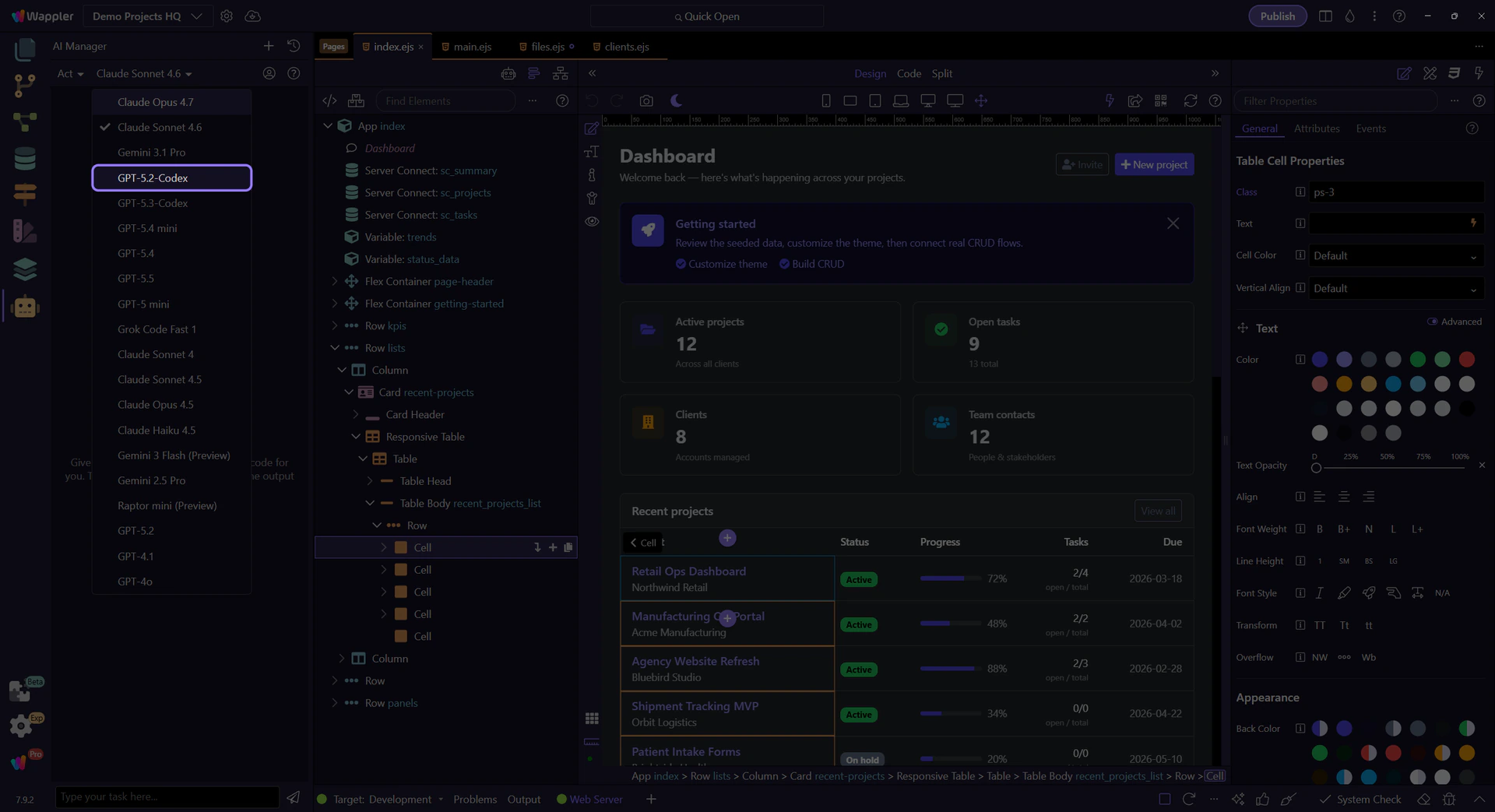
A practical workflow often starts with a design-oriented model for the interface direction, then switches to a programming-oriented model for implementation and follow-up fixes. That is usually stronger than forcing one model to handle every phase equally well.
Design-first handoff example
"First, improve the dashboard layout, hierarchy, and empty states. After the visual direction is solid, switch to implementation mode and generate the concrete HTML, App Connect bindings, and follow-up fixes in reviewable slices."
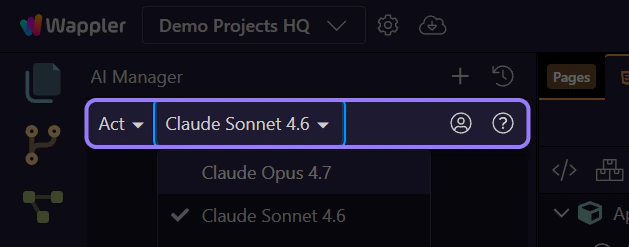
Use Claude Sonnet 4.6 or especially Opus 4.7 when design judgment matters most. Use GPT-5.4 or GPT-5.5 when programming and orchestration matter most. Then review the result in the owning Wappler surface and keep the next prompt narrow enough that the model choice stays intentional.