
One-at-a-time UI
Shows a single “current” record from a list.
Traverse an array sequentially with first/prev/next/last (and optional looping), ideal for slideshows and step-by-step UIs.
Data Iterator is a “current item” pointer over an array: move next/prev/first/last and bind UI to iterator.value.
Use Data Iterator when the UI shows one item at a time (slides, steps, preview panels) but you still want array-driven navigation.
This tour focuses on selecting the Data Iterator component in App Structure and reviewing its data, index, and loop properties.
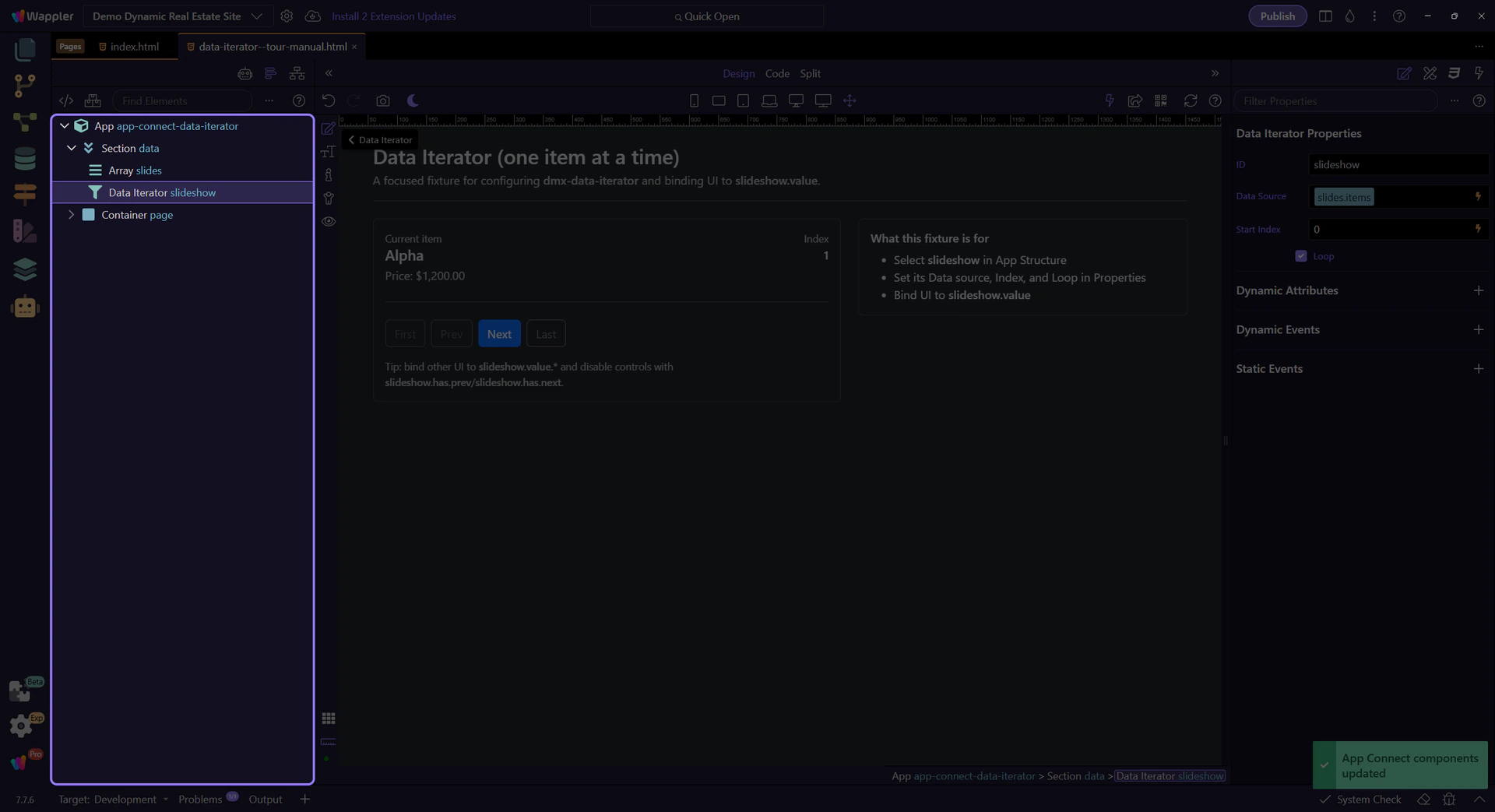
Set the source list, starting position, and looping.
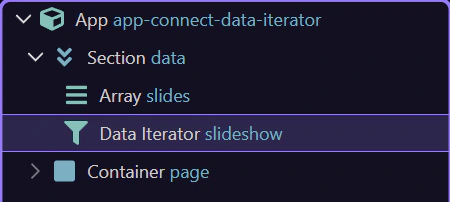
The tour selects the Data Iterator component in App Structure so its properties can be highlighted reliably.
Start with the wider context in the Properties panel so the next control makes sense in the full workflow. In the next step, you will focus on ID (naming) and see how it fits into this area.
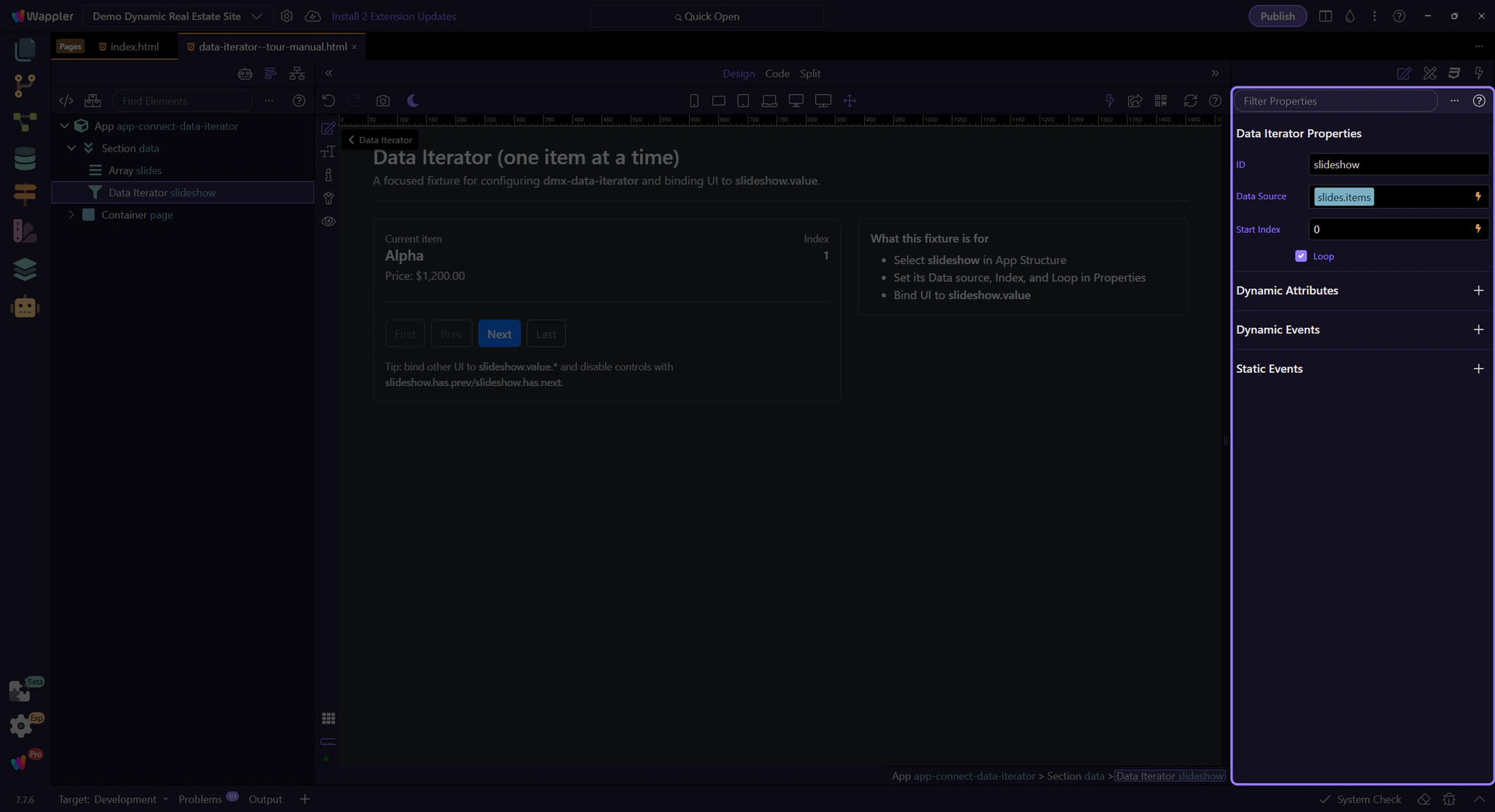
Use a readable ID like slideshow or current_item so bindings stay obvious: slideshow.value.title. This step matters because ID (naming) is part of Selection Panels Properties Iteratorid, and understanding that context makes the next action easier to repeat in your own project.

Bind the iterator to an array source (Value/Array, Data Store list, Data View output, API results).

Index is 0-based. You can bind it to a value (and keep it in Query Manager if you want shareable navigation).
tip: If the index comes from a query param, remember it is a string; convert with toNumber() when needed.

When loop is enabled, next() at the end wraps to the start (and prev() from the start wraps to the end).

Iterator exposes navigation helpers so you can build robust controls.
Use these actions in event handlers (click, keydown) to drive navigation.
Use iterator.has.prev / iterator.has.next to disable navigation controls at the edges (when loop is off).
Where Data Iterator shines.
Bind an image/title to iterator.value and use next/prev buttons.
Use iterator.index for “Step X of Y” and iterator.value for the current step config.
Use Data View to filter/sort the array, then iterate through the filtered output.
tip: This pattern keeps filtering logic separate from navigation logic.
Next, connect iterator navigation to events, state, and formatting.
Pick a related tour to continue.