
Browse loaded records with Data Iterator
Move through a known array with next and previous controls.
Move through a known array with next and previous controls.
Before you begin
Section titled “Before you begin”- An App Connect page with Data Traversal included. The in-app tour opens the prepared three-product example.
Set the source and start position
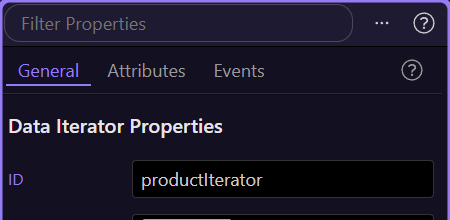
Section titled “Set the source and start position”Add Data Iterator named productIterator. Set Data Source to products.value and Start Index to 0; leave Loop off. The prepared array contains Notebook, Pencil and Folder in that order.
Bind the current item
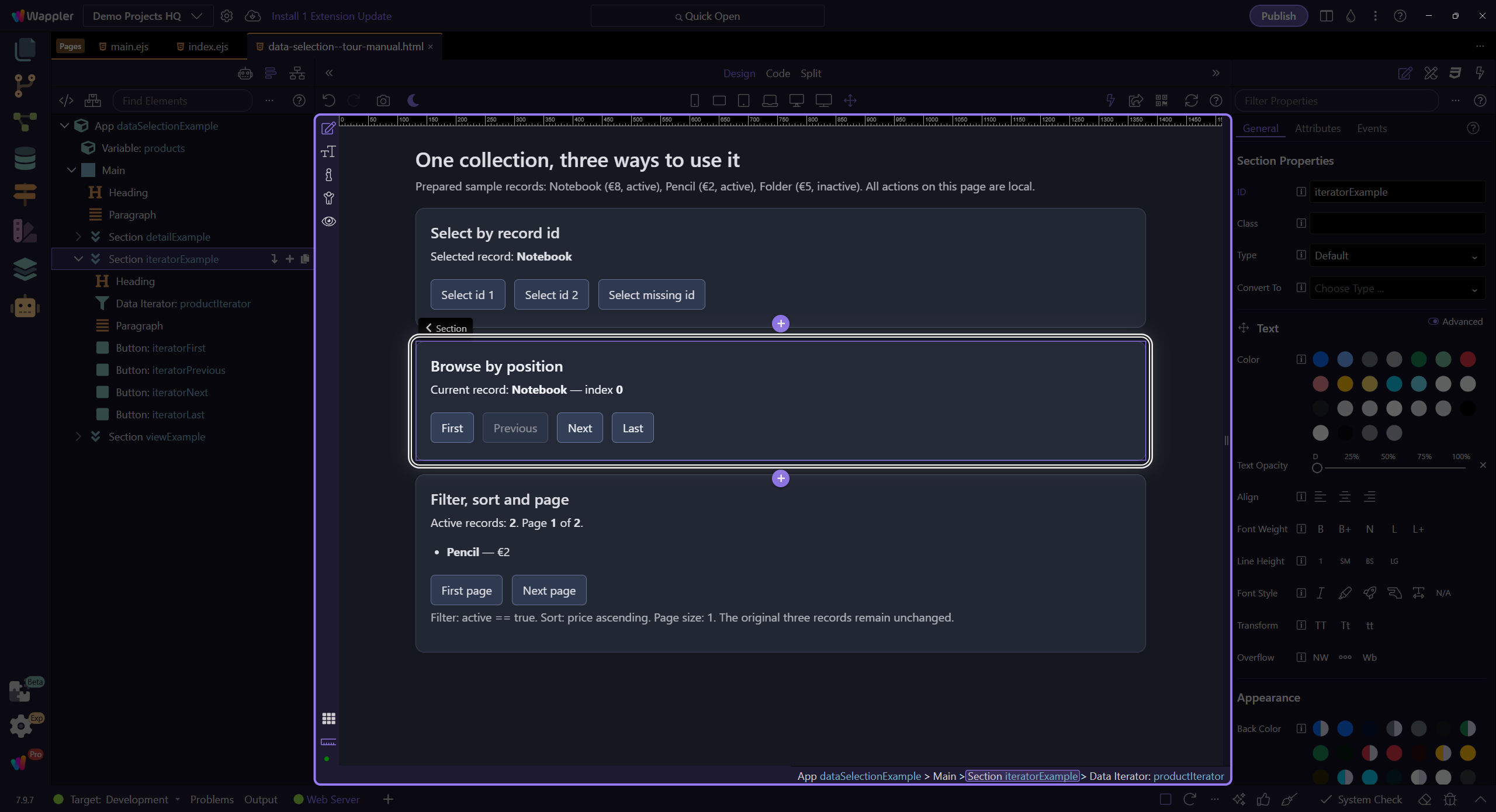
Section titled “Bind the current item”Bind a text label to productIterator.value.name and another to productIterator.index. The first label should show Notebook and the index 0. Data Iterator exposes its current record through value.
Add navigation actions
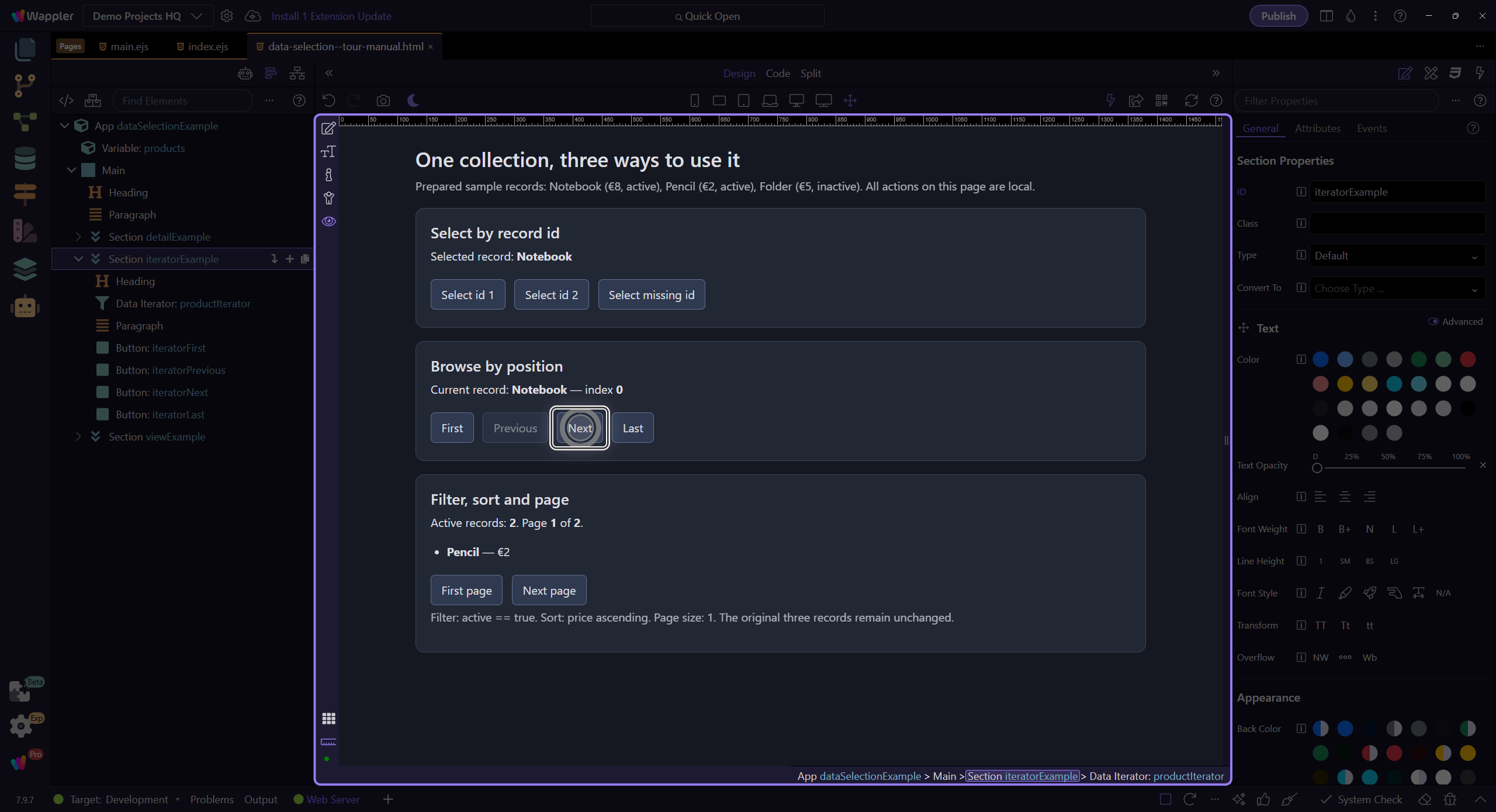
Section titled “Add navigation actions”Add buttons using productIterator → First, Previous, Next and Last. Bind Previous Disabled to !productIterator.has.prev and Next Disabled to !productIterator.has.next. In Preview, click Next once.
Verify position one
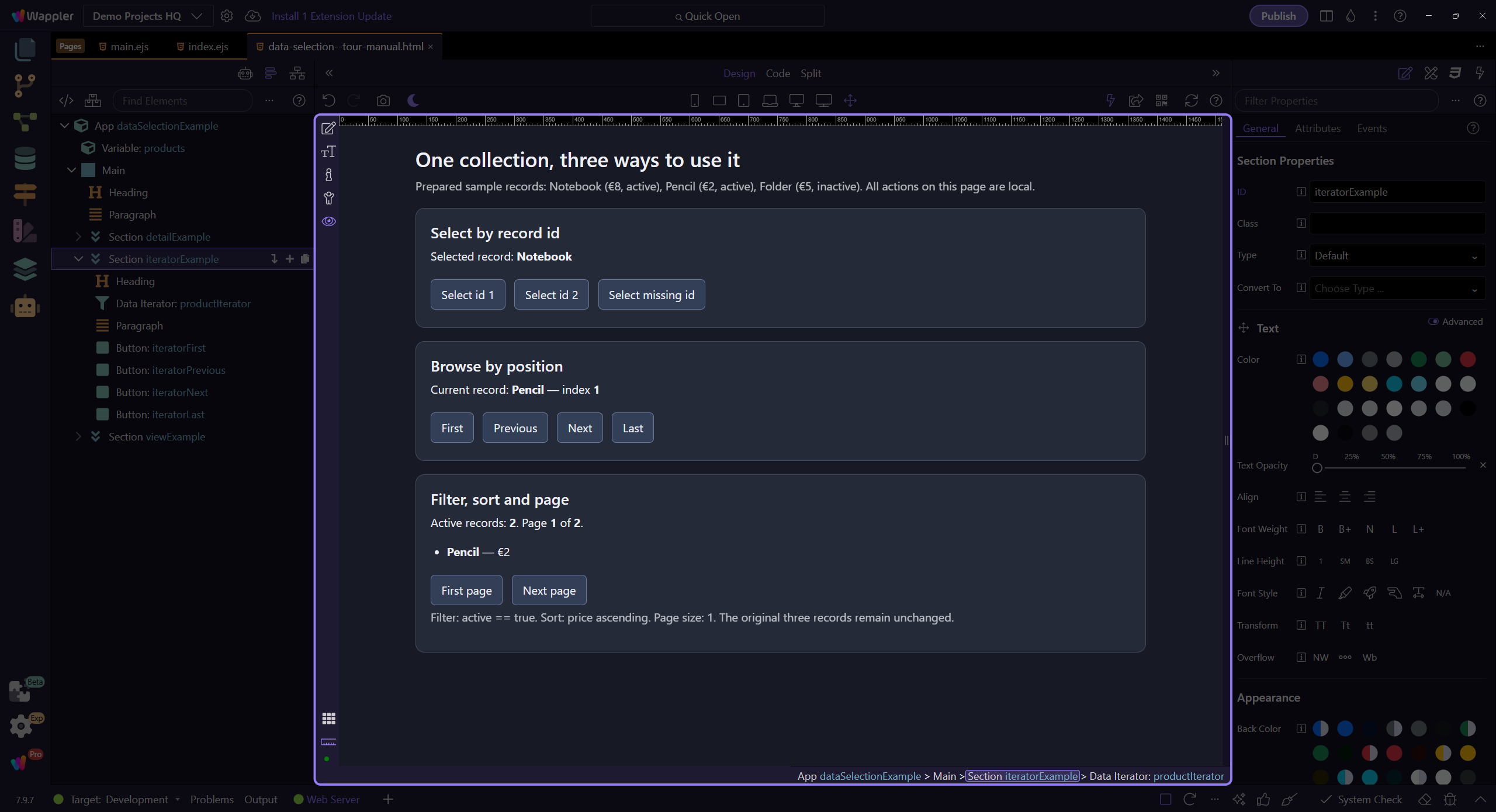
Section titled “Verify position one”The label should show Pencil and index 1. Last shows Folder at index 2. With Loop off, further Next remains at the end. If you enable Loop, decide whether boundary buttons should remain enabled so wrapping is possible.
Separate positions from record ids
Section titled “Separate positions from record ids”Select takes a zero-based position, not a database id. Replacing the source reapplies the configured Start Index. Use [] for an empty collection and show an empty state instead of a stale record.
Check your result
Section titled “Check your result”Next moves from Notebook at index 0 to Pencil at index 1.