Filter Query with Multiple Checkboxes
Use checkbox-driven filtering when users need multi-select narrowing without losing track of which conditions are active.
Introduction
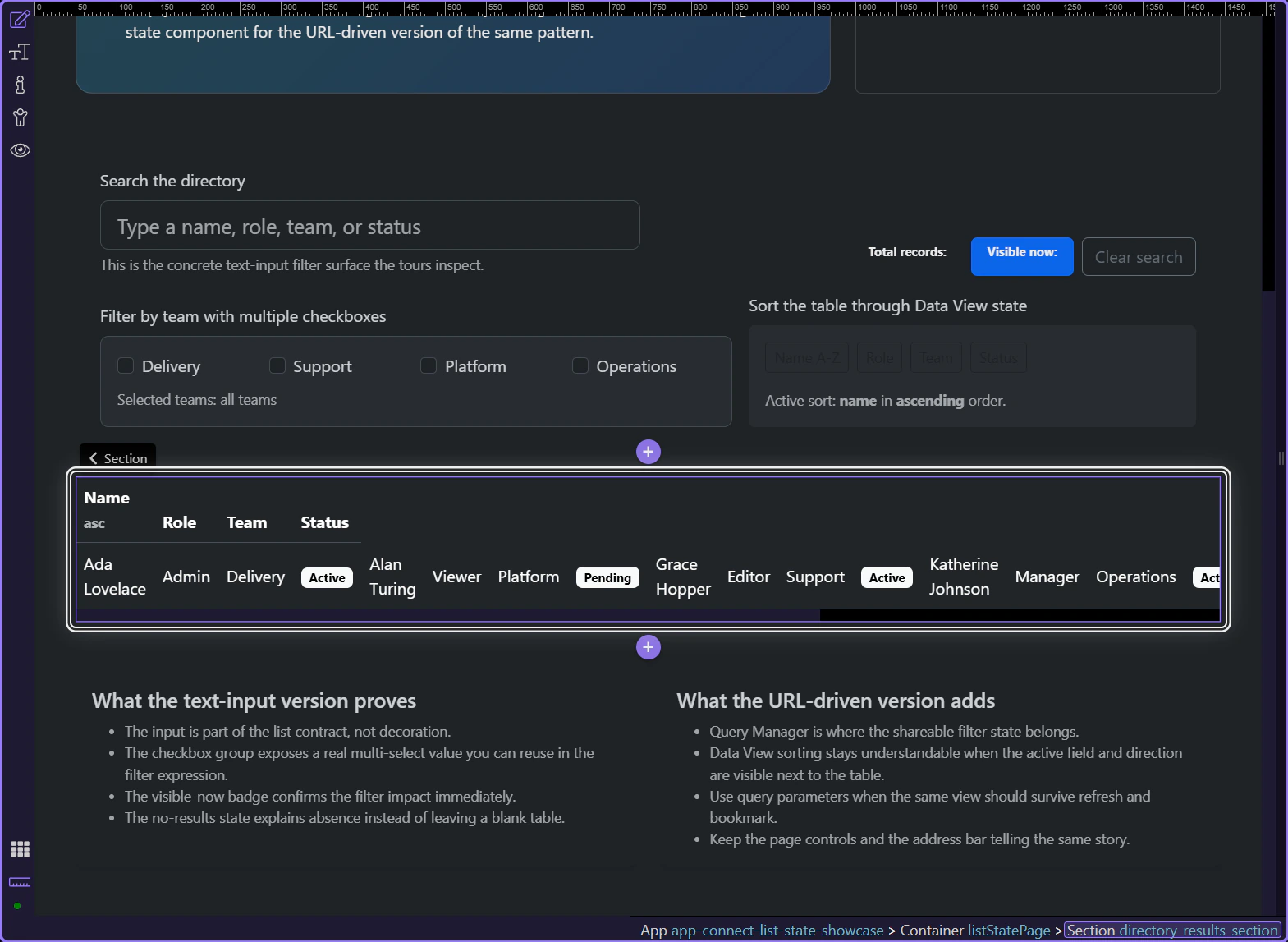
Section titled “Introduction”This tour opens a concrete list page so you can inspect a real multi-checkbox filter in Wappler: one checkbox group, one Data View that consumes the combined state, and visible feedback that explains which teams are currently narrowing the table.
The checkbox group belongs next to the list it narrows
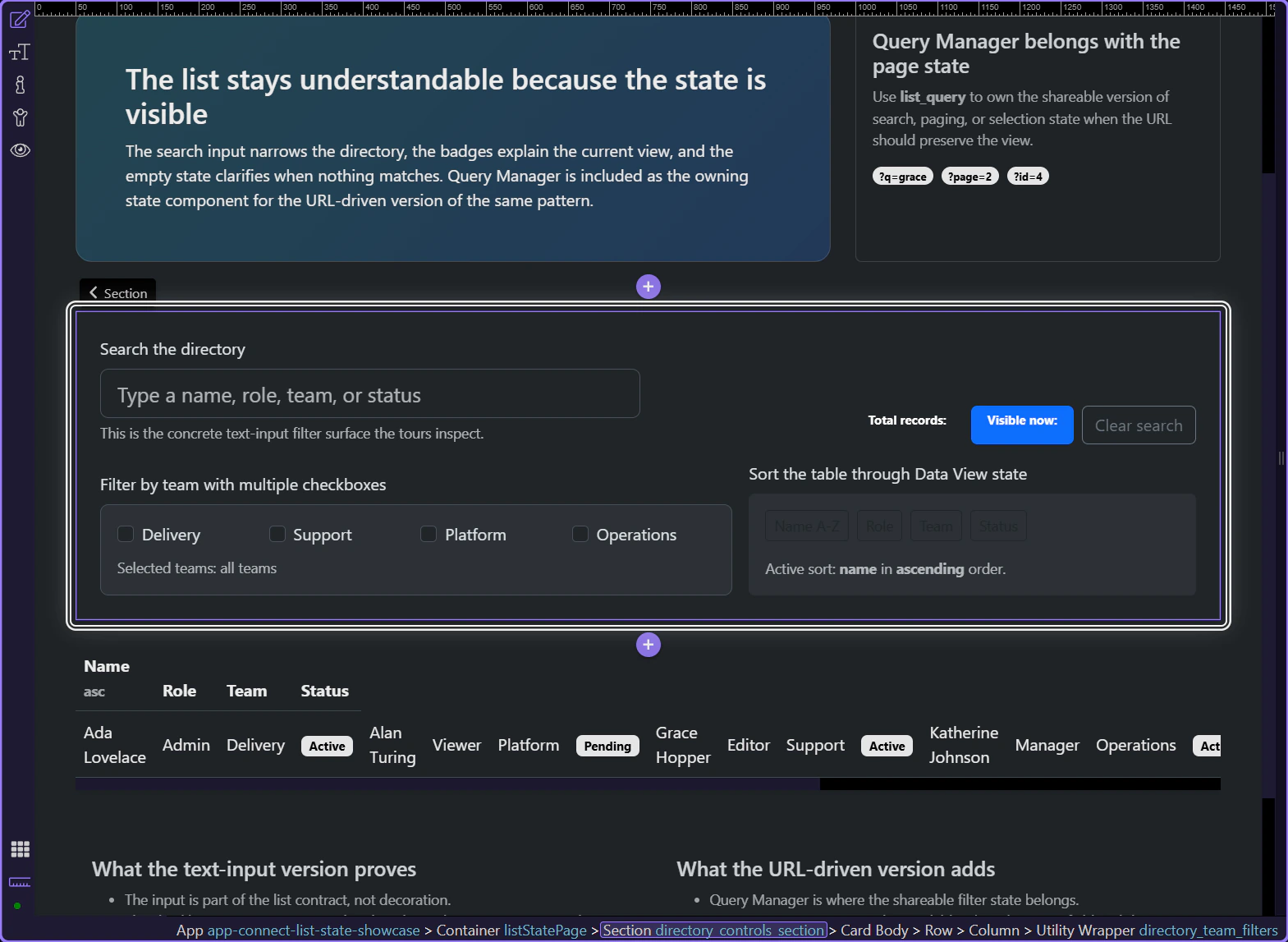
Section titled “The checkbox group belongs next to the list it narrows”These team checkboxes work because the user can tick several conditions and immediately relate them to the same directory below. Multi-select filtering becomes easier to trust when the controls stay close to the results they change.
The page should show which checkbox filters are active
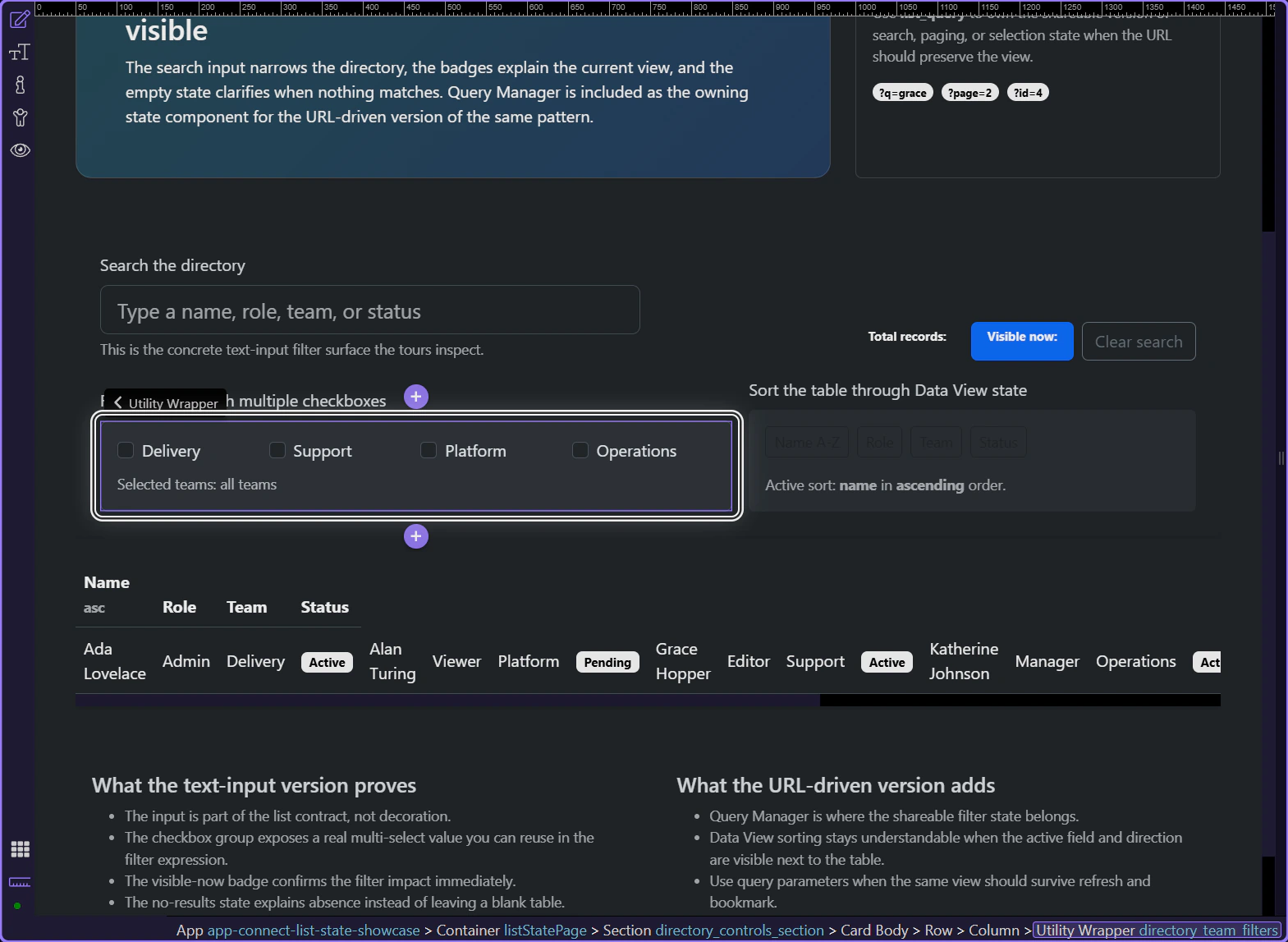
Section titled “The page should show which checkbox filters are active”This summary line turns the checkbox group into readable state. Users should not have to scan every option to remember what is active; the page can tell them directly which teams are currently shaping the result.
The Data View holds the combined filter rule
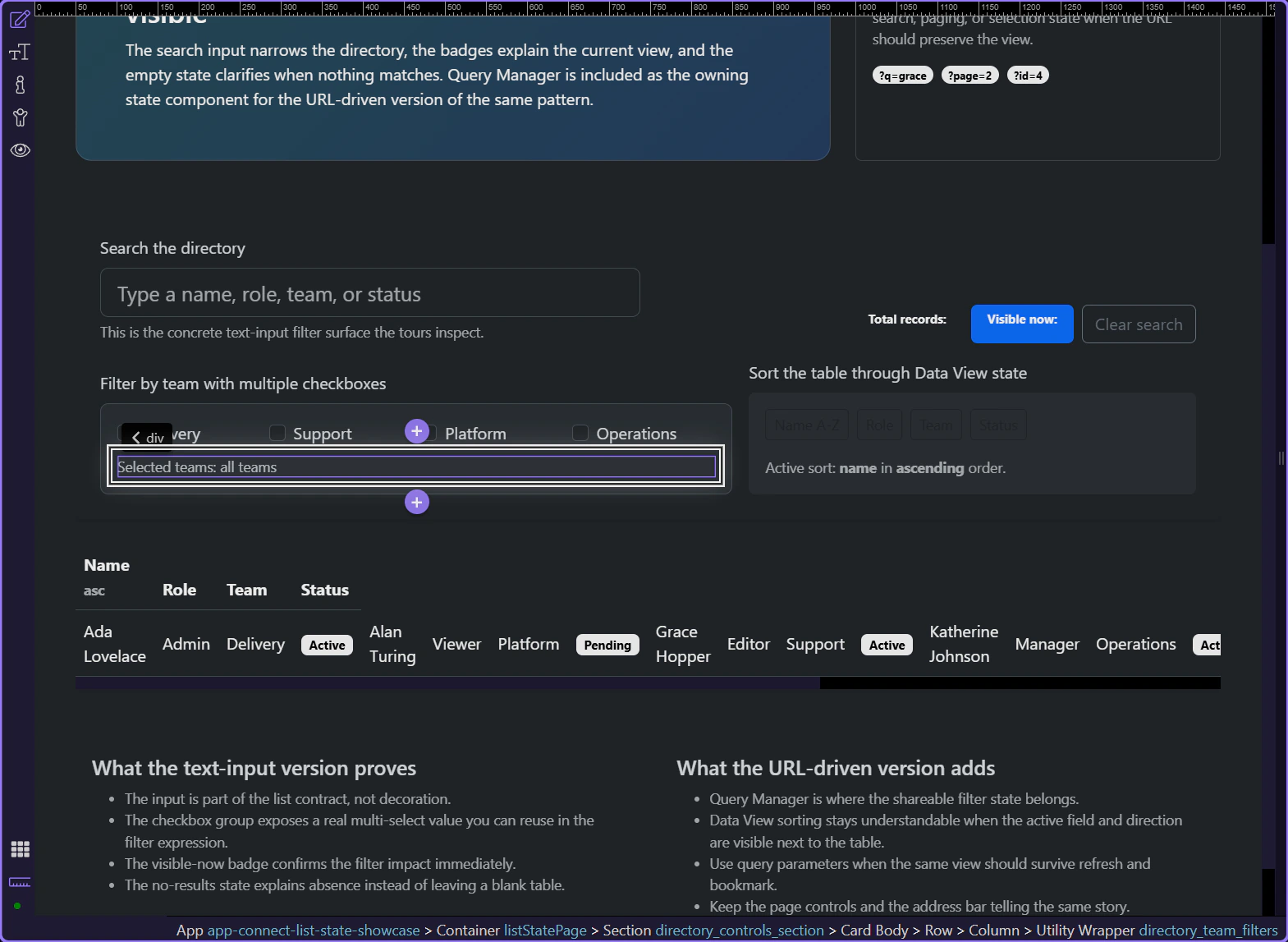
Section titled “The Data View holds the combined filter rule”With the Data View selected, the Properties panel shows where the real filtering logic lives. The checkbox group exposes an array of selected values, and the Data View uses that array together with the text search state to decide which rows stay visible.
Working in Wappler
Section titled “Working in Wappler”Once the checkbox group owns the active selections, the rest of the page can explain the combined result instead of leaving users to infer it from the table alone.
The checkbox group exposes one reusable App Connect value
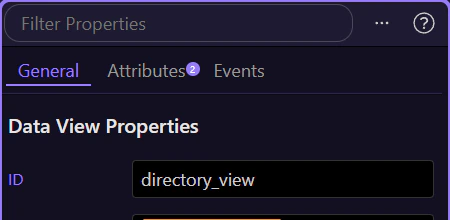
Section titled “The checkbox group exposes one reusable App Connect value”With the checkbox group selected, the Properties panel shows the component that owns the selected team values. That is the practical Wappler pattern: let the group produce one readable multi-select value, then let the Data View consume it declaratively rather than wiring each checkbox by hand.

Checkbox filters should cooperate with search and visible counts
Section titled “Checkbox filters should cooperate with search and visible counts”This controls area shows why multi-select filters work better as part of one list-state surface. The text input, badges, and checkbox group all contribute to the same explanation of what the user is seeing right now.
Clearing over-filtered state should be an obvious next move
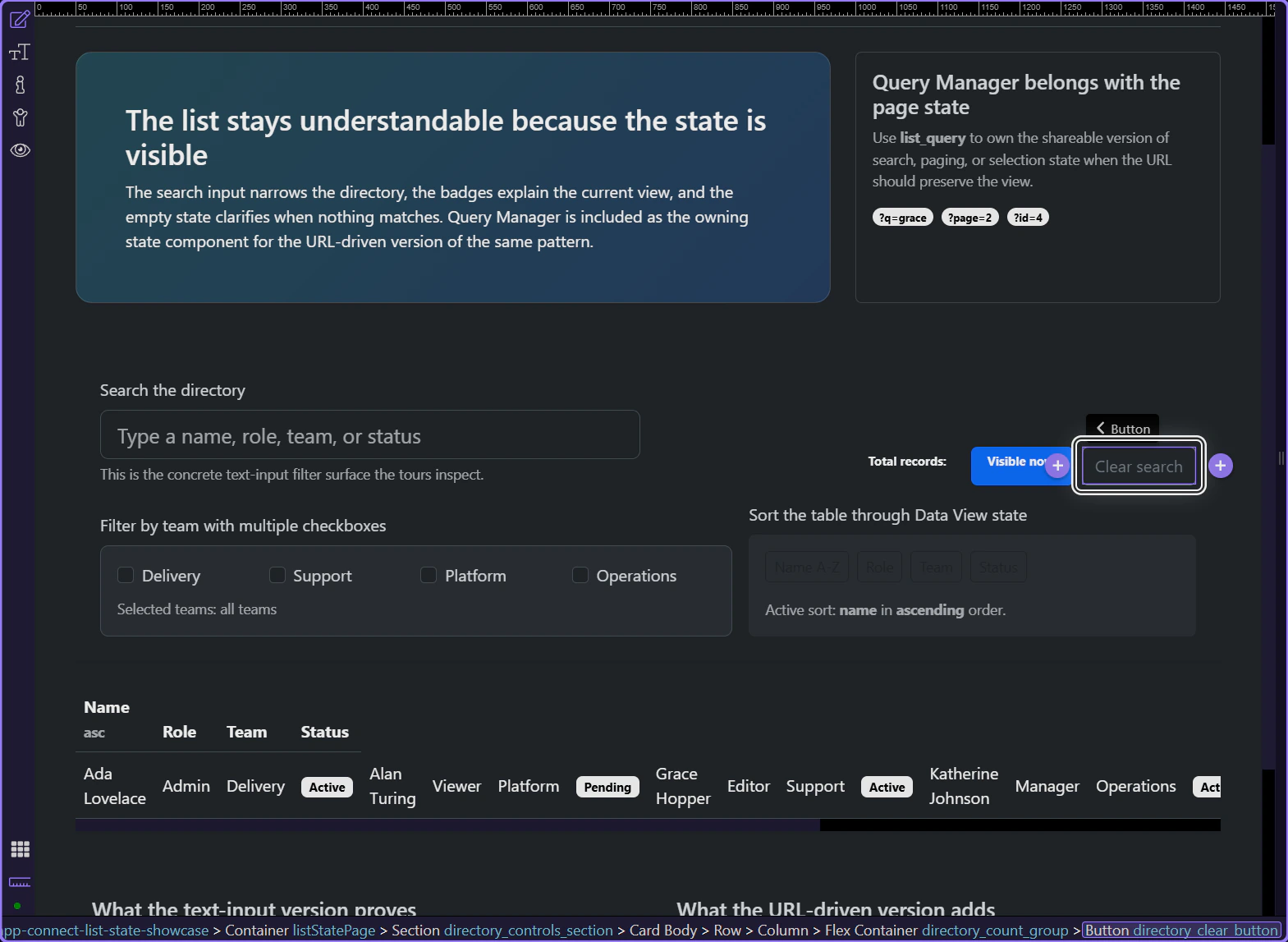
Section titled “Clearing over-filtered state should be an obvious next move”Multi-checkbox filtering becomes frustrating when users have to untangle each choice manually after narrowing too far. The nearby clear and reset path keeps recovery simple when the current combination becomes too restrictive.
Conclusion
Section titled “Conclusion”You now have the practical Wappler pattern for multi-checkbox filtering: a checkbox group that owns the active selections, a Data View that consumes the combined state, and nearby feedback that explains what the current combination is doing to the result set.
Continue into adjacent list-state patterns
Section titled “Continue into adjacent list-state patterns”Continue into dynamic checkbox state when those selections need to be driven by data, or into sortable tables when the same filtered list also needs a visible ordering strategy.