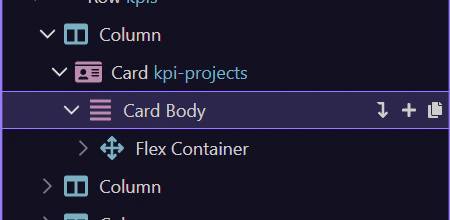
Structure panel
Section titled “Structure panel”The components workflow makes more sense when you first see where Wappler exposes page structure and insertion tools together. This tour starts by locating that area in context, then explains how component selection and component insertion support the rest of your editing workflow.
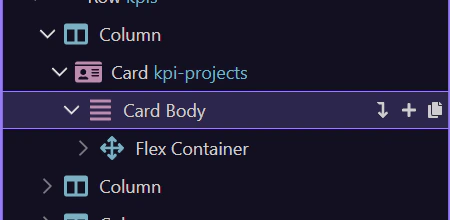
Insertion point
Section titled “Insertion point”We’ll select body as the insertion point.
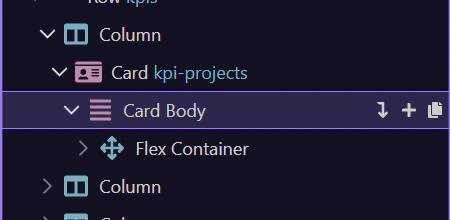
Components picker
Section titled “Components picker”We’ll use Insert Child to open the Components picker.
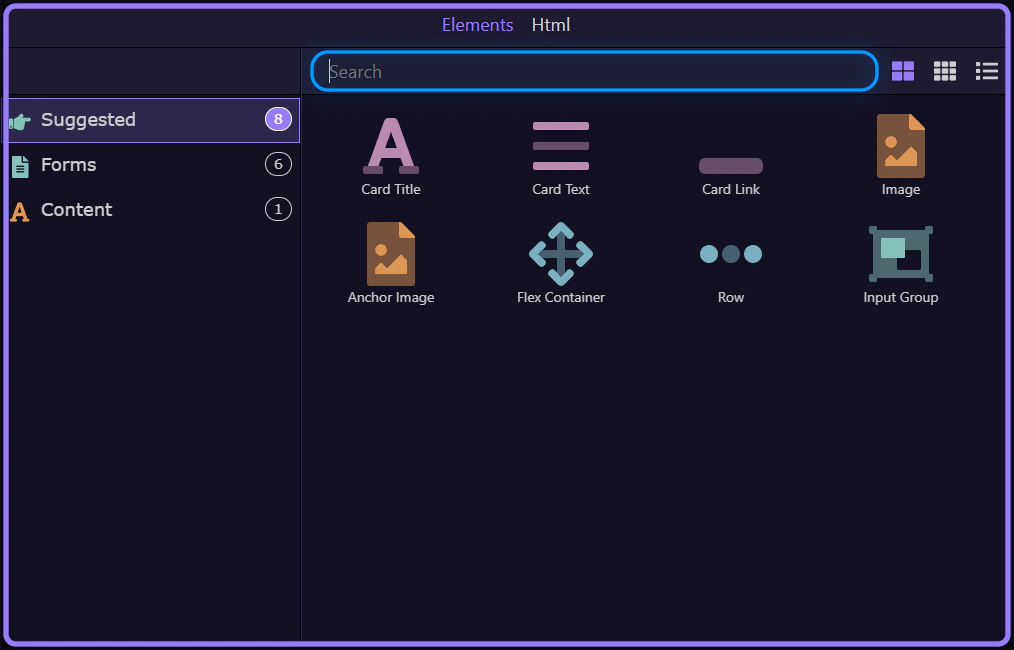
Search and browse
Section titled “Search and browse”Use search to find components, then select one to insert.