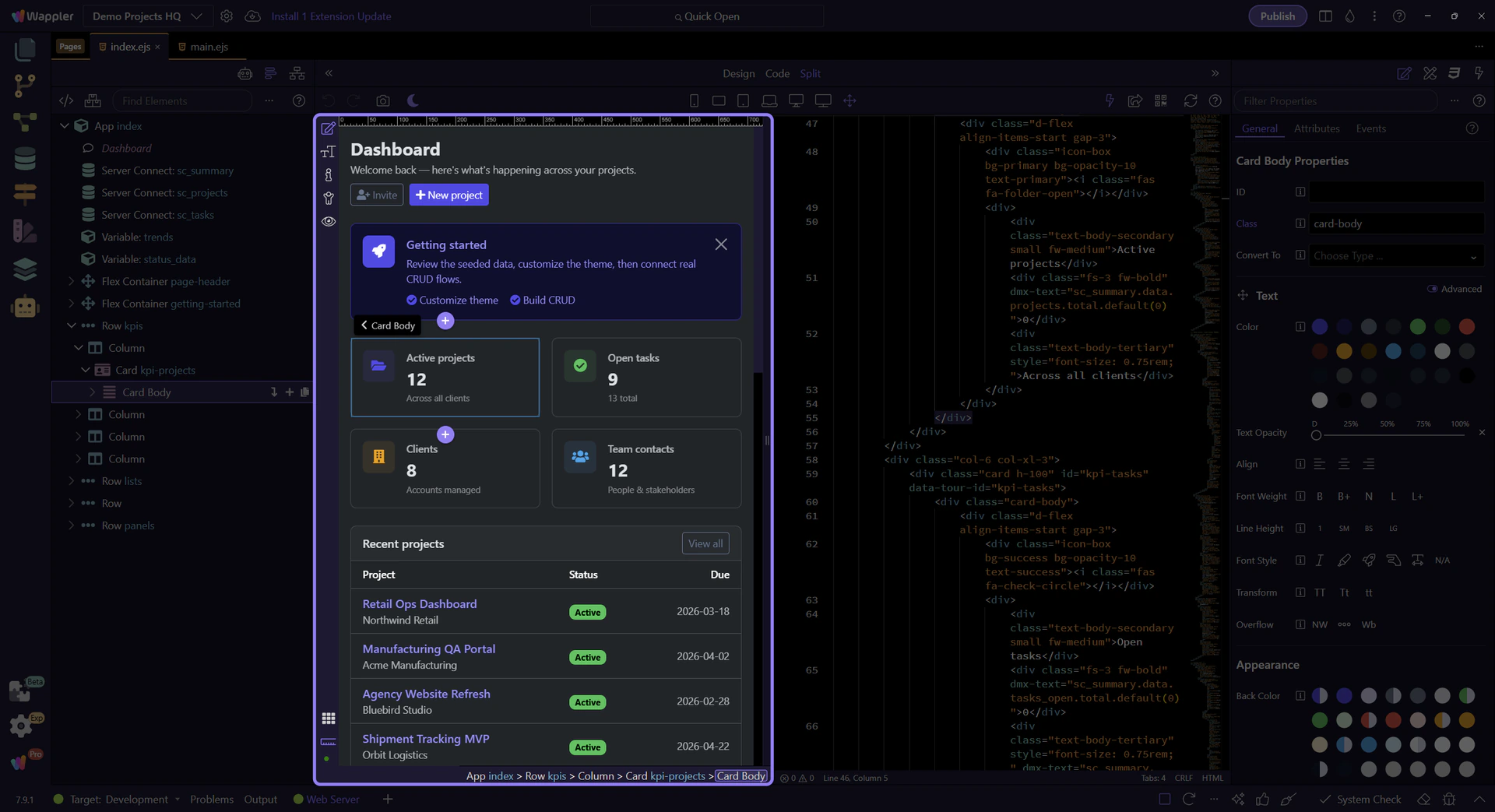
Edit code and sync
Learn how to edit code and sync in the HTML Editor. Use this tour as a quick refresher.
Select an element
Section titled “Select an element”This how-to is about keeping visual selection and source edits mentally connected instead of treating them as separate worlds. It starts by locating the right context in the editor, then explains how synced editing helps you understand exactly which change affects which part of the page.
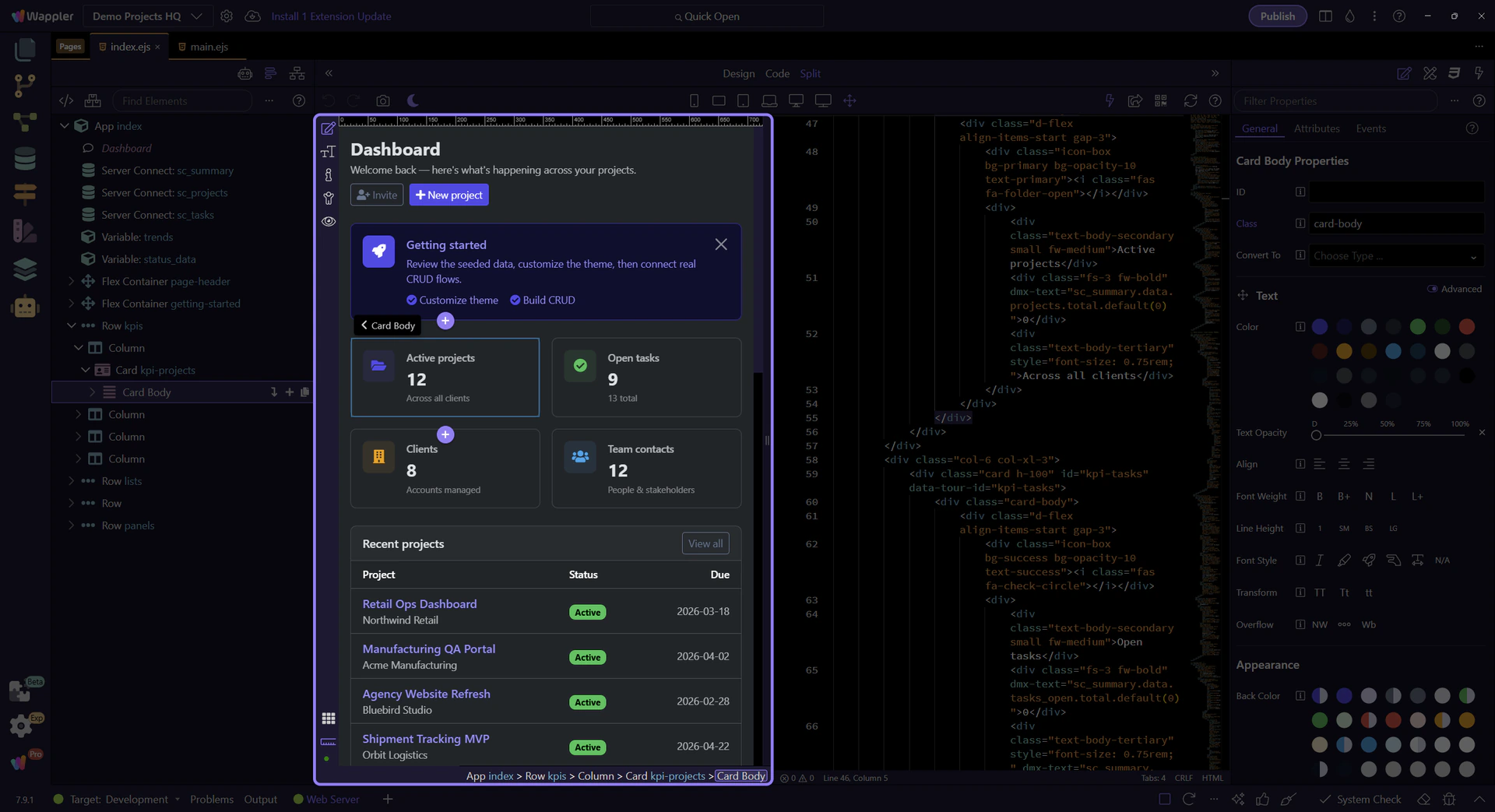
Edit markup
Section titled “Edit markup”Make a small markup change in Code View.
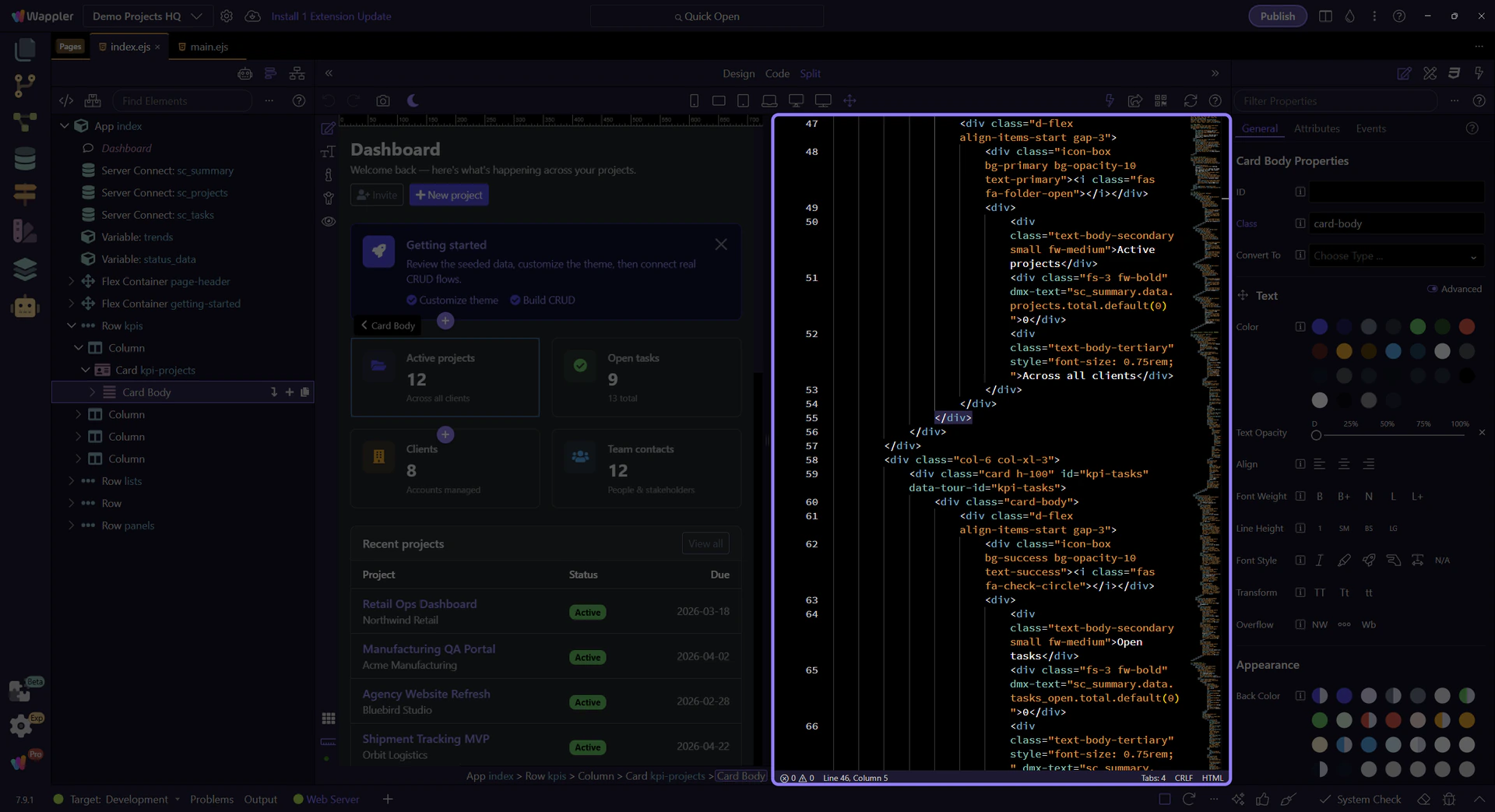
Verify updates
Section titled “Verify updates”Confirm the page updates and stays in sync.