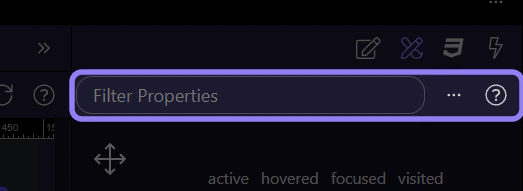
Design Panel Overview
Explore HTML Editor Design Panel: key areas and how they work together.
Design tab
Section titled “Design tab”The Design Panel is where selected elements expose their editable visual properties in a structured way. This overview explains what the panel is for, how it supports everyday page editing, and why later how-to tours build on this surface instead of sending you straight into raw markup.
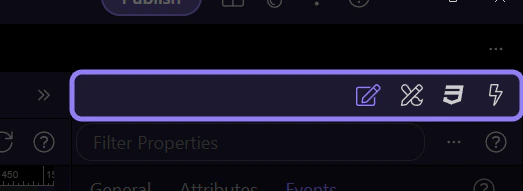
Design toolbar
Section titled “Design toolbar”Use the toolbar to filter, change modes, and access panel actions.
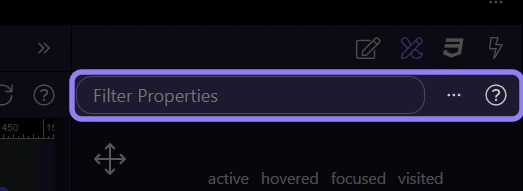
Design controls
Section titled “Design controls”Adjust layout and presets for the current selection.