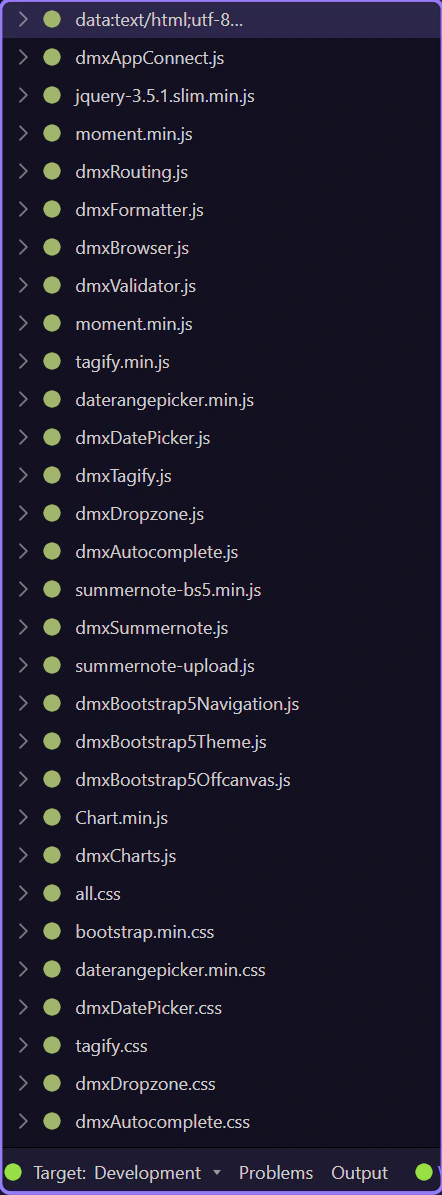
Network Panel Overview
Explore HTML Editor Network: Network panel and Requests tree.
Network panel
Section titled “Network panel”The Network panel shows requests made by the Design view, including XHR and asset loading.
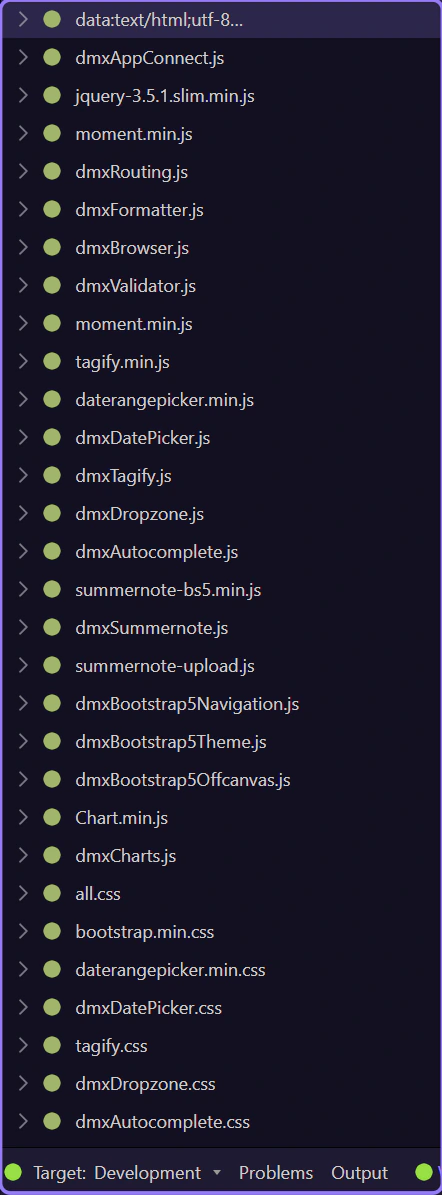
Requests tree
Section titled “Requests tree”Each request appears as a tree node. Expand nodes to inspect details like headers and payloads.