HTML Editor: Network Panel Reference
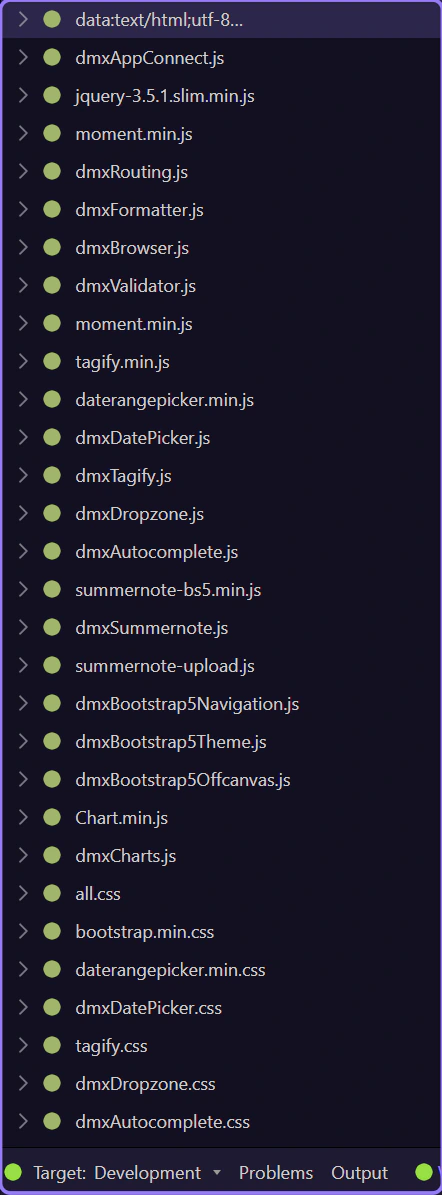
Reference tour for the Network panel: request and response inspection, timing details, HTTP diagnostics, and how to debug network activity while building.
Toolbar
Section titled “Toolbar”Use the toolbar to filter requests, clear the list, and control what you see.
Request context menu
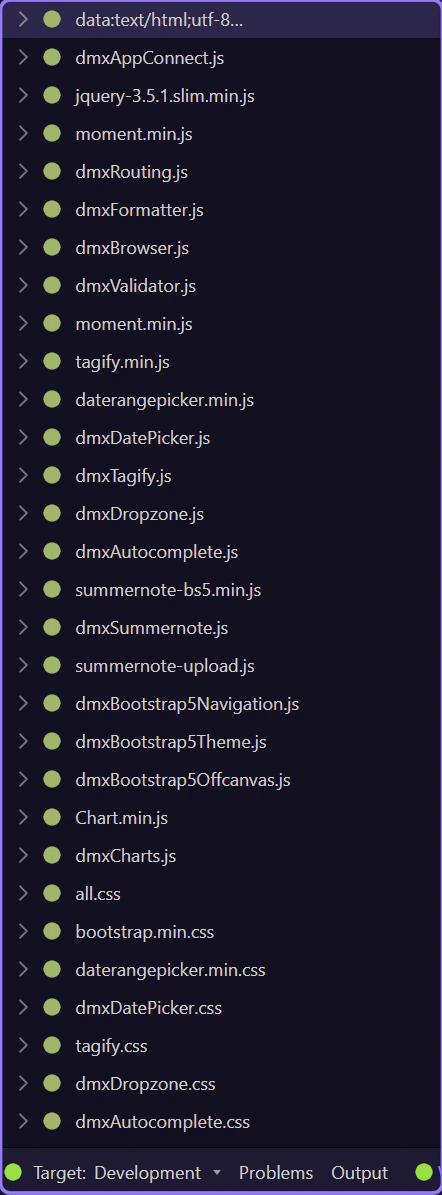
Section titled “Request context menu”Right-click a request to access actions like copying URLs or opening in a new tab.
Tree details
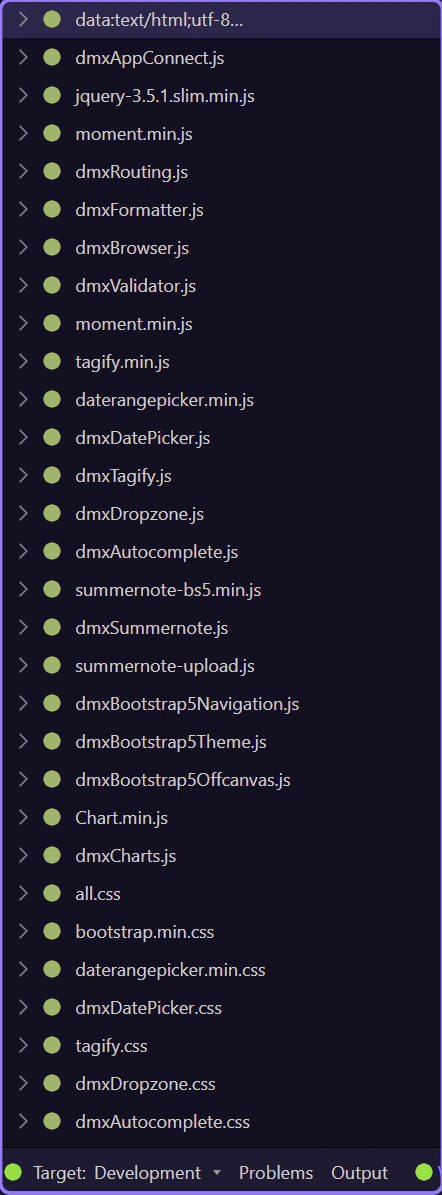
Section titled “Tree details”Expand a request node to inspect request/response headers, body, and timing.