Selection Panels Overview
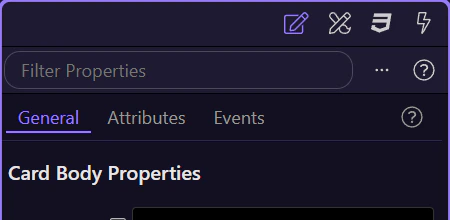
Explore HTML Editor Selection Panels: Selection Panels and Switch panels.
Selection Panels
Section titled “Selection Panels”The selection panels are where Wappler turns a chosen element into actionable settings, styles, and data context. This overview explains how those panels work together, why they matter to everyday editing, and how the focused tours build on this same selection-first workflow.
Switch panels
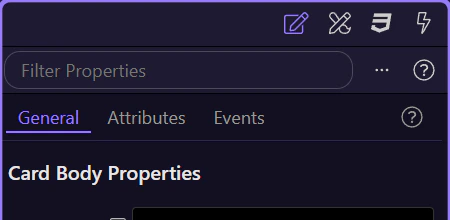
Section titled “Switch panels”Use the tabs to switch between Properties, Design, Styles, and Data.