
Colors, background & effects
Apply Bootstrap color utilities for text, backgrounds, and emphasis states.
Appearance utilities
Section titled “Appearance utilities”Color utilities help communicate meaning (status, emphasis) and improve readability. The Appearance group is shared across many Bootstrap components so you can set background, opacity, shadow, and sizing consistently.
Card example
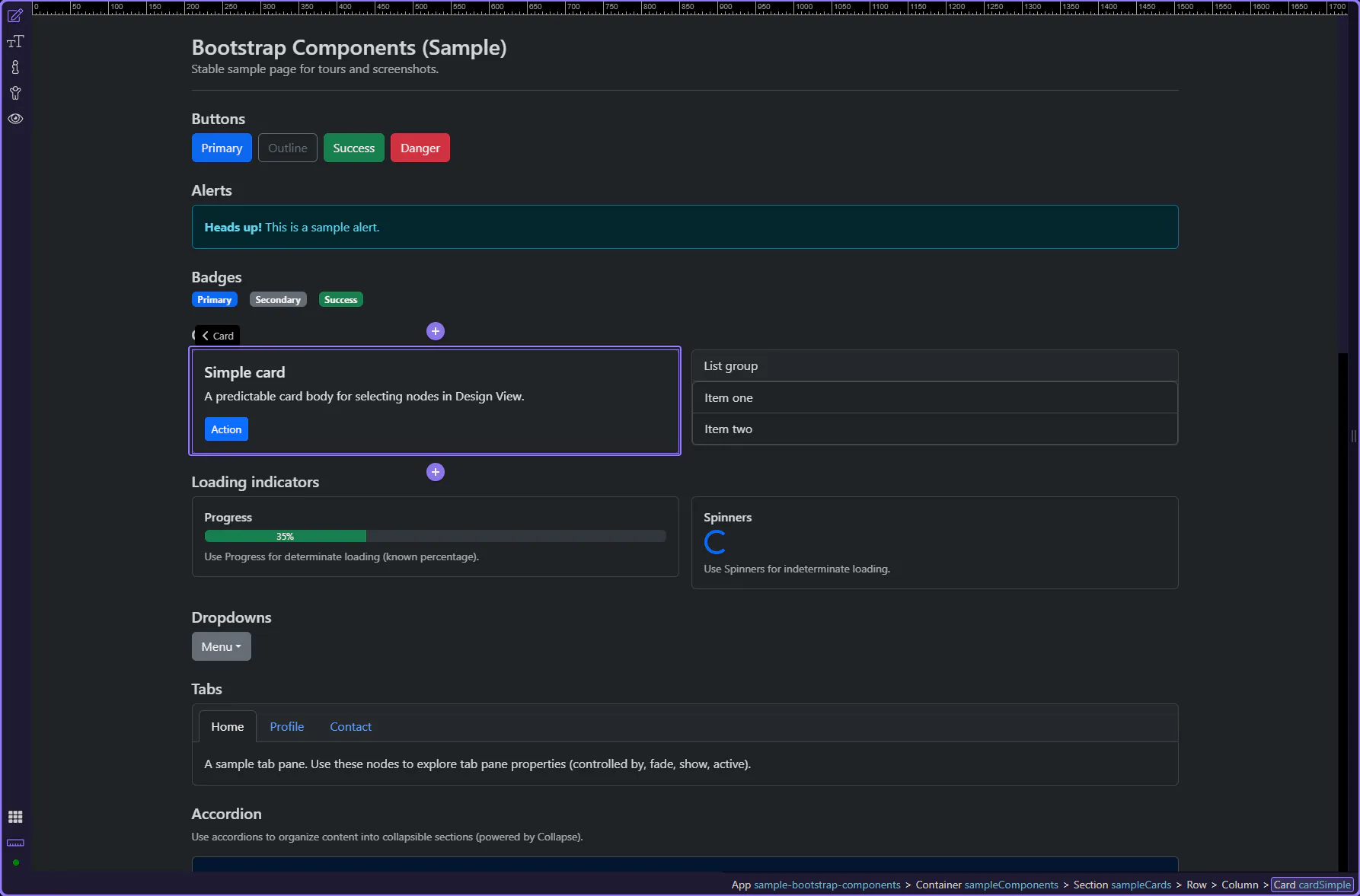
Section titled “Card example”Cards are a useful target for Appearance utilities because they’re common containers used across many layouts. The card is selected so the Appearance group is visible in Properties.
Orient yourself in Properties panel
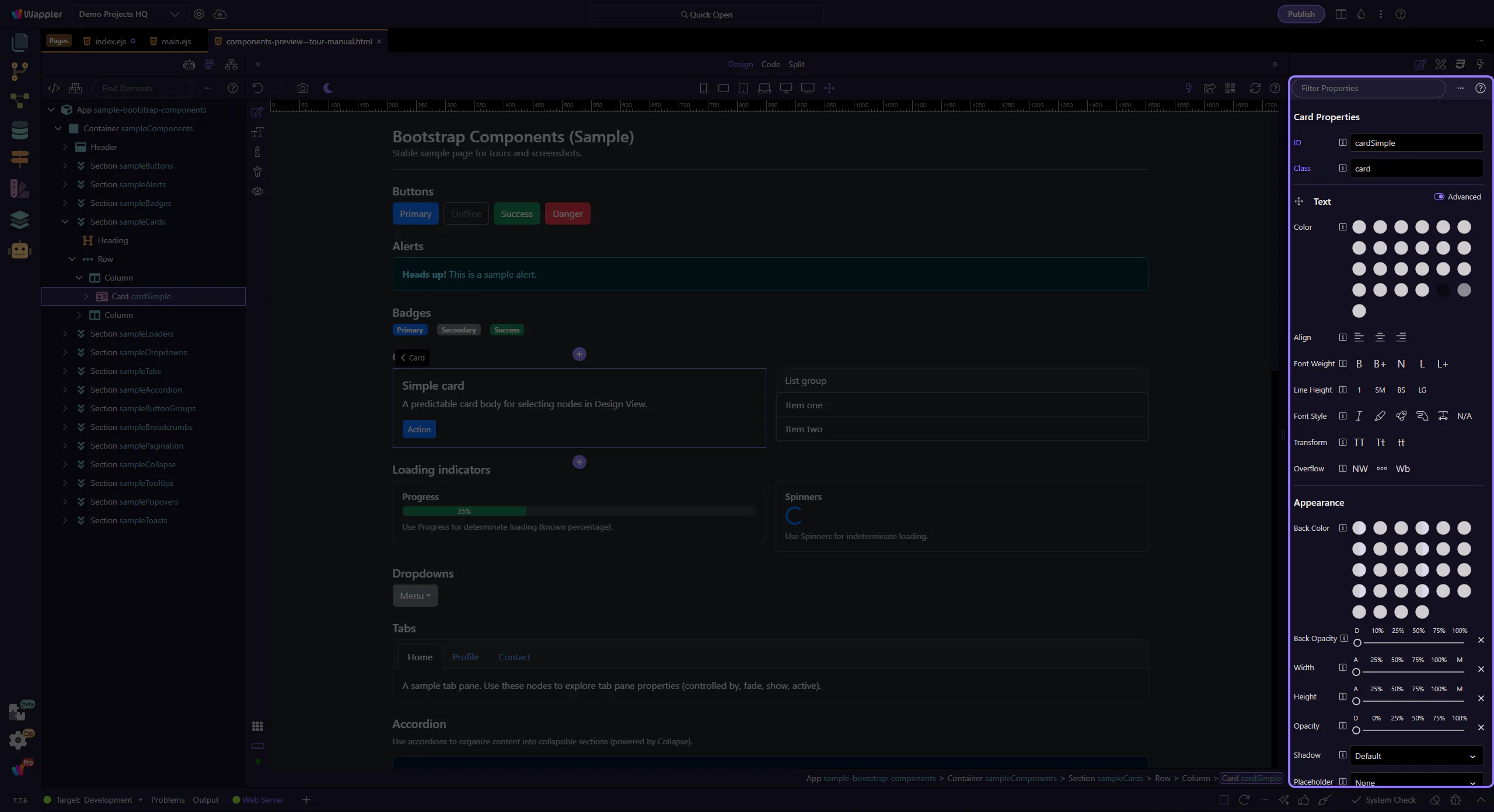
Section titled “Orient yourself in Properties panel”Start with the wider context in the Properties panel so the next control makes sense in the full workflow. In the next step, you will focus on Background color and see how it fits into this area.
Background color
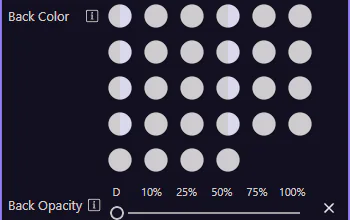
Section titled “Background color”Use Appearance → Back Color to apply Bootstrap background utility classes (including subtle/background-only variants). This step matters because Background color is part of Selection Panels Properties Appearanceelementcolor, and understanding that context makes the next action easier to repeat in your own project.
Opacity & shadow
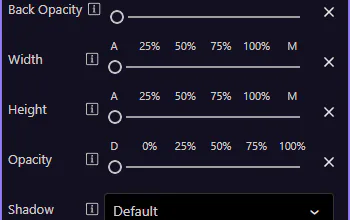
Section titled “Opacity & shadow”Use Back Opacity, Opacity, and Shadow to fine-tune how the element looks without writing custom CSS. This step matters because Opacity & shadow is part of Selection Panels Properties Appearanceshadow, and understanding that context makes the next action easier to repeat in your own project.
note: These map to Bootstrap utility classes like
bg-opacity-*,opacity-*, andshadow-*.
Width & height
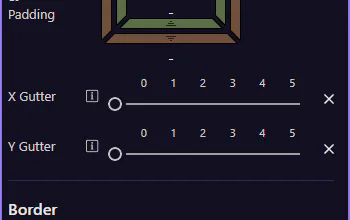
Section titled “Width & height”Use Width and Height to apply sizing utilities like w-* and h-*. This step matters because Width & height is part of Selection Panels Properties Appearancewidth, and understanding that context makes the next action easier to repeat in your own project.
Next steps
Section titled “Next steps”Next, learn borders and responsive display/flex utilities.