
Display & flex
Use display and flex utilities for responsive layouts, alignment, and spacing.
Display utilities
Section titled “Display utilities”Flexbox utilities control alignment, wrapping, and ordering. Display is a shared group used across many Bootstrap components so you can hide/show elements per breakpoint and control display mode.
Card example
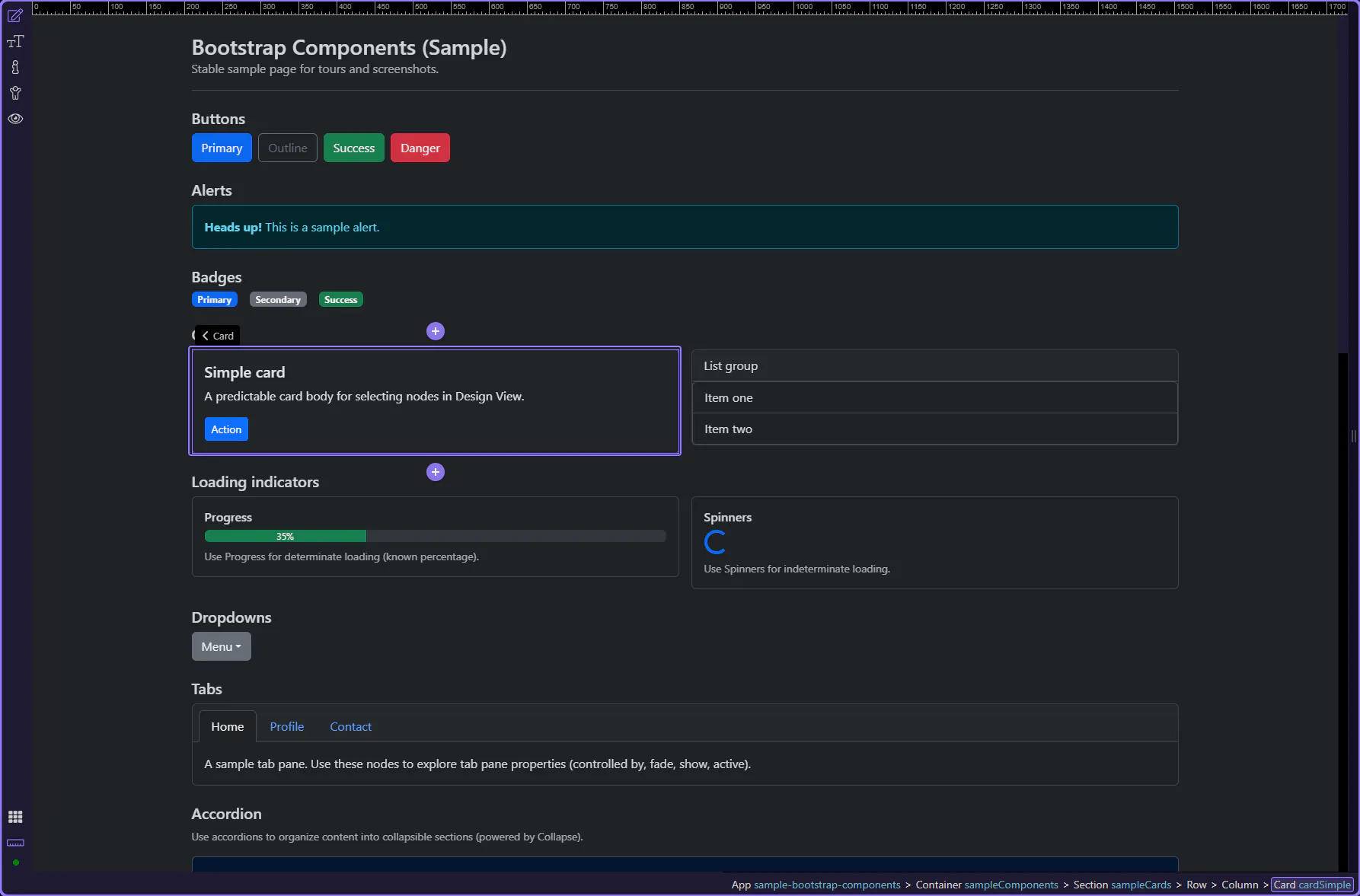
Section titled “Card example”Cards are a practical example for Display utilities because they appear across many pages and are often shown/hidden at different breakpoints. The card is selected so Display options are visible in Properties.
Orient yourself in Properties panel
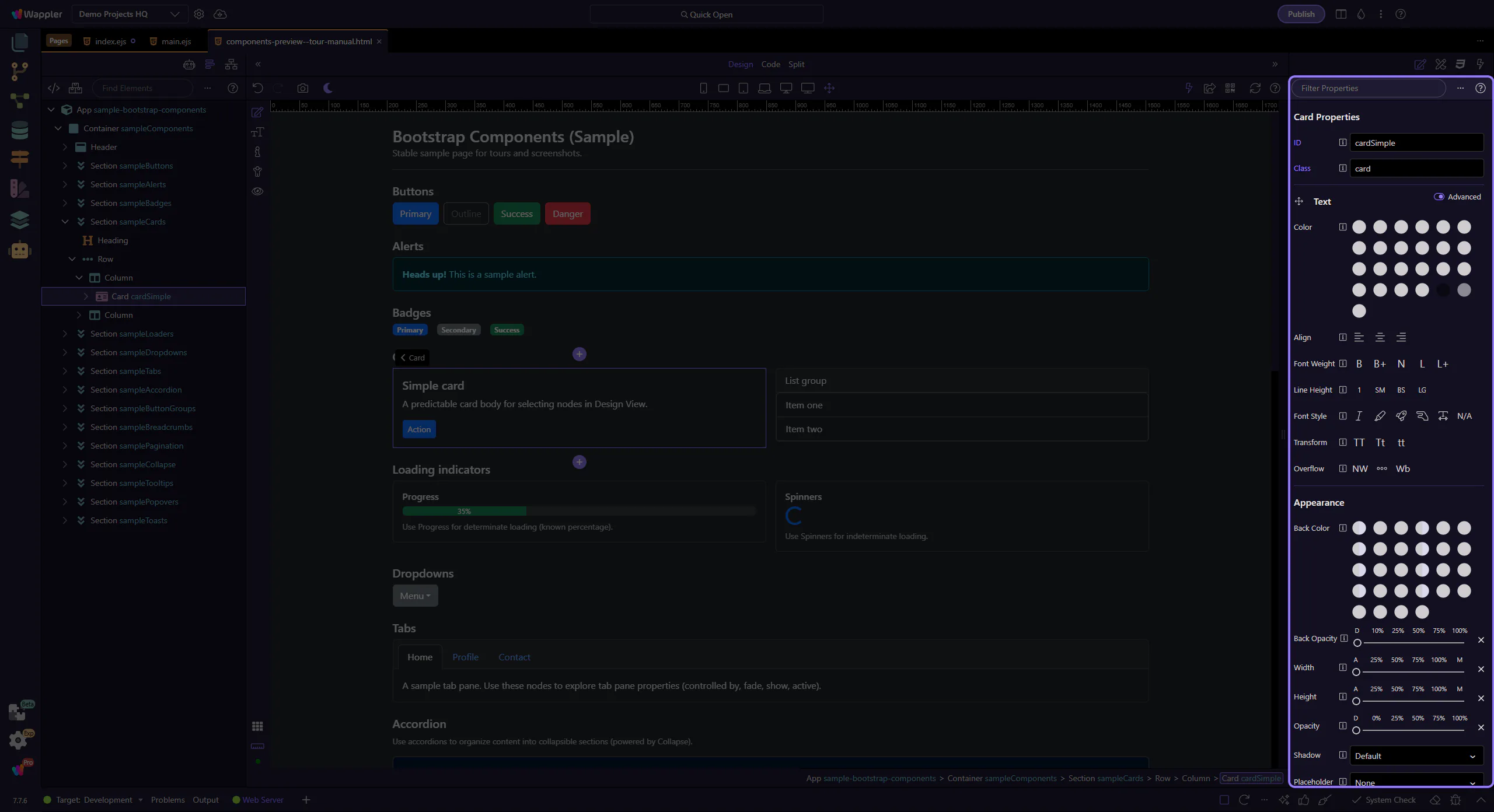
Section titled “Orient yourself in Properties panel”Start with the wider context in the Properties panel so the next control makes sense in the full workflow. In the next step, you will focus on Hide on breakpoints and see how it fits into this area.
Hide on breakpoints
Section titled “Hide on breakpoints”Use Display → Hide on to hide an element on specific device sizes. This produces Bootstrap d-*-none classes. This step matters because Hide on breakpoints is part of Selection Panels Properties Carddisplayhide, and understanding that context makes the next action easier to repeat in your own project.

Flex Item utilities
Section titled “Flex Item utilities”When an element sits inside a flex container, the Flex Item group lets you control alignment and ordering.
Align self
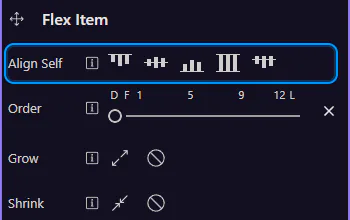
Section titled “Align self”Use Flex Item → Align Self to override cross-axis alignment for this one item. This step matters because Align self is part of Selection Panels Properties Cardflexalignself, and understanding that context makes the next action easier to repeat in your own project.
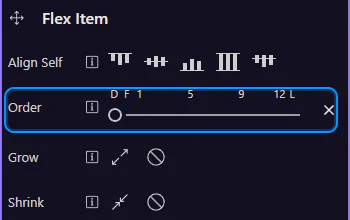
Use Order to reorder items without changing your HTML structure. This step matters because Order is part of Selection Panels Properties Cardorder, and understanding that context makes the next action easier to repeat in your own project.
Next steps
Section titled “Next steps”That’s the core set of shared utilities. Next, revisit the Utilities menu or continue with a components tour.