
Enter
Animate a card when App Connect adds it to the rendered result.
Add purposeful enter and move animations to repeated content, then inspect the selected element and its dynamic animation properties in the complete HTML Editor workspace.
This prepared listings page uses enter and move animations on repeated cards. Its local sample data keeps the example available without a database or a second demo server. Clear and restore the listings in Preview to see cards enter again.
repeat_listings renders the sample listings from listing_results.value. The Structure tree and Properties panel keep the animation in its repeat context instead of presenting it as an isolated effect.
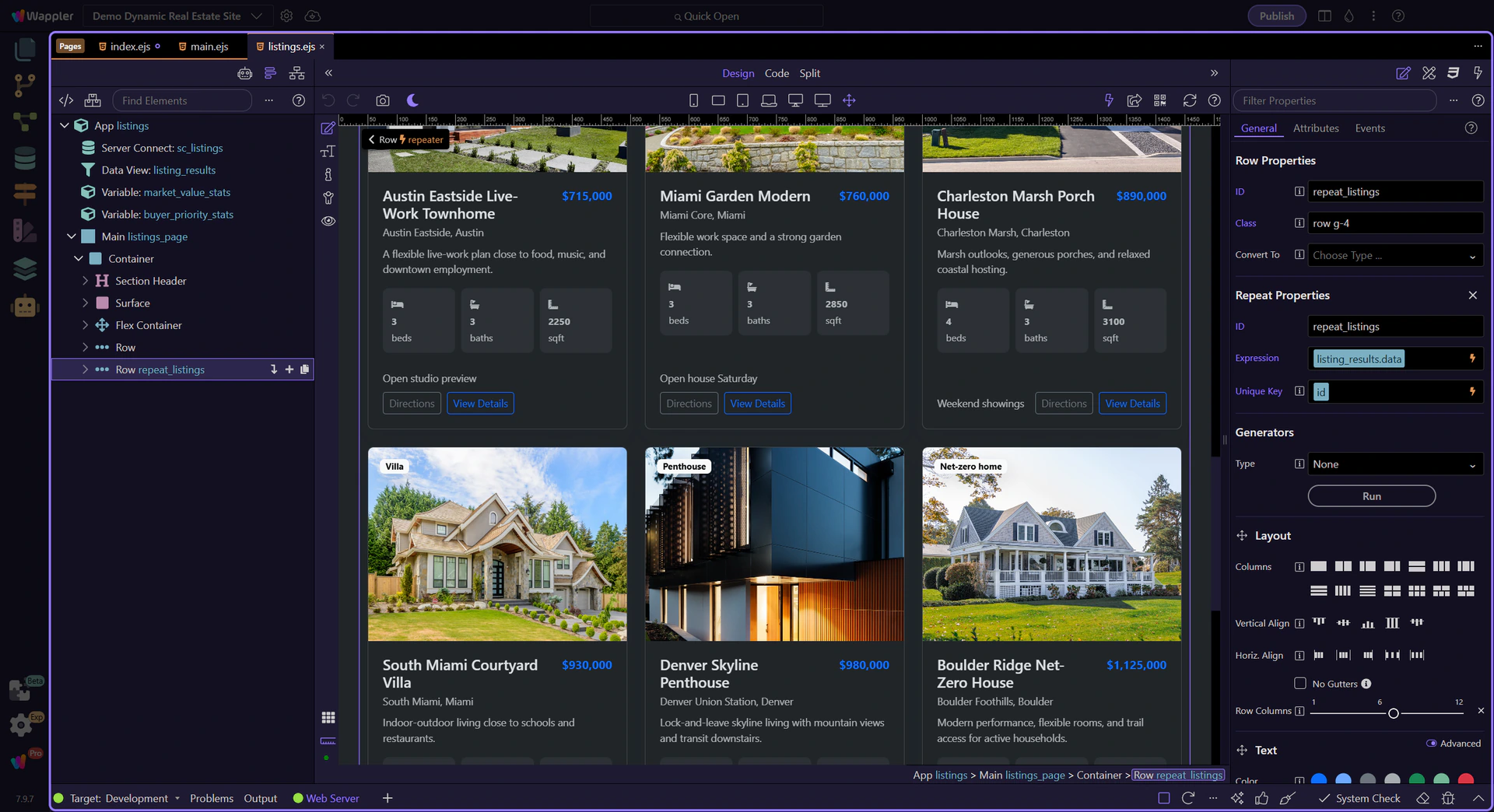
The repeated card column owns dmx-animate-enter and dmx-animate-move. Selecting that exact element fills the Properties panel with the element context while the Structure tree shows where it sits inside the repeat.
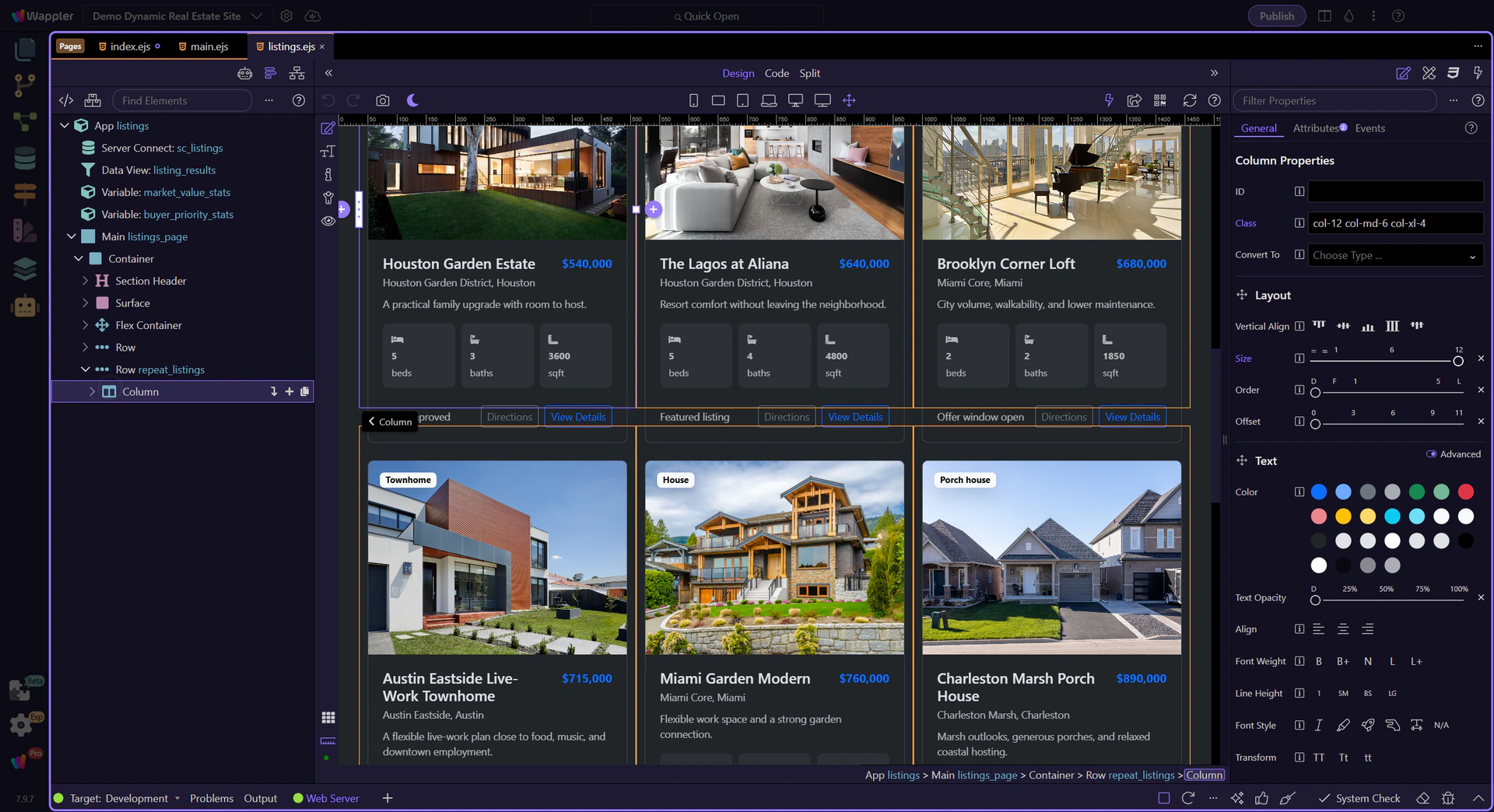
This page uses a 400 ms duration and a short 80 ms enter delay. Short timings communicate a state change without making filtering feel slow; longer or heavily staggered motion should be reserved for moments that deserve attention.
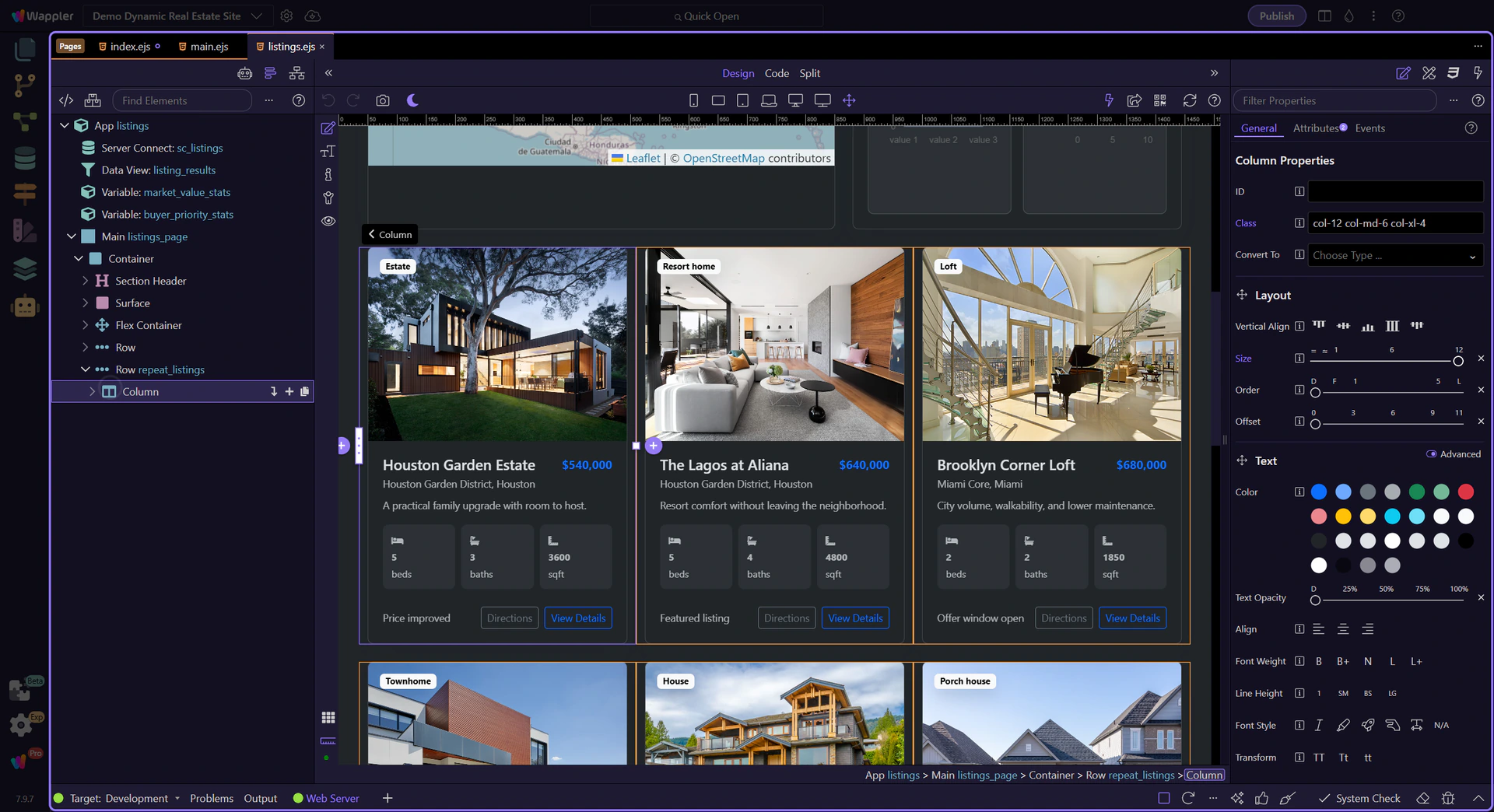
Use Design View and local preview to test the final result with real filtering and sorting. The animation should reinforce the change while the listing cards remain the visual focus.
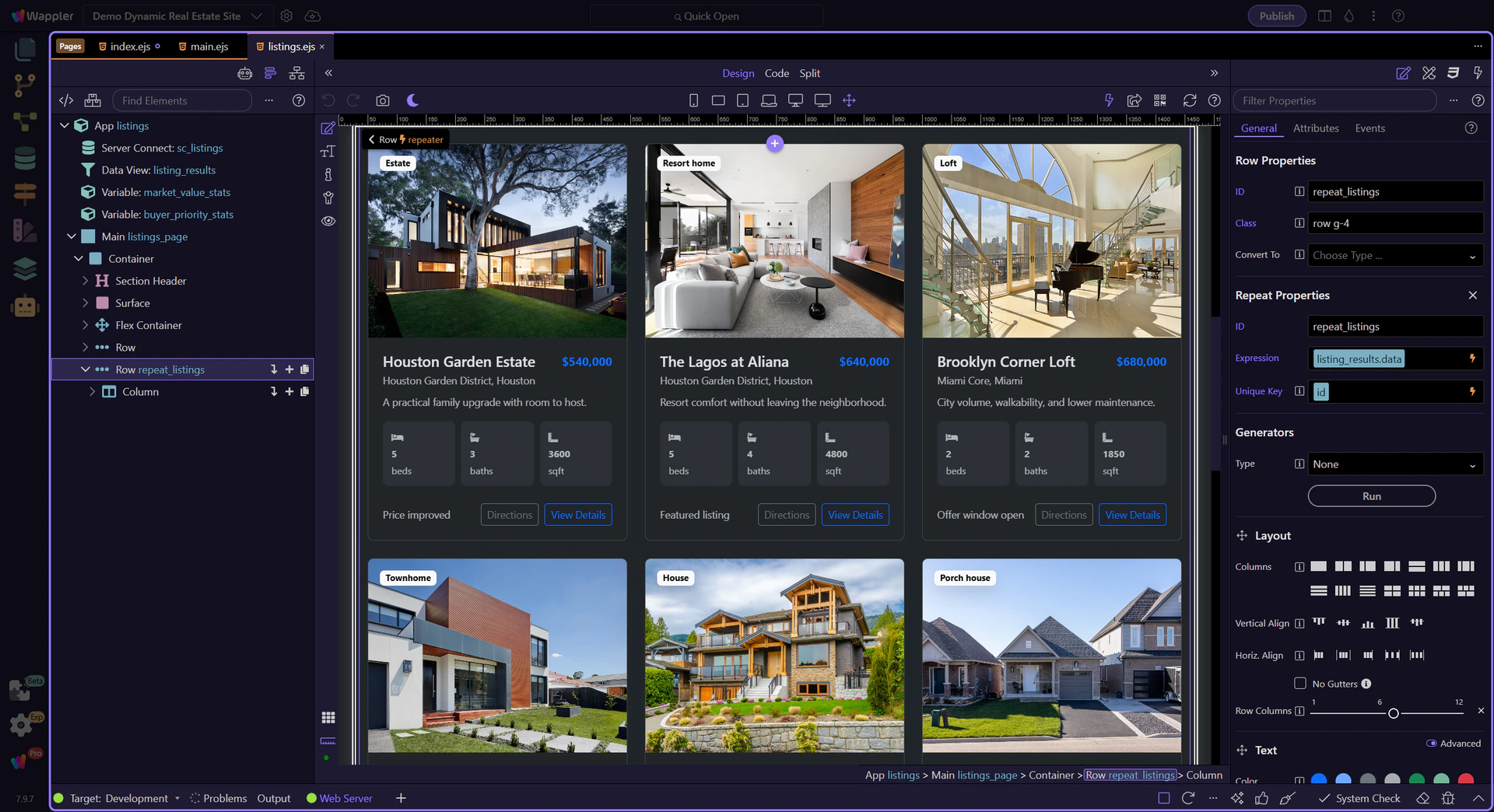
Attach enter, leave, or move animation to the element that actually changes; keep timings modest; and test the interaction with real data. That gives users useful continuity without turning the interface into a visual distraction.