
Route-driven load
`sc_listing` reads the page query id and loads one property record.
Focused walkthrough of the renewed listing detail page: route-driven Server Connect loading, gallery and lightbox, related repeats, map, and inquiry call-to-action bindings.
The listing detail page shows how the renewed demo handles one routed record. A route parameter loads the listing, then App Connect binds that detailed record into galleries, repeated sections, maps, and call-to-action links.
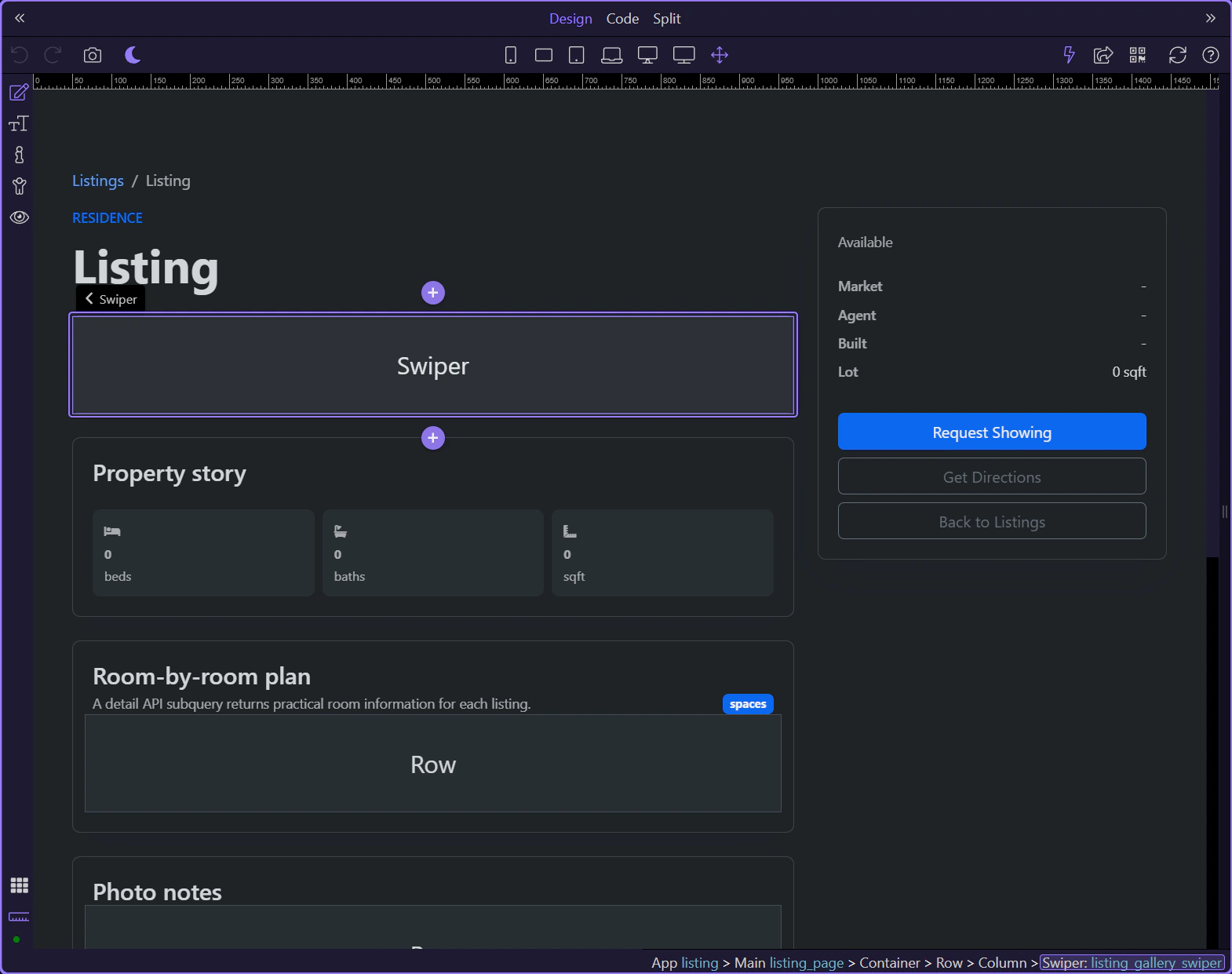
The walkthrough starts on views/listing.ejs, where the renewed demo turns one routed listing record into a complete detail page.
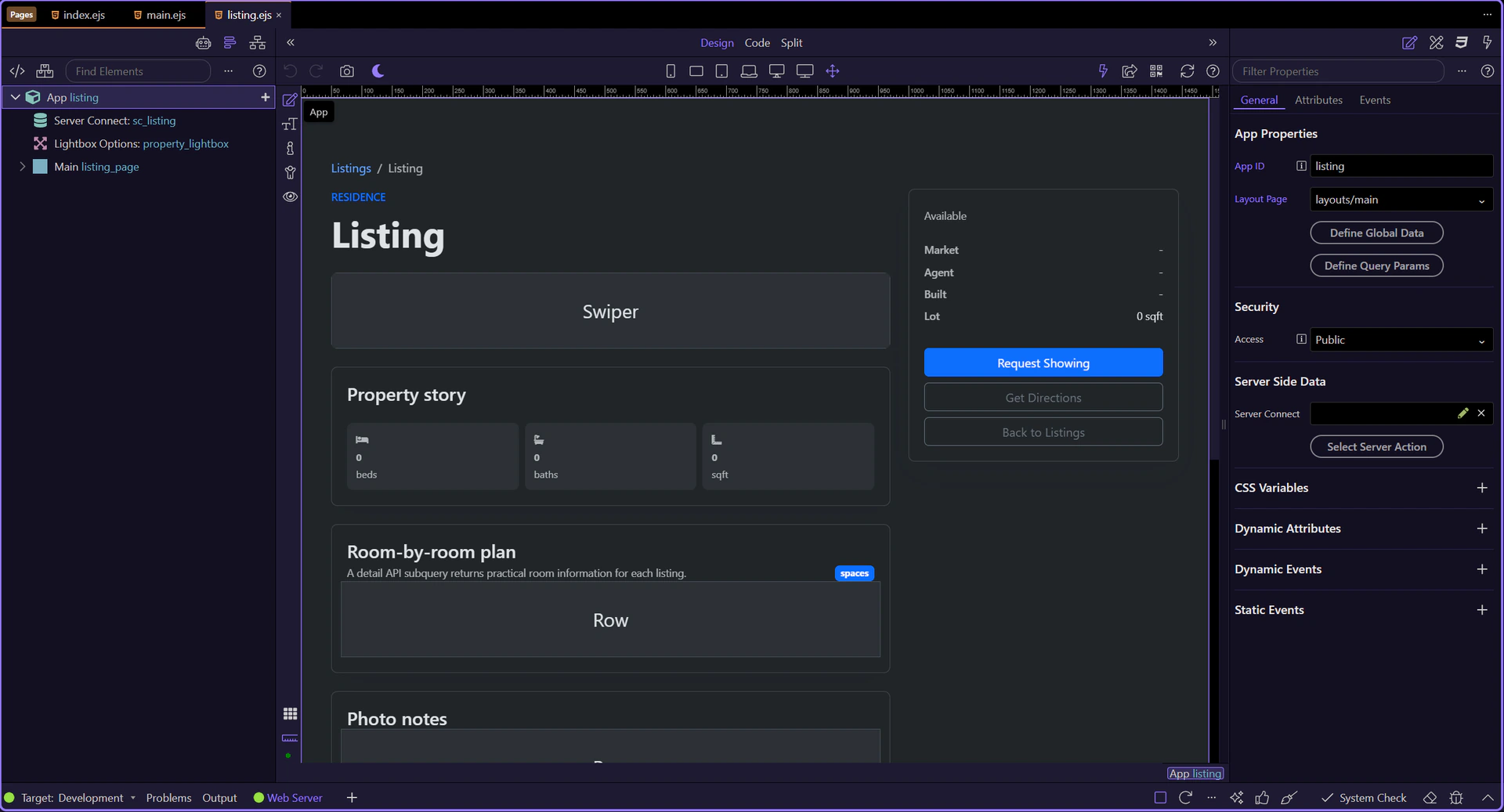
The detail page is now active in Design View, so the Structure and Properties panels can follow the live page context.
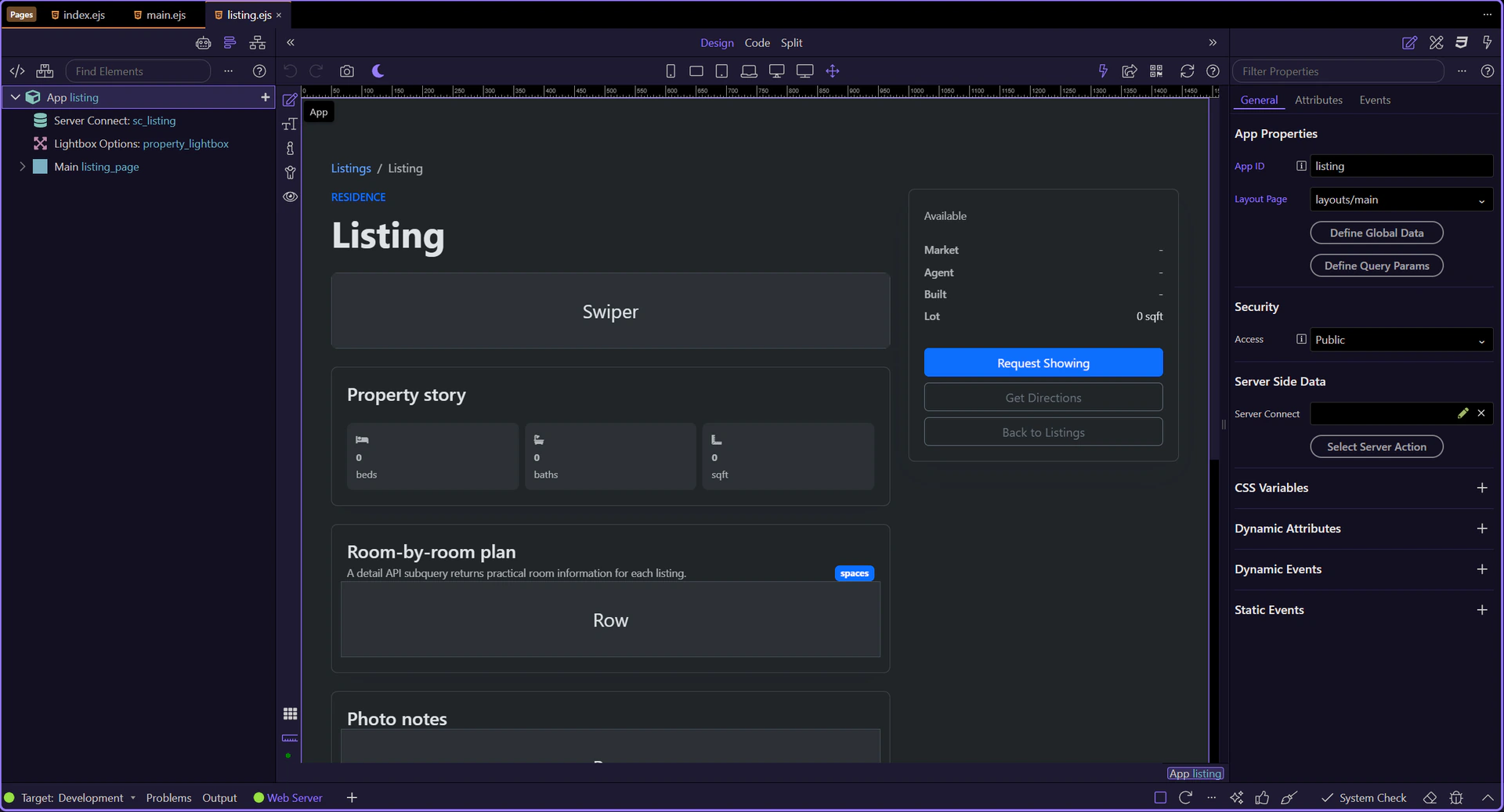
sc_listing calls /api/listings/get and binds query.id into the request, which is how the detail page resolves one record from the routed URL.
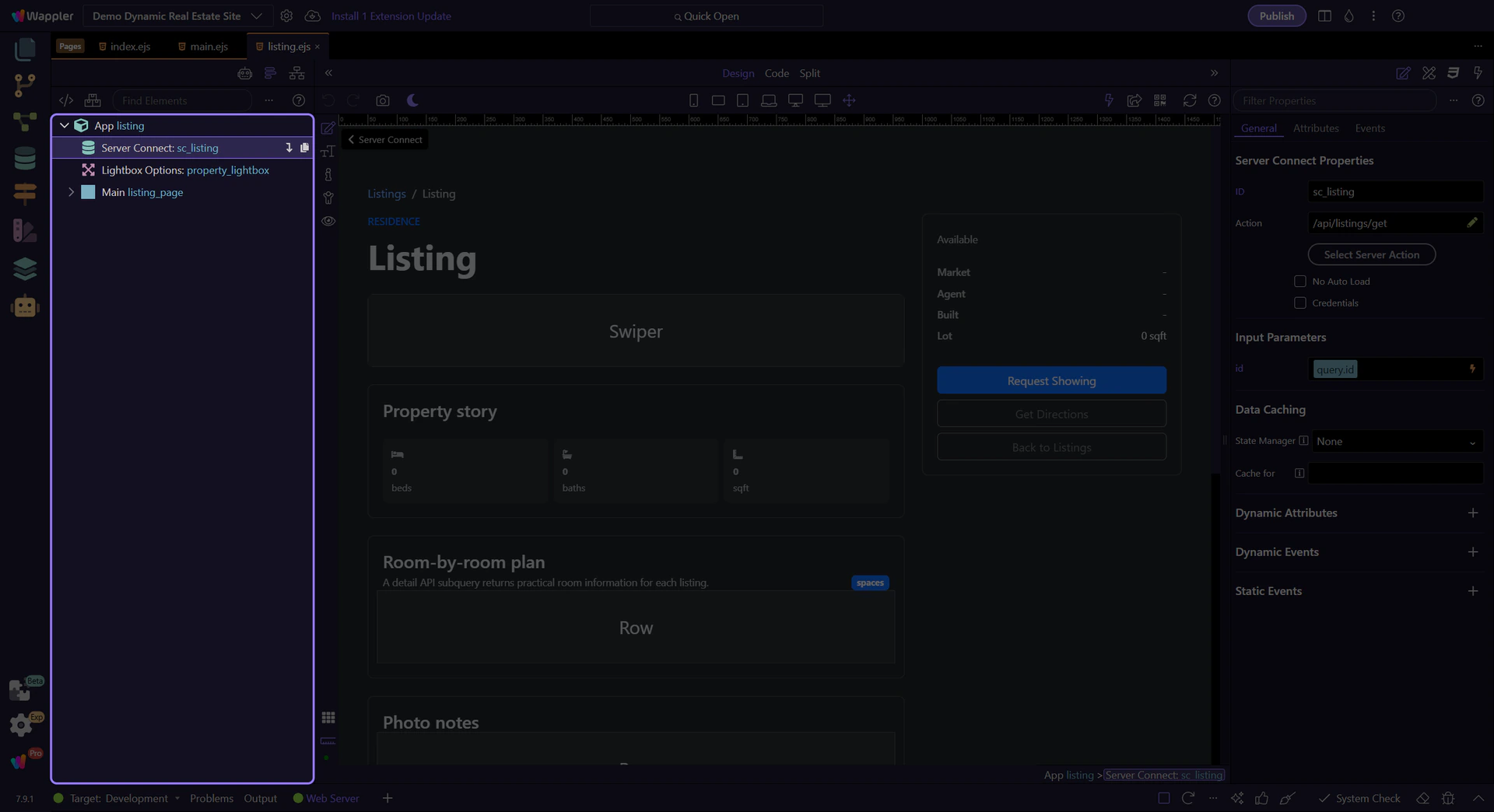
property_lightbox is a good example of page-level App Connect infrastructure: several gallery links can reuse it without duplicating popup logic.
The swiper uses the loaded record’s listing_images collection, so one API record can immediately power a richer presentation component.
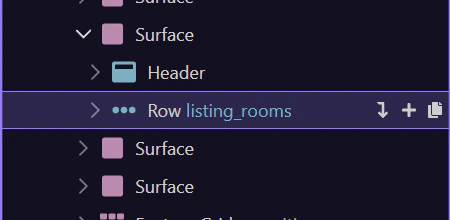
listing_rooms shows a common detail-page pattern: subquery data from the main record becomes a repeat region for structured secondary content.
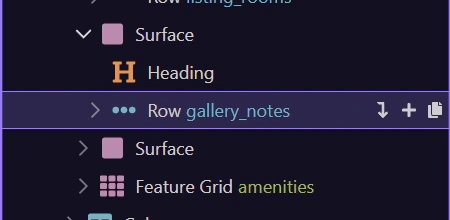
gallery_notes turns the same image collection into a second presentation. This is the same App Connect lesson as elsewhere in the demo: one collection can feed multiple UI layers.
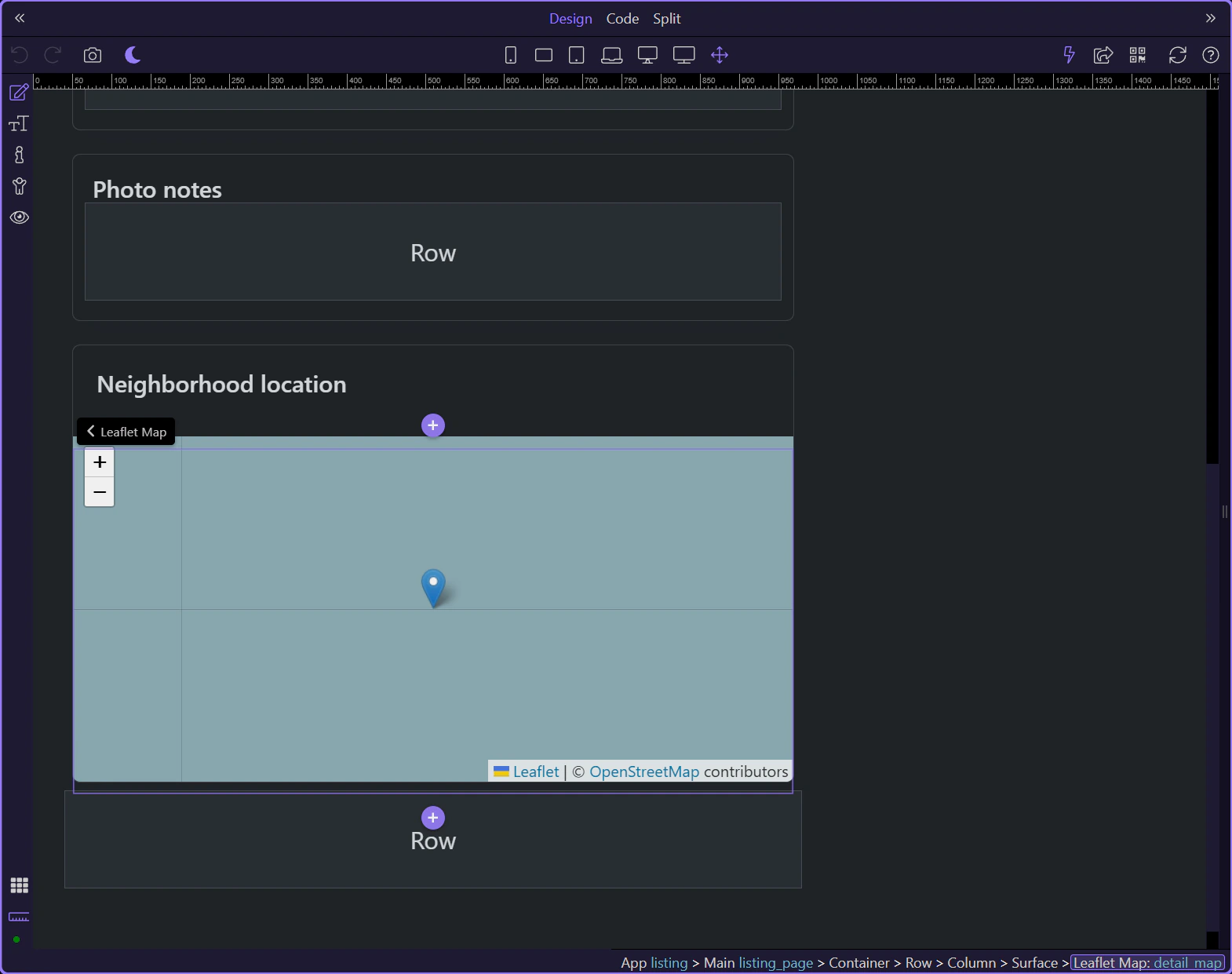
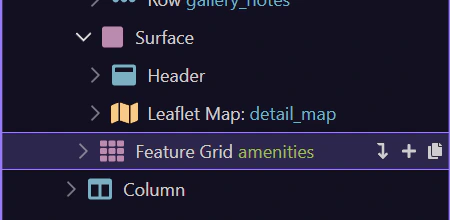
detail_map binds one listing’s coordinates into a focused Leaflet map and marker, which keeps the location tied directly to the loaded record.
amenities is another repeated slice from the same loaded record, reinforcing how the detail page decomposes one record into several focused UI sections.
The Request Showing button passes the current listing id into the inquiry page. That is the workflow bridge between this routed detail page and the form page.
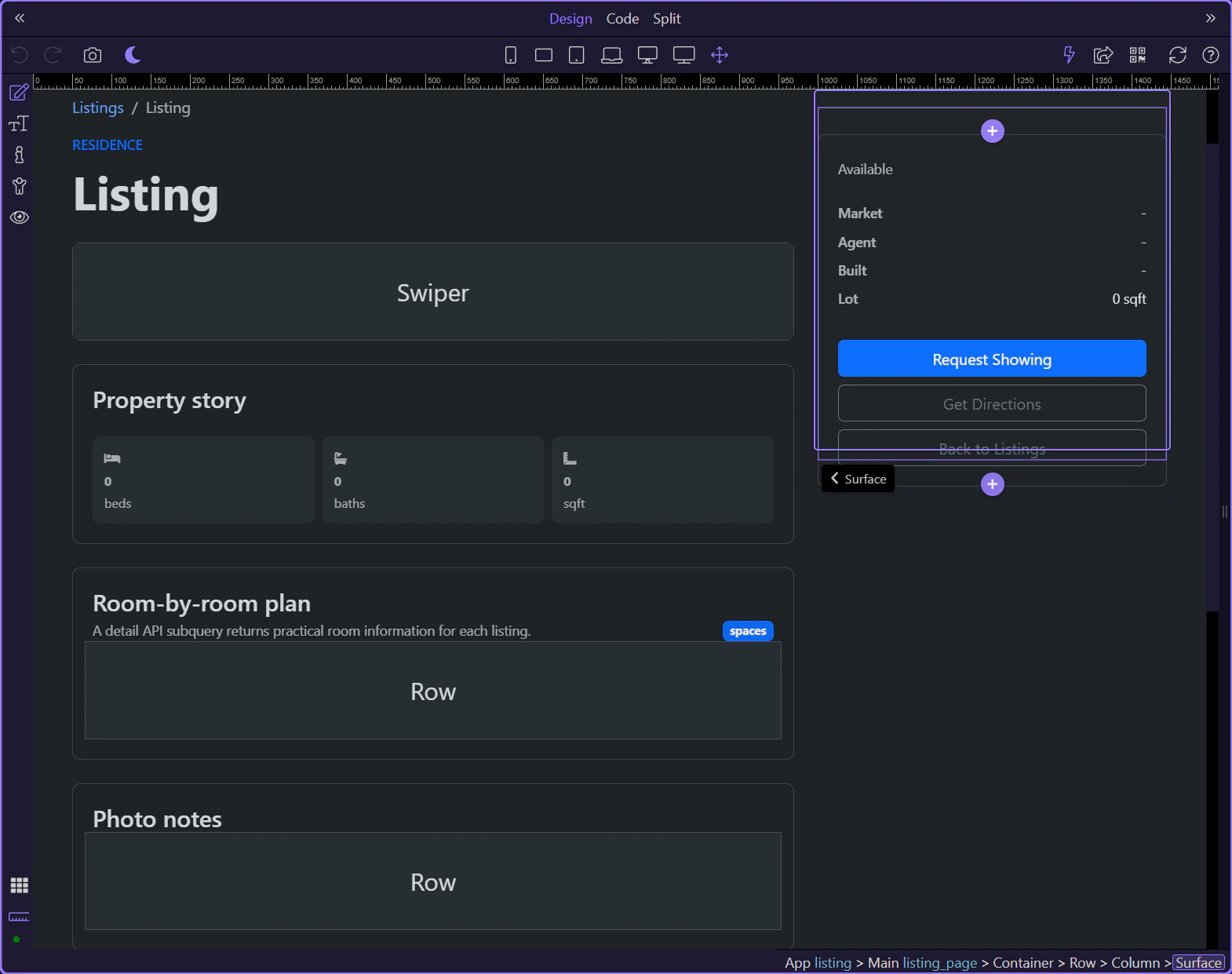
The detail page completes the renewed demo pattern: route-driven loading, one detailed record, and several App Connect consumers built on top of it.
Continue into the inquiry workflow, back to the listings page, or the wider App Connect index.