
Read an expression
Use `dmx.parse()` when the function needs the current value of an App Connect expression.
Bridge App Connect state and focused custom JavaScript with dmx.parse(), dmx.app.data, and reactive expressions in one maintainable page.
App Connect already handles state, bindings, events, and updates declaratively. Add a normal JavaScript function when a project-specific calculation or integration is clearer in code, then call it from an App Connect expression.
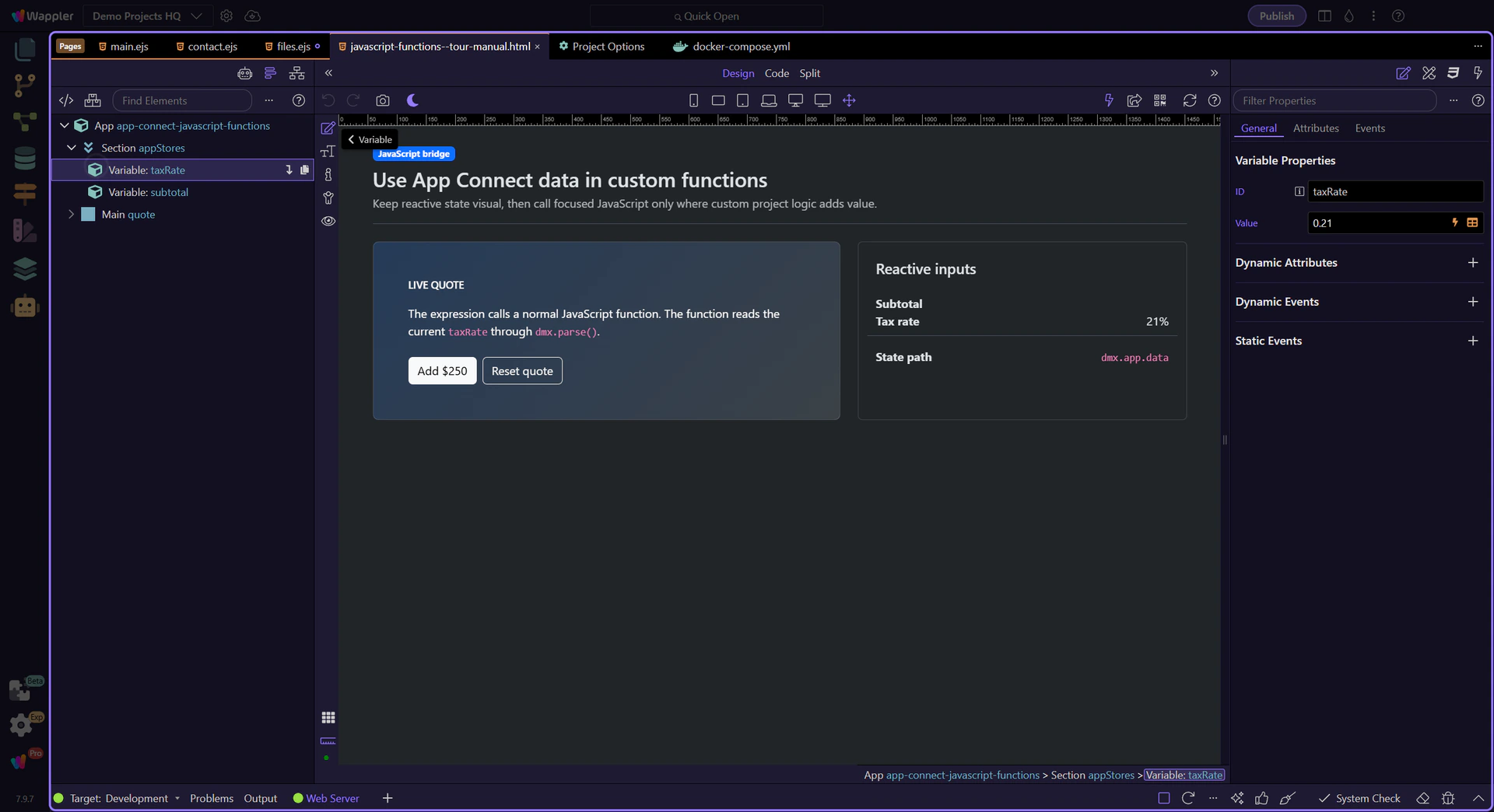
The expanded Structure tree identifies taxRate as an App Connect value component. Its populated Properties panel keeps the initial value editable without hiding the component inside custom code.
quoteTotal() uses dmx.parse('taxRate.value') to evaluate the same expression available in Wappler’s visual bindings. currentQuoteState() demonstrates direct access through dmx.app.data for advanced integrations.
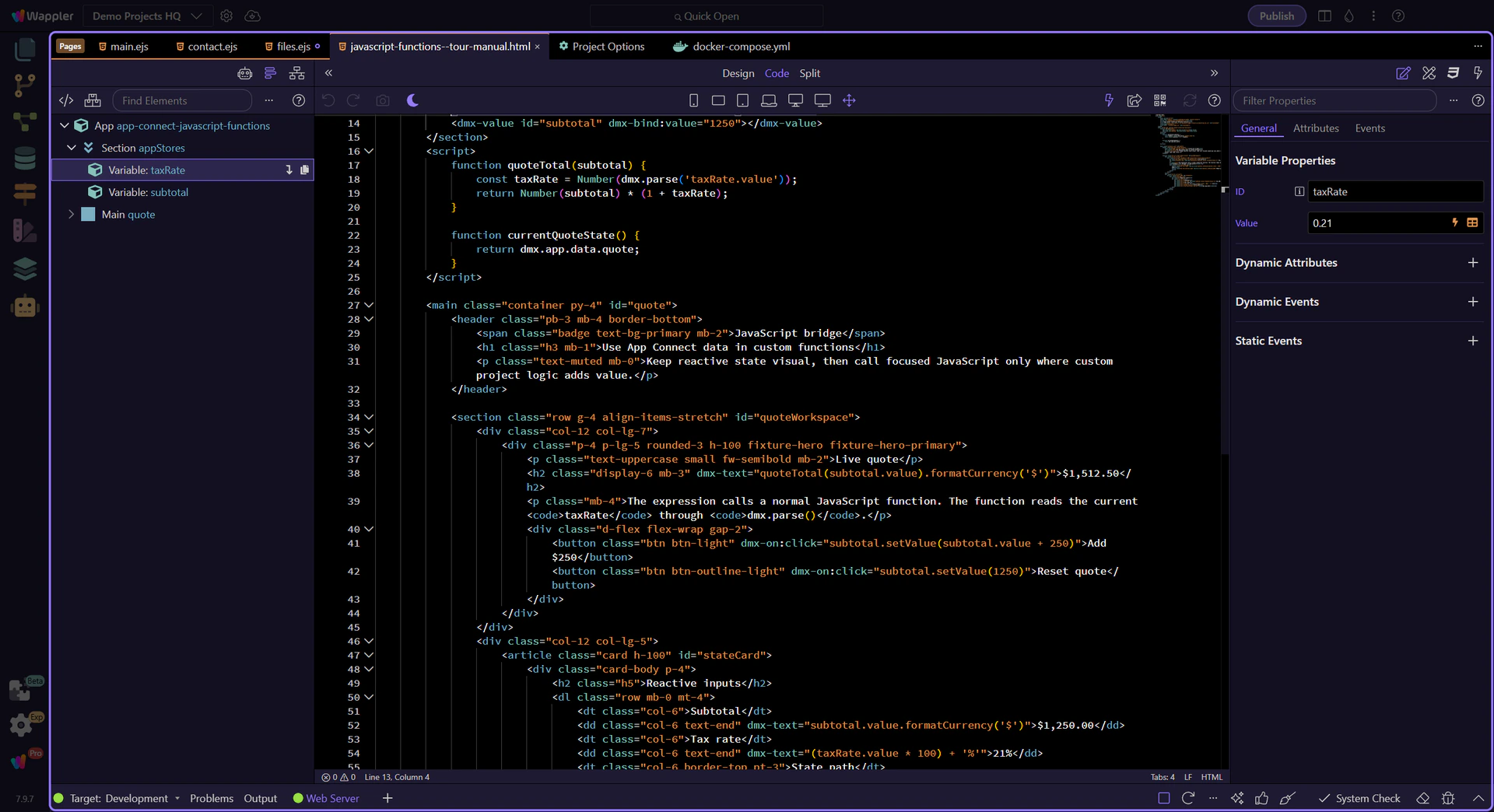
The total calls quoteTotal(subtotal.value) from a normal App Connect text binding. Changing subtotal causes App Connect to reevaluate the binding and redraw the result—no manual DOM update is required.
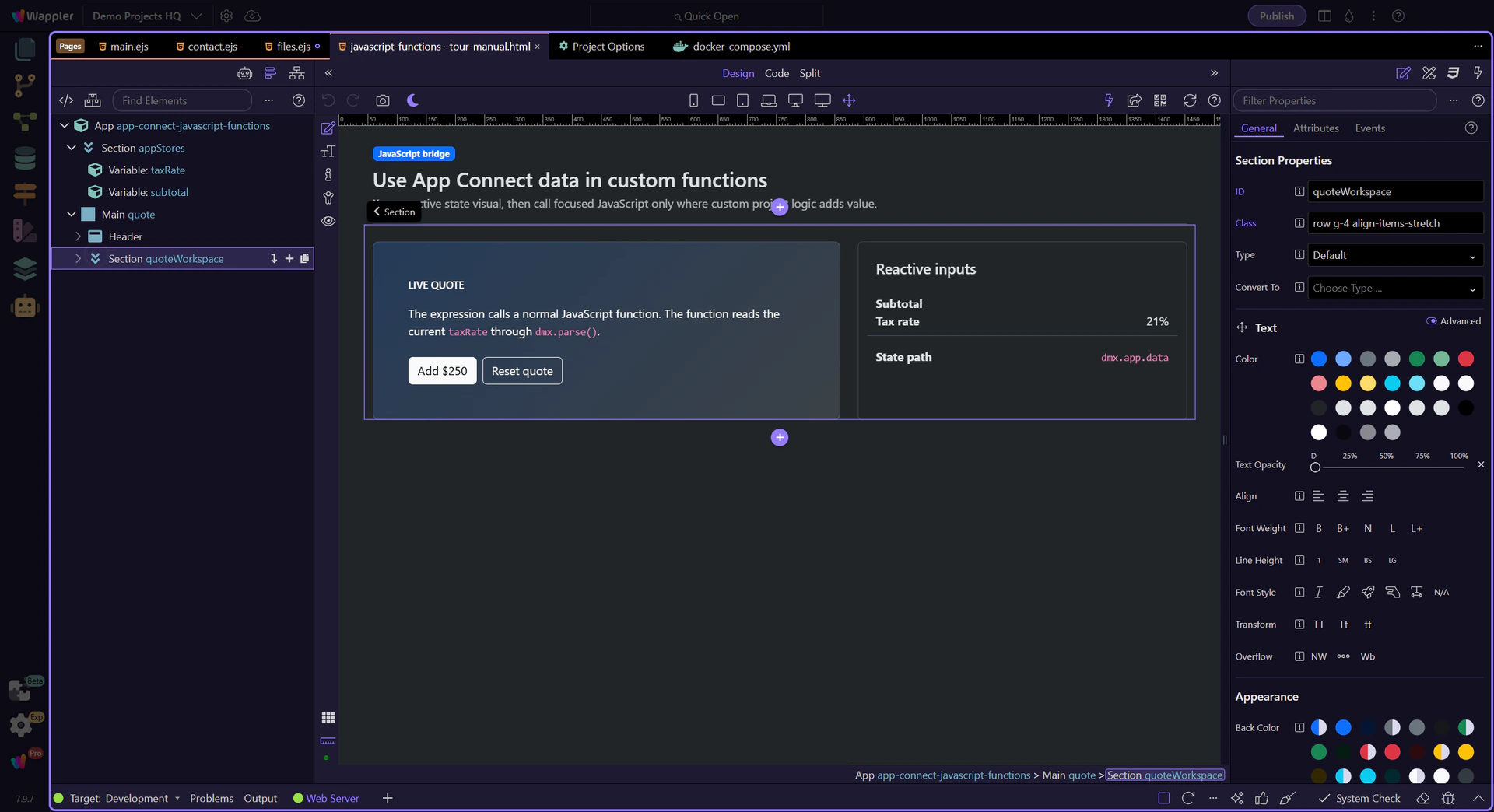
Prefer App Connect’s visual state, events, and formatters for common behavior. Use small named JavaScript functions for truly custom logic, pass explicit inputs where practical, and keep state access readable so the next developer can follow the data flow.