
List groups
Use list groups for structured lists, selection states, and grouped content.
List group container
Section titled “List group container”A list group is a container plus one or more items. It’s great for navigation, selectable lists, and simple summaries.
List group example
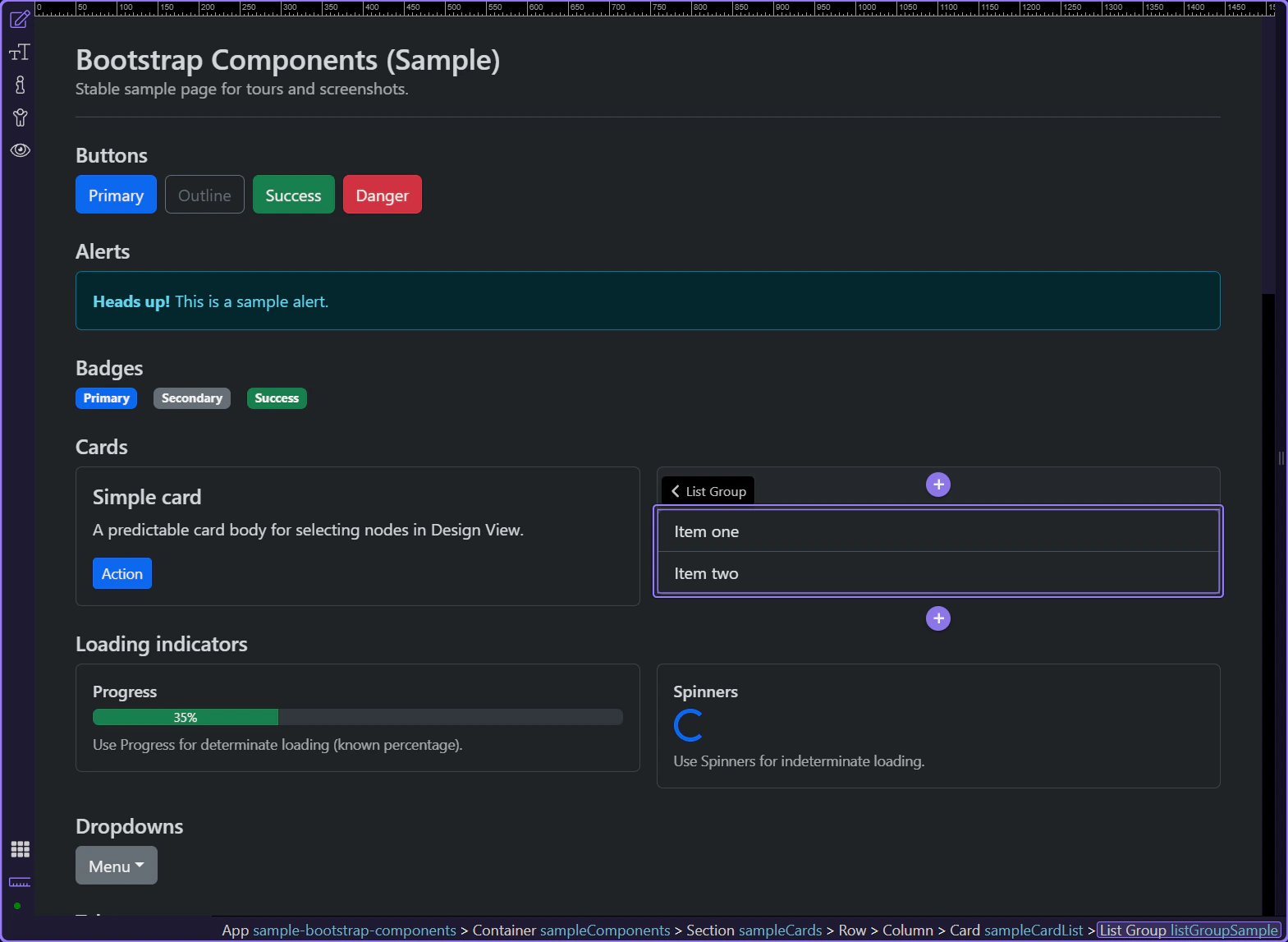
Section titled “List group example”This list group example shows how Bootstrap can turn a plain stack of items into a clearer, more structured UI pattern. Watch how repeated items share consistent styling, spacing, and emphasis, and why list groups are useful for navigation, summaries, or selectable collections inside a page section.
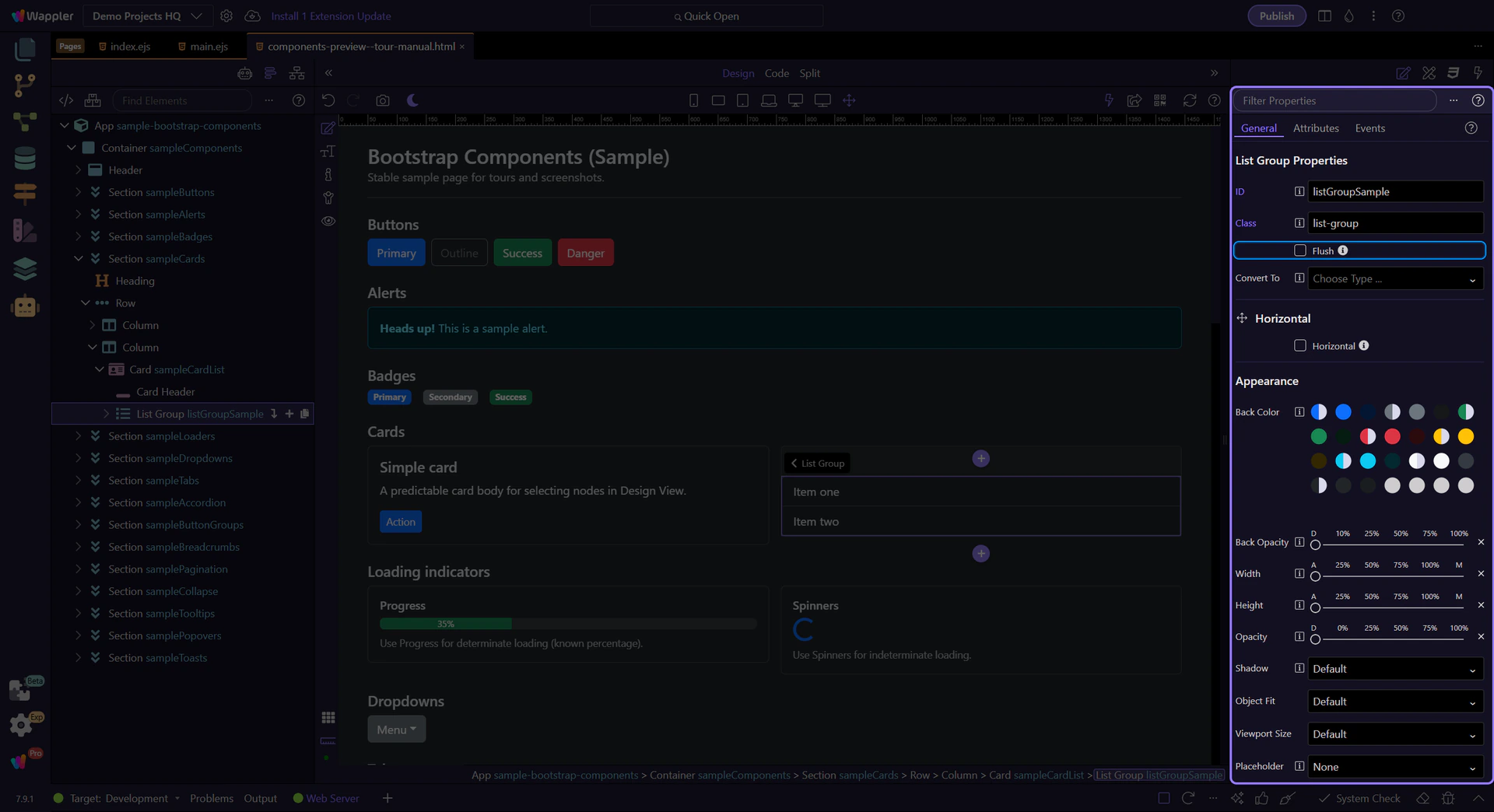
List group: Flush
Section titled “List group: Flush”Enable Flush to remove outer borders and rounded corners (useful inside cards).
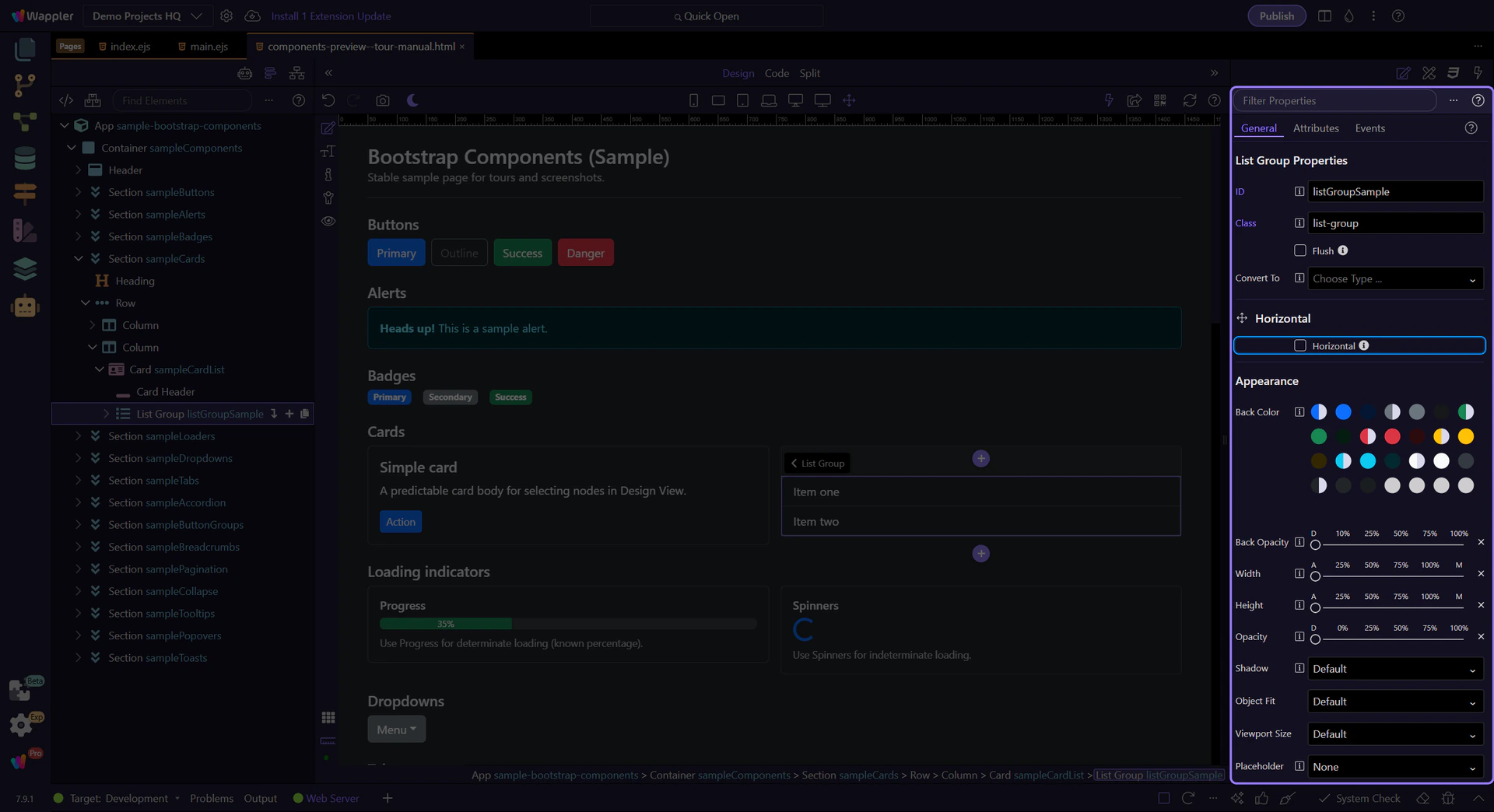
List group: Horizontal
Section titled “List group: Horizontal”Enable Horizontal to display items side-by-side (responsive variants are available).
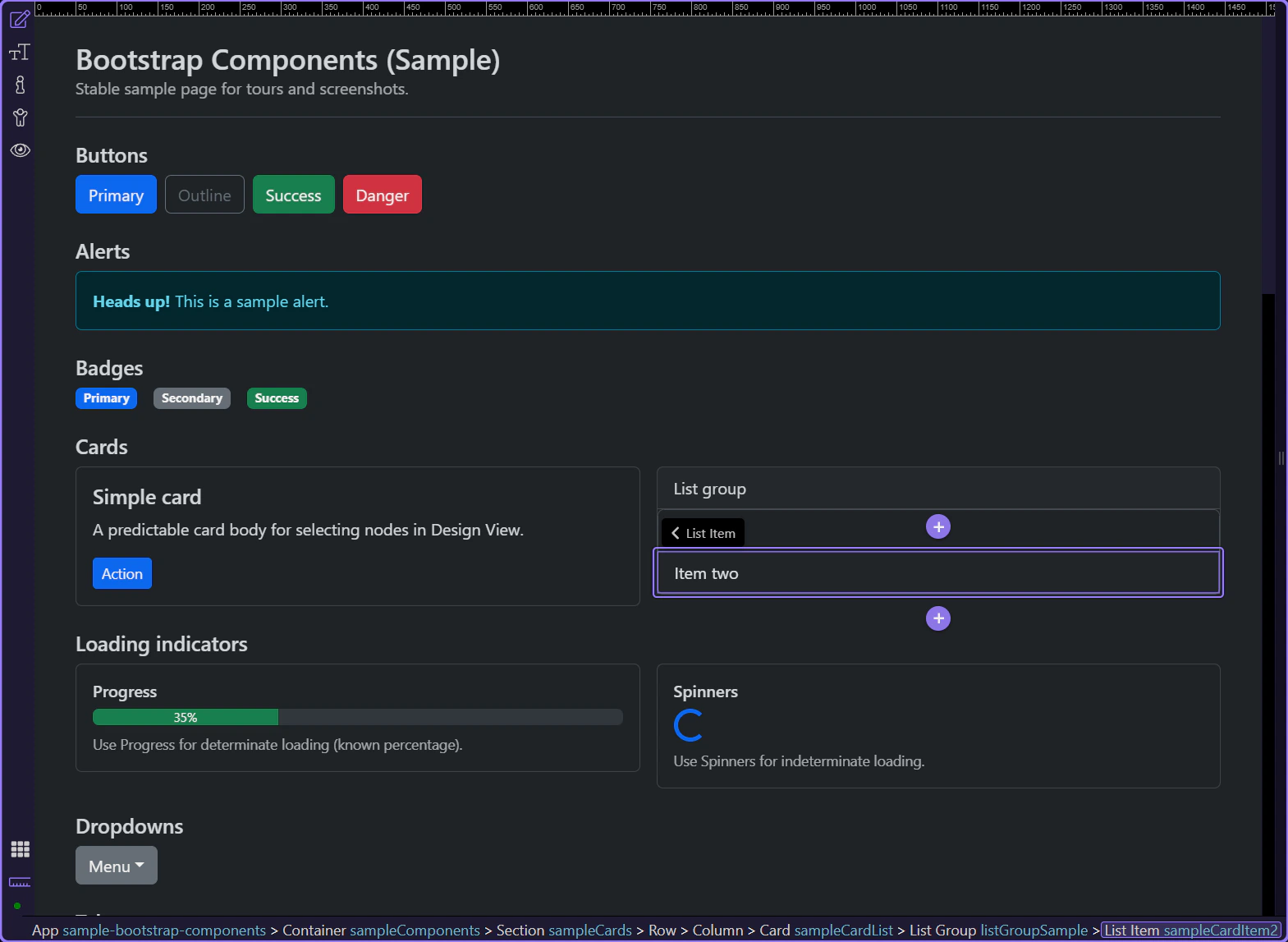
List items
Section titled “List items”Select a list item to adjust per-item state.
List group item
Section titled “List group item”List group items can be marked active or disabled to reflect navigation and availability.
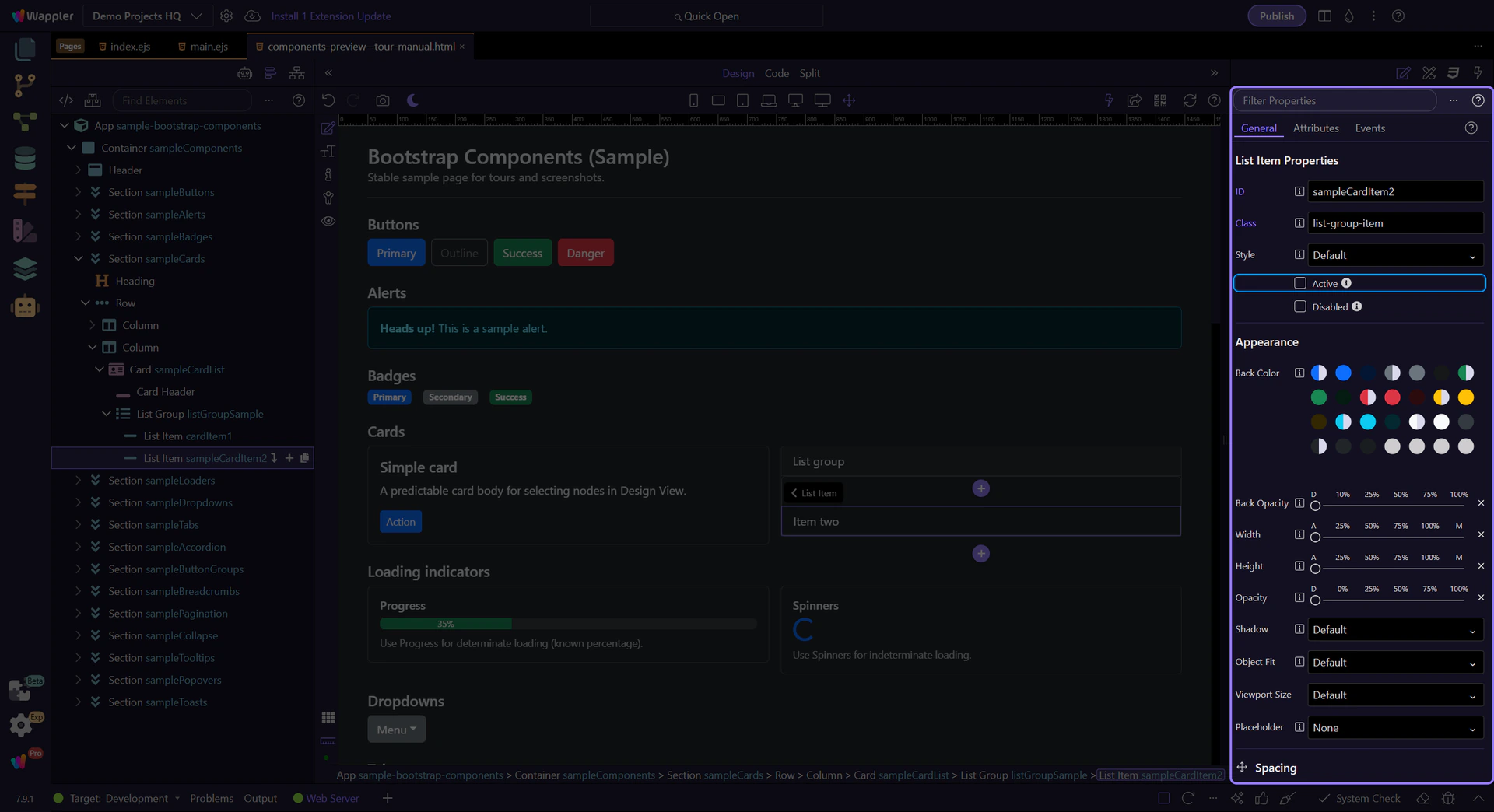
List item: Active
Section titled “List item: Active”Use Active to highlight the current/selected item.
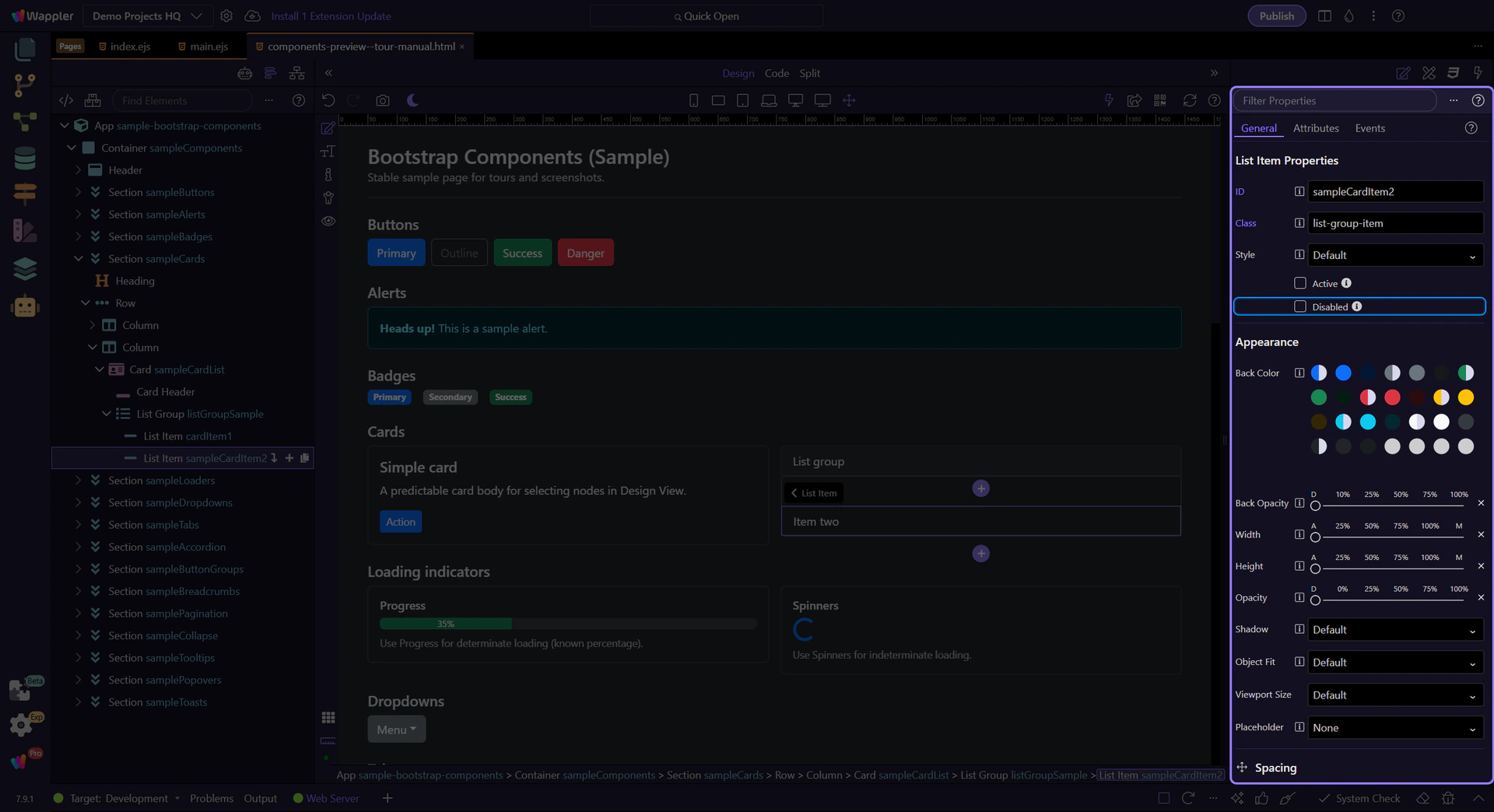
List item: Disabled
Section titled “List item: Disabled”Use Disabled when an item is not selectable.
Next steps
Section titled “Next steps”Continue with other Components tours or return to the Components menu.