Theme Manager (Bootstrap 5)
Explore Theme Manager (Bootstrap 5): Confirm Bootstrap 5 is selected and Preview and validate.
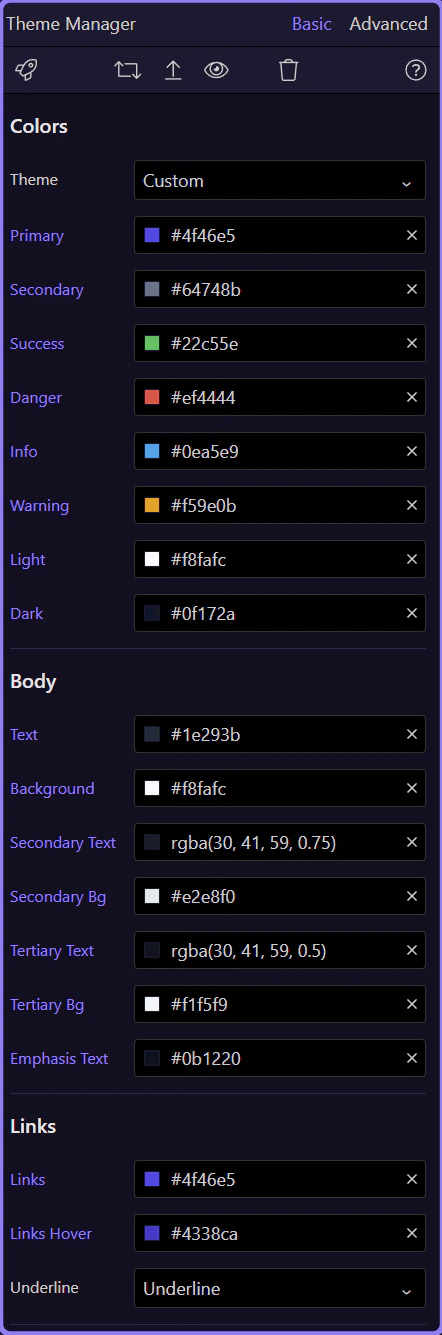
When using Bootstrap 5, Theme Manager customizes the Bootstrap 5 theme variables and quickly compiles your updated theme. Make sure your project Design Framework is set to Bootstrap 5.
Confirm Bootstrap 5 is selected
Section titled “Confirm Bootstrap 5 is selected”If the variables don’t match what you expect, double-check the Design Framework selection in Project Settings.
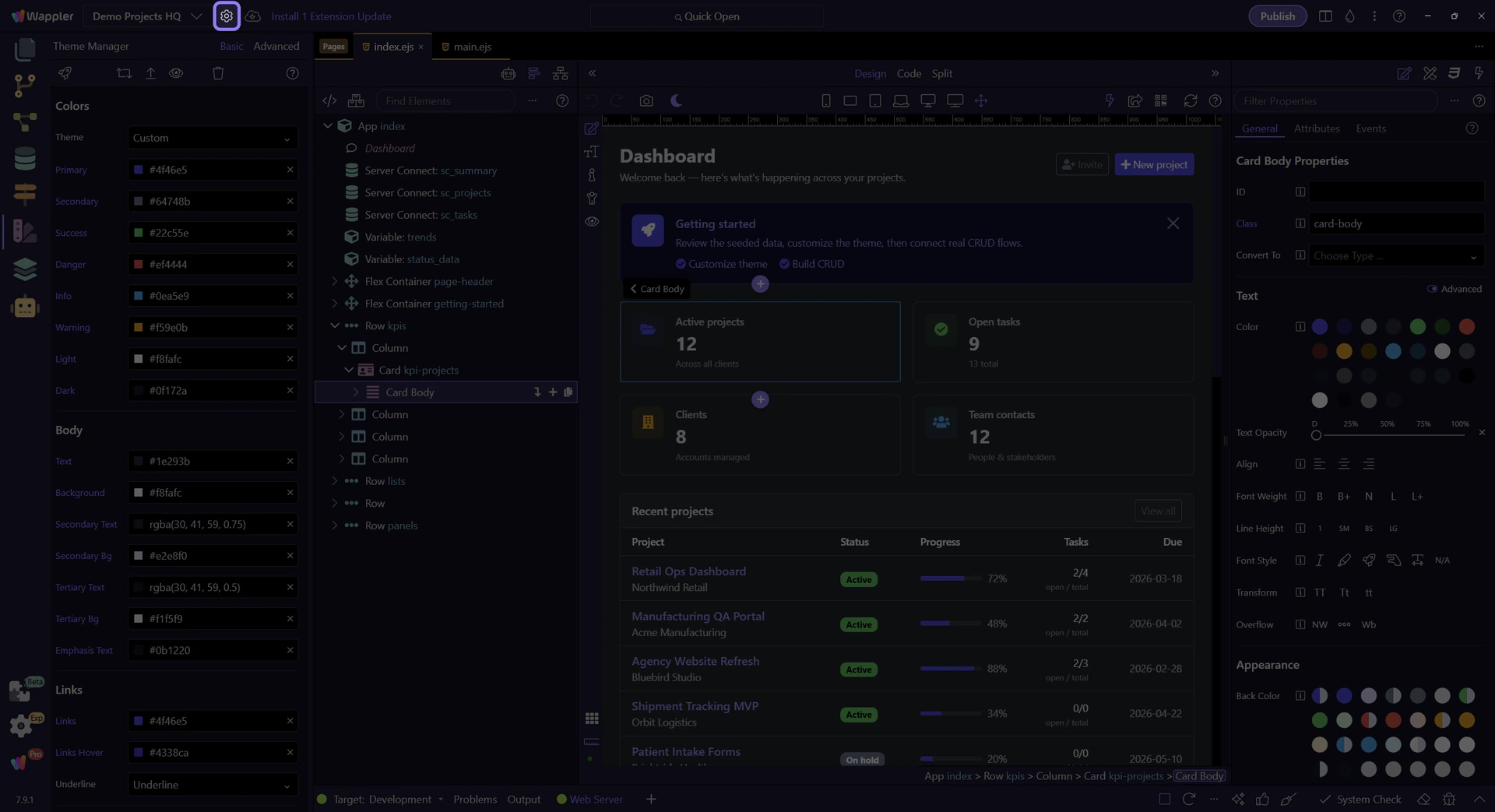
Orient yourself in Theme Manager
Section titled “Orient yourself in Theme Manager”Start with the full Theme Manager panel so the actions area is easy to place in the overall workflow. In the next step, you will narrow in on the action buttons that include Preview.
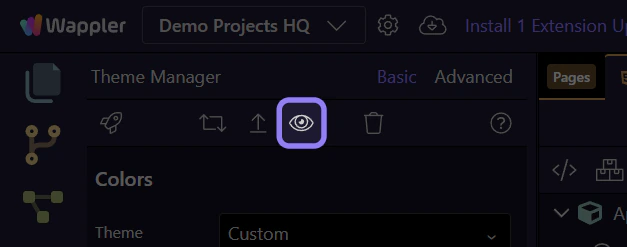
Preview and validate
Section titled “Preview and validate”Use Theme Preview to validate how Bootstrap 5 utilities and component variants look with your updated palette and fonts.