
Pagination
Understand Bootstrap pagination patterns and build paging controls that fit common list and table layouts.
Pagination helps users move between pages of content. In Bootstrap, it’s built from a pagination container plus page items and links.
Pagination example
Section titled “Pagination example”Pagination is highlighted. Pagination provides navigable links across multiple pages of content, with clear active and disabled states.
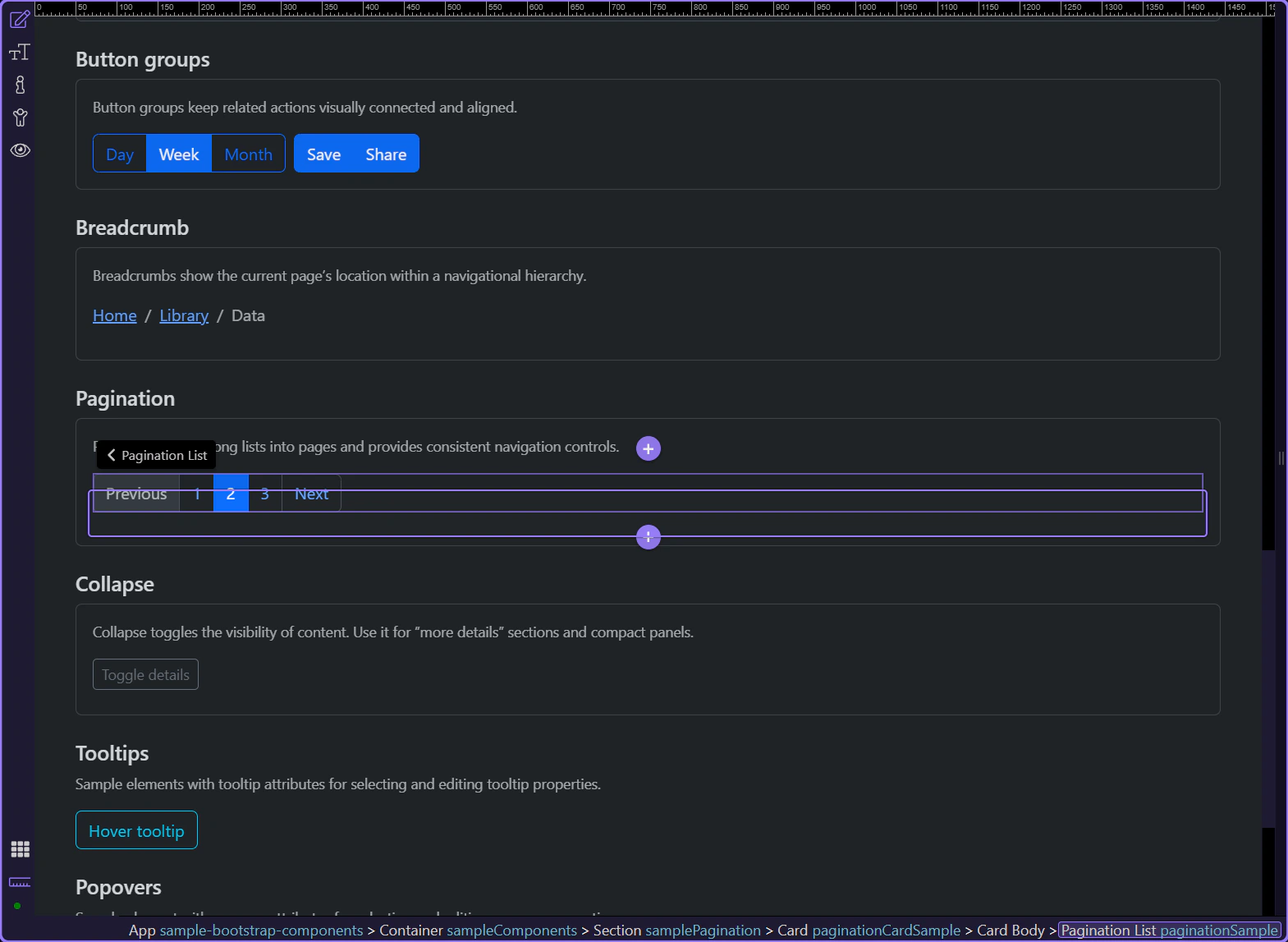
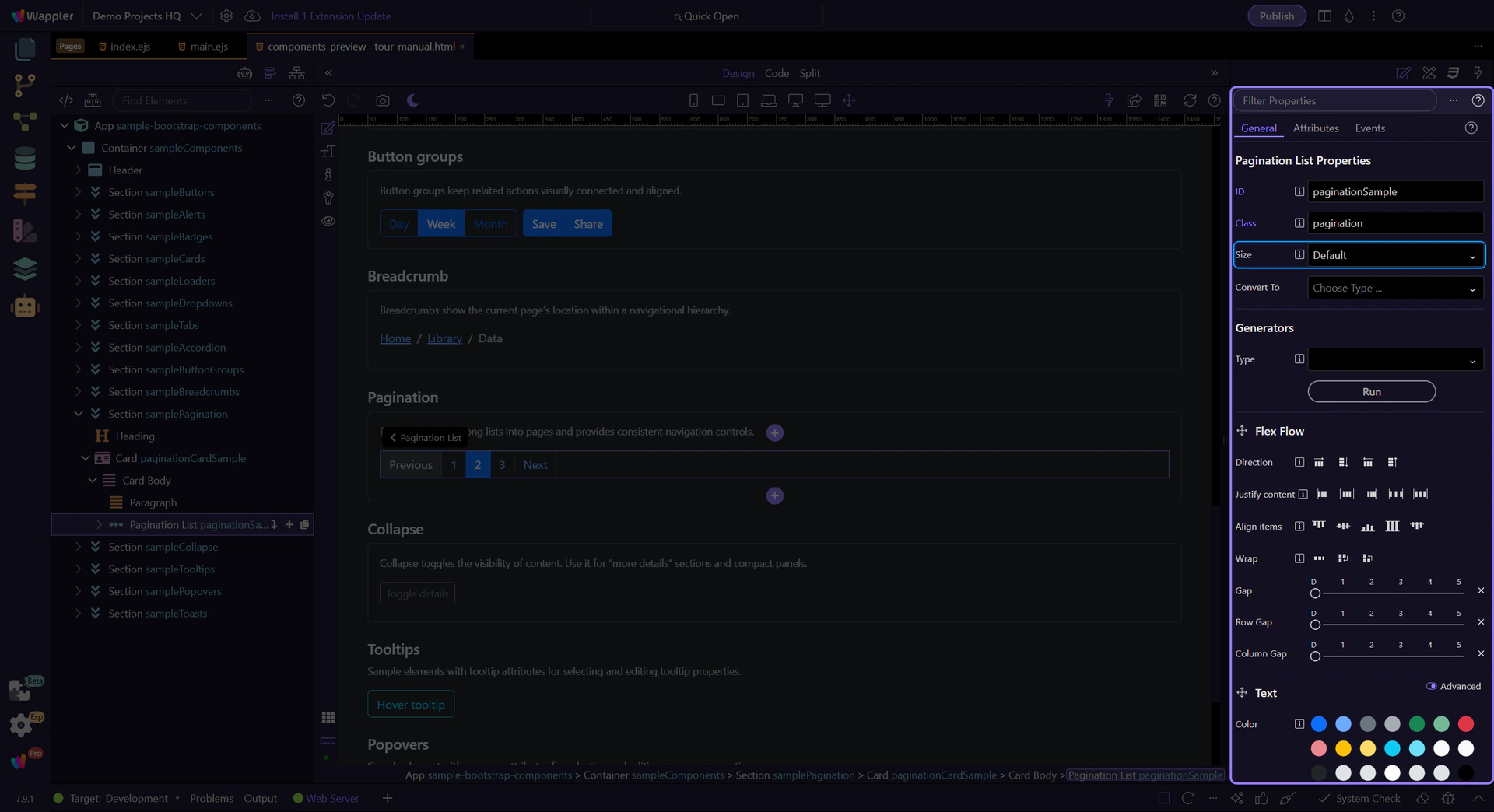
Pagination: Size
Section titled “Pagination: Size”Use Size to choose a larger or smaller pagination control. Keep it consistent with surrounding UI density.
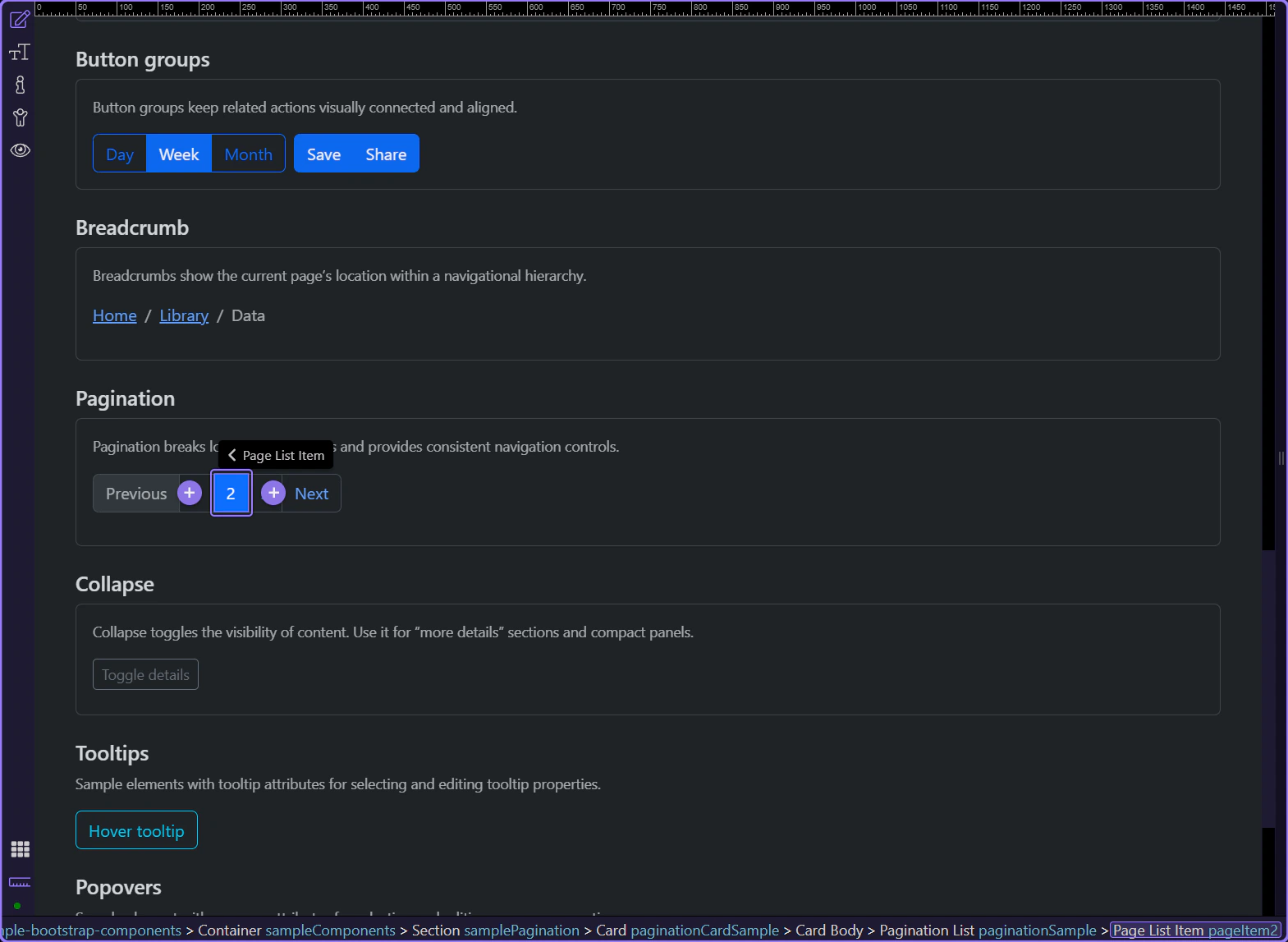
Page items and links
Section titled “Page items and links”Page items hold state (active/disabled). Page links hold the clickable label and destination.
Active page item
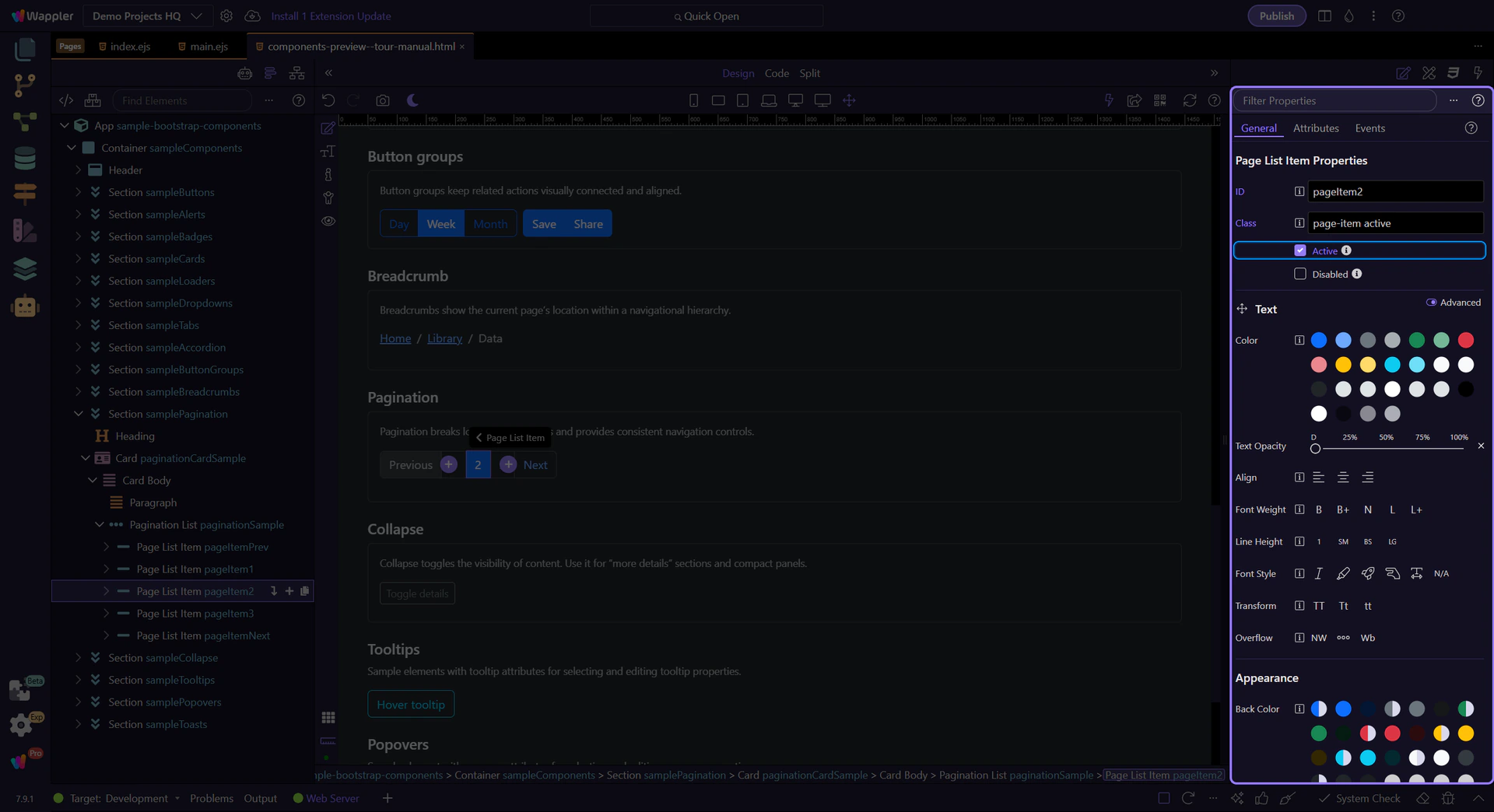
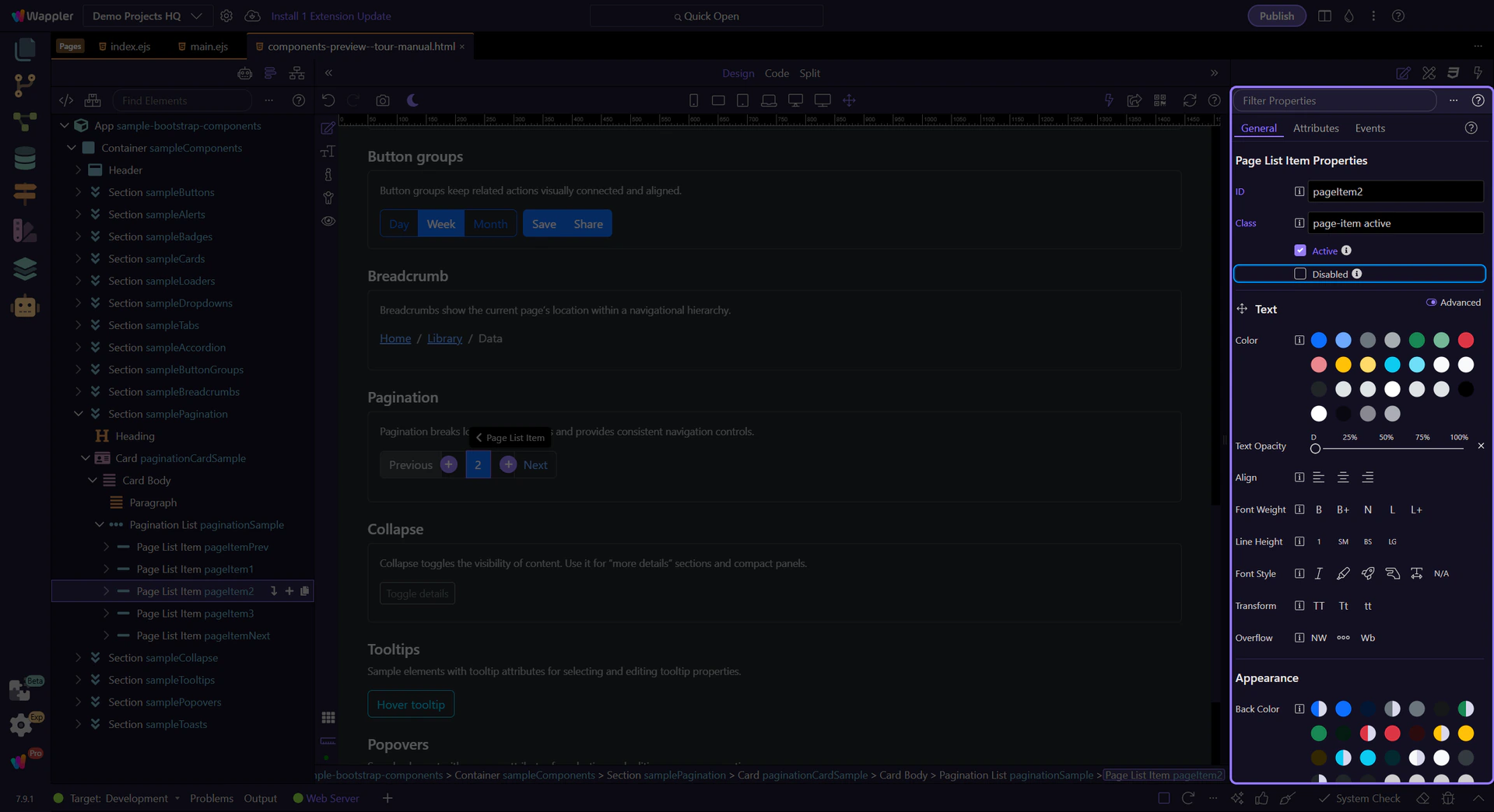
Section titled “Active page item”Active and disabled states live on the page item. Let’s review the current page state.
Page item: Active
Section titled “Page item: Active”Use Active for the current page.
Page item: Disabled
Section titled “Page item: Disabled”Use Disabled for items that aren’t available (for example, “Previous” on the first page).
Page link
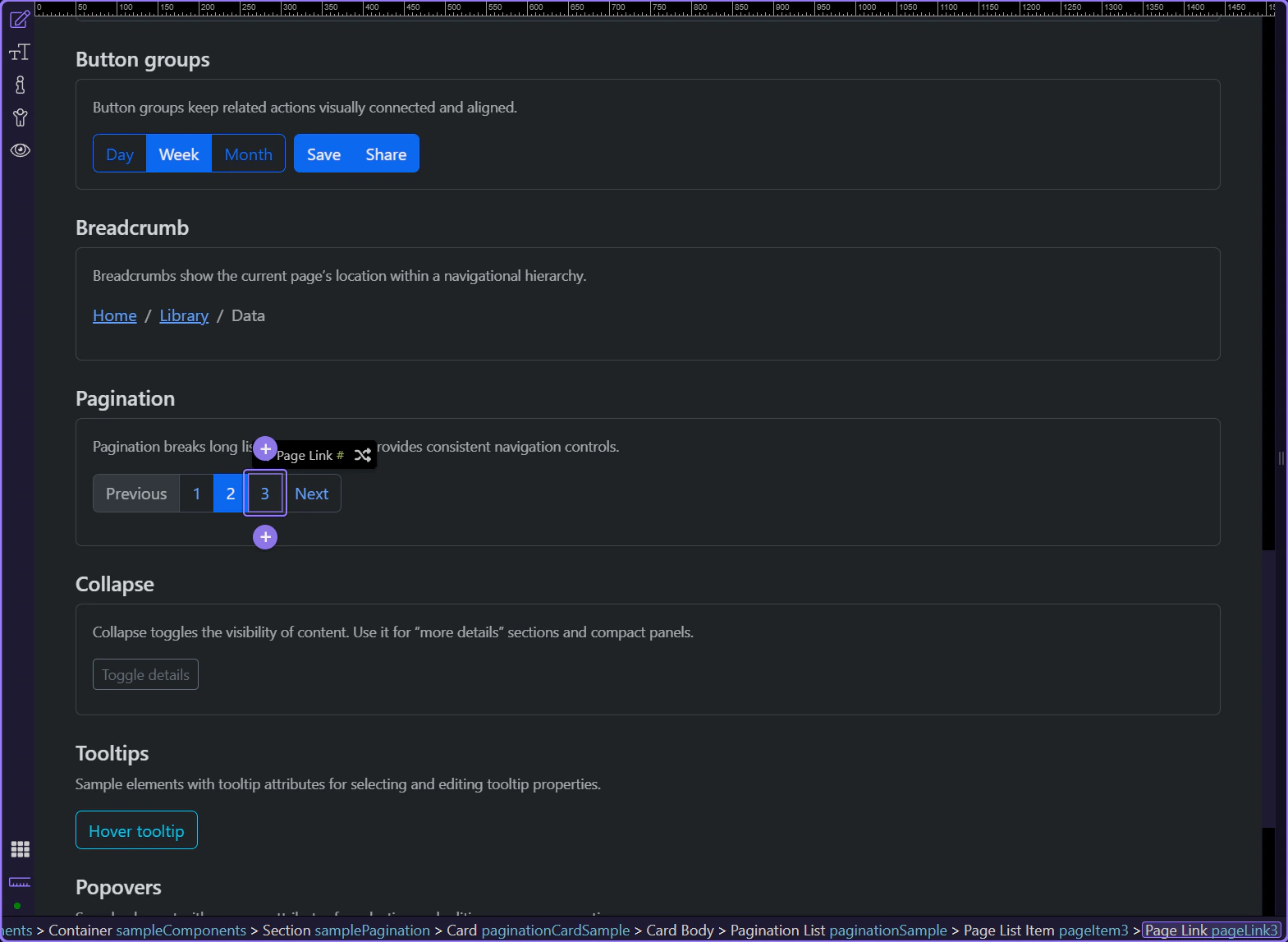
Section titled “Page link”Page links control the visible label and navigation destination.
Page link: Text and Link
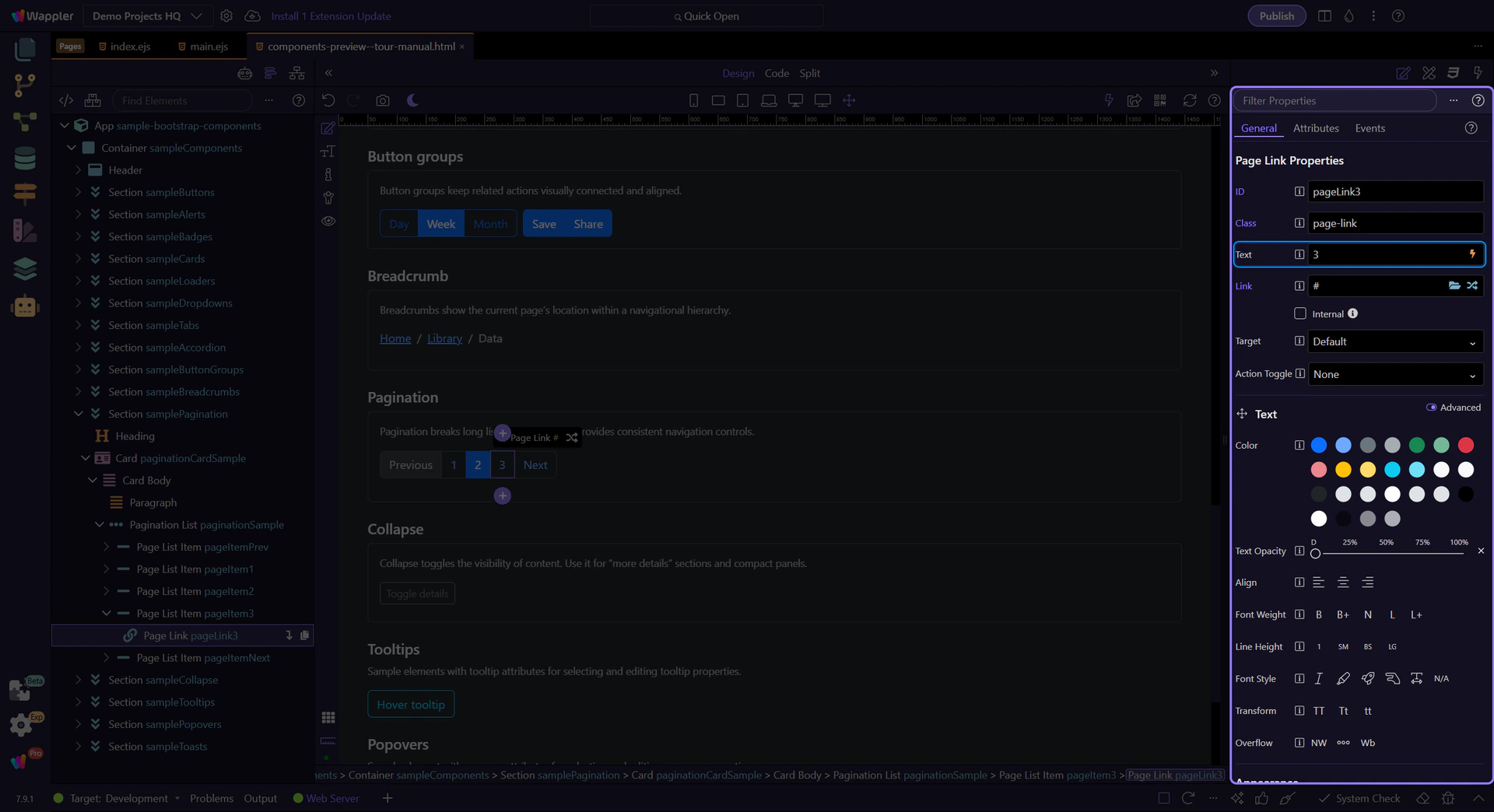
Section titled “Page link: Text and Link”Use Text to change the label and Link to choose a route or file. Keep numeric pagination consistent (1, 2, 3 …) and use words/icons for previous/next.
Next steps
Section titled “Next steps”Continue with other Components tours or return to the Components menu.