
Extension
Adds the Wappler rules, client files, native package requirements, and configuration.
Use Wappler's complete Capacitor App, Camera, Device, Filesystem, Geolocation, and Network surface in a Mobile project through components, events, and Flow actions.
Capacitor plugins bridge App Connect logic to native device capabilities. Begin with a Mobile project using the Capacitor runtime, add the required Wappler Capacitor extensions in Project Settings, then use their components, events, and Flow actions. Test the final behavior on each intended native target.
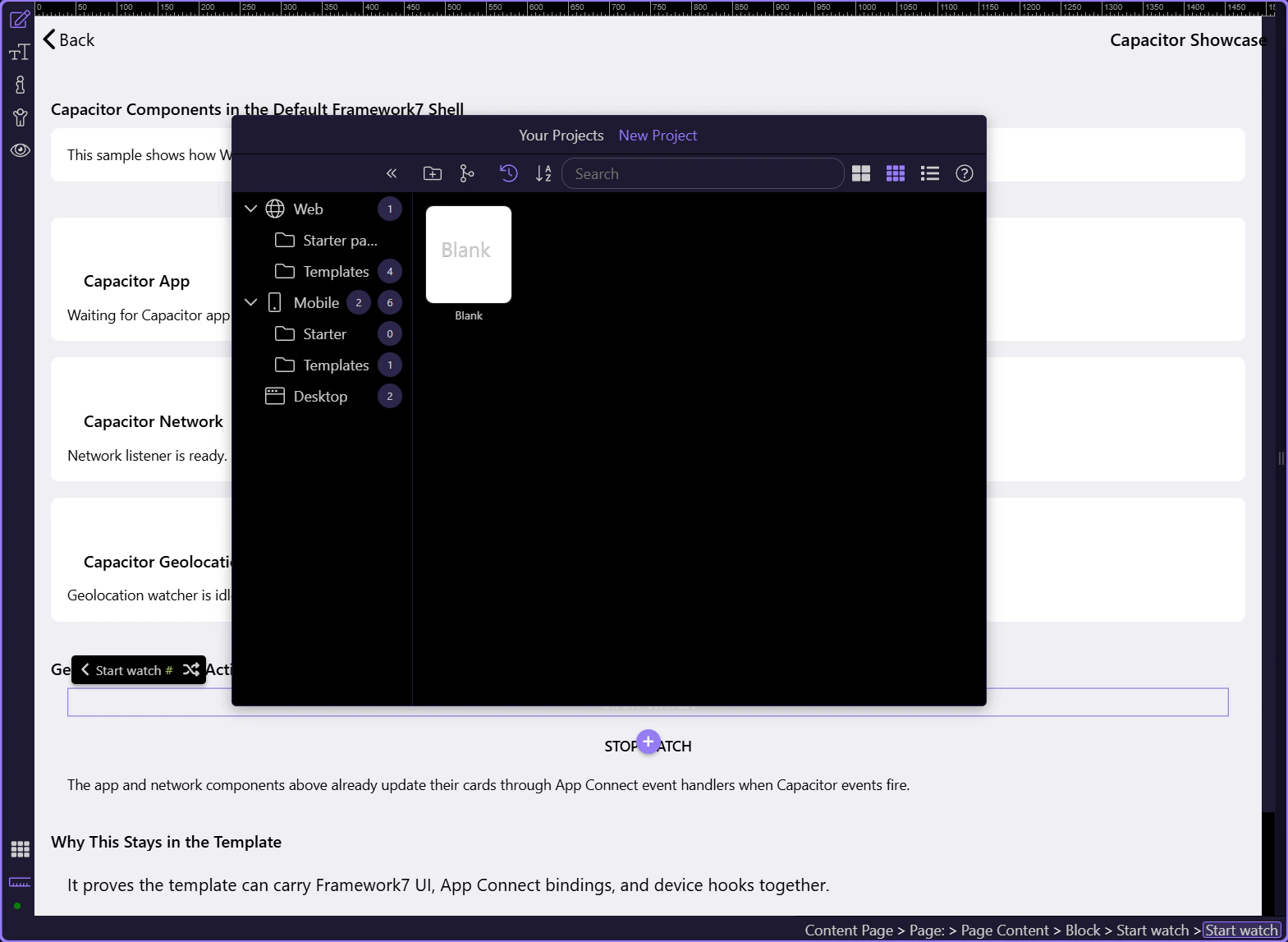
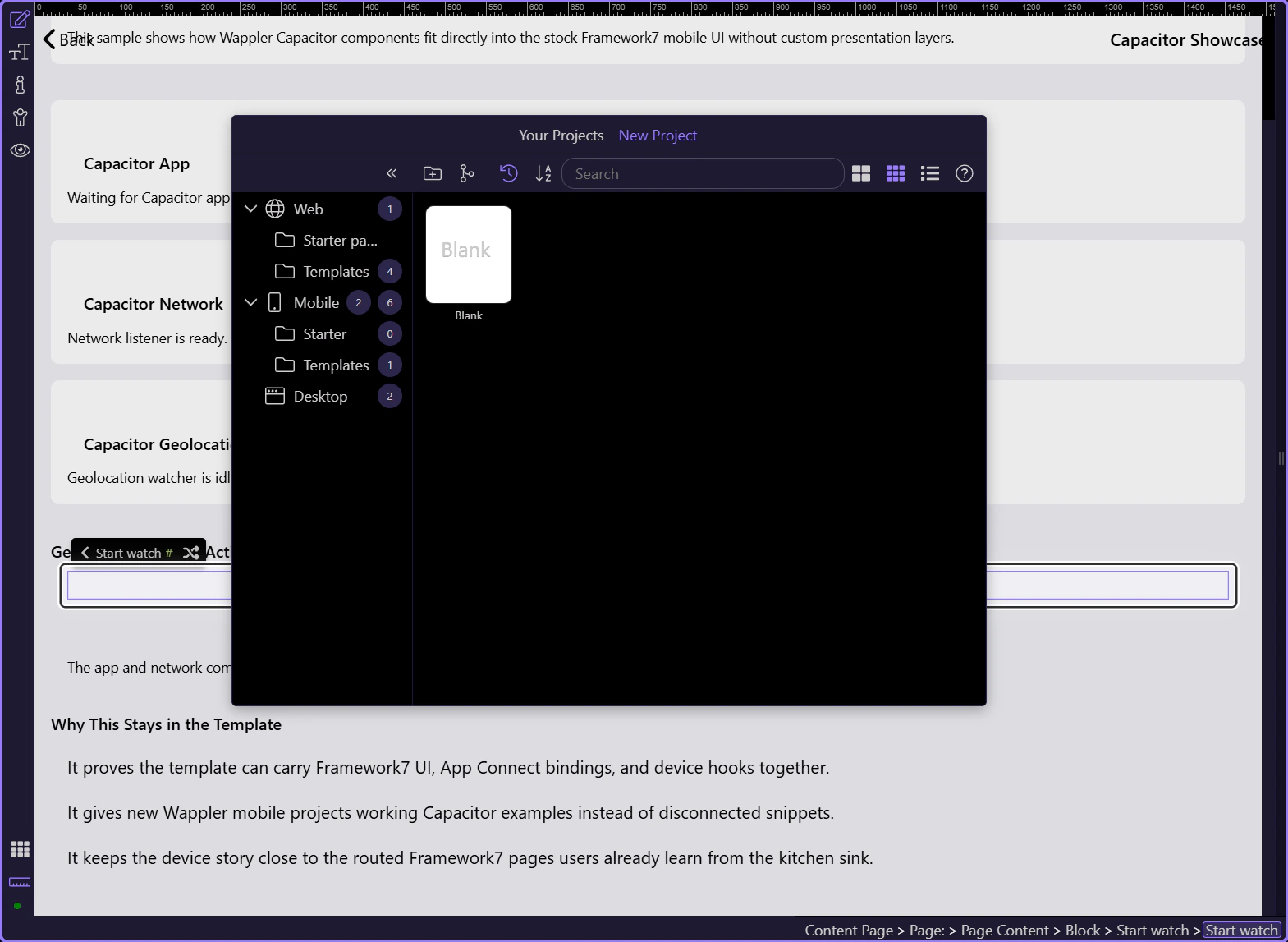
The demo places three current Capacitor components on a Framework7 content page. App exposes lifecycle and deep-link events, Network exposes connection changes, and Geolocation exposes coordinates plus watch controls.
Components are ideal for persistent state and events on a page. Flow actions are ideal for imperative work that runs on demand or inside reusable App, Page, and Inline Flows. Many useful features combine both: a Network component listens continuously while a Get Status action performs an explicit check.
| Surface | Use it for | Examples |
|---|---|---|
| App Connect component | Long-lived state, watchers, and events | App lifecycle, Network statuschange, Geolocation watch |
| Dynamic Event | Responding when the native component reports a change | statechange, urlopen, restored, backbutton, statuschange |
| Flow action | One-time or reusable native operation | Get Device Info, Get Photo, Read File, Get Current Position |
| App Flow | Reusable native workflow from multiple pages | Permission request followed by camera or filesystem work |
| Page/Inline Flow | Page-scoped or event-scoped capability | Update the current page after a native result |
These are the Wappler Capacitor extension families represented by the current extensions catalog and Flow schema. Use this as the direct-access map before the next steps list every action.
| Extension | Capability |
|---|---|
| Capacitor App | Lifecycle, app information/state, launch URLs, minimize, and exit |
| Capacitor Camera | Single photo, multiple images, limited photo library, and permissions |
| Capacitor Device | Device identity, platform information, battery, and language |
| Capacitor Filesystem | Files, folders, metadata, URIs, copies, moves, and storage permissions |
| Capacitor Geolocation | Current coordinates, watch behavior, and location permissions |
| Capacitor Network | Current connection status and status-change events |
| Capacitor SQLite Connector | Structured device-local data integrated with Database Manager and Flows |
The current Flow schema exposes the complete action set below. Put result-producing actions in named Flow steps so their output can be bound predictably by later steps.
| Module | Actions |
|---|---|
| Capacitor.App | Get Info; Get State; Get Launch URL; Minimize App; Exit App |
| Capacitor.Camera | Get Photo; Pick Images; Pick Limited Library Photos; Get Limited Library Photos; Check Permissions; Request Permissions |
| Capacitor.Device | Get ID; Get Info; Get Battery Info; Get Language Code; Get Language Tag |
Filesystem paths combine a directory choice with a path inside that directory. Keep encoding and data format explicit, create parent directories when needed, and avoid assuming a file URI is directly usable everywhere a web URL is expected.
| Operation group | Actions |
|---|---|
| Read/write | Read File; Write File; Append File; Delete File |
| Directories | Make Directory; Remove Directory; Read Directory |
| Inspect | Get URI; Stat |
| Move/copy | Rename; Copy |
| Permissions | Check Permissions; Request Permissions |
Use Get Current Position for a one-time location result, the Geolocation component for a watch, and Check/Request Permissions before location-dependent work. Use Network Get Status for an explicit snapshot and the Network component’s statuschange event for continuous UI updates.
| Module | Actions and events |
|---|---|
| Capacitor.Geolocation | Get Current Position; Check Permissions; Request Permissions; component watch(); stop(); coordinates/state |
| Capacitor.Network | Get Status; component statuschange event and connection state |
| Capacitor.App | statechange; urlopen; restored; backbutton events on the App component |
The Start watch button calls the component’s watch action and updates App Connect state; Stop watch ends the watcher. Design View can prove the binding and interaction path, while a real native target proves permission prompts and coordinates.
A robust native Flow checks current permission state, explains why the feature is needed, requests only the necessary permission, branches on the result, performs the capability, handles cancellation and error, then stores or displays the successful result.
Adding an extension can change npm packages, Android manifest entries, iOS plist values, and platform assets. Refresh the platform, rebuild, read Output, and test on every supported target. Permission text, availability, limited-access modes, file locations, and cancellation behavior can differ by platform.
IMPORTANT: Never make native capability availability a hidden assumption. Provide a useful fallback or an explicit unsupported-state UI.
Camera is the best focused example because it combines extension setup, permissions, source choice, result format, media preview, cancellation, and platform testing.