
List page
Repeats records and creates one route-aware link per item.
Build list-to-detail mobile workflows with Framework7 routes, path parameters, dynamic links, App Connect data, and resilient loading states.
This workflow assumes a Framework7 Mobile project with routing enabled. The central pattern is simple: a list page exposes record links, a route carries the selected identifier, and a routed content page loads and displays the matching record.
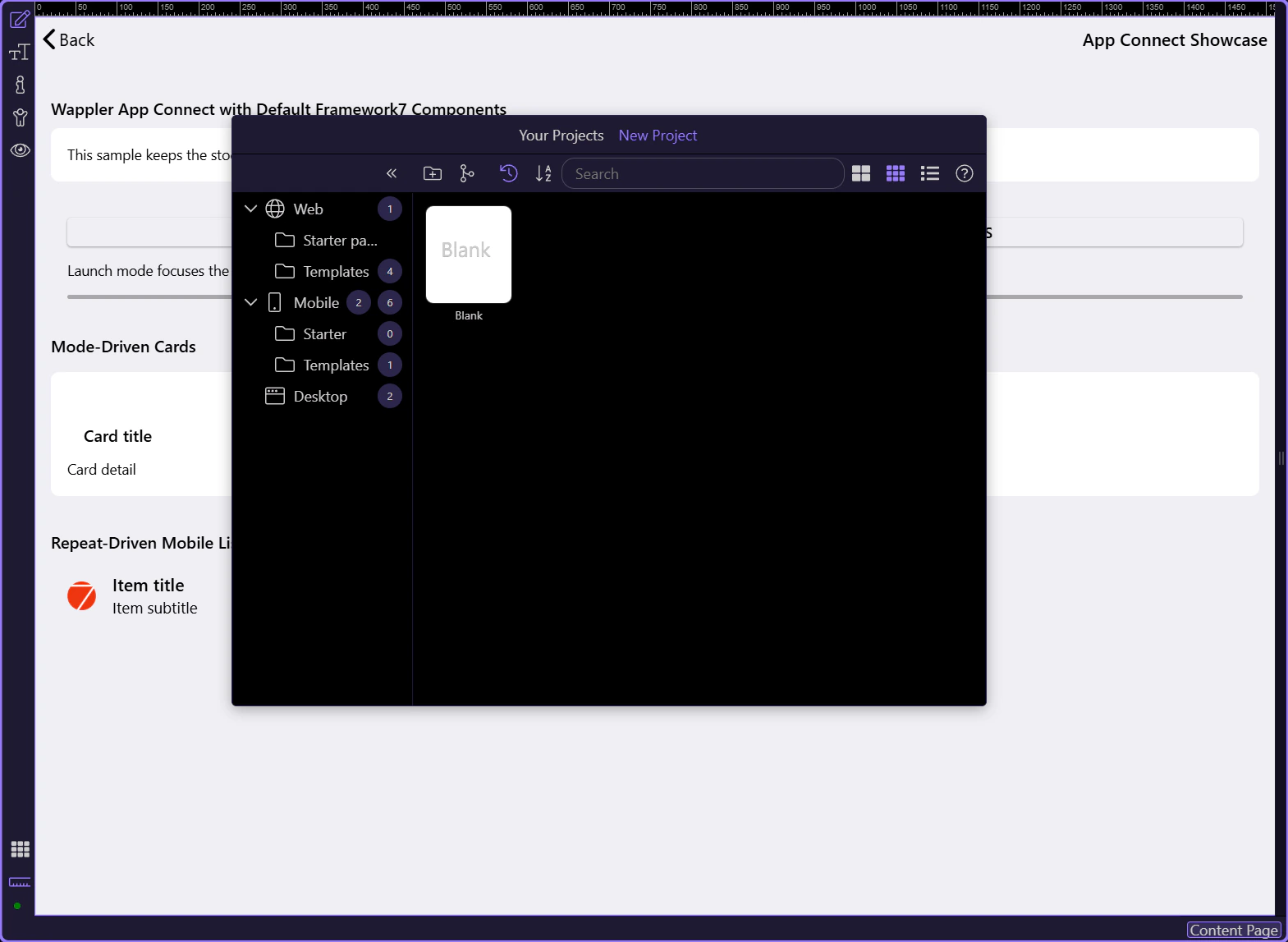
The demo App Connect showcase is a Framework7 content page registered in /js/routes.js. It proves that Framework7 presentation, route ownership, App Connect values, expressions, repeats, and live state can coexist on one routed screen.
Use a named parameter such as /products/:id/ when the detail page needs one product identifier. The parameter name becomes the contract between the list link, route, detail-page data loading, deep links, and any navigation action that creates the same URL.
| Route part | Example | Meaning |
|---|---|---|
| Collection route | /products/ | Shows the product list |
| Detail route | /products/:id/ | Declares a required id path parameter |
| Resolved route | /products/42/ | Opens the detail page for record 42 |
| Detail source | $route.params.id | Reads the selected identifier inside App Connect |
Framework7 routes map path patterns to content-page URLs or component URLs. In Wappler, use the Routing panel to create and maintain the route, then inspect /js/routes.js when you need to understand the generated route table or troubleshoot a path conflict.
On the list page, select the link inside the repeat. Add the dynamic Link attribute, choose the detail route, and bind the route’s id input to the current record’s primary key. Each repeated row now produces its own resolved destination.
| Binding | Recommended value | Why |
|---|---|---|
| Route | products-detail | Uses the named Wappler route instead of hand-building URLs |
| id | Current repeat record primary key | Keeps navigation tied to the selected record |
| Link text | Record title or meaningful action | Makes the destination understandable and accessible |
| Fallback | Disable or hide when id is absent | Prevents broken /undefined/ destinations |
The detail page reads $route.params.id and passes it to the data source, normally as a query parameter or API input. Return one record, not the entire collection, and make the record-not-found state explicit.
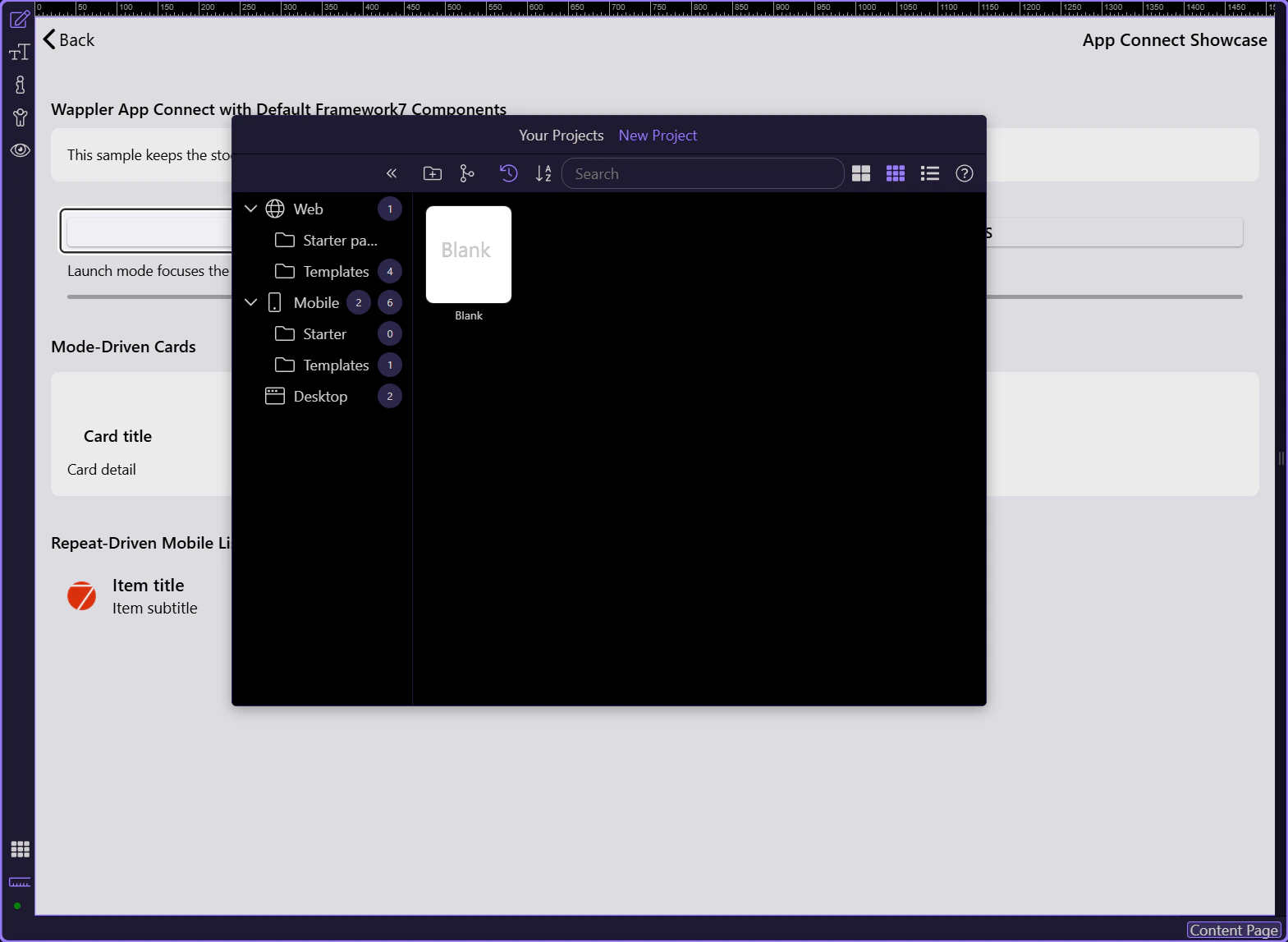
The tour switches the demo from Launch to Operations. The route stays the same while App Connect updates the card repeat, list repeat, descriptive copy, and progress value. Route state chooses the screen; App Connect state controls the live experience inside it.
A production detail route must handle the interval before data arrives and the cases where it cannot. Show a loading surface, a useful not-found message, retry or back navigation for errors, and the normal detail UI only when a valid record exists.
| State | Recommended UI |
|---|---|
| Loading | Skeleton or preloader with the page shell still visible |
| Loaded | Bound detail fields and record-specific actions |
| Not found | Clear explanation plus a link back to the collection |
| Error | Readable failure state with retry and safe navigation |
| Offline | Cached content or an explicit network-dependent message |
Test direct entry to the detail URL, list-to-detail navigation, back navigation, repeated navigation between different records, a missing identifier, an unknown identifier, offline behavior, and any data refresh that runs when the page becomes active again.
IMPORTANT: Do not assume the detail page is entered only from your list. Deep links and restored app state can open a parameterized route directly.
With the mobile shell, components, and routing understood, continue into the platform workflow that turns the project into a device app.