
Mobile project
Provides the app project structure, www root, routing, and platform workflow.
Start a Framework7 8 mobile project in Wappler and understand the app shell, routed pages, App Connect bindings, and Capacitor handoff.
Framework7 coverage in Wappler belongs to the Mobile project workflow. Create or open a Mobile project first, then use Framework7 8 for the native-style interface and Capacitor for the device runtime. This tour opens the auto-installed Demo Framework7 Kitchen Sink so every concept is visible in a complete mobile project.
The demo home page is a real Wappler mobile page. It combines the dmx-f7-app root, panels, a main view, a page, navbar, searchable component catalog, routed content, App Connect, and Capacitor examples.
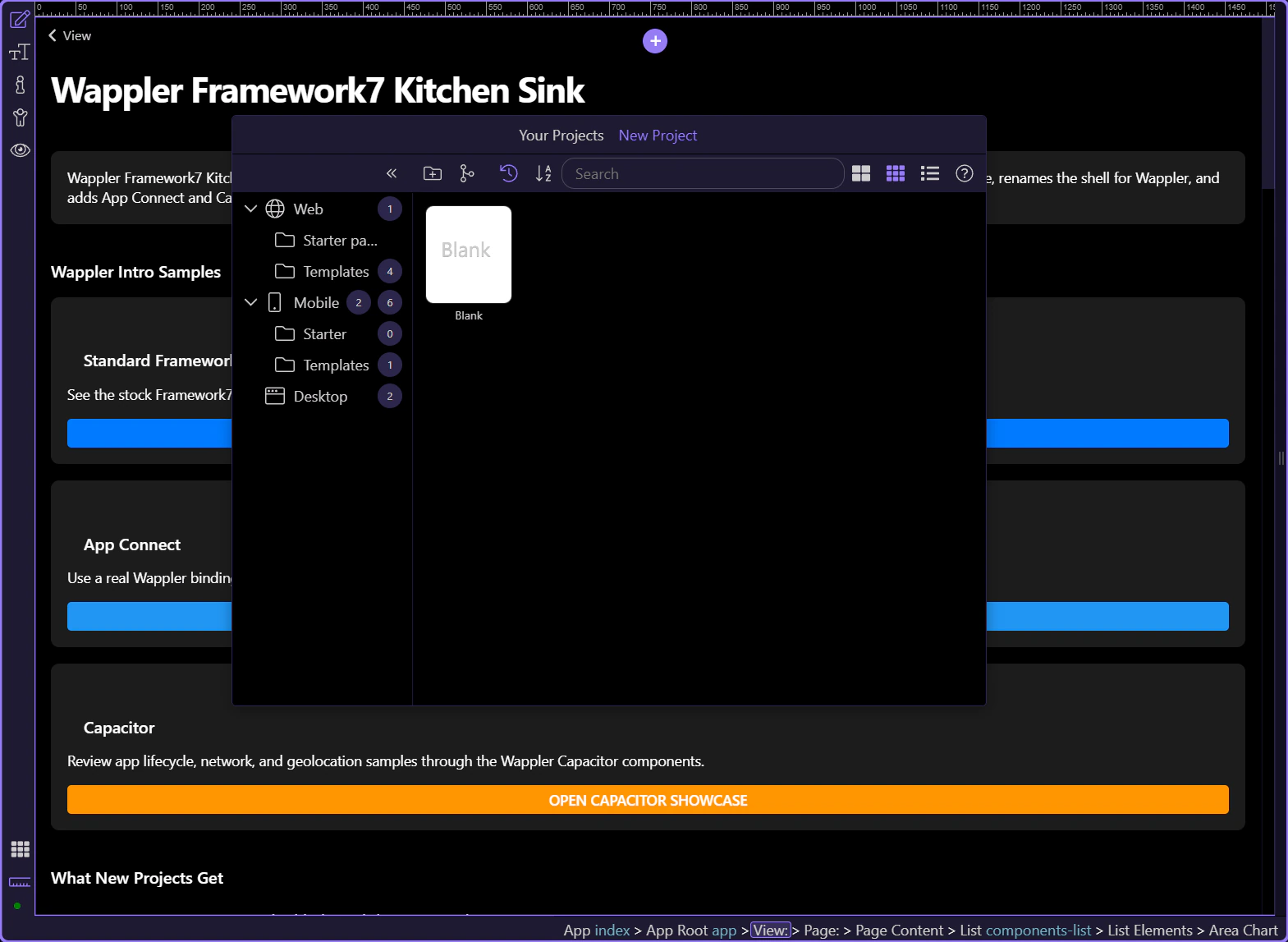
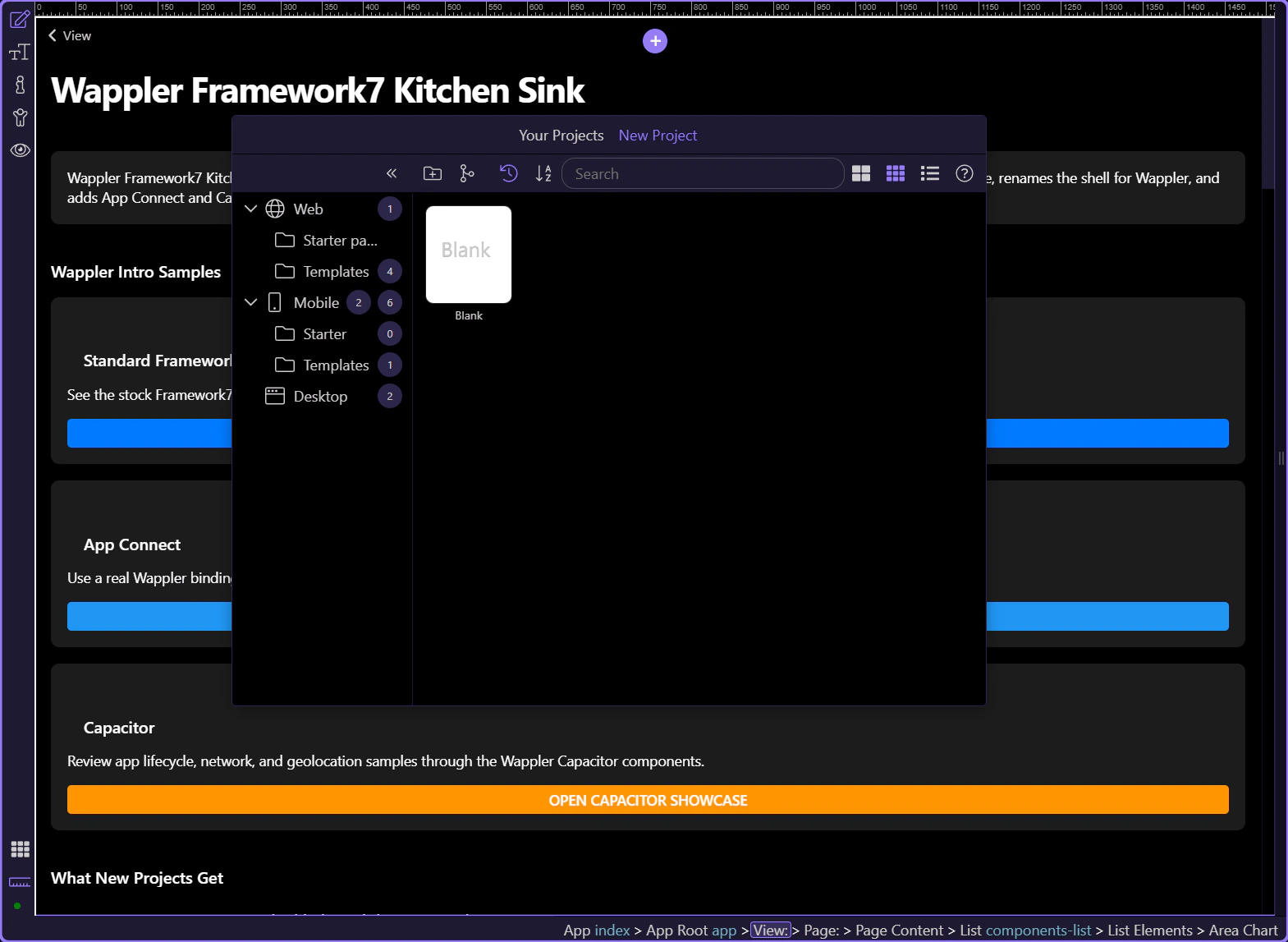
In Project Manager, New Project → Mobile offers Framework7 Blank and Bootstrap Blank. Choose Framework7 Blank for a native-style Framework7 shell. Choose Bootstrap Blank when the app should use Bootstrap 5 and App Connect routing. Both are Mobile projects and use Capacitor as the app runtime.
| Mobile starter | Use it for | Routing |
|---|---|---|
| Framework7 Blank | iOS/Android-style navigation, views, panels, sheets, dialogs, lists, and Framework7 components | Framework7 routes in /js/routes.js |
| Bootstrap Blank | Bootstrap 5 layouts and components in a mobile app shell | App Connect routes in /js/routes.js |
The hierarchy is deliberate. dmx-f7-app owns the Framework7 application. Views own navigation stacks. A page owns the navbar, toolbar, and scrollable page-content. Panels and temporary views sit beside the main view so they can open without replacing the current route.
| Layer | Responsibility |
|---|---|
| dmx-f7-app | Initializes the Framework7 application inside App Connect |
| view-main | Owns the primary navigation history and route outlet |
| page | Represents one navigable mobile screen |
| navbar / toolbar | Keeps screen navigation and primary actions consistent |
| page-content | Provides the scrollable content area for components |
| panel / popup / sheet | Provides secondary or temporary UI without losing the current page |
This selection highlights the real main view. Its data-url starts the first route, while its nested page provides the initial visible screen. Add global shell UI around routed content only when it truly belongs on every screen.
Framework7 supplies the mobile presentation and navigation behavior. App Connect supplies data, expressions, repeats, dynamic attributes, events, server calls, and client flows. Keep those jobs distinct: build the mobile surface with Framework7 components, then bind it to state and business logic with App Connect.
Design View is the fast loop for layout, routes, bindings, and web-compatible interactions. Camera, native permissions, deep links, device information, and other platform APIs must also be tested through the Capacitor platform workflow on the intended target.
IMPORTANT: A page that looks correct in Design View is not yet proof that native permissions, lifecycle events, or hardware APIs work on every target.
The next tour moves from the shell into the complete Framework7 component workflow. You can also jump directly to routing, Capacitor setup, Bootstrap 5 mobile routing, or desktop app setup.