Remote File Manager for Docker
Intro You can manage your files and folders - upload, download, remove files from a remote Docker target. This is useful when you want to just upload a single file/several files or a folder with files
You can manage your files and folders - upload, download, remove files from a remote Docker target. This is useful when you want to just upload a single file/several files or a folder with files. Also, this way you can download the contents of the remote users upload folder locally.
Downloading Files
Section titled “Downloading Files”In the File Manager we can see our local site / app files.
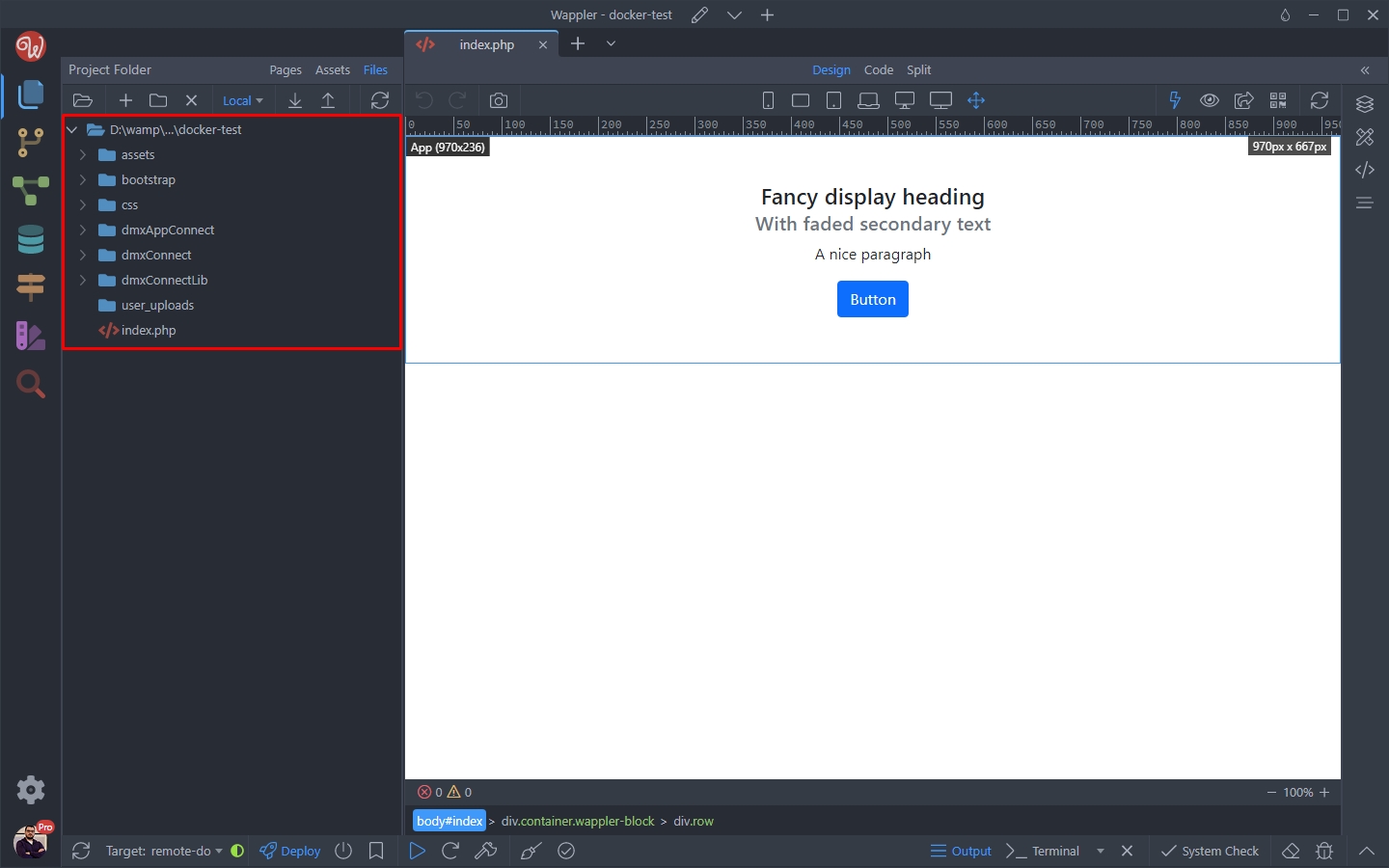
We can see that the user_uploads folder is empty locally:
Section titled “We can see that the user_uploads folder is empty locally:”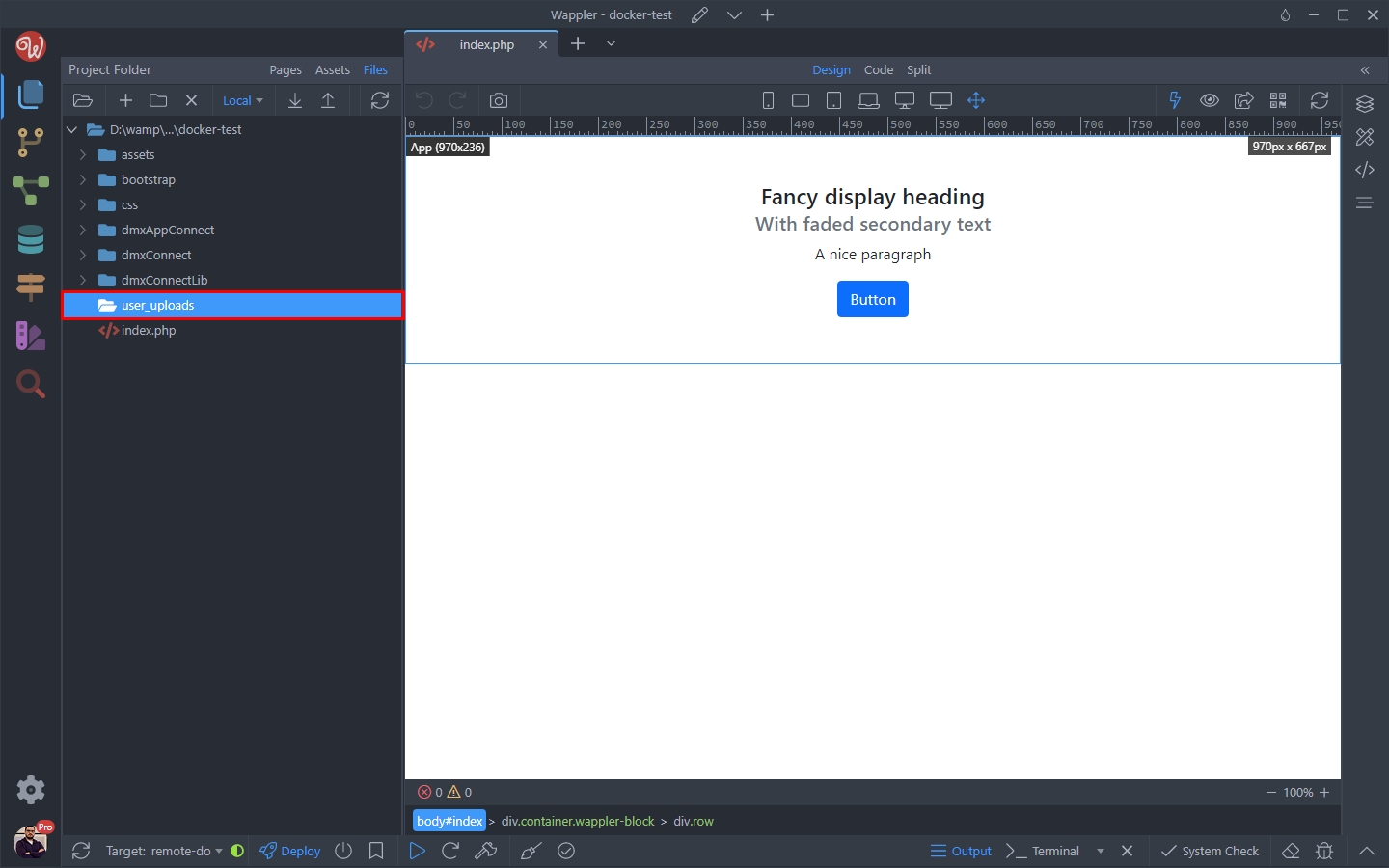
Step 5
Section titled “Step 5”In order to download specific files or folders from your remote target, first open the target dropdown in the file manager:
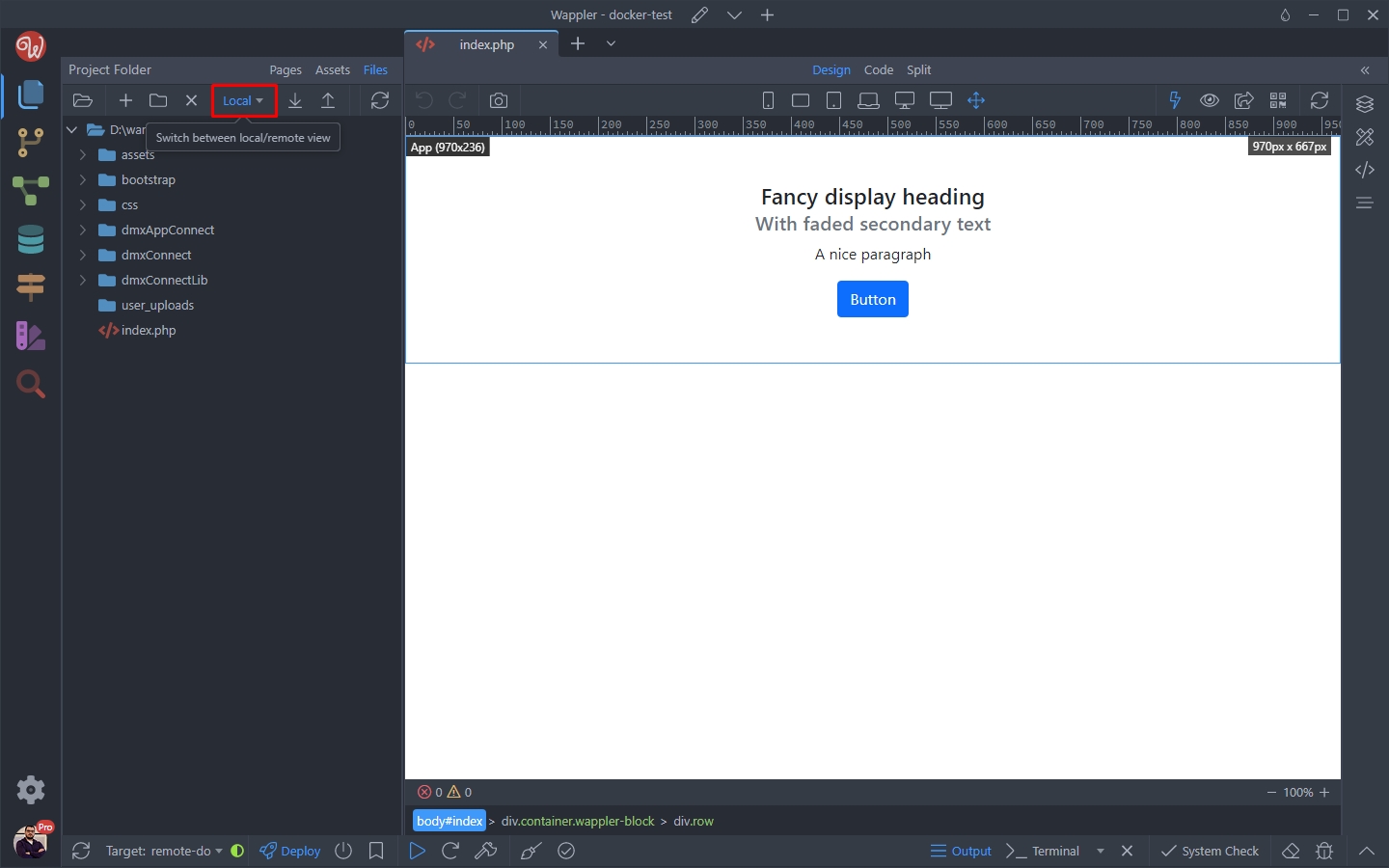
And select Target:
Section titled “And select Target:”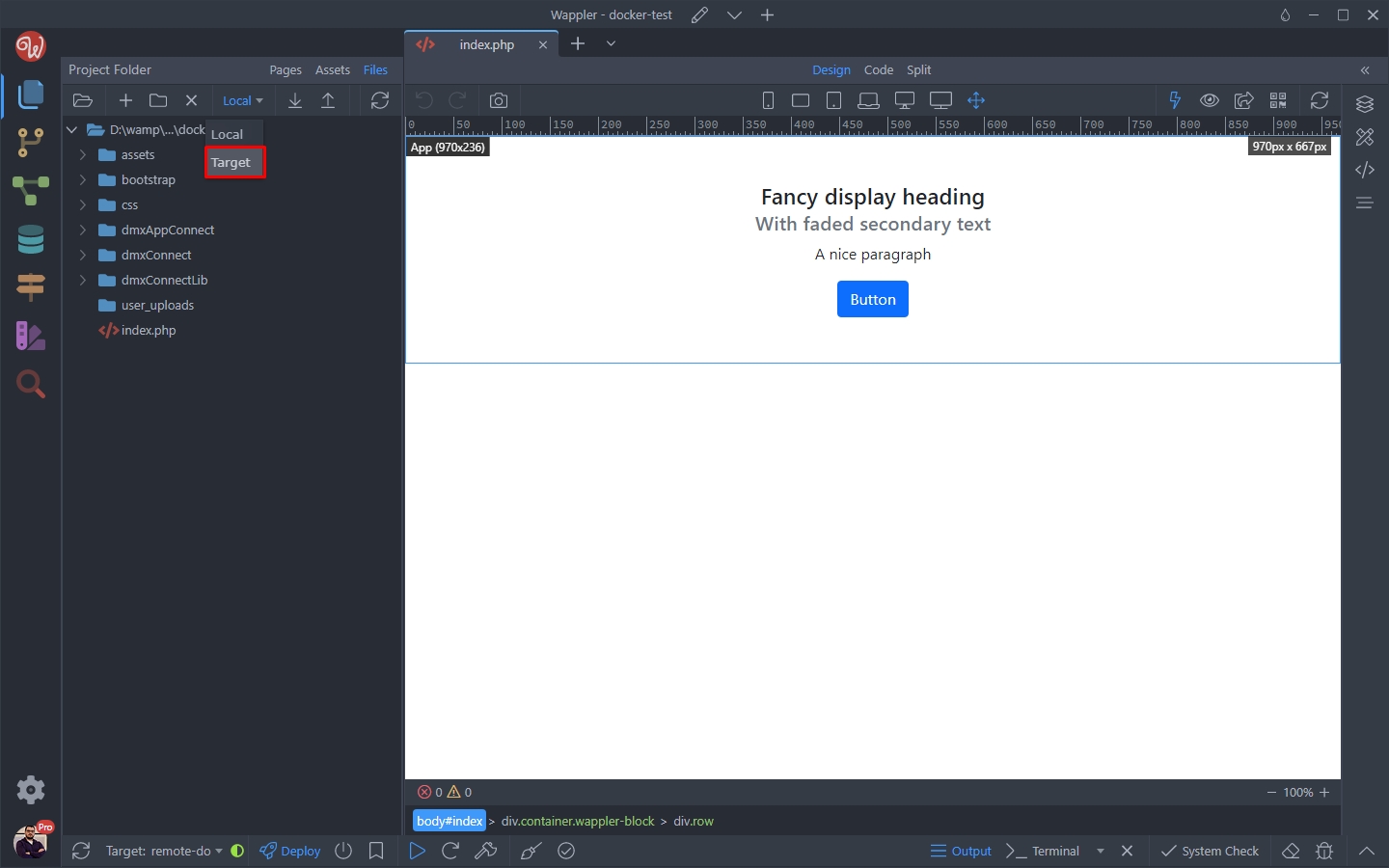
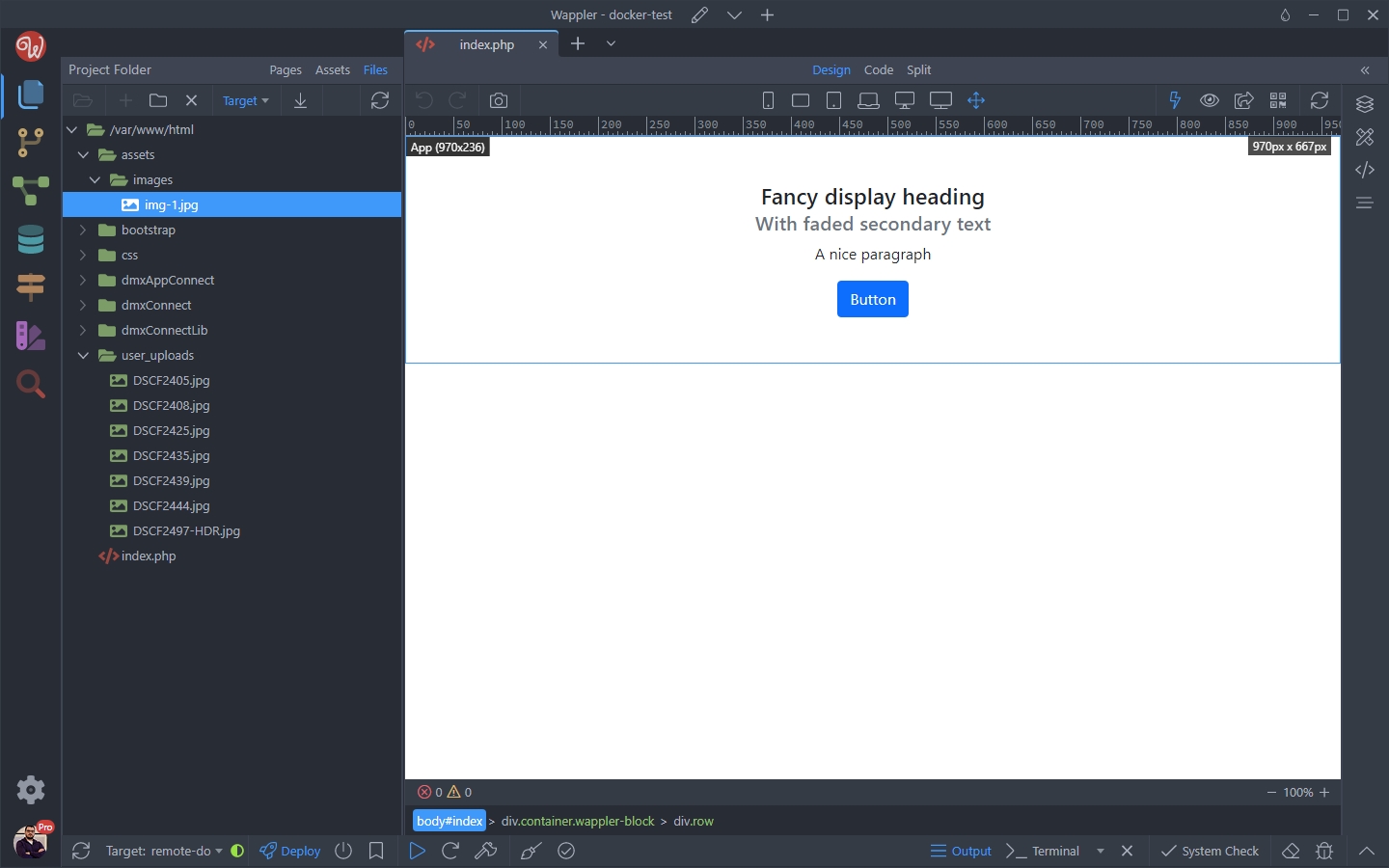
Then you will see your remote Docker target files:
Section titled “Then you will see your remote Docker target files:”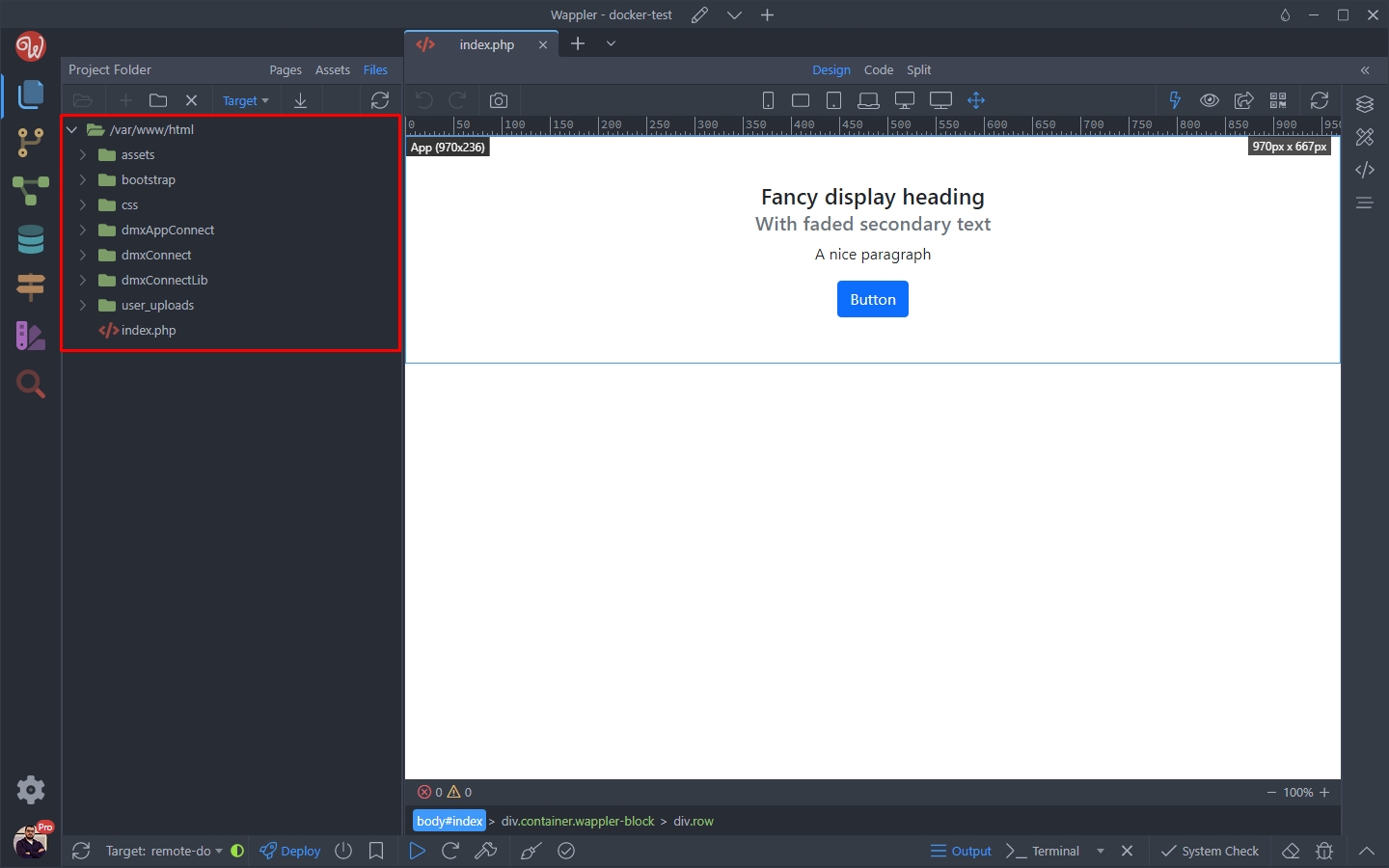
You can see the user_upload folder has a few files inside, so let’s download them:
Section titled “You can see the user_upload folder has a few files inside, so let’s download them:”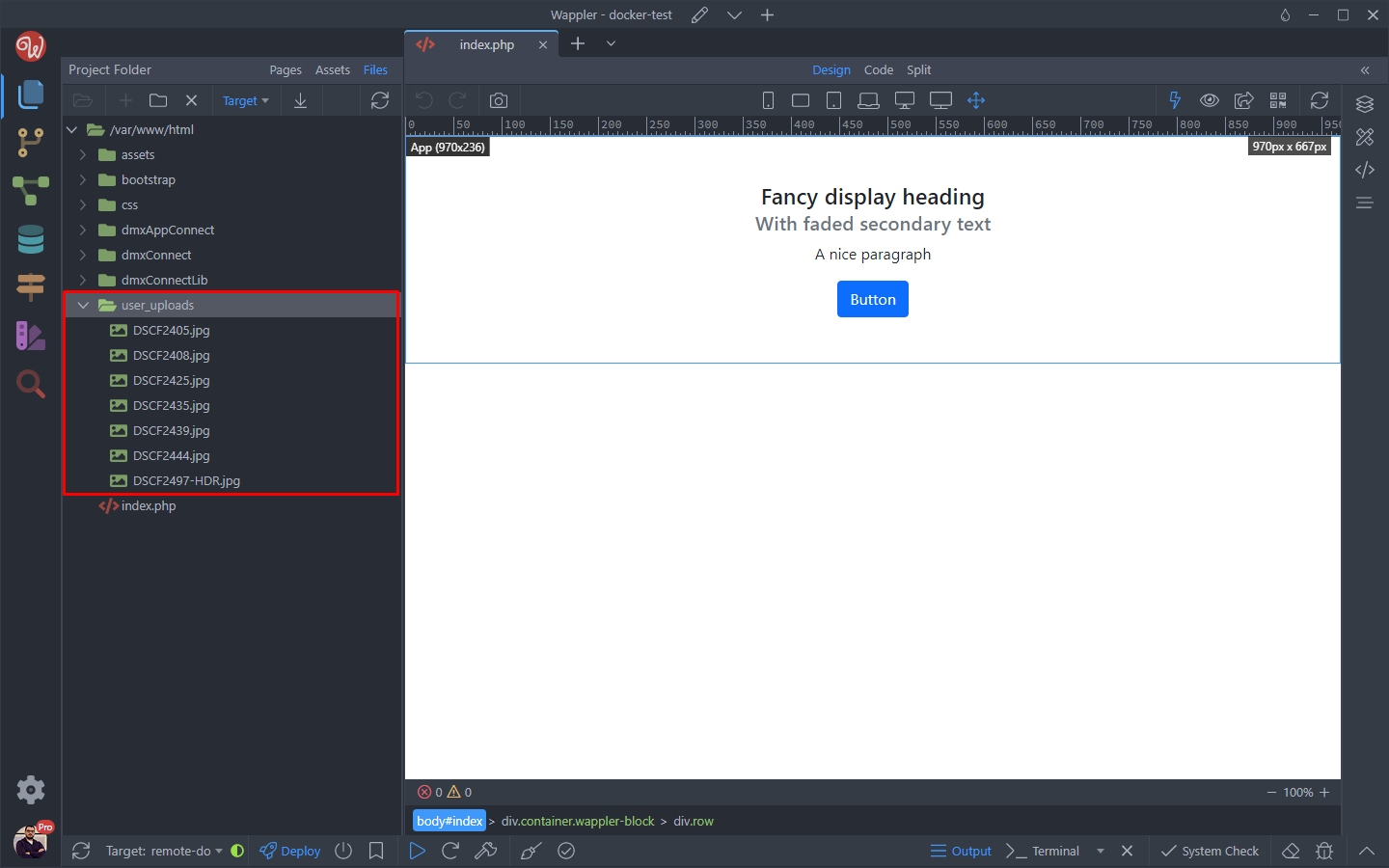
Step 9
Section titled “Step 9”You can either select to download multiple files or download the whole folder. We select the folder and click the download button:

A spinner icon next to your target name will indicate the download process:
Section titled “A spinner icon next to your target name will indicate the download process:”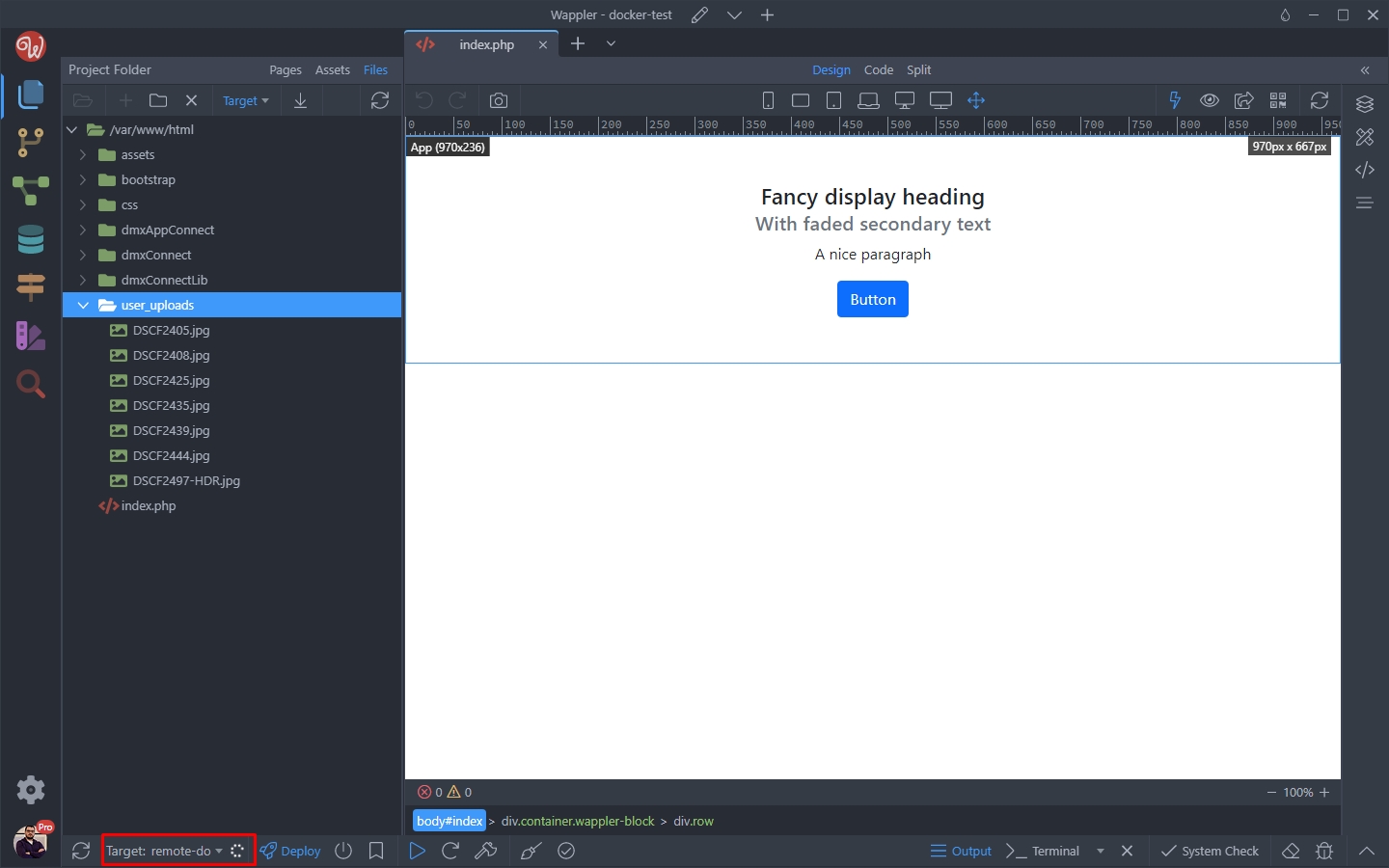
Once it’s finished you can see the files in the local target files tree:
Section titled “Once it’s finished you can see the files in the local target files tree:”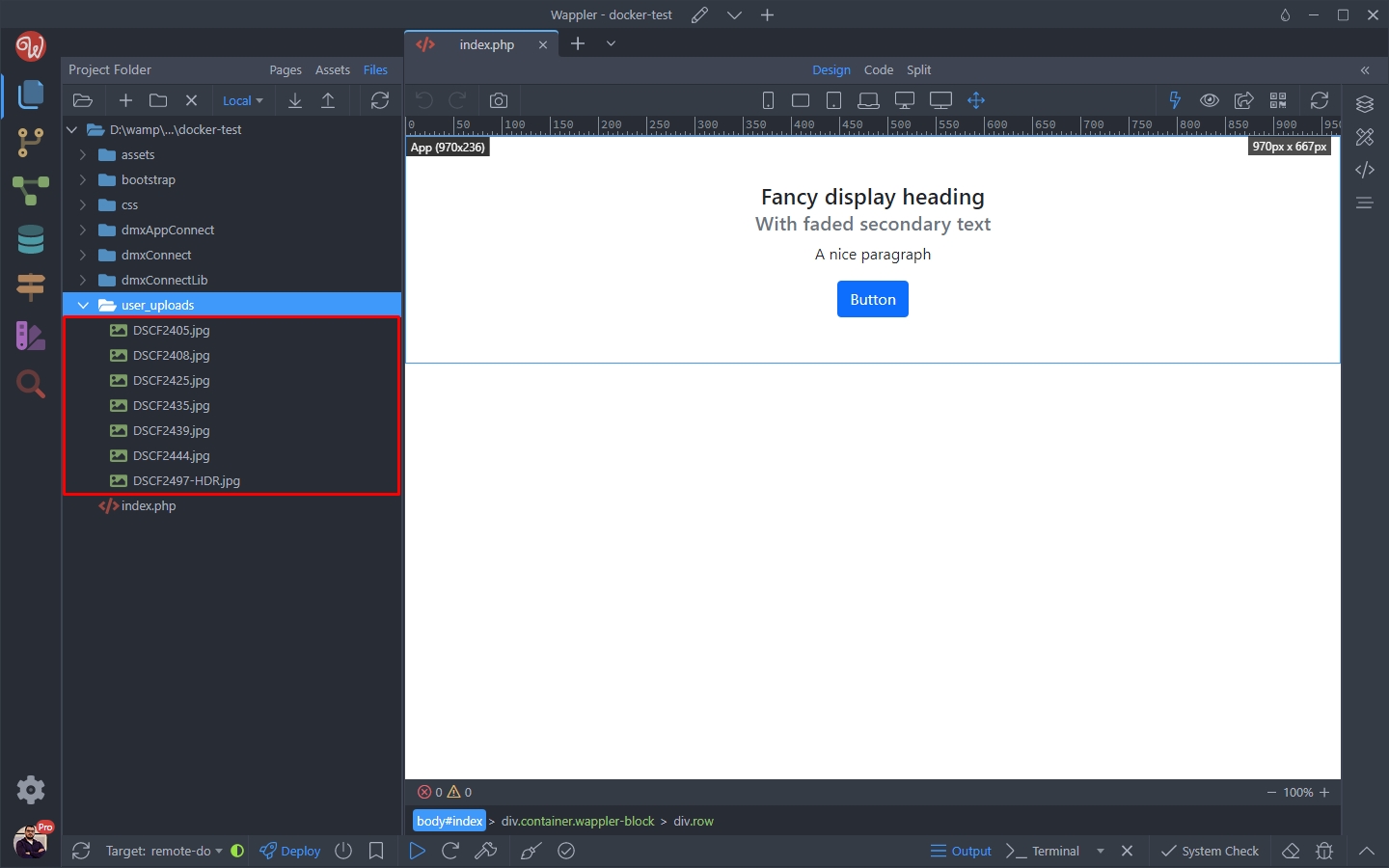
Uploading Files
Section titled “Uploading Files”Uploading files and folders to your remote Docker target is also really easy.
We’d like to upload a file from our assets folder (or any other file or folder):
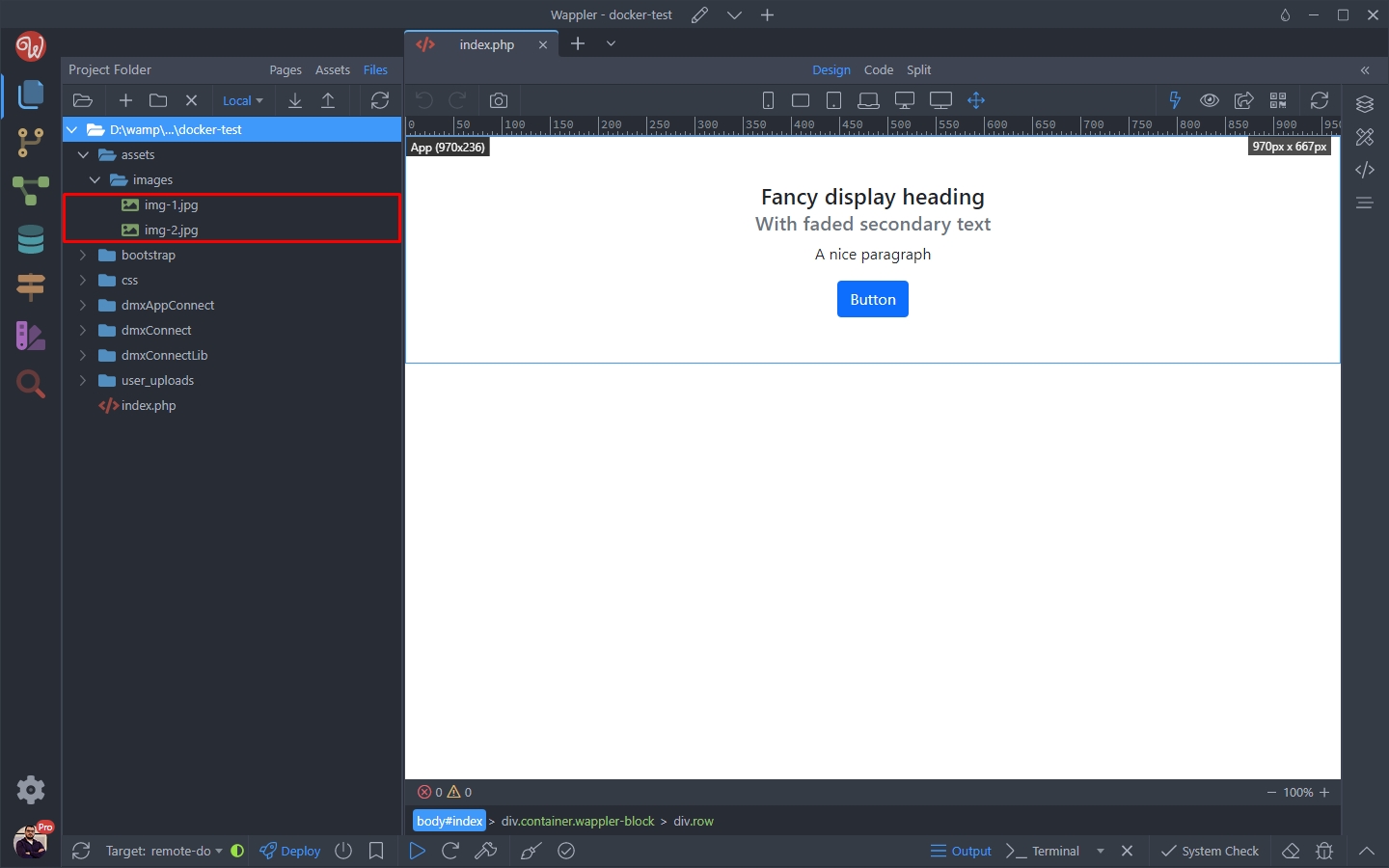
Select the file/folder and click the Upload button:
Section titled “Select the file/folder and click the Upload button:”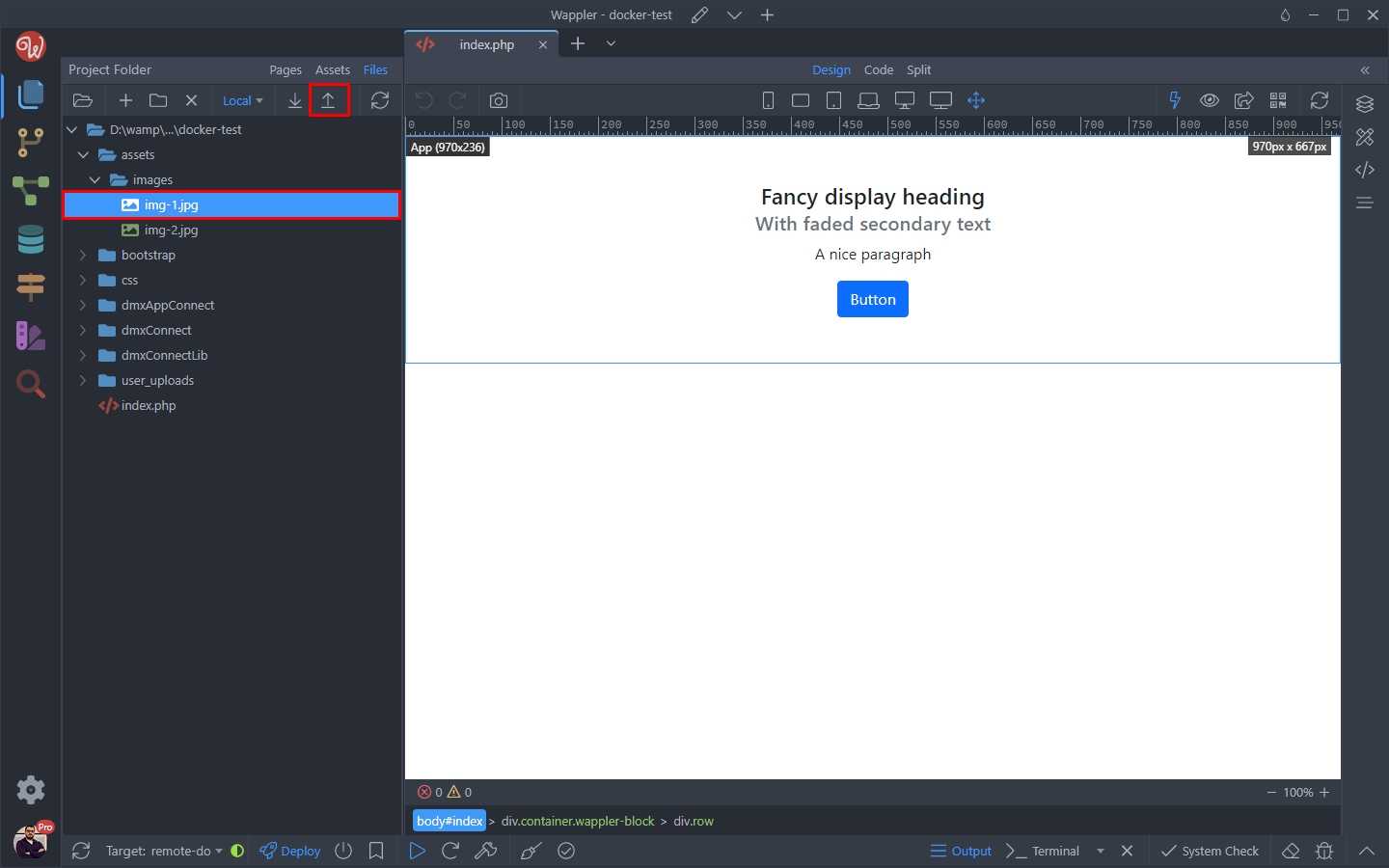
When you switch to the remote target, you can see the uploaded file:
Section titled “When you switch to the remote target, you can see the uploaded file:”