Server Operations and Docker Services
Complete server and Docker workflow covering checks, SSH, services, lifecycle, databases, users, projects, keys, and cleanup.
Introduction
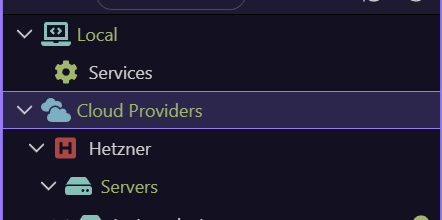
Section titled “Introduction”Server operations affect real infrastructure. Confirm the provider, server name, target, workload, and current state before using lifecycle or deletion commands. The Demo Projects HQ server is used here only to reveal current controls; this tour does not execute an operational change.
Server context menu
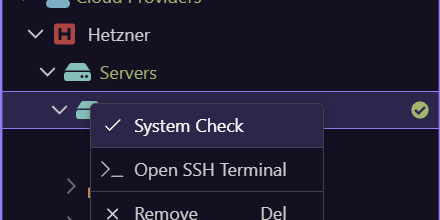
Section titled “Server context menu”This opens the live server menu. System Check verifies the machine and Docker prerequisites, Open SSH Terminal starts an authenticated remote terminal, Remove requests removal, and Refresh reloads server state.
Server action reference
Section titled “Server action reference”Use System Check before deployments or after server changes. SSH Terminal is for direct diagnosis and maintenance. Resize, Reboot, and Delete are exposed in the Properties toolbar when the provider supports them; provider power on/off and action status are also handled through the provider integration.
| Action | Effect |
|---|---|
| System Check | Checks server connectivity and required runtime state. |
| Open SSH Terminal | Opens a terminal on the selected server. |
| Resize | Changes the provider server size after review. |
| Reboot | Restarts the provider server. |
| Power on / off | Changes provider machine power state. |
| Delete / Remove | Deletes the provider resource or removes its Wappler entry, depending on the selected type. |
| Refresh | Reloads provider and server state. |
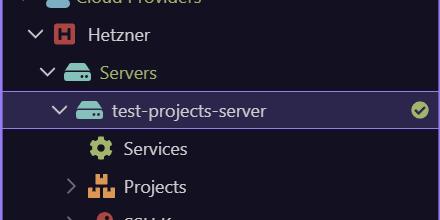
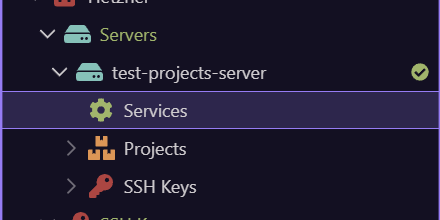
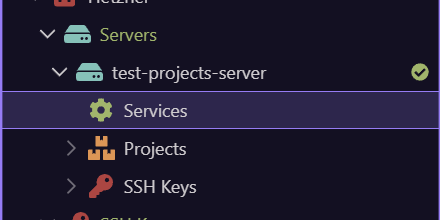
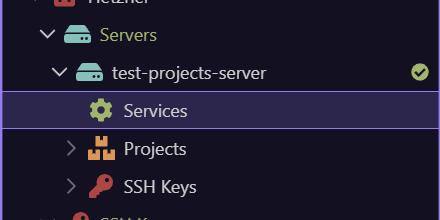
Open the server Services branch
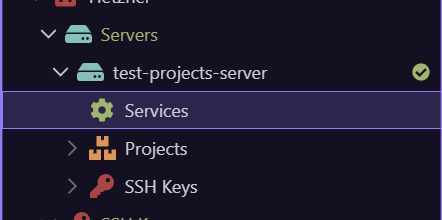
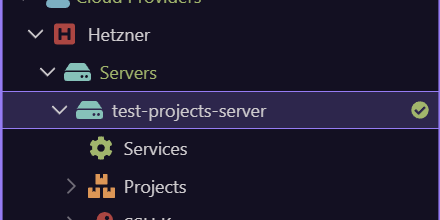
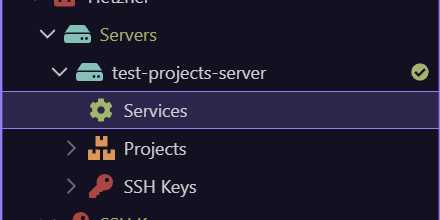
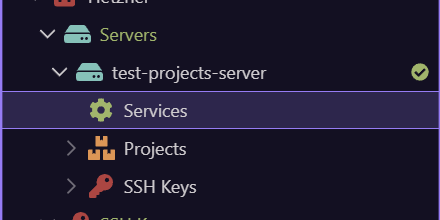
Section titled “Open the server Services branch”The next step opens Services on demand. This branch owns Docker service creation and the compose editor for the selected server.
Add a supported Docker service
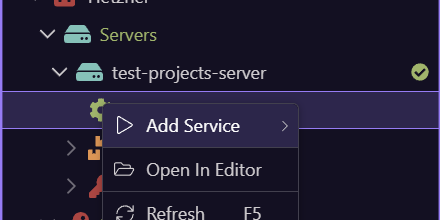
Section titled “Add a supported Docker service”This opens the real Services menu. Add Service is grouped by System and Databases, while Open In Editor opens the server compose definition for direct inspection or advanced editing.
Current built-in service catalog
Section titled “Current built-in service catalog”Adding creates a provisional configured service under this server. Review ports, domains, credentials, storage, network, and environment settings before deploying it.
| Group | Service | Primary use |
|---|---|---|
| System | Portainer | Docker management UI. |
| System | Traefik | Reverse proxy, routing, and TLS entry point. |
| System | Netdata | Server and container monitoring. |
| Databases | MySQL | MySQL relational database service. |
| Databases | MariaDB | MariaDB relational database service. |
| Databases | PostgreSQL | PostgreSQL relational database service. |
| Databases | CouchDB | Document database service. |
| Databases | Redis | In-memory data and cache service. |
Configure before deployment
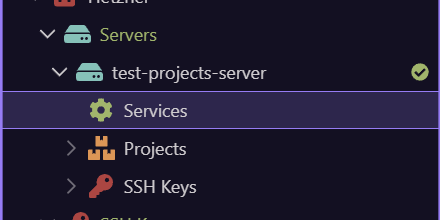
Section titled “Configure before deployment”Select a service and use Service Configuration to review its current image, ports, environment variables, credentials, volumes, networks, labels, domains, and service-specific options. Traefik-backed services can expose Update Traefik Service when their routing definition needs regeneration. Open In Editor is the advanced handoff to the compose file.
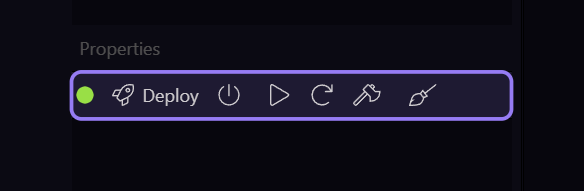
Complete Docker lifecycle toolbar
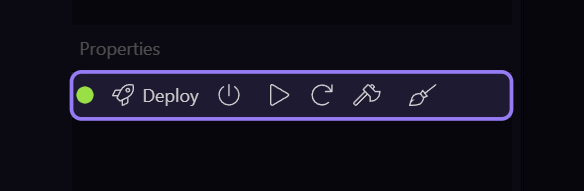
Section titled “Complete Docker lifecycle toolbar”The Properties toolbar exposes the commands valid for the current server or service state. Read the scope carefully: some actions operate on all services on the server, while service context actions operate on one selected service.
| Action | Effect |
|---|---|
| Deploy | Runs the compose up workflow for configured services. |
| Shutdown and Clear | Runs compose down and clears the active stack. |
| Start / Stop all services | Starts or stops existing containers without recreating definitions. |
| Restart | Restarts the selected server stack. |
| Kill | Force-stops running containers. |
| Clean Up Unused Docker Images | Reclaims unreferenced image storage after review. |
| Service Configuration | Opens configuration for the selected service. |
Individual service context actions
Section titled “Individual service context actions”A service can be renamed, configured, opened in its own terminal, refreshed, or opened in the editor. An existing service exposes Destroy and Remove; this removes its running/container resources and definition after confirmation. A new provisional service instead exposes Remove. Traefik-aware services may expose Update Traefik Service.
| Action | Use |
|---|---|
| Rename | Changes the service name where supported. |
| Update Traefik Service | Regenerates routing integration when applicable. |
| Open Service Terminal | Opens a shell inside an existing service container. |
| Service Configuration | Edits the service definition. |
| Destroy and Remove | Destroys and removes an existing service after confirmation. |
| Remove | Discards a new/configured resource entry. |
| Refresh | Reloads service state. |
Create databases and users under database services
Section titled “Create databases and users under database services”Database-engine services can expose Databases and Users branches. Right-click Databases for Add New Database and Refresh; right-click a database for Delete Database. Right-click Users for Add New User and Refresh; right-click a user for Delete User. MariaDB additionally supports retrieving and updating concrete database configuration through its resource actions.
| Branch | Actions |
|---|---|
| Databases | Add New Database, Refresh |
| Database | Inspect/configure where supported, Delete Database, Refresh |
| Users | Add New User, Refresh |
| User | Inspect/configure where supported, Delete User, Refresh |
Project services show what is deployed
Section titled “Project services show what is deployed”The Projects branch groups deployed project definitions and their services on the selected server. Expand a project to inspect its service entries and refresh them. This is the operational view of what the project target has placed on the server; Publish Manager remains the delivery workflow.
Authorize server access explicitly
Section titled “Authorize server access explicitly”The server SSH Keys branch exposes Authorize SSH Key. A listed server key exposes Revoke SSH Key. Local SSH Agent exposes Add New Key and Start or Stop SSH Agent on Windows; a local key exposes Add To SSH Agent. Prepare both local agent state and server authorization before deployment or maintenance.
Local resources use the same operational model
Section titled “Local resources use the same operational model”The Local branch exposes the local Docker environment and Services. Its legacy/local server entries can start, stop, restart, kill, delete, refresh, open in the editor, and create the same service families where supported. This makes local learning transferable to cloud servers while keeping the target scope visible.
Next steps
Section titled “Next steps”You now have the sequential operational workflow. Open Actions and Resources Reference when you need a direct provider-by-provider or selection-by-selection lookup.