Creating Custom Error Pages in NodeJS
You can easily create custom 404 (Not Found) and 500 (Internal Server Error) error pages for your NodeJS application and style them as you need.
You can easily create custom 404 (Not Found) and 500 (Internal Server Error) error pages for your NodeJS application and style them as you need.
Custom Error Pages
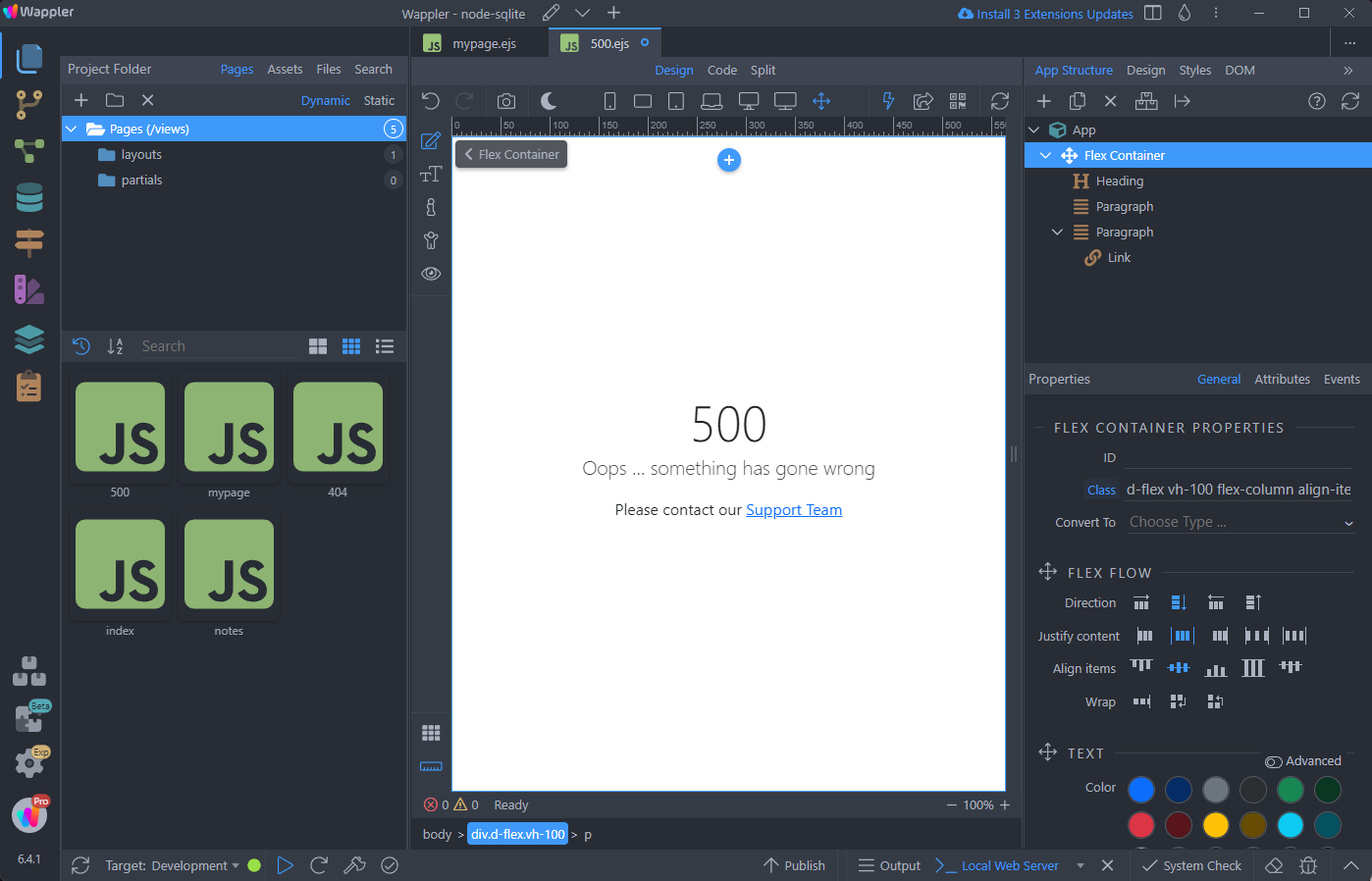
Section titled “Custom Error Pages”Creating custom error pages is as easy as creating a page called 404 or 500 in Wappler and adding content to it. These pages will be used as default error pages.
404 Not Found
Section titled “404 Not Found”Open Pages and add a new page:
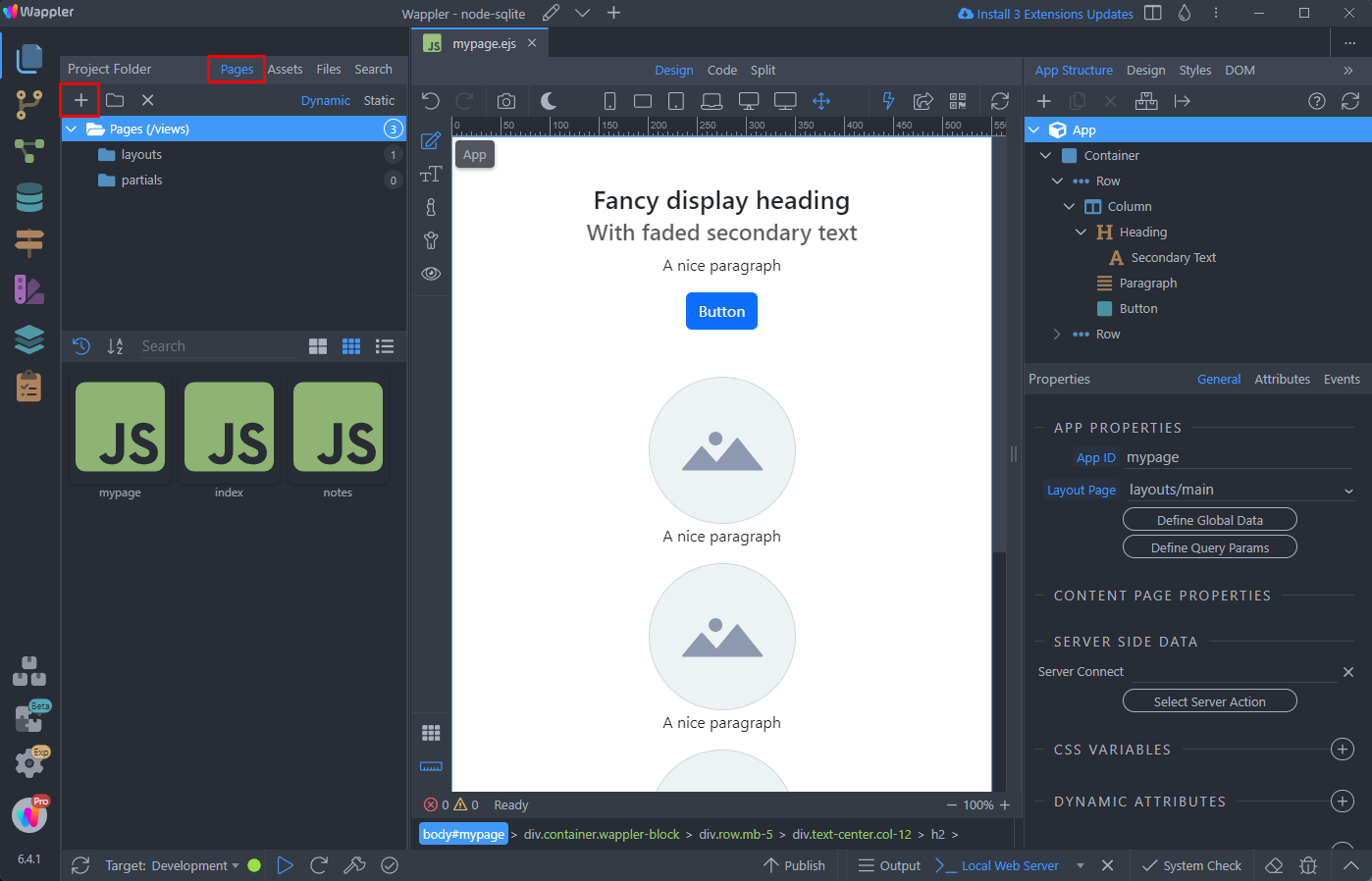
Add 404 as a name for this page:
Section titled “Add 404 as a name for this page:”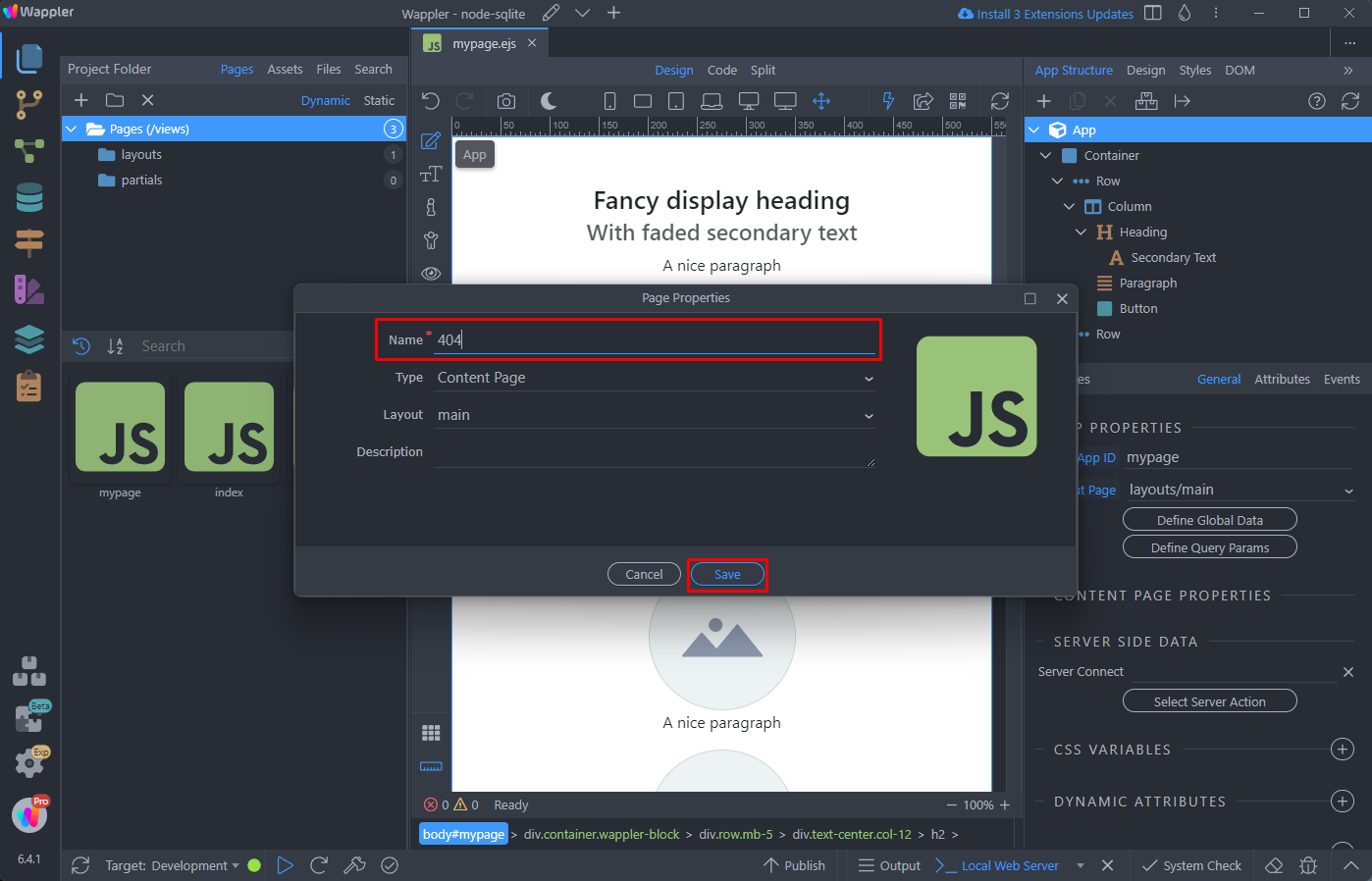
The page has been created:
Section titled “The page has been created:”
Step 7
Section titled “Step 7”Add whatever content you want to show on this page. We simply add a heading, paragraph and a link that allows the users to go back to home page:
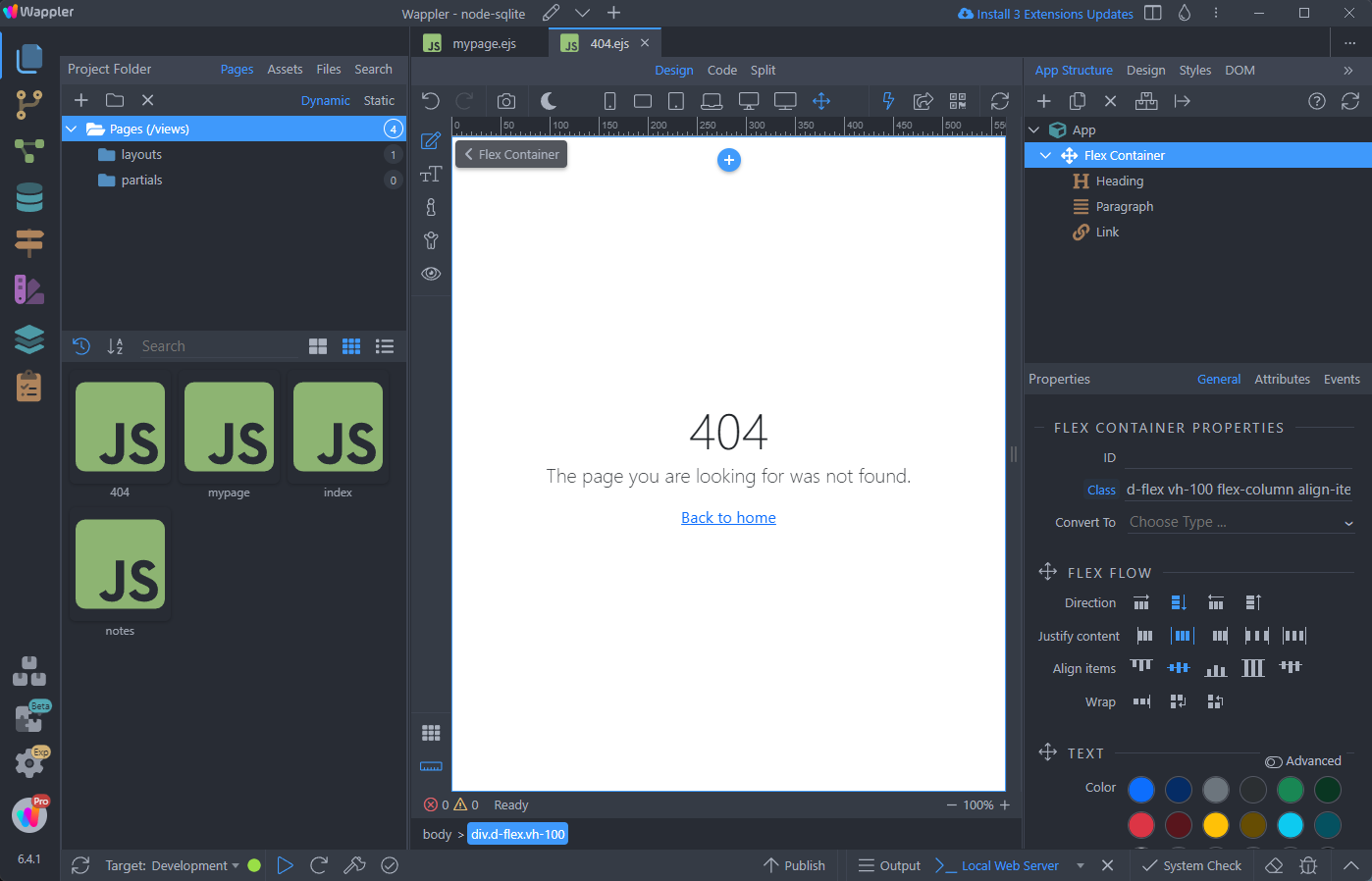
And you are done. Let’s preview the results, by entering a non-existing URL:
Section titled “And you are done. Let’s preview the results, by entering a non-existing URL:”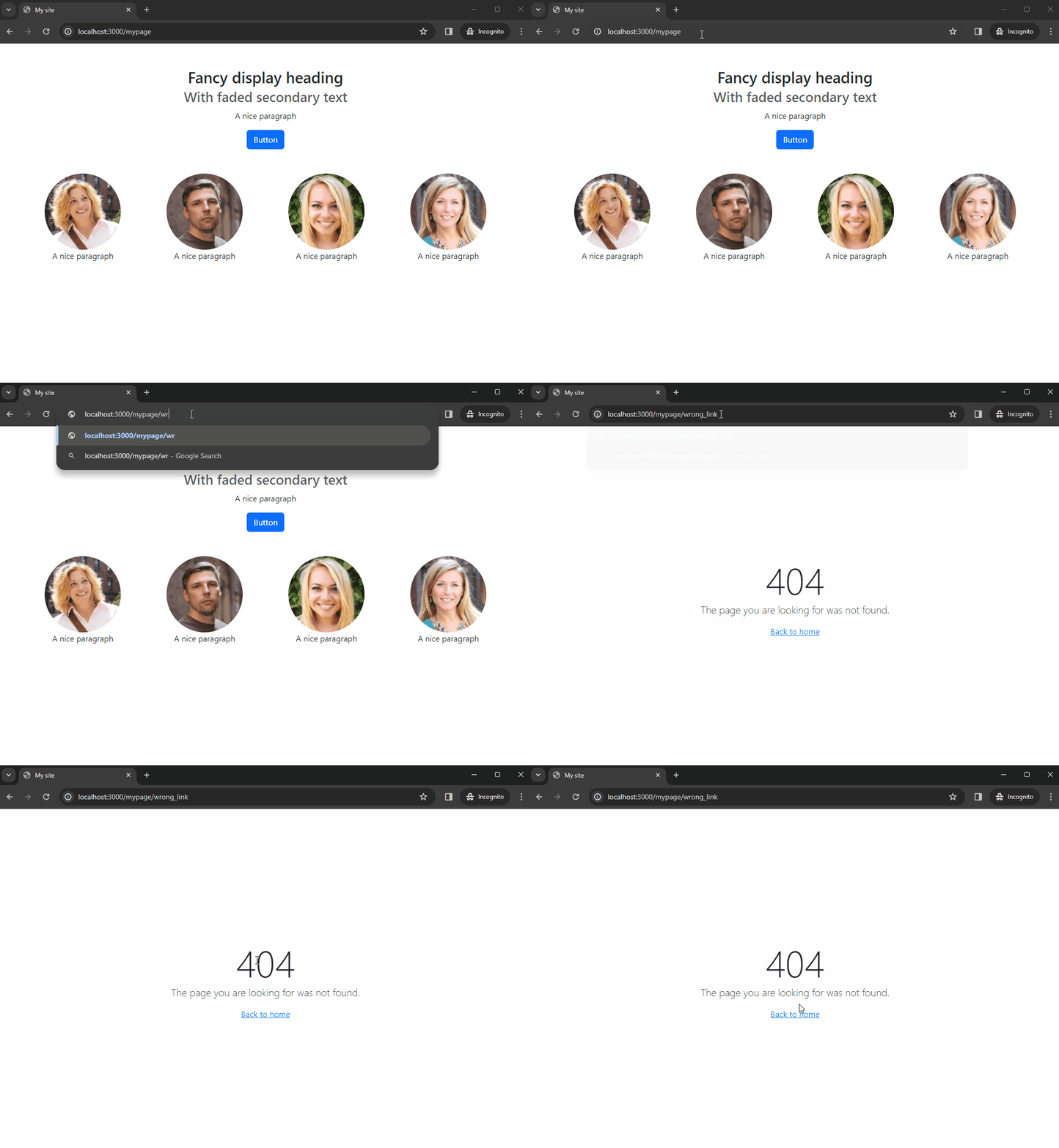
500 Internal Server Error
Section titled “500 Internal Server Error”It’s quite similar for the custom error 500 page.
Open Pages and add a new page:
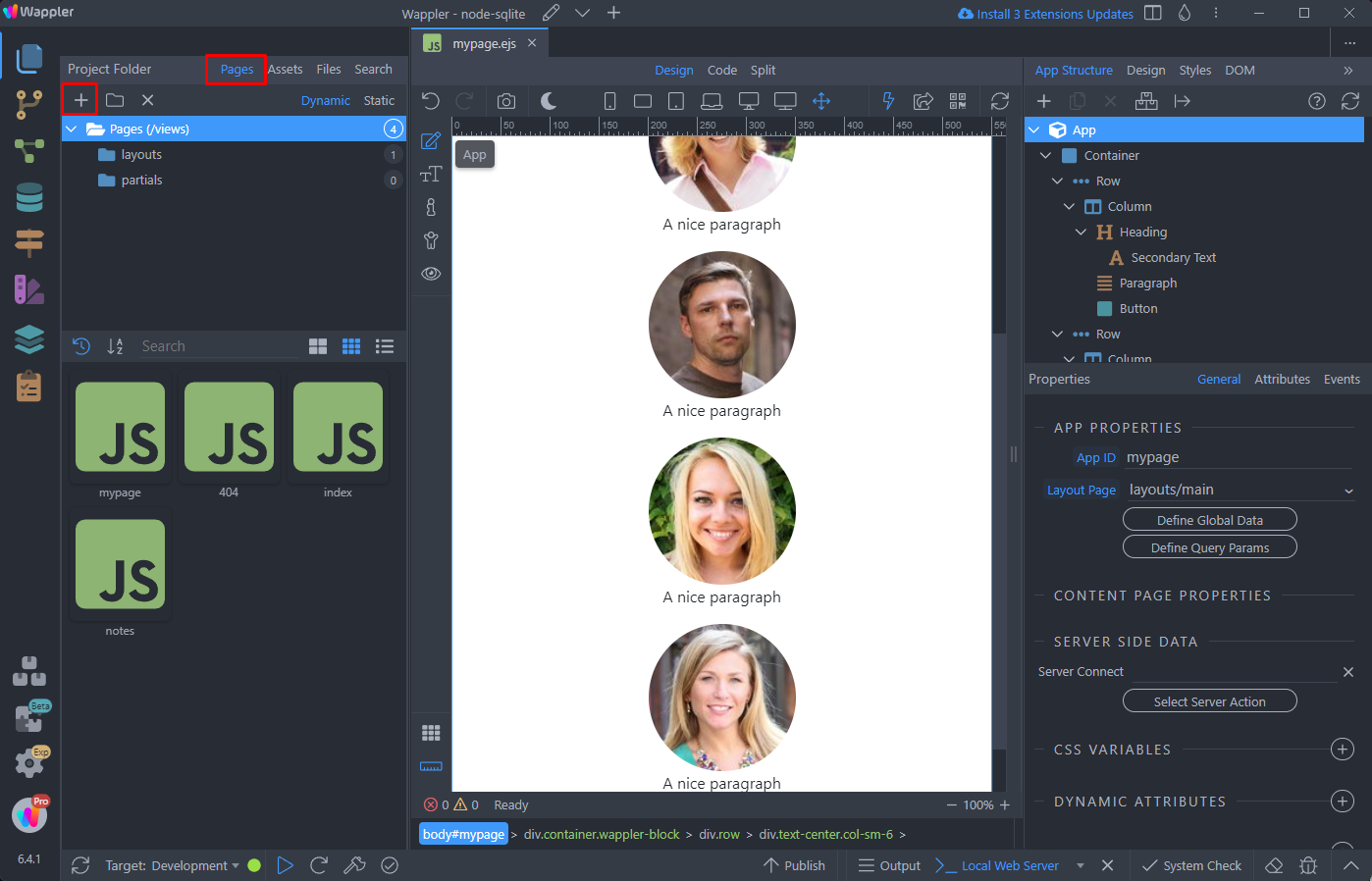
Add 500 as a name for this page:
Section titled “Add 500 as a name for this page:”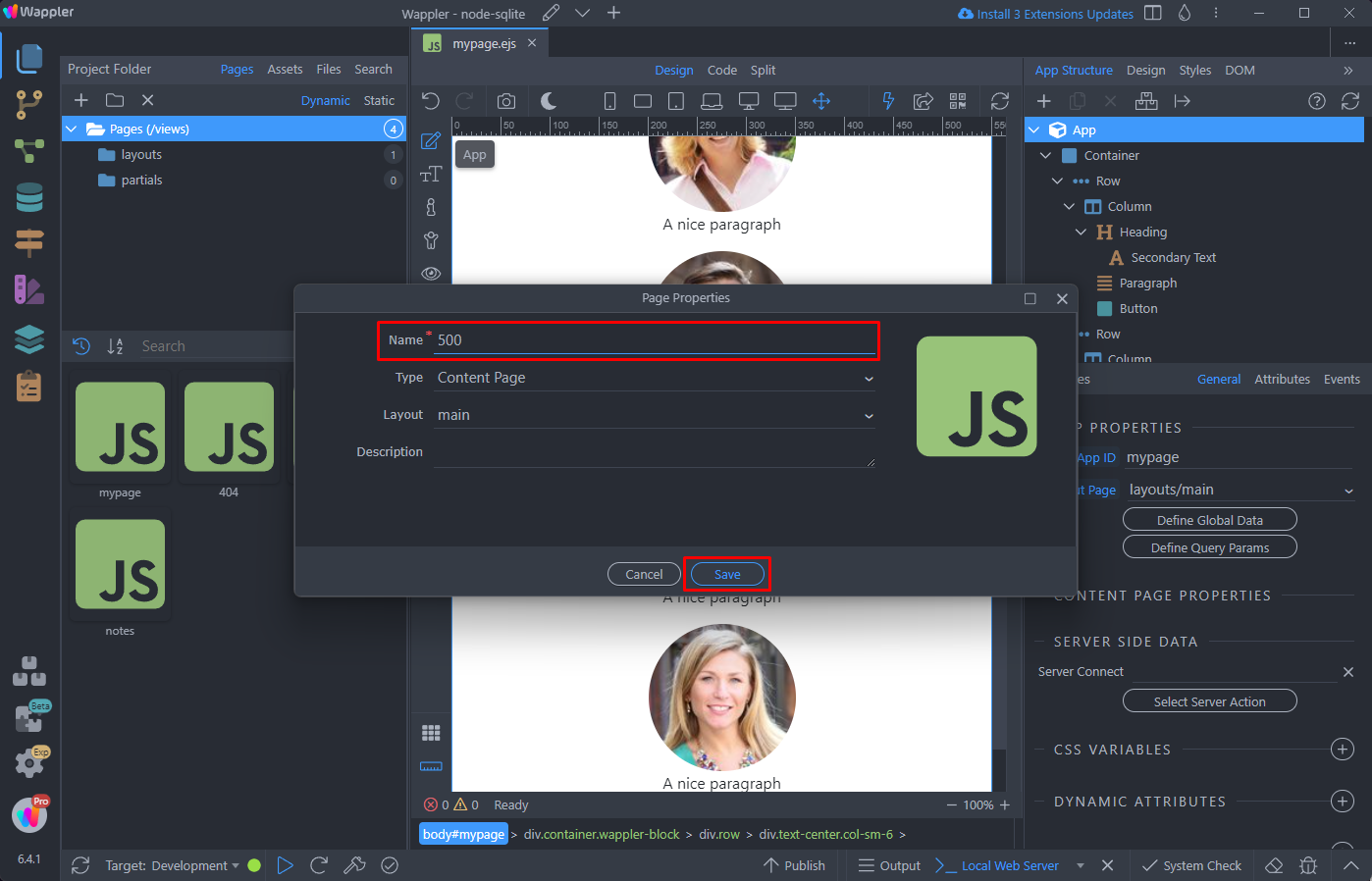
The page has been created:
Section titled “The page has been created:”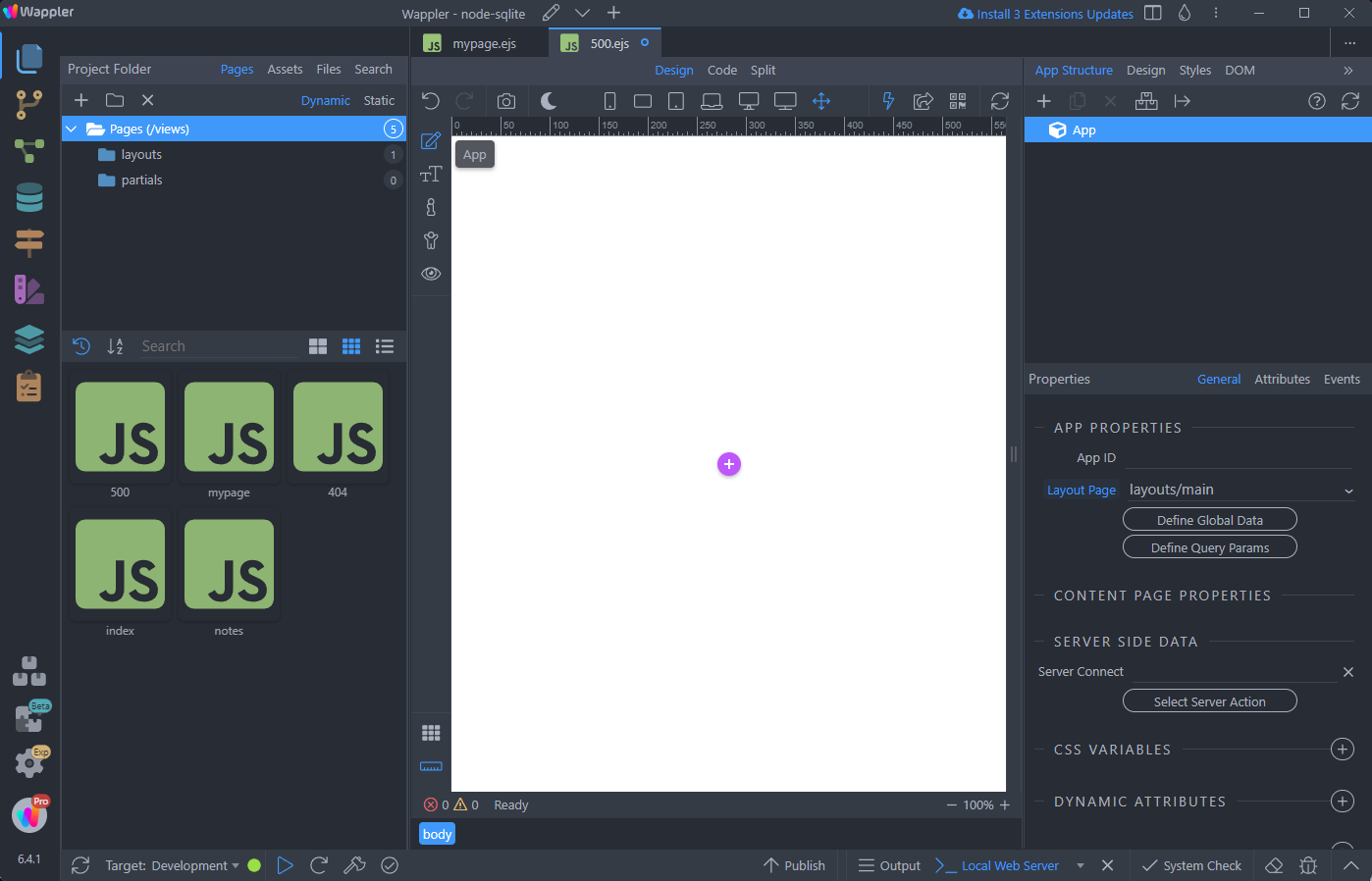
Add your content on this page:
Section titled “Add your content on this page:”