Using Partials with NodeJS
What are Partials Wappler allows you to create and reuse partials in your NodeJS Projects. Partials are useful when you want to create reusable components and include them in some of your pages. Unlik
What are Partials
Section titled “What are Partials”Wappler allows you to create and reuse partials in your NodeJS Projects. Partials are useful when you want to create reusable components and include them in some of your pages. Unlike the content which you include in your layout pages, which is used across all the pages using this layout, partials can be included on just some of your pages.
You can include anything inside a partial - a navbar, a banner, a contact form, an image gallery etc.
Creating Partials
Section titled “Creating Partials”We have already created a layout and a page from it:
Step 4
Section titled “Step 4”We’d like to include a partial on our page.
There are two ways to create a partial - creating a new partial from scratch or moving an existing content/component from a page to a partial.
Creating a new Partial
Section titled “Creating a new Partial”We’d like to create a banner, which shows some promo image and add it to several of our pages.
Select Partials in the Pages Manager:

Click the create new button:
Section titled “Click the create new button:”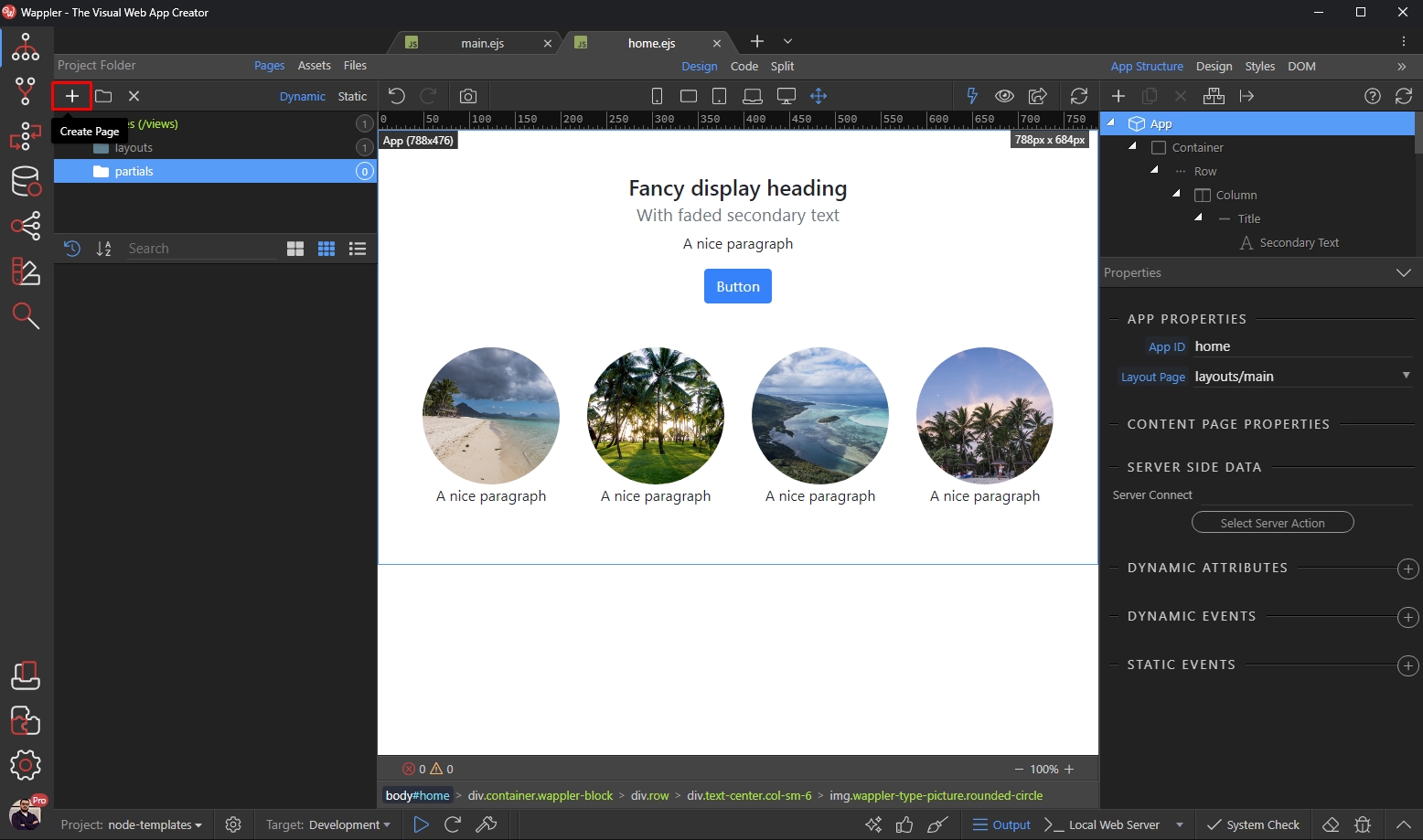
Add a name for your partial:
Section titled “Add a name for your partial:”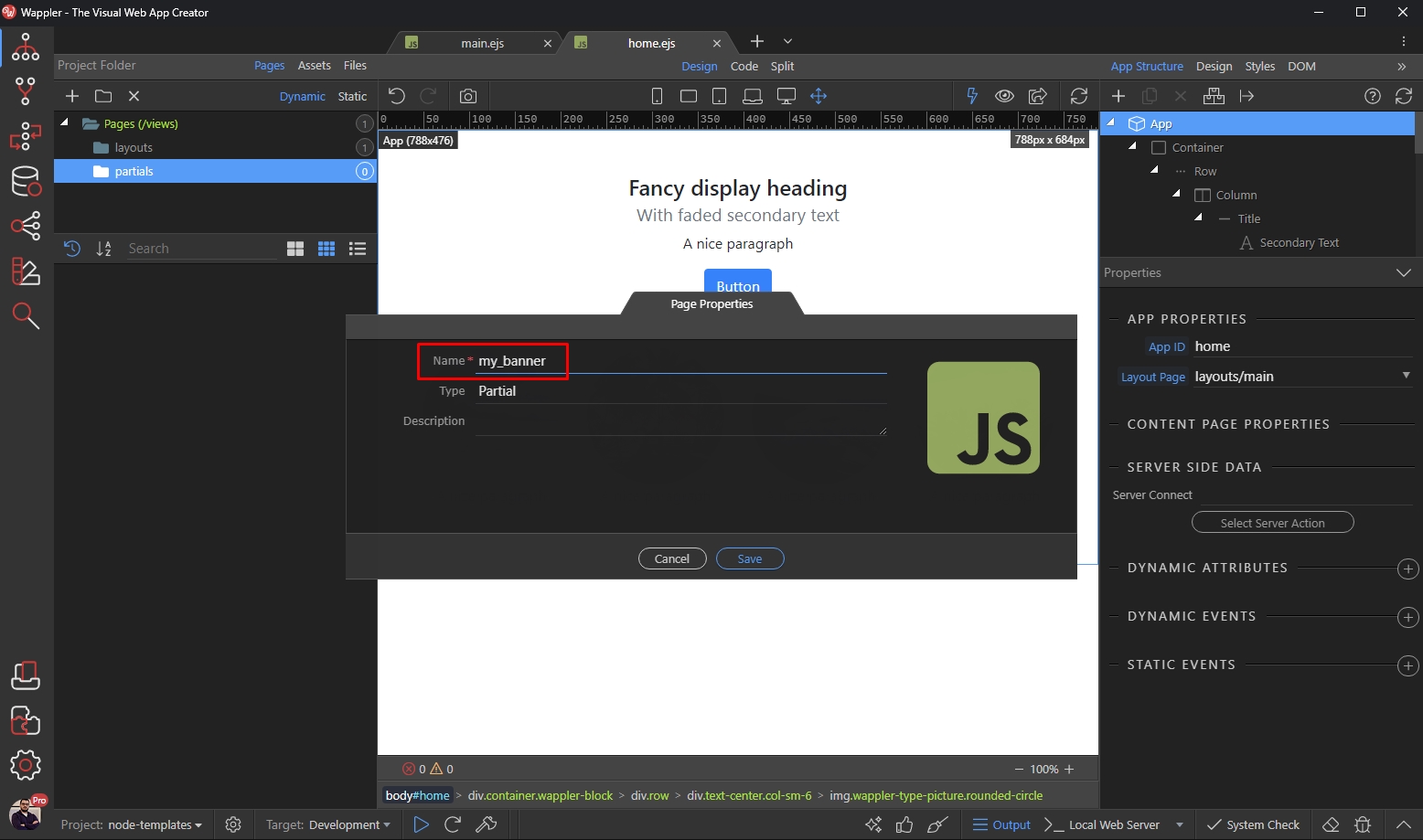
Type should be set to Partial:
Section titled “Type should be set to Partial:”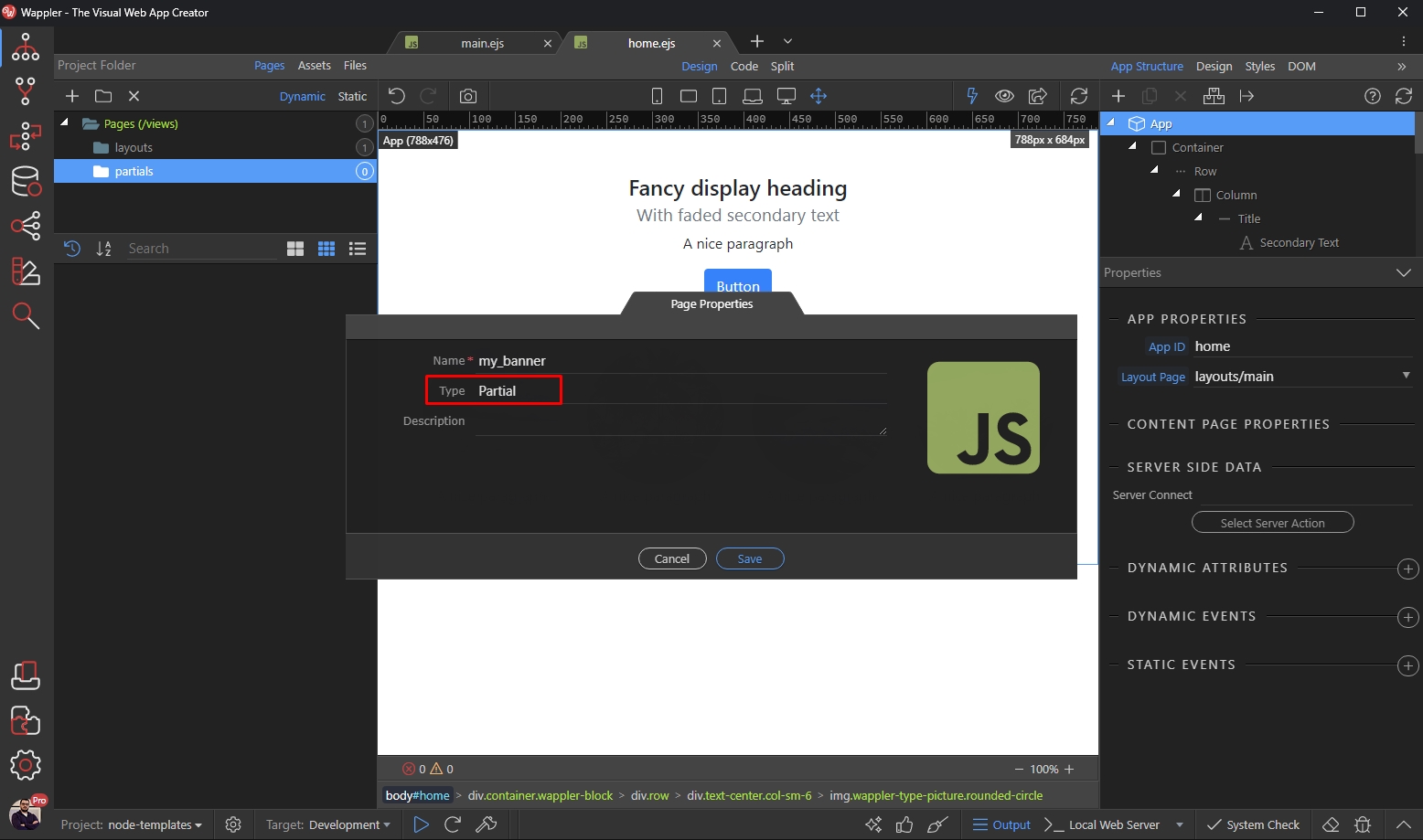
Click Save:
Section titled “Click Save:”
Step 10
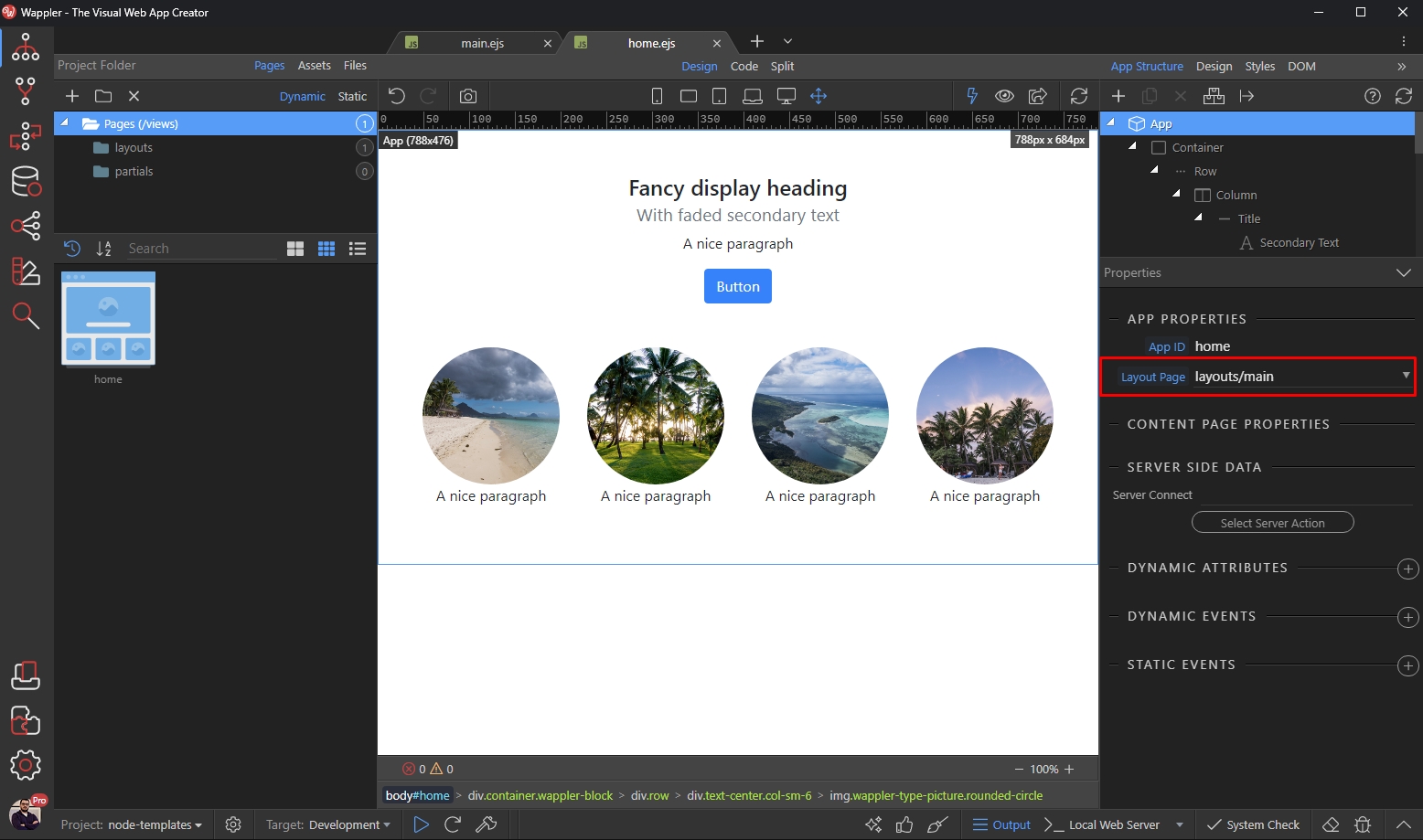
Section titled “Step 10”Your partial will be loaded in Design View. Select App in the App Structure panel and select your layout page from the dropdown. This way the partial will know where to add any includes if required:
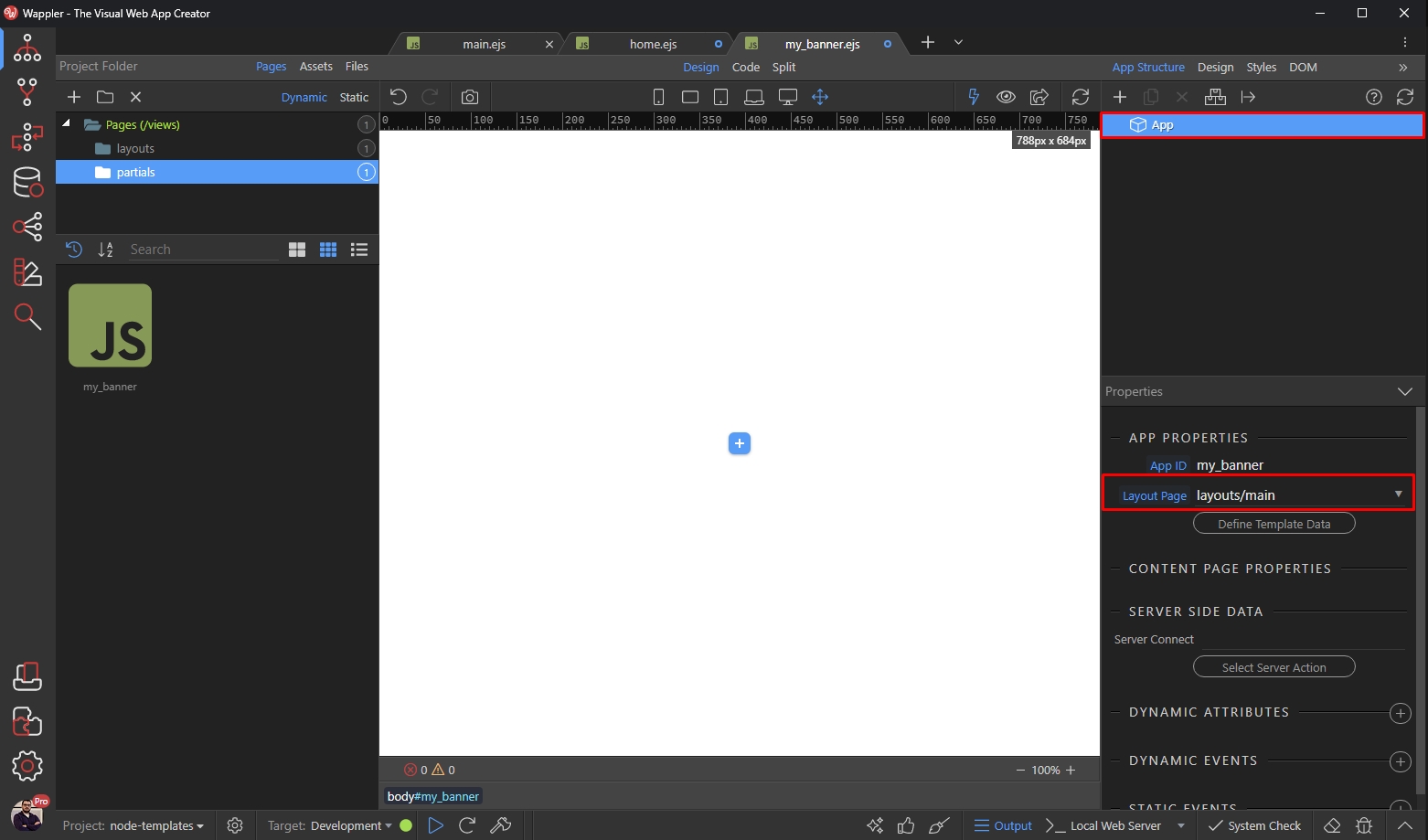
You can add your content here:
Section titled “You can add your content here:”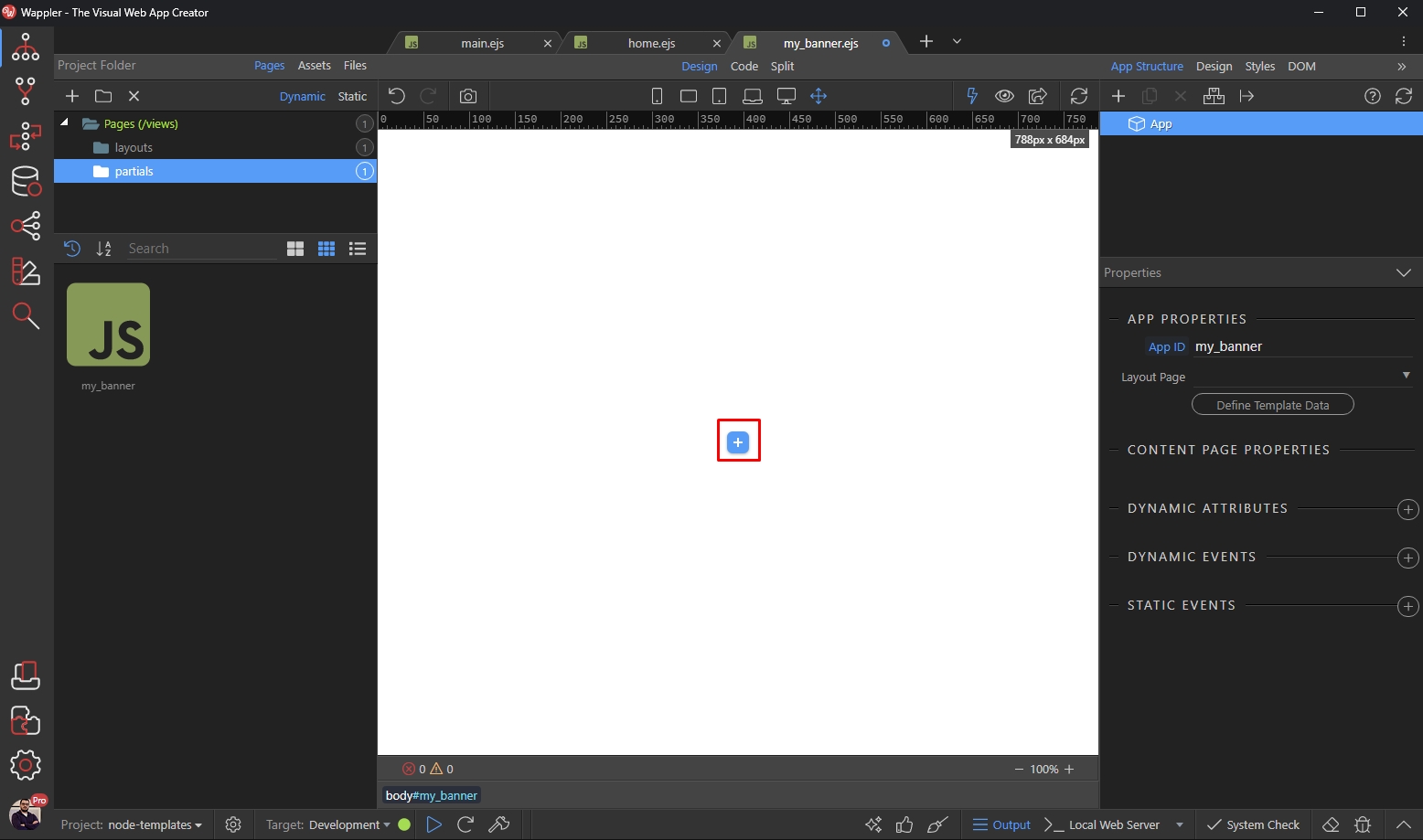
We add a container:
Section titled “We add a container:”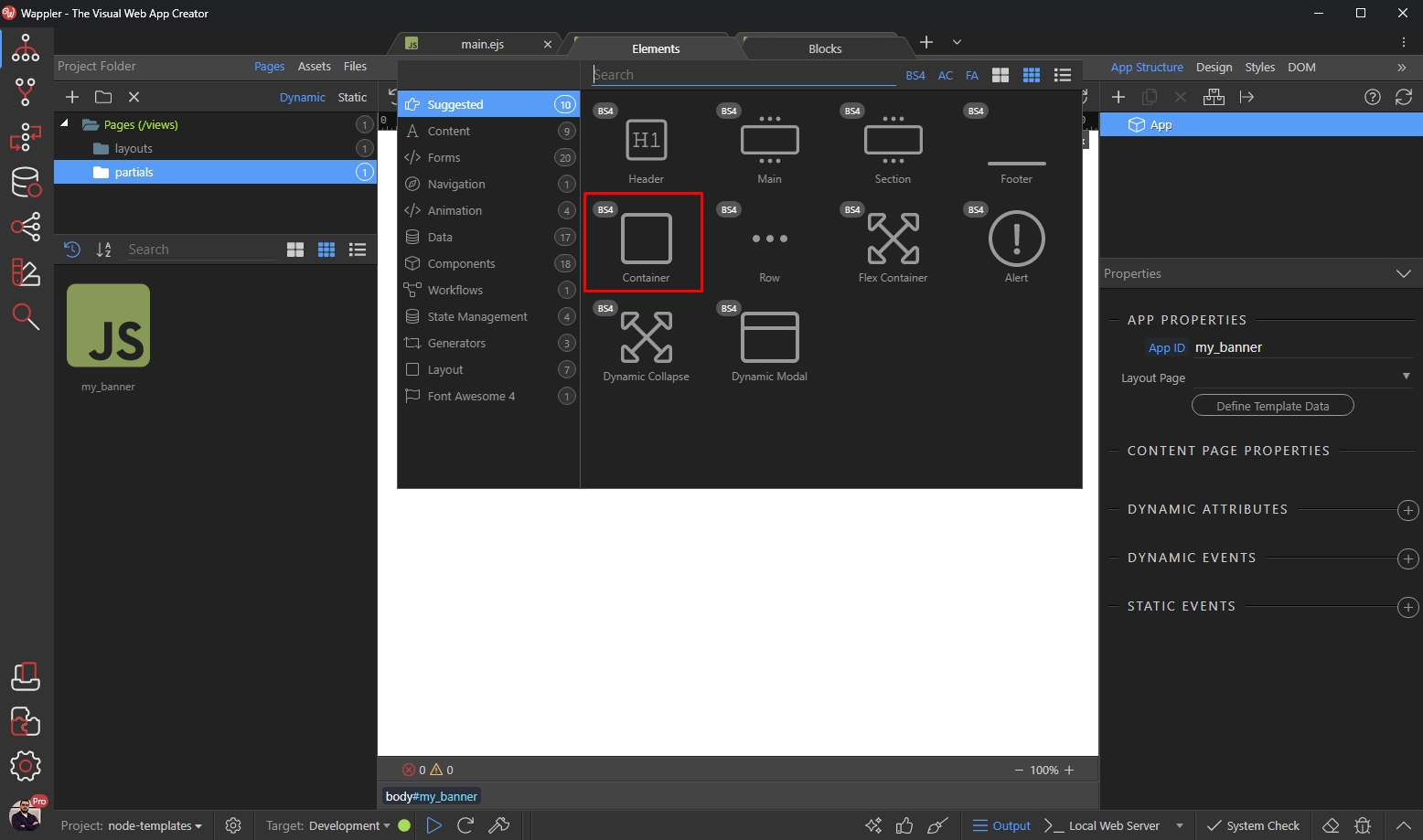
And then an Anchor Image inside it:
Section titled “And then an Anchor Image inside it:”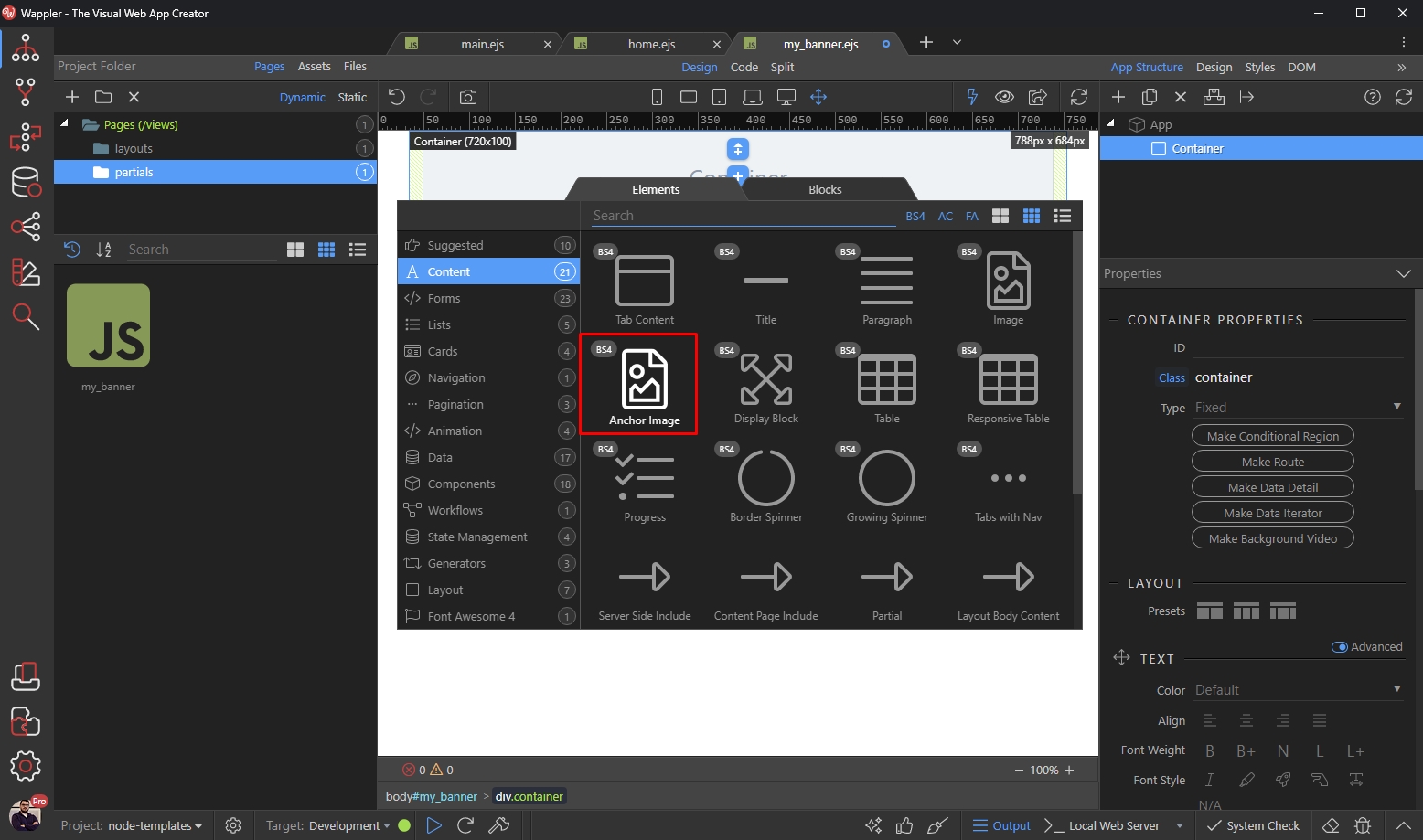
Setup your link:
Section titled “Setup your link:”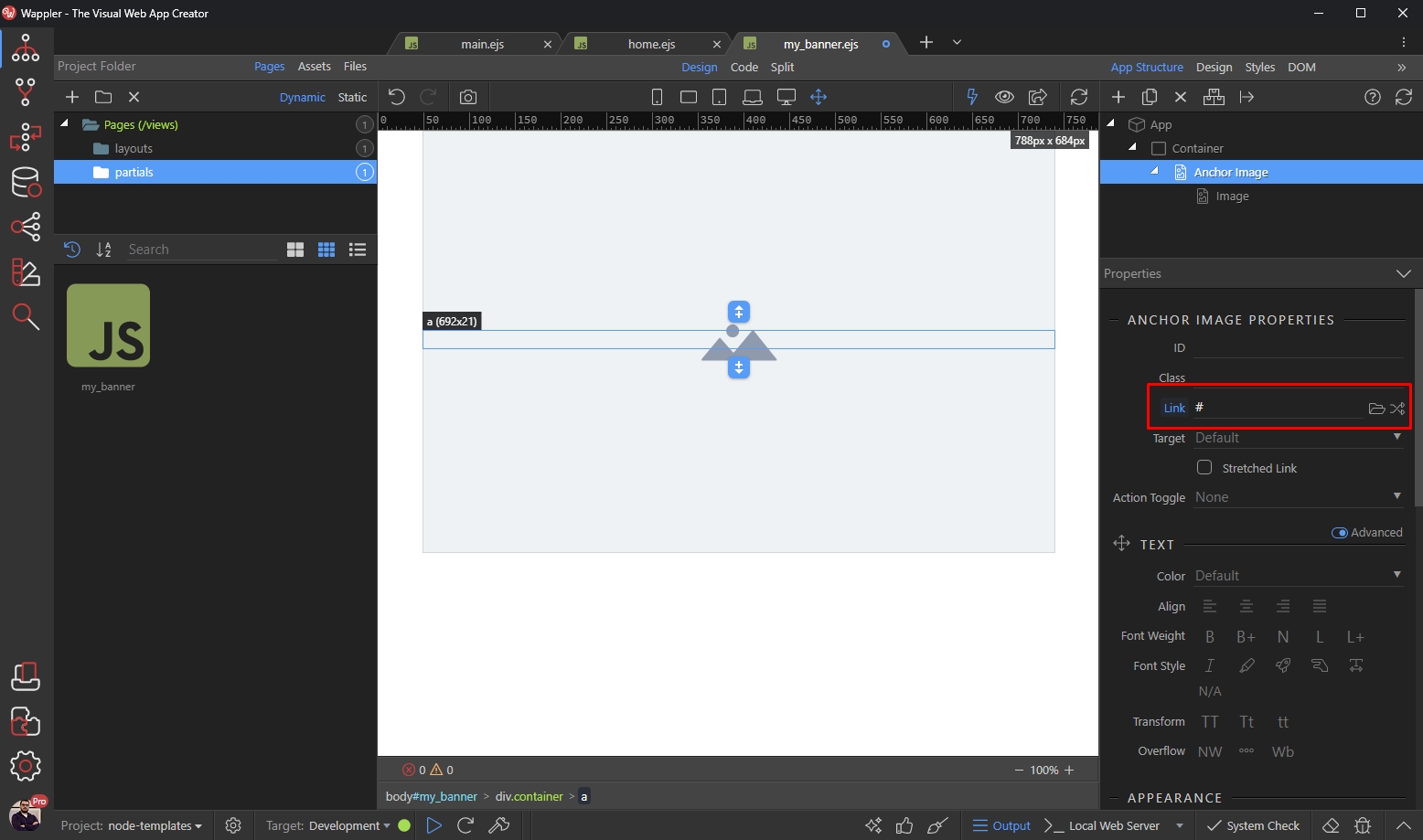
Then select your banner image:
Section titled “Then select your banner image:”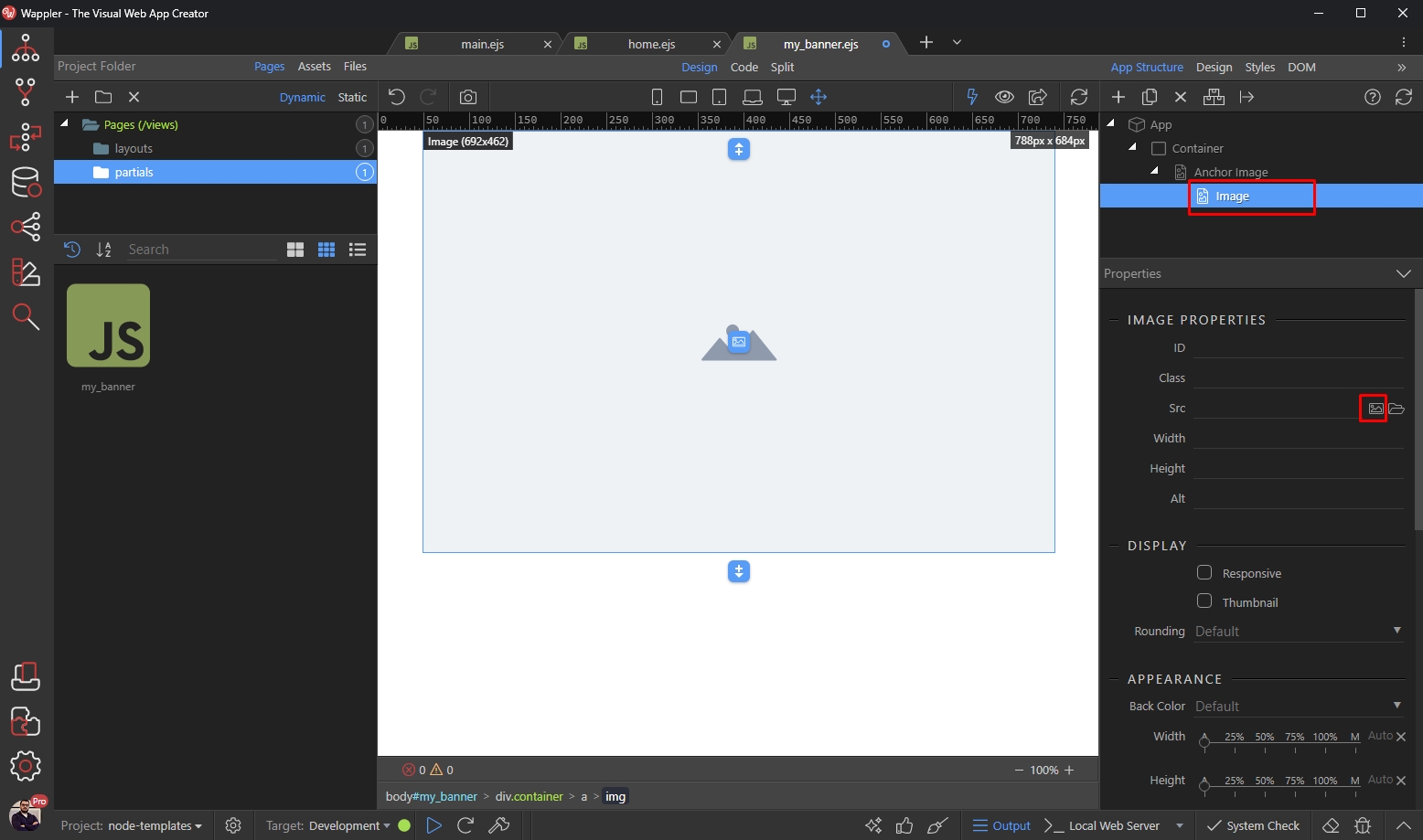
We select it in the assets picker dialog:
Section titled “We select it in the assets picker dialog:”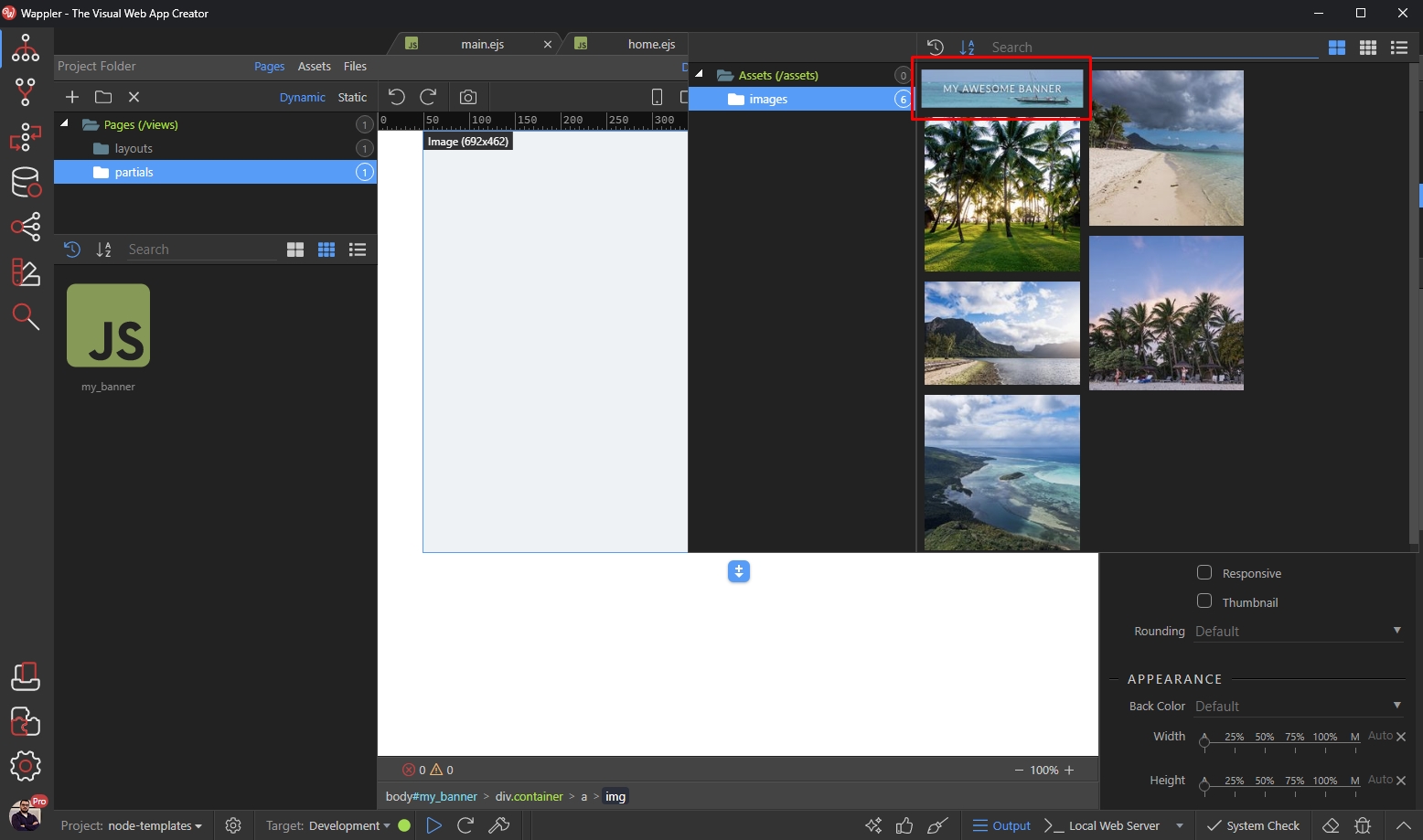
And we enable the responsive option for the image:
Section titled “And we enable the responsive option for the image:”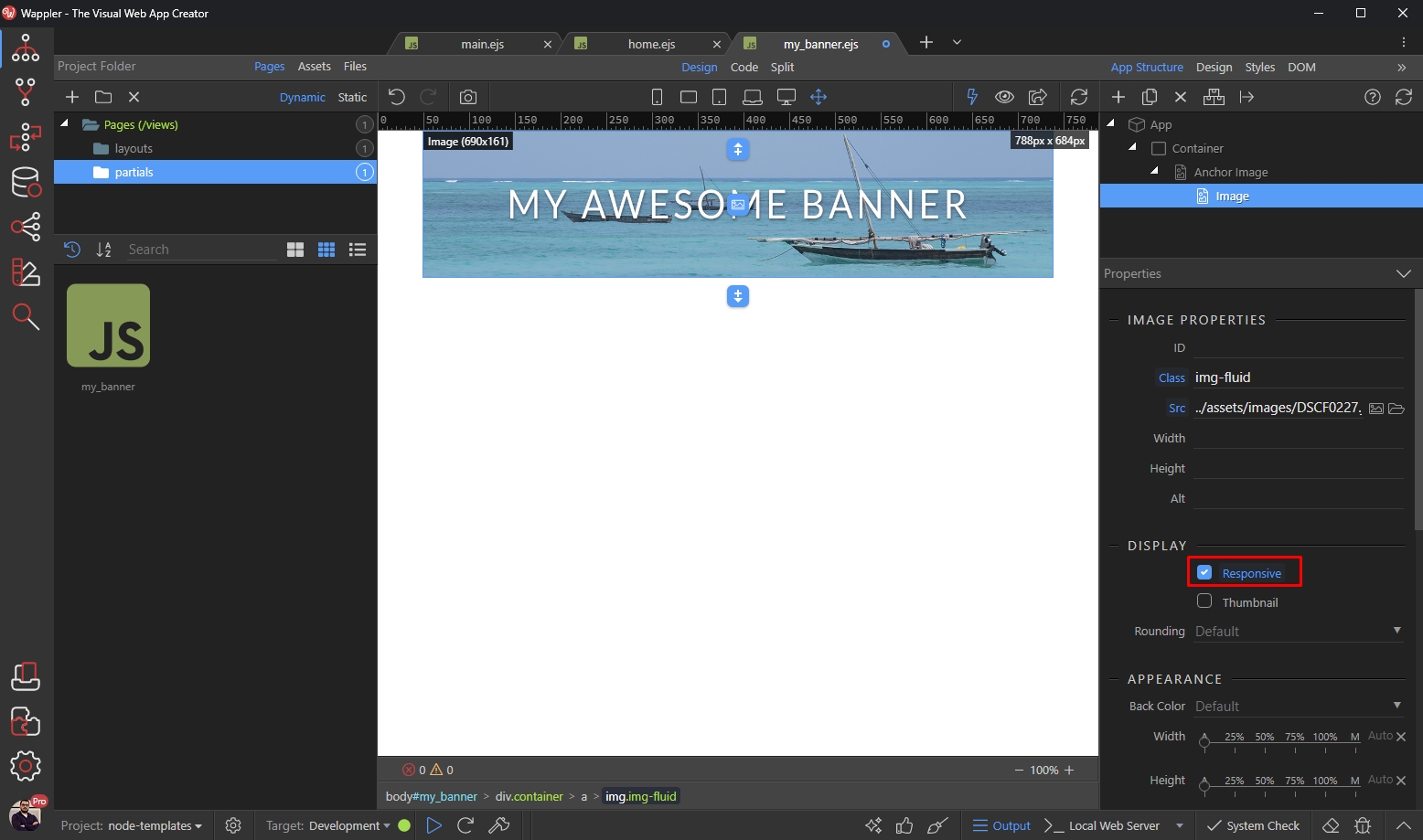
Save your page and you are done. Now let’s add this partial on your page(s).
Section titled “Save your page and you are done. Now let’s add this partial on your page(s).”Adding Partials on Your Pages
Section titled “Adding Partials on Your Pages”Open a page where you want to use this partial on. Click the add element button, where you need to add the partial:
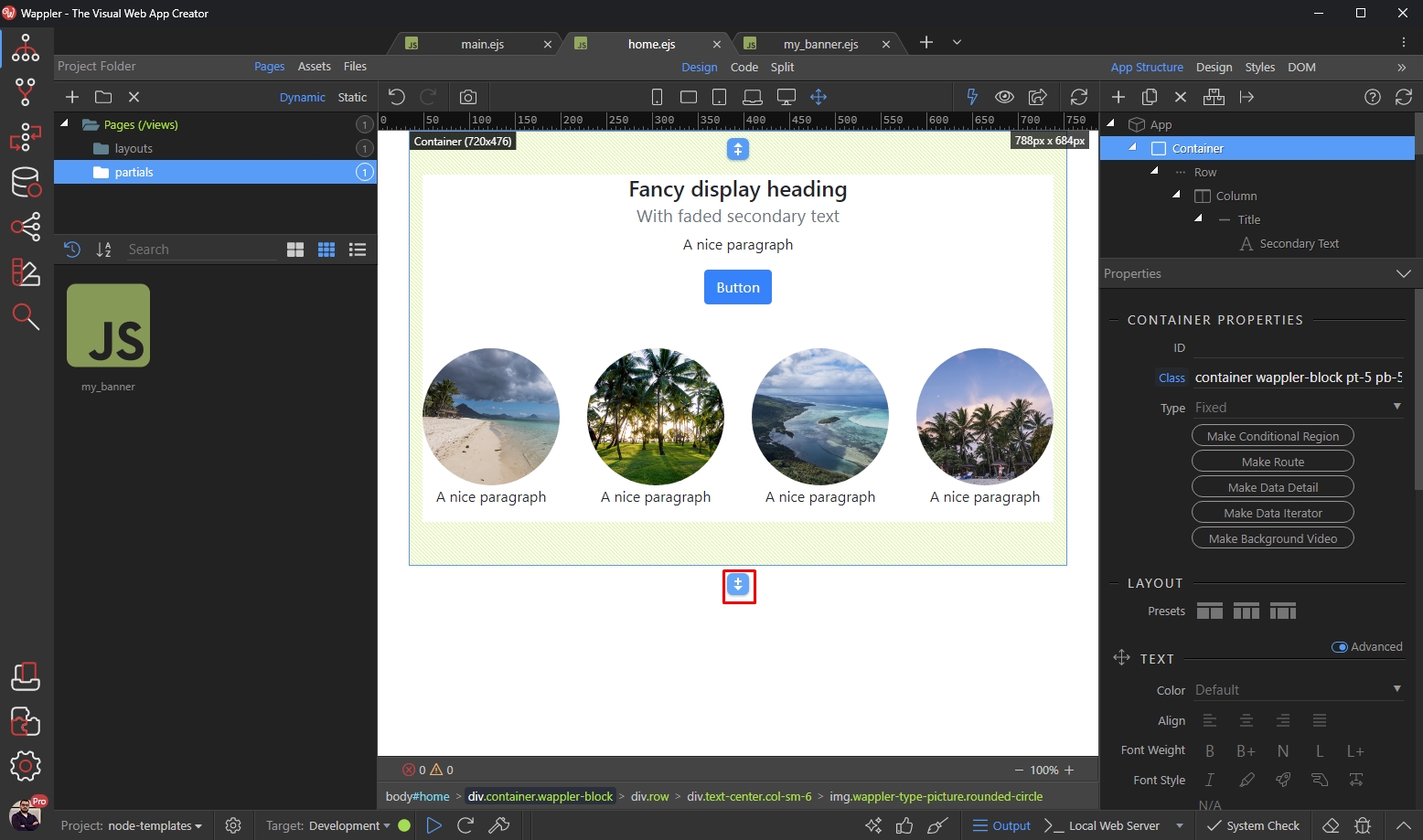
In the Content menu select Partial:
Section titled “In the Content menu select Partial:”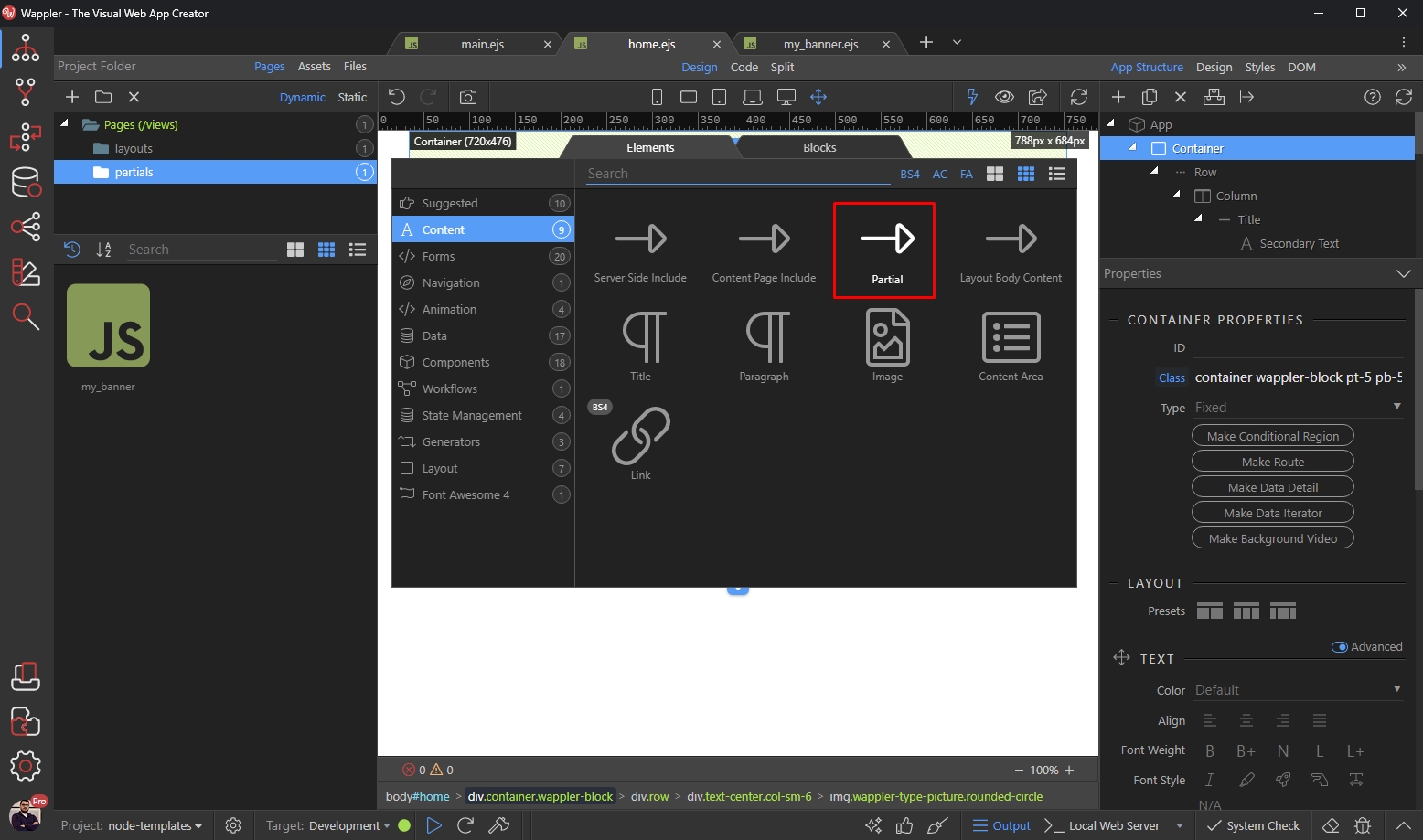
And select your partial from the dropdown:
Section titled “And select your partial from the dropdown:”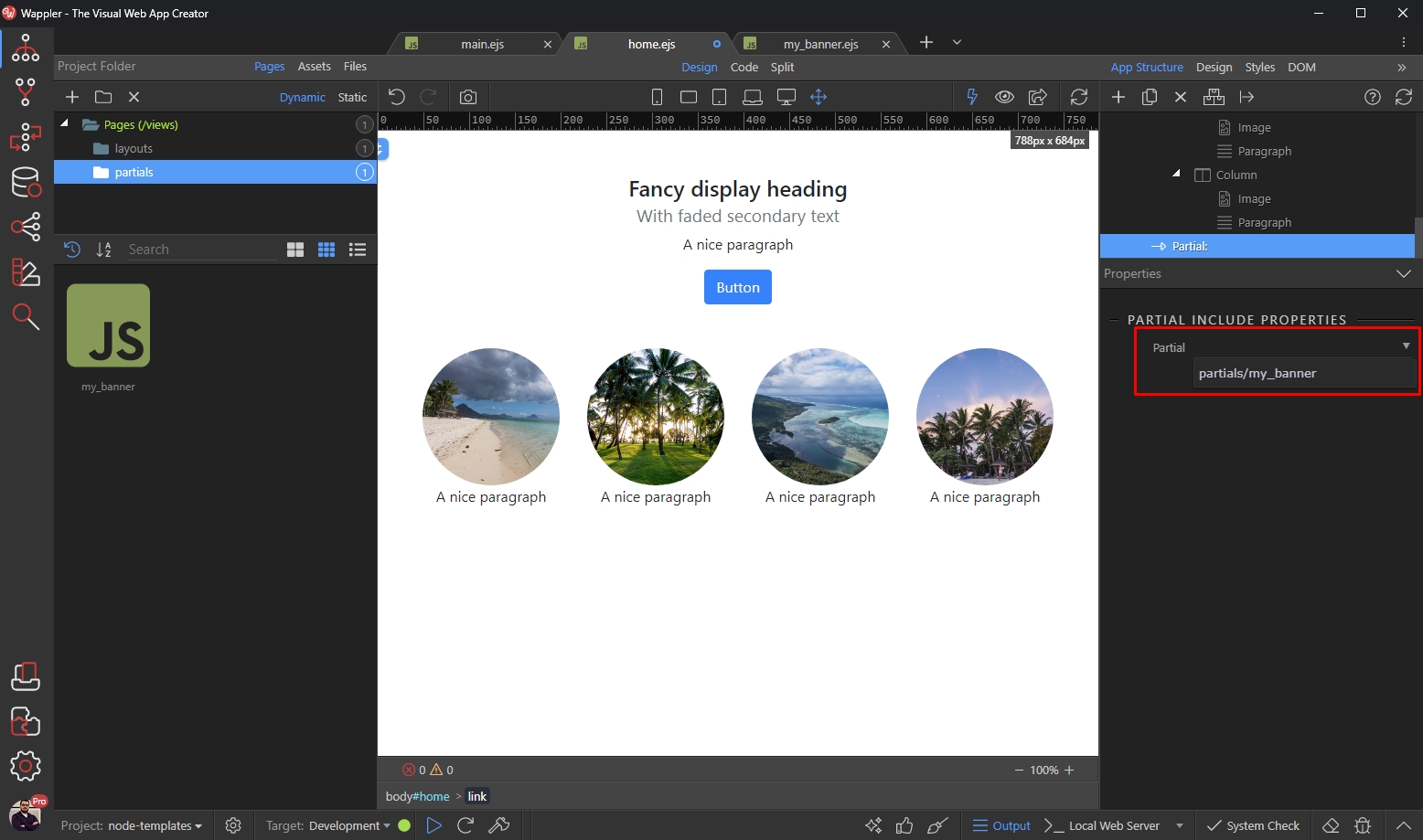
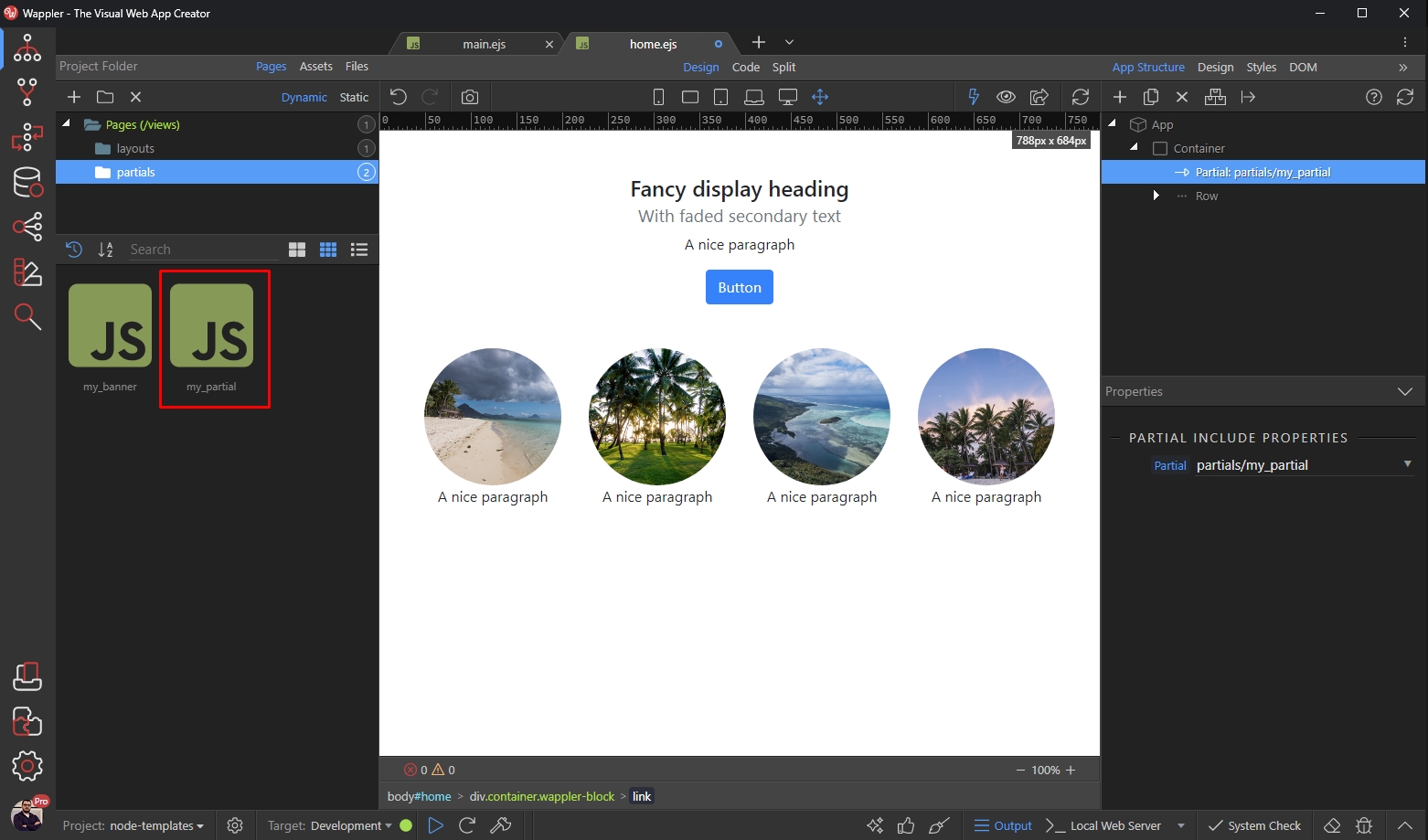
And you can see your partial included on the page:
Section titled “And you can see your partial included on the page:”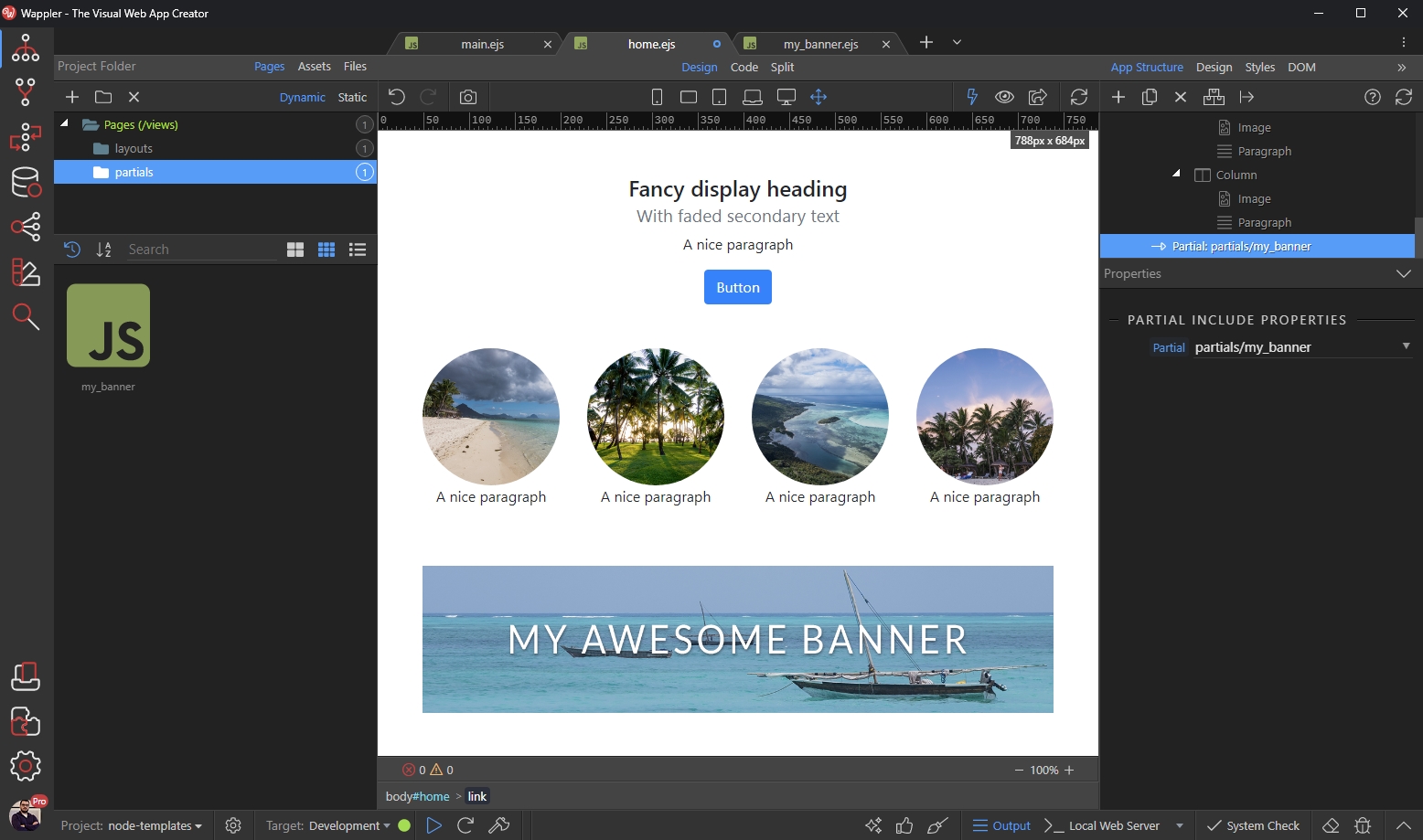
This way you can include your partial on any page.
Section titled “This way you can include your partial on any page.”Moving Page Content to a Partial
Section titled “Moving Page Content to a Partial”You can move any content from your page to a Partial and then reuse it on your other pages.
Select the element/component which you want to move to a Partial (1) and click the Move to Partial button (2):
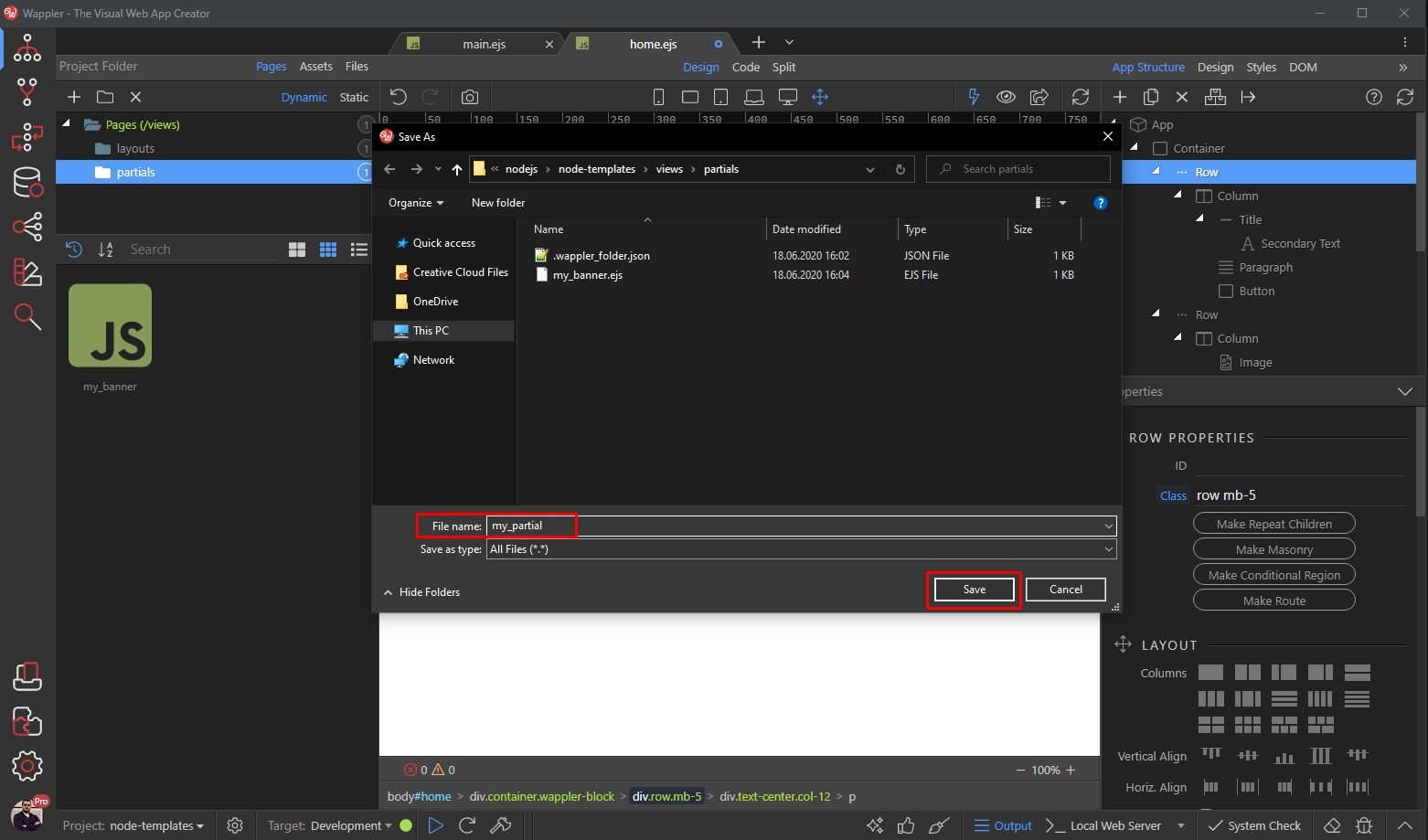
And you are done! Your partial appears in the Partials menu of the Pages Manager:
Section titled “And you are done! Your partial appears in the Partials menu of the Pages Manager:”