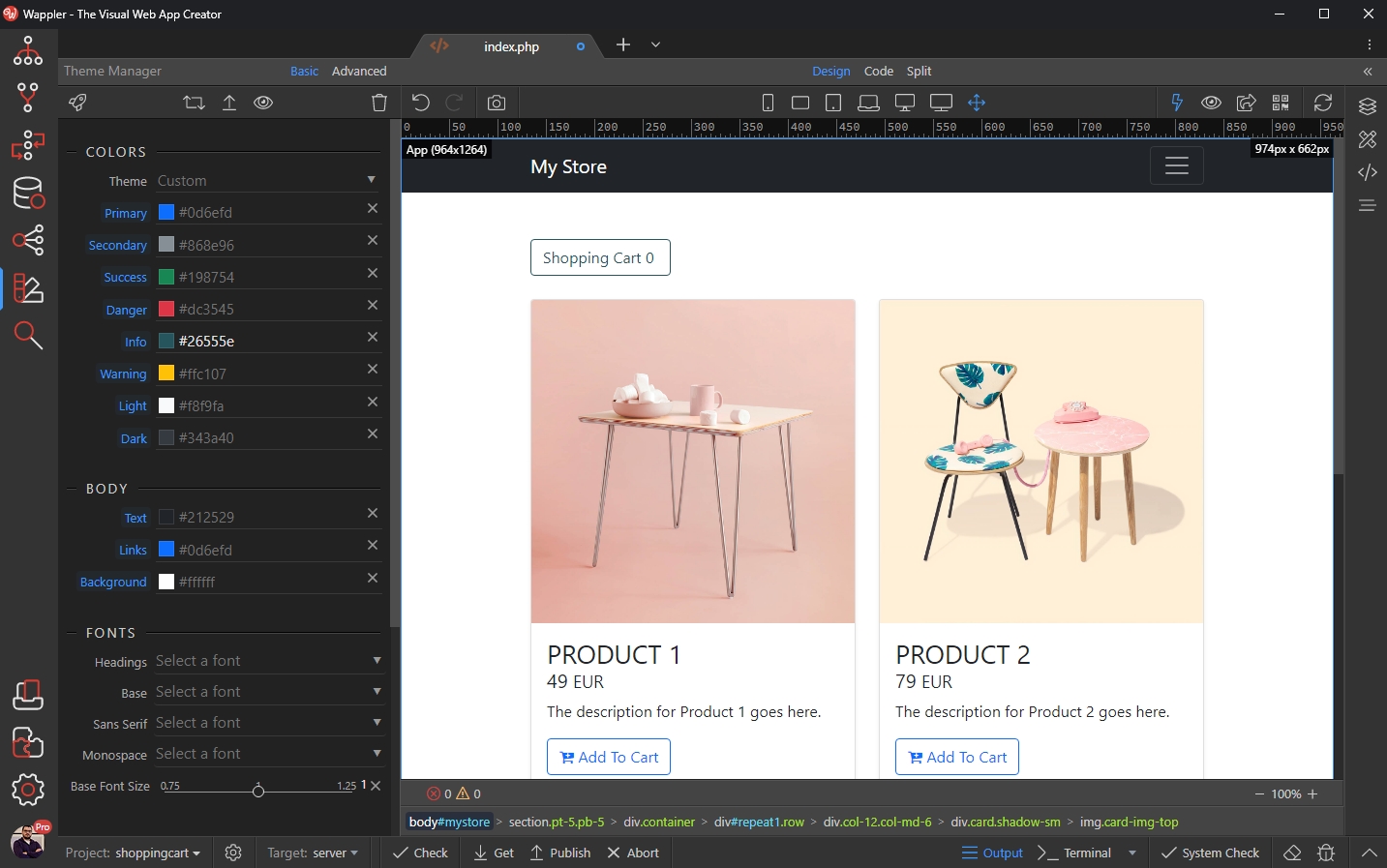
Using the Theme Manager with Bootstrap 5
Intro You already know how to use the Theme Manager to customize your Bootstrap 4 sites. With the integration of Bootstrap 5 in Wappler, we also updated the Theme Manager to support Bootstrap 5 as wel
You already know how to use the Theme Manager to customize your Bootstrap 4 sites.
With the integration of Bootstrap 5 in Wappler, we also updated the Theme Manager to support Bootstrap 5 as well.
Bootstrap 5 Support
Section titled “Bootstrap 5 Support”The workflow in Theme Manager has not changed for Bootstrap 5.
First open your Project Settings:
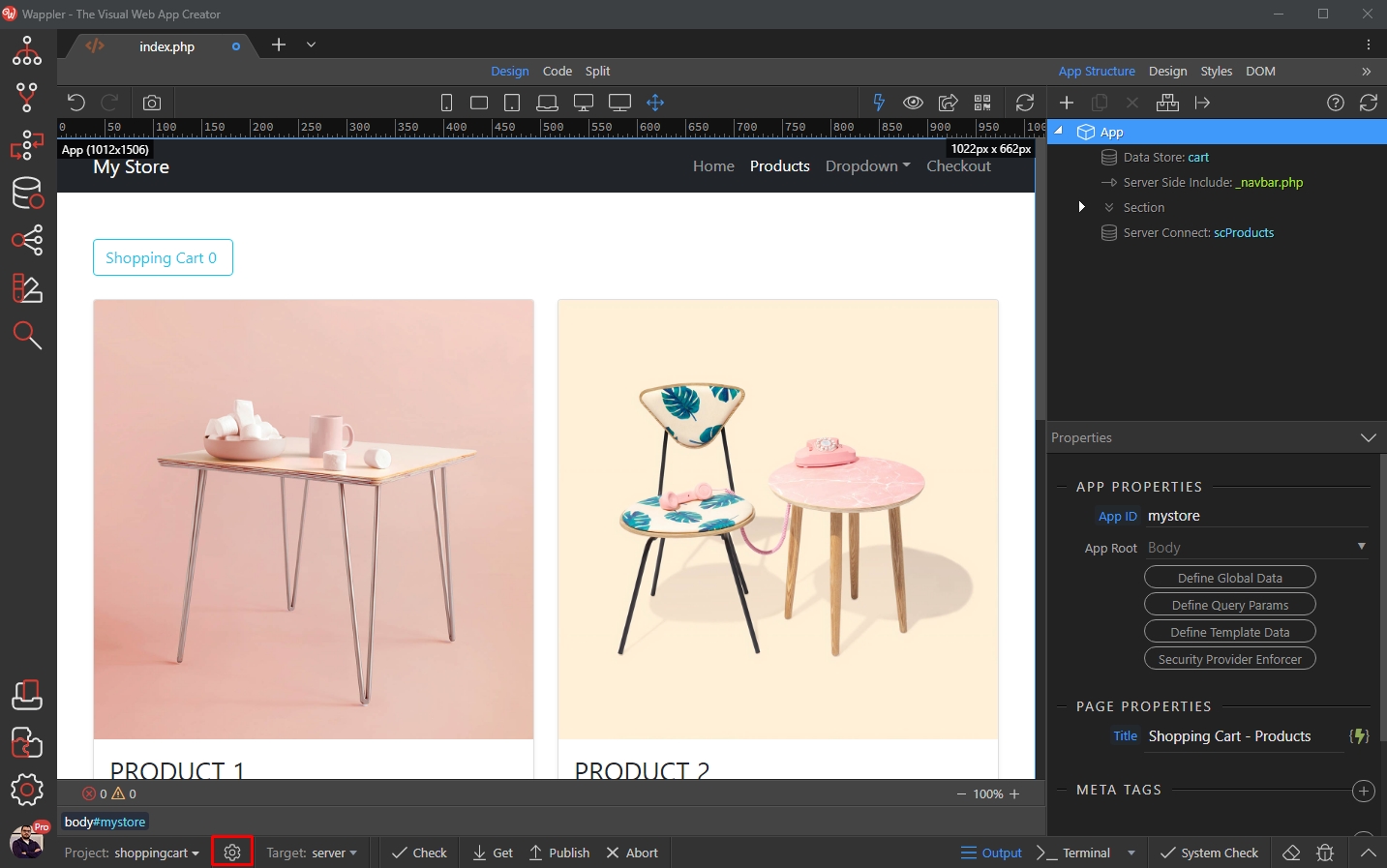
Select Bootstrap 5 as in the Design Framework menu:
Section titled “Select Bootstrap 5 as in the Design Framework menu:”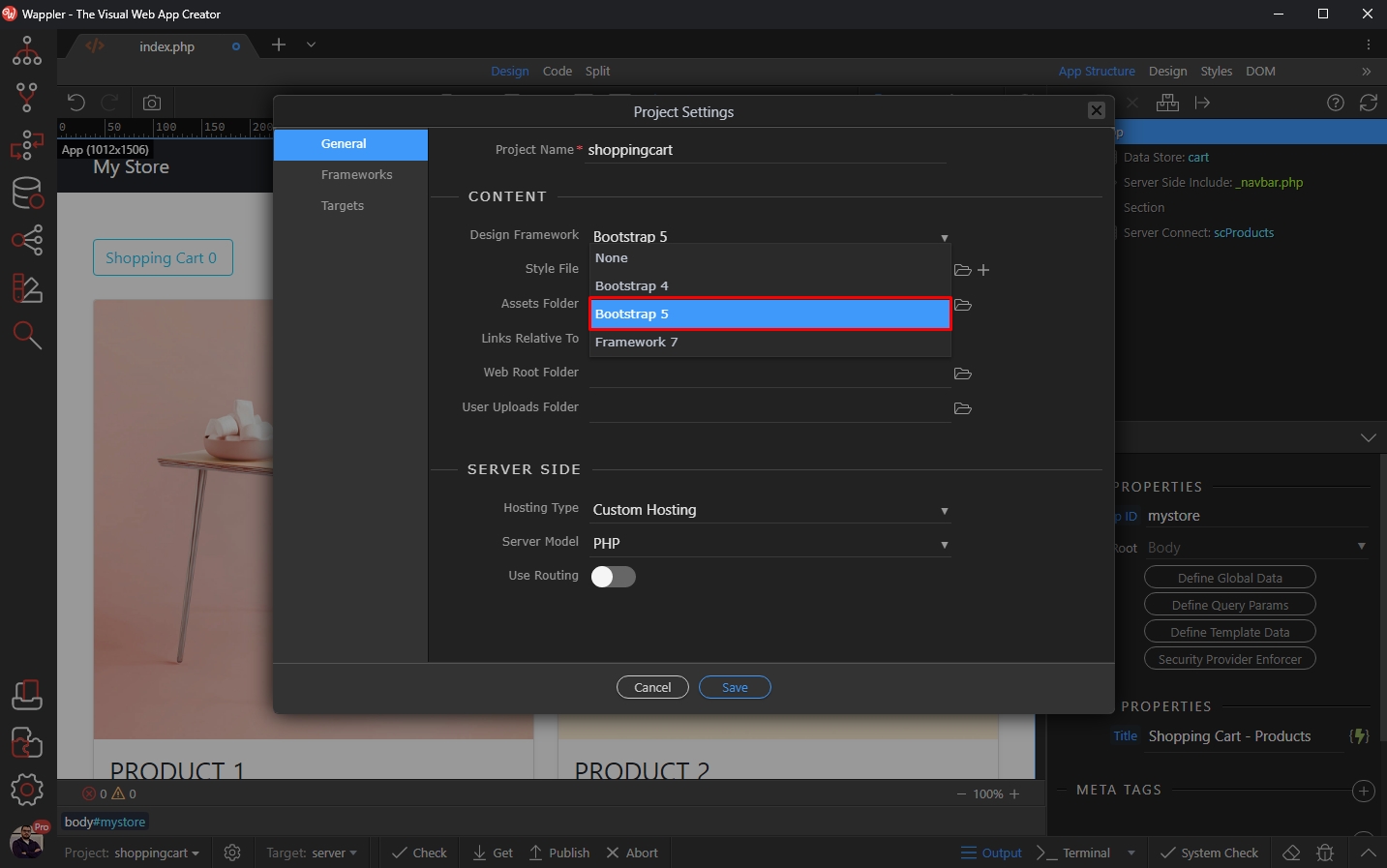
And make sure to include Bootstrap 5 Local (not CDN!) on your page in order to be able to customize it:
Section titled “And make sure to include Bootstrap 5 Local (not CDN!) on your page in order to be able to customize it:”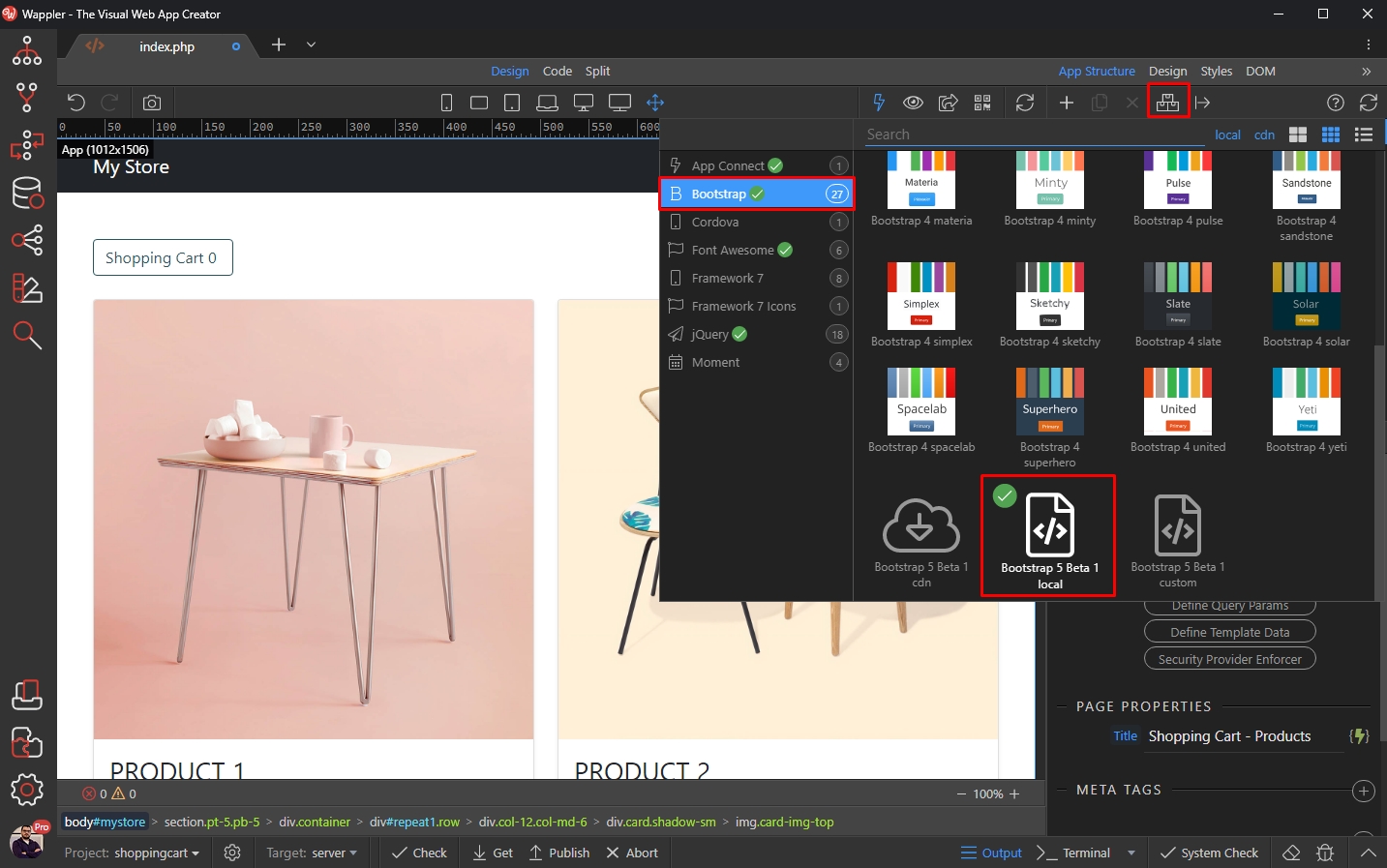
Open the Theme Manager:
Section titled “Open the Theme Manager:”