
Disable a submit button and show a spinner
A complete pending-state pattern using the form’s executing state.
Show progress and prevent repeat clicks while a Server Connect form is submitting.
Also called: disable submit, loading spinner, double submit, form executing.
Before you begin
Section titled “Before you begin”- A working Server Connect form with a submit button. The tour inspects
login_formin Demo Projects HQ.
Select the submit button
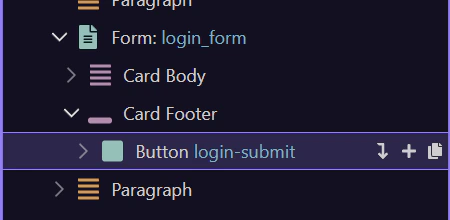
Section titled “Select the submit button”Open the page containing your form. Select its submit button in App Structure. In the sample, #login-submit belongs to login_form. Use your own form ID in the bindings below.
Bind Disabled to the executing state
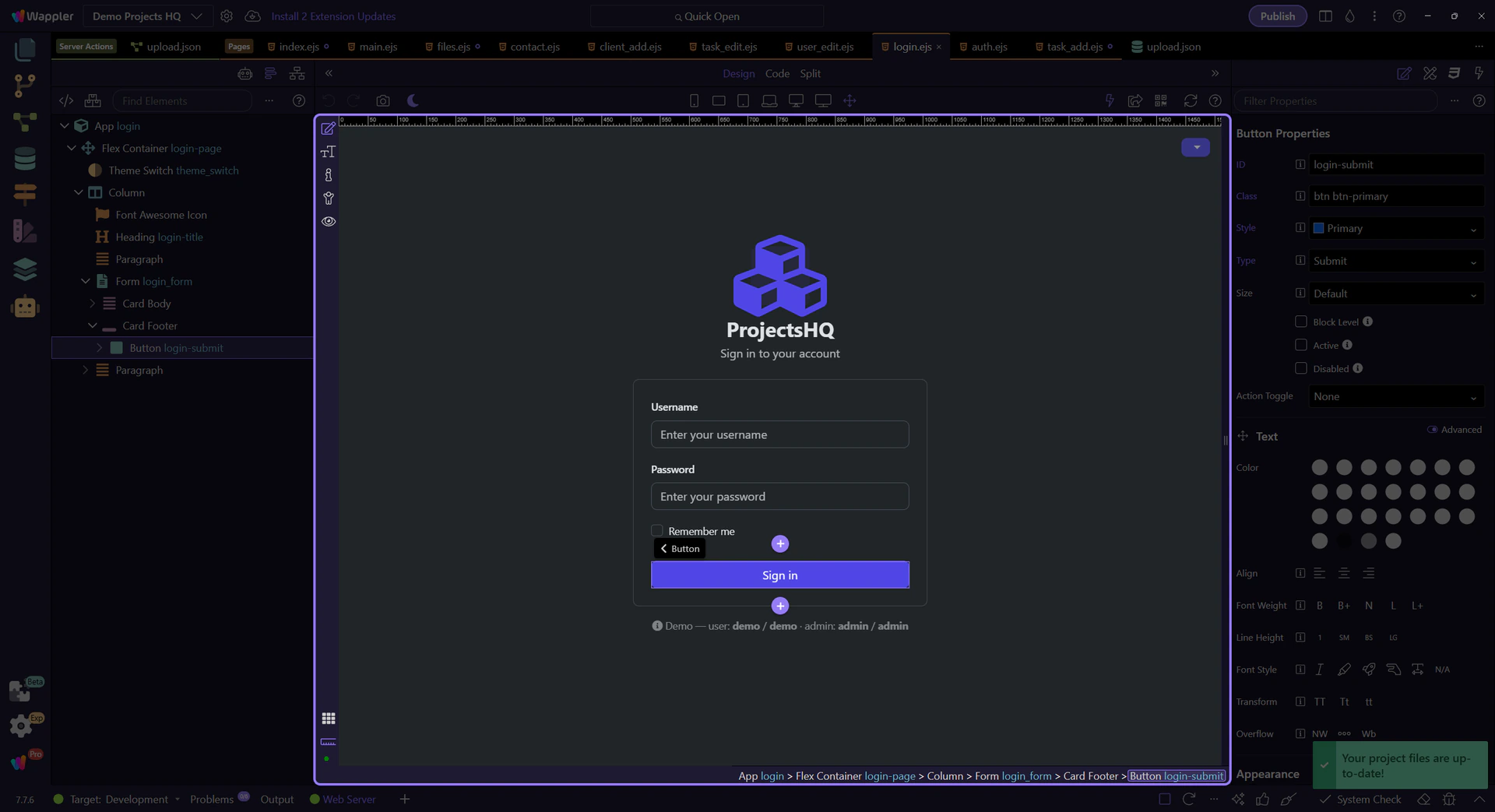
Section titled “Bind Disabled to the executing state”In the button’s Dynamic Attributes, add Input → Disabled. Open its data picker and choose your Server Connect form → state → executing. For the sample, the expression is login_form.state.executing. A true value disables the button.
Show the spinner while executing
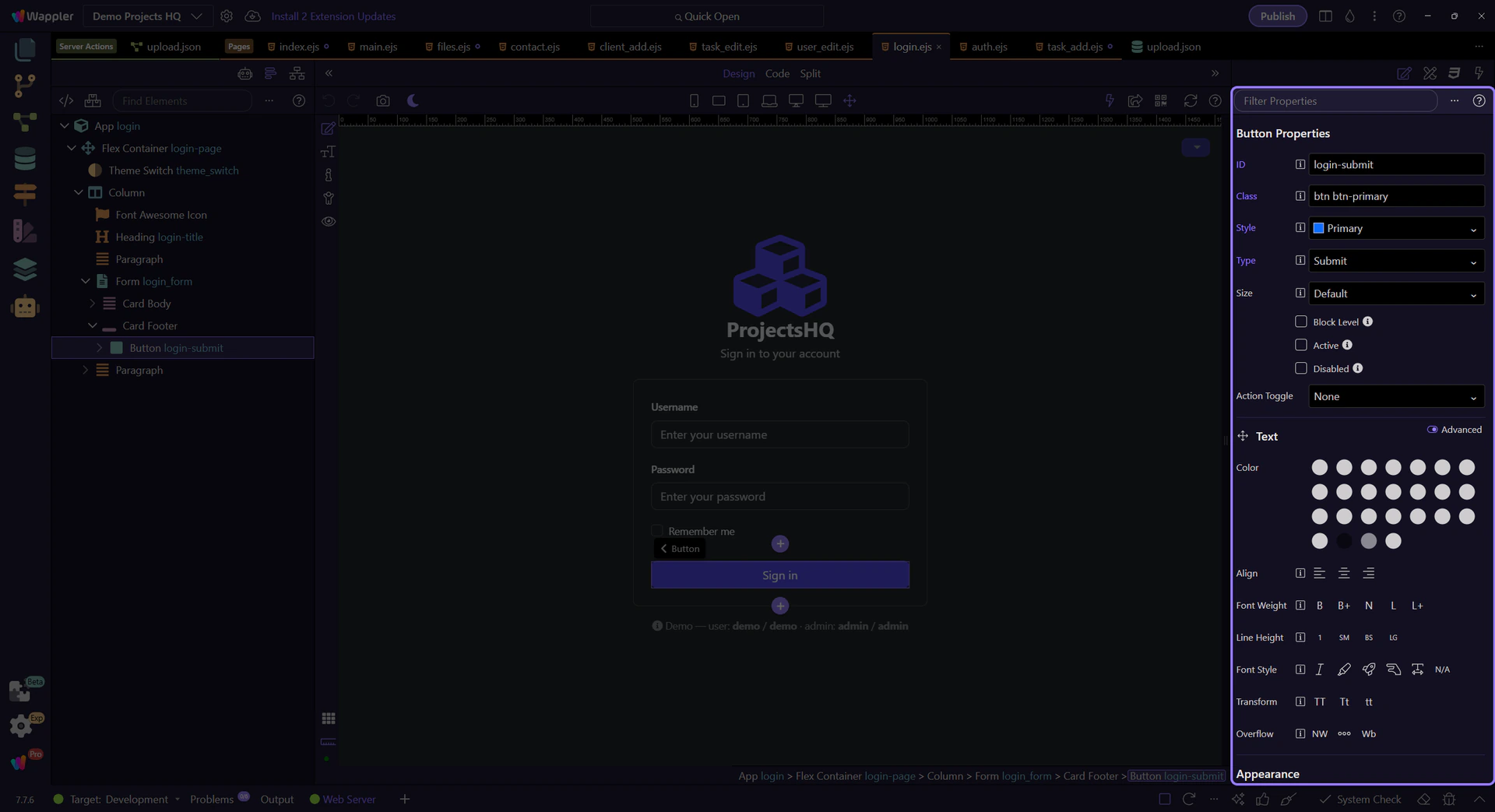
Section titled “Show the spinner while executing”Insert a spinner inside the button. Select the spinner and add Display → Show under Dynamic Attributes. Bind the same login_form.state.executing value. Keep the spinner hidden while idle. Use an accompanying label such as Signing in… so the waiting state is understandable without relying on motion.
Keep the normal button label readable
Section titled “Keep the normal button label readable”Keep a normal label such as Sign in when executing is false. If you use separate idle and pending spans, give the idle span Hide and the pending span Show, both bound to the same executing state. The disabled binding belongs to the button, not to the spinner.
<button type="submit" dmx-bind:disabled="login_form.state.executing">
  <span dmx-hide="login_form.state.executing">Sign in</span>
  <span dmx-show="login_form.state.executing"><span class="spinner-border spinner-border-sm" aria-hidden="true"></span> Signing in...</span>
</button>
Test success and failure
Section titled “Test success and failure”Save and Preview. Submit once and observe the pending state. Test a failed submission as well: the button should become available again and the page should display the form’s error. For very fast requests, use local browser network throttling while testing. Keep server-side validation in place; disabling a button only controls browser interaction.
Check your result
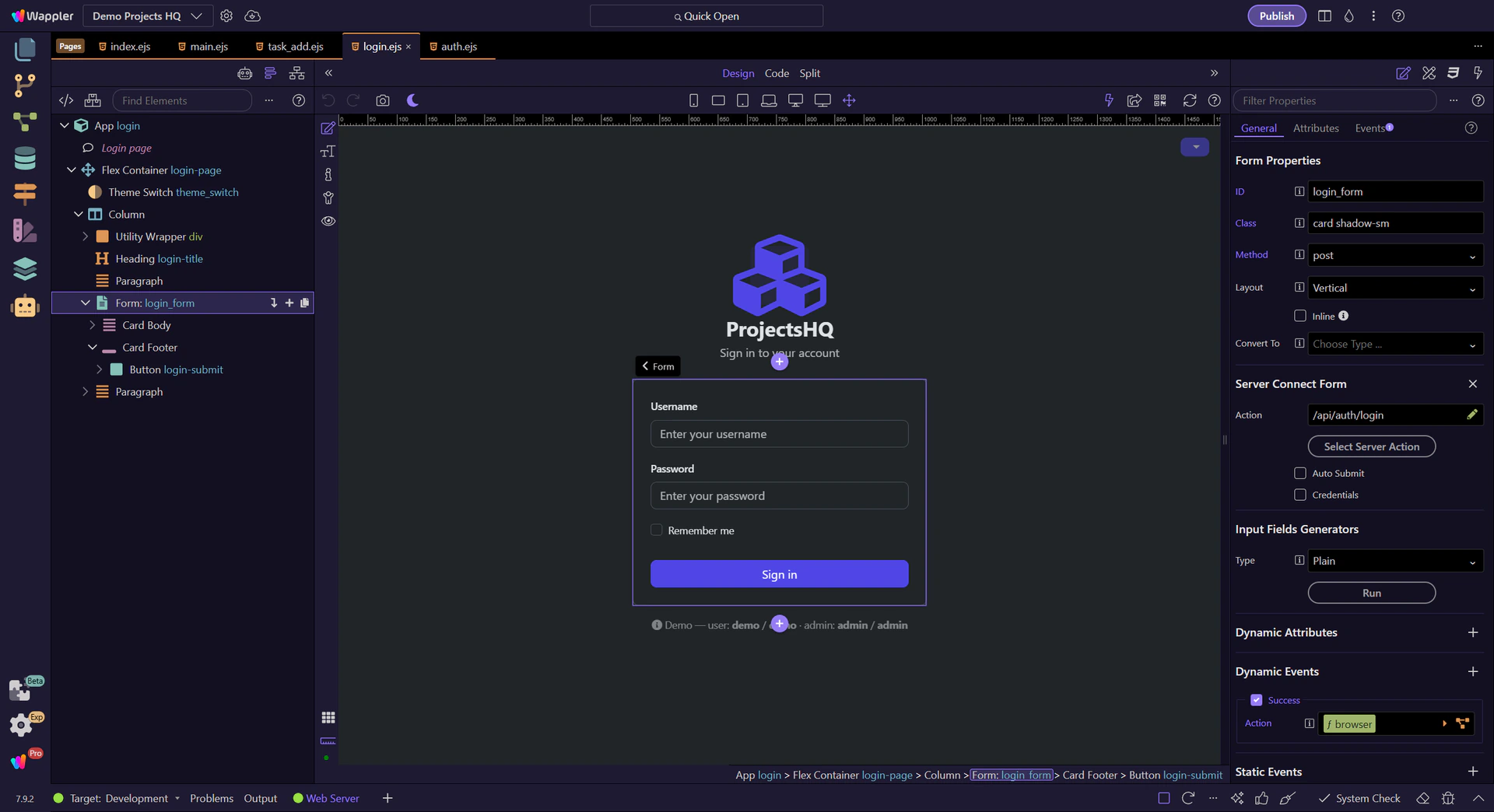
Section titled “Check your result”The button is disabled and the spinner is visible during the request; both return to their idle state when it finishes. An error remains visible when the request fails.